
Air StageWebView传单地图图像在android上参差不齐
我想使用StageWebView类将一个传单地图转化为一个ios和android移动应用程序。不幸的是,地图图像的质量参差不齐,很难辨认出街道名称。似乎有一些小规模正在进行。为了测试的目的,我使用了http://leafletjs.com/examples/quick-start-example.html的传单教程mal
当在Android浏览器( chrome )中查看时,图像看起来很好。下面是一些简单的代码来说明这个问题:
package  {
import flash.display.MovieClip;
import flash.display.StageScaleMode;
import flash.display.StageAlign;
import flash.media.StageWebView;
import flash.geom.Rectangle;
import flash.desktop.NativeApplication;
import flash.utils.setTimeout;
public class Main extends MovieClip{

    private var _stageWebView:StageWebView
    public function Main()
    {

        stage.align = StageAlign.TOP_LEFT;
        stage.scaleMode = StageScaleMode.NO_SCALE;
        setTimeout( init,  100 );

    }
    private function init():void {
        _stageWebView = new StageWebView();
        _stageWebView.stage = this.stage;
        _stageWebView.viewPort = new Rectangle( 0, 0, stage.stageHeight, stage.stageWidth );
        _stageWebView.loadURL( "http://leafletjs.com/examples/quick-start-example.html" );
    }
}
}
有什么想法吗?这可能和解决问题有关吗?
谢谢
回答 2
Stack Overflow用户
发布于 2015-11-23 20:30:29
您所遇到的问题是一个呈现问题,您可以通过启用硬件加速 (强制GPU渲染)来避免这种问题,当然,这是支持的。
从Android3.0 (API级别11)开始,Android2D渲染管道支持硬件加速,这意味着在视图的画布上执行的所有绘图操作都使用GPU。
因此,要强制GPU呈现,您可以:
1- 在应用程序的清单文件中启用硬件加速,其中应该将应用程序元素的android:hardwareAccelerated属性设置为true:
<android>
    <manifestAdditions>
        <![CDATA[
            <manifest>
                <application android:hardwareAccelerated="true"/>
            </manifest>
        ]]>
    </manifestAdditions>
</android>
这是一个完整清单文件的示例(我的测试浏览器-app.xml):
<?xml version="1.0" encoding="UTF-8" standalone="no" ?>
<application xmlns="http://ns.adobe.com/air/application/19.0">
    <id>browser</id>
    <versionNumber>1.0.0</versionNumber>
    <versionLabel/>
    <filename>browser</filename>
    <description/>
    <name>browser</name>
    <copyright/>
    <initialWindow>
        <content>browser.swf</content>
        <systemChrome>standard</systemChrome>
        <transparent>false</transparent>
        <visible>true</visible>
        <fullScreen>false</fullScreen>
        <renderMode>auto</renderMode>
        <autoOrients>true</autoOrients>
    </initialWindow>
    <icon/>
    <customUpdateUI>false</customUpdateUI>
    <allowBrowserInvocation>false</allowBrowserInvocation>
    <android>
        <manifestAdditions>
        <![CDATA[
            <manifest>
                <uses-permission android:name="android.permission.INTERNET"/>
                <application android:hardwareAccelerated="true"/>
            </manifest>
        ]]>
        </manifestAdditions>
    </android>
</application>
然后你只需发布你的AIR应用程序,你就会得到这样的信息:
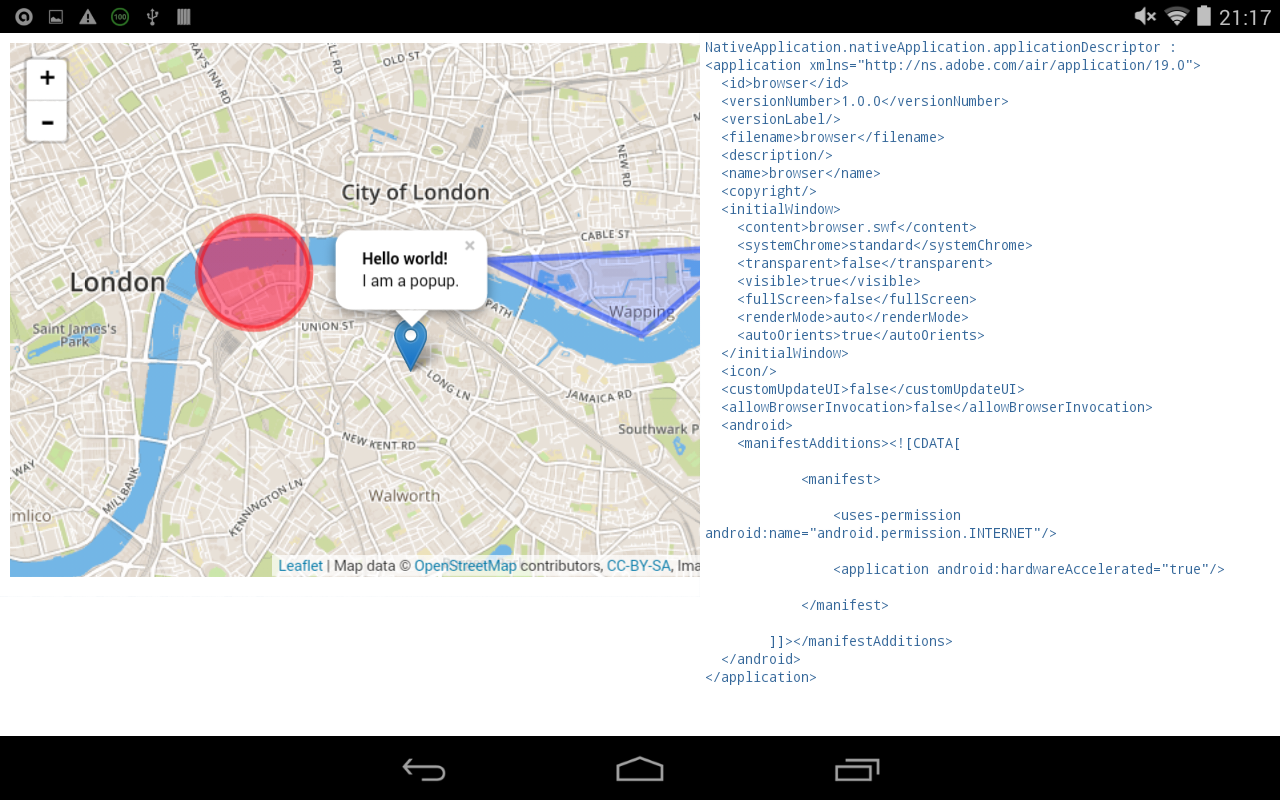
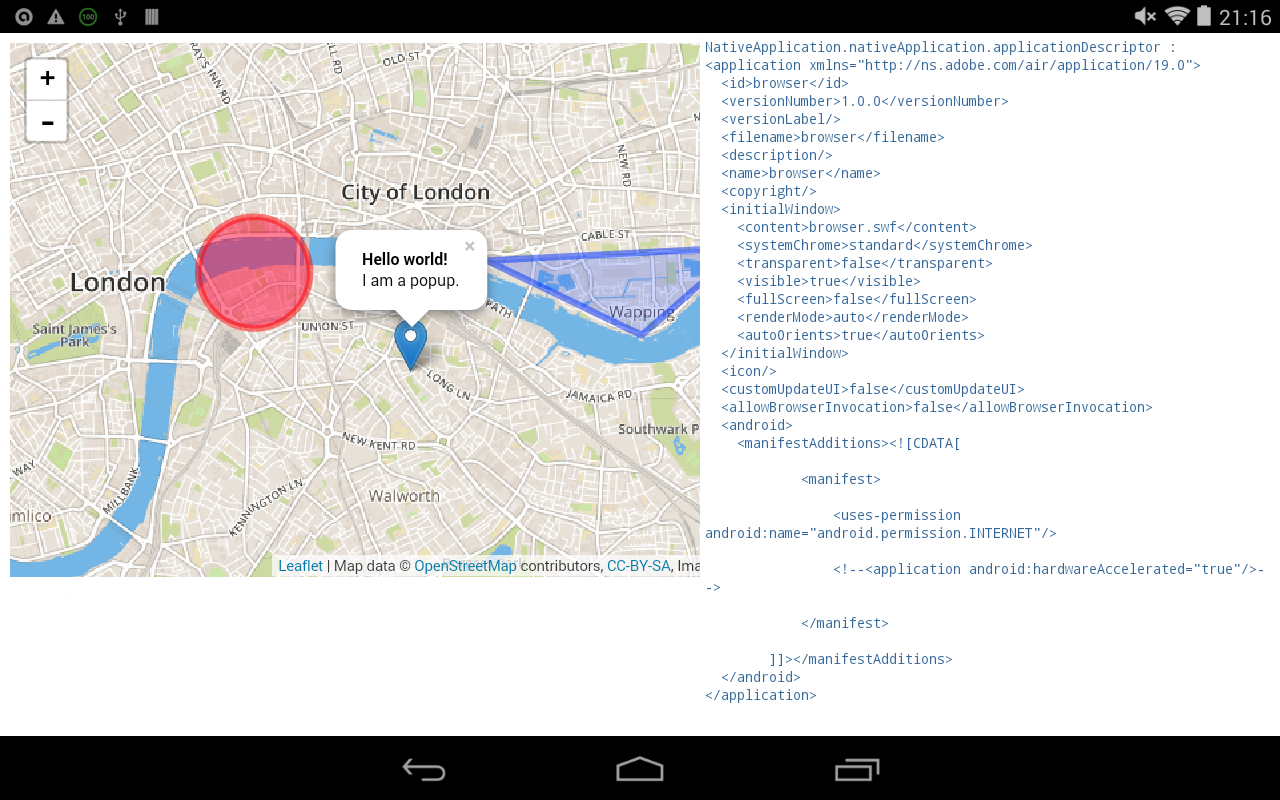
当我评论<application android:hardwareAccelerated="true"/>时,您可以看到结果:
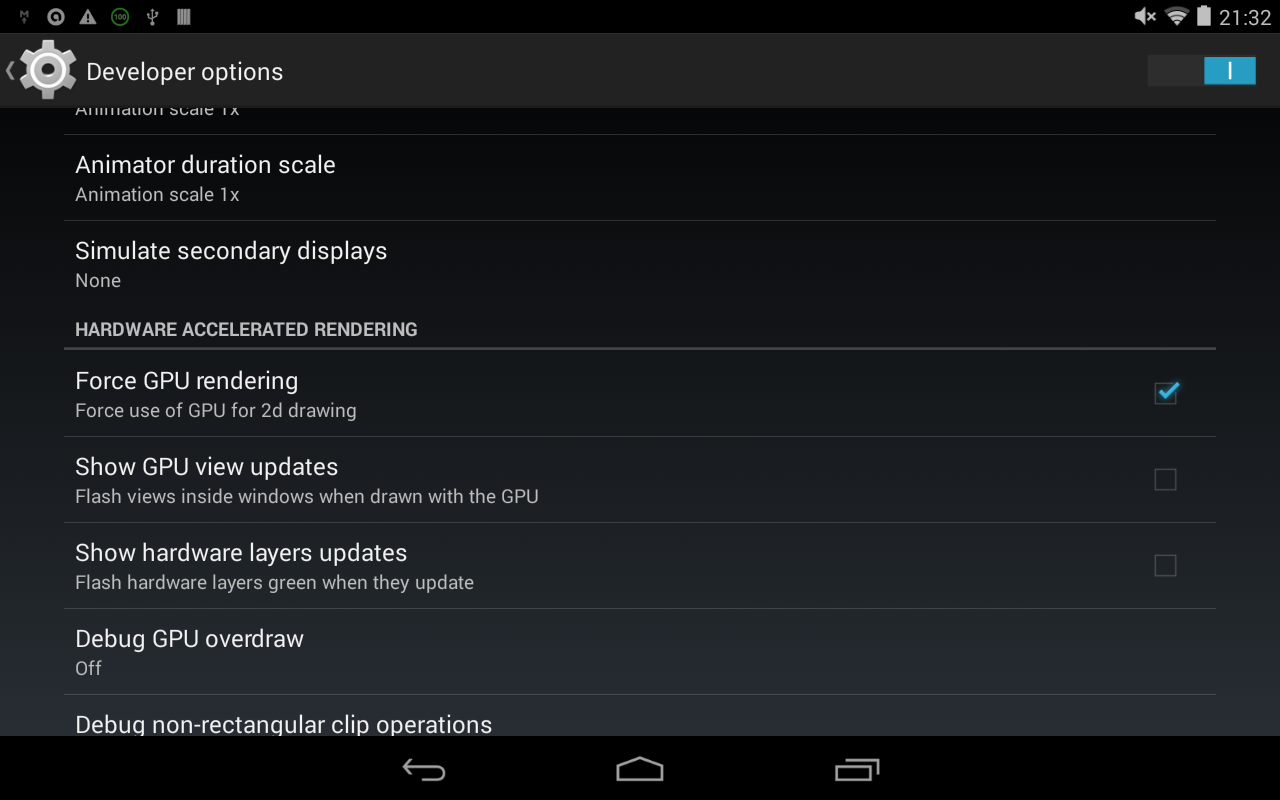
2-您还可以从Android设备的开发人员选项中强制GPU呈现:
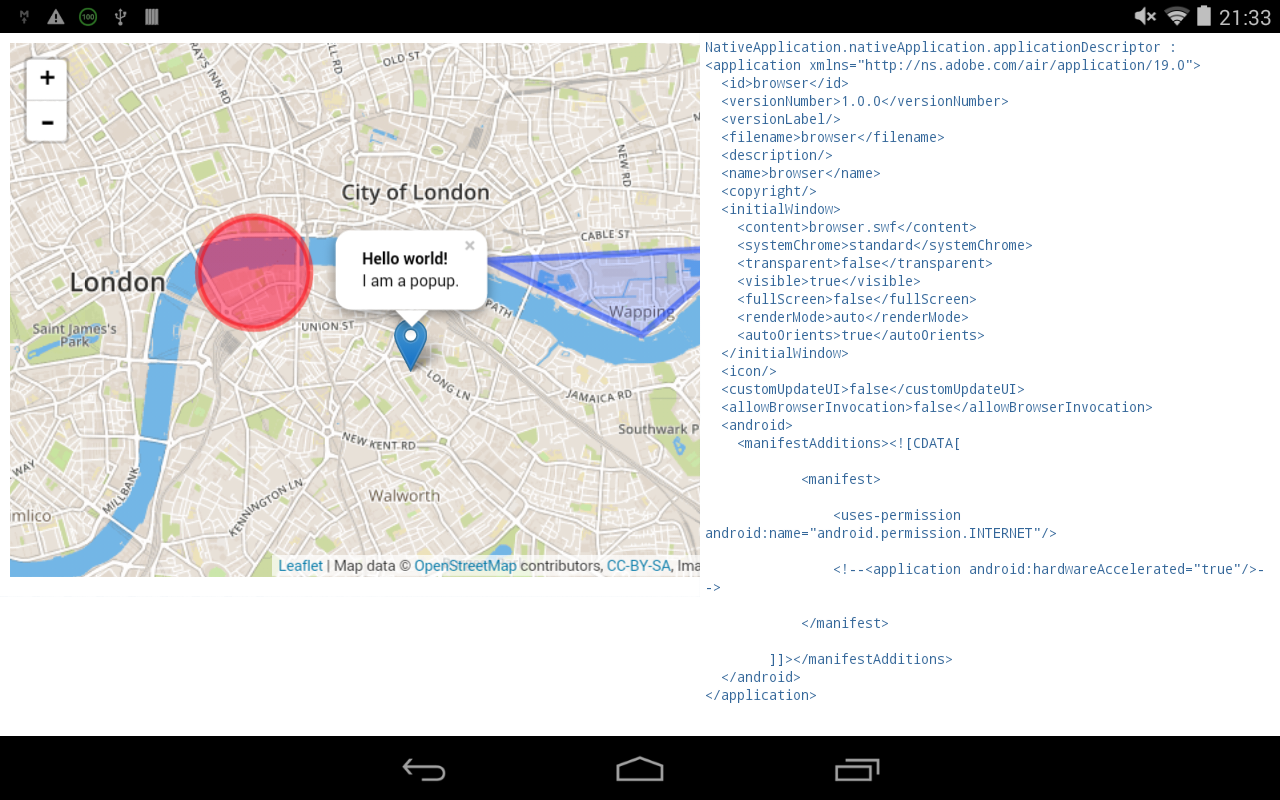
即使在注释<application android:hardwareAccelerated="true"/>时,您也可以得到相同的结果:
仅此而已!
希望能帮上忙。
Stack Overflow用户
发布于 2015-08-31 14:31:16
如果您将其更改为使用nativeMode新StageWebView(true),则会解决问题,但鼠标/触摸事件不起作用:/
https://stackoverflow.com/questions/32140500
复制相似问题
腾讯云开发者

Copyright © 2013 - 2026 Tencent Cloud. All Rights Reserved. 腾讯云 版权所有
深圳市腾讯计算机系统有限公司 ICP备案/许可证号:粤B2-20090059  粤公网安备44030502008569号
腾讯云计算(北京)有限责任公司 京ICP证150476号 | 京ICP备11018762号