
沿中心旋转SKShapeNode
沿中心旋转SKShapeNode
提问于 2014-10-09 17:19:40
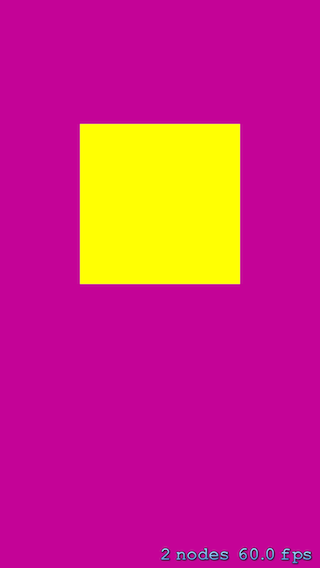
我有一个SKShapeNode (在这个例子中是矩形),我试图沿着它的中心旋转。然而,它正沿着屏幕的左下角旋转。由于我不能为SKShapeNode设置一个锚点,我如何实现我的要求(沿其中心旋转形状)。这就是我正在尝试的密码。
    let rectangle = SKShapeNode()
    rectangle.path = UIBezierPath(rect: CGRectMake(view.frame.width/4, view.frame.height/2, view.frame.width/2, view.frame.width/2)).CGPath
    rectangle.fillColor = UIColor.yellowColor()
    rectangle.strokeColor = UIColor.yellowColor()

    let oneRevolution = SKAction.rotateByAngle(360, duration: 100.0)
    let repeat = SKAction.repeatActionForever(oneRevolution)
    rectangle.runAction(repeat)
回答 4
Stack Overflow用户
回答已采纳
发布于 2014-10-13 04:58:26
您看过SKShapeNode文档:Ref/index.html吗?
试着使用:
shapeNodeWithPath:centered:居中选择“是”。
如果是,则将路径转换为路径边界框的中心位于节点的原点;否则路径相对于节点的原点。
Stack Overflow用户
发布于 2014-10-09 18:29:18
SKSpriteNode rectangle = [SKSpriteNode spriteWithSize size: CGSizeMake(20,20)];您可以创建与spriteNode相同的矩形,这将为您提供更改锚点的权限。我的语法可能有点偏离,但我相信它也可以在构造函数中使用颜色。
Stack Overflow用户
发布于 2017-05-30 11:40:16
创建SKShapeNode时,必须将其设置为center:
let shapePath = UIBezierPath(...)
...
...
let shape = SKShapeNode(path: shapePath.cgPath, centered: true)
这样,SKShapeNode的锚点将成为中心点。
页面原文内容由Stack Overflow提供。腾讯云小微IT领域专用引擎提供翻译支持
原文链接:
https://stackoverflow.com/questions/26284346
复制相关文章
相似问题
腾讯云开发者

Copyright © 2013 - 2026 Tencent Cloud. All Rights Reserved. 腾讯云 版权所有
深圳市腾讯计算机系统有限公司 ICP备案/许可证号:粤B2-20090059  粤公网安备44030502008569号
腾讯云计算(北京)有限责任公司 京ICP证150476号 | 京ICP备11018762号