Docker本地部署Firecrawl
原创
Docker本地部署Firecrawl
原创
happywei
修改于 2025-06-04 15:28:53
修改于 2025-06-04 15:28:53
克隆Firecrawl项目到服务器
git clone https://github.com/mendableai/firecrawl.git#进入到api文件后 输入 ls -a,可以看到有一个 .env.example 的文件
cd /firecrawl/apps/api我们需要将这个.env.example 文件到firecrawl文件目录下
# 复制到 ./firecrawl 下
cp ./.env.example ../../.env再修改刚才复制的.env这个文件
# ===== Required ENVS ======
NUM_WORKERS_PER_QUEUE=8
PORT=3002
HOST=0.0.0.0
REDIS_URL=redis://redis:6379 #for self-hosting using docker, use redis://redis:6379. For running locally, use redis://localhost:6379
REDIS_RATE_LIMIT_URL=redis://redis:6379 #for self-hosting using docker, use redis://redis:6379. For running locally, use redis://localhost:6379
PLAYWRIGHT_MICROSERVICE_URL=http://playwright-service:3000/html

## To turn on DB authentication, you need to set up supabase.
USE_DB_AUTHENTICATION=false

# ===== Optional ENVS ======

# SearchApi key. Head to https://searchapi.com/ to get your API key
SEARCHAPI_API_KEY=
# SearchApi engine, defaults to google. Available options: google, bing, baidu, google_news, etc. Head to https://searchapi.com/ to explore more engines
SEARCHAPI_ENGINE=

# Supabase Setup (used to support DB authentication, advanced logging, etc.)
SUPABASE_ANON_TOKEN=
SUPABASE_URL=
SUPABASE_SERVICE_TOKEN=

# Other Optionals
# use if you've set up authentication and want to test with a real API key
TEST_API_KEY=happywei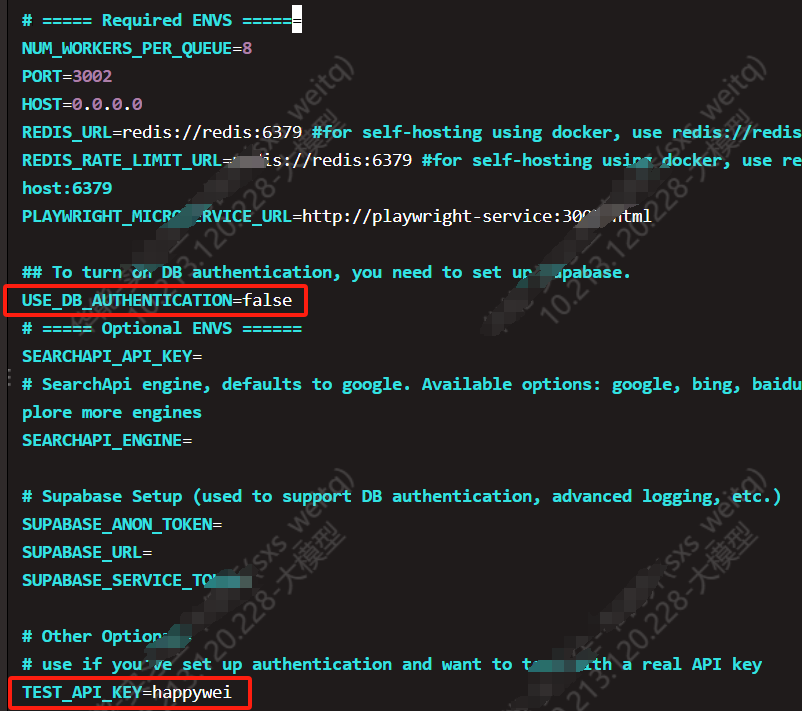
修改成功后需要使用docker开始拉取
docker pull python
docker pull golang:1.24
docker pull node:18-slim
docker pull redis:alpine
再按顺序执行下面指令
#构建 Docker Compose 的所有服务。
docker-compose build
这是遇见了GO访问不了外网的问题
=> ERROR [api go-base 3/3] RUN cd /app/sharedLibs/go-html-to-md &&     go mod tidy &&     go build -o html-to-markdown.so -bu
failed to solve: process "/bin/sh -c cd /app/sharedLibs/go-html-to-md &&     go mod tidy &&     go build -o html-to-markdown.so -buildmode=c-shared html-to-markdown.go
&&     chmod +x html-to-markdown.so" did not complete successfully: exit code: 1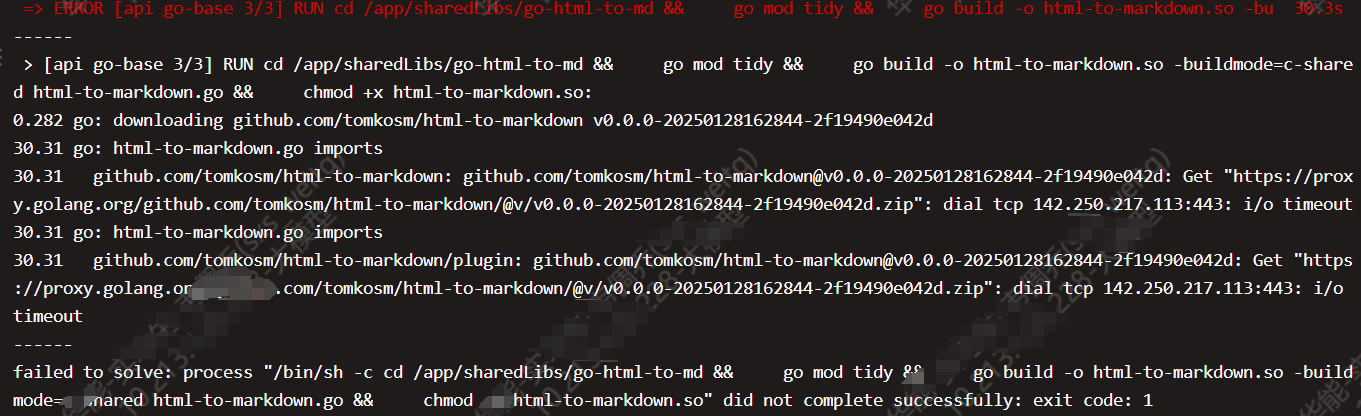
在firecrawl/apps/api/Dockerfile中
FROM golang:1.24 AS go-base
ENV GOPROXY=https://goproxy.cn,direct   *******#加上这么一行设置国内代理  *******
COPY sharedLibs/go-html-to-md /app/sharedLibs/go-html-to-md

RUN cd /app/sharedLibs/go-html-to-md && \
    go mod tidy && \
    go build -o html-to-markdown.so -buildmode=c-shared html-to-markdown.go && \
    chmod +x html-to-markdown.so
FROM golang:1.24 AS go-base的后面加上一行 设置国内代理ENV GOPROXY=https://goproxy.cn,direct
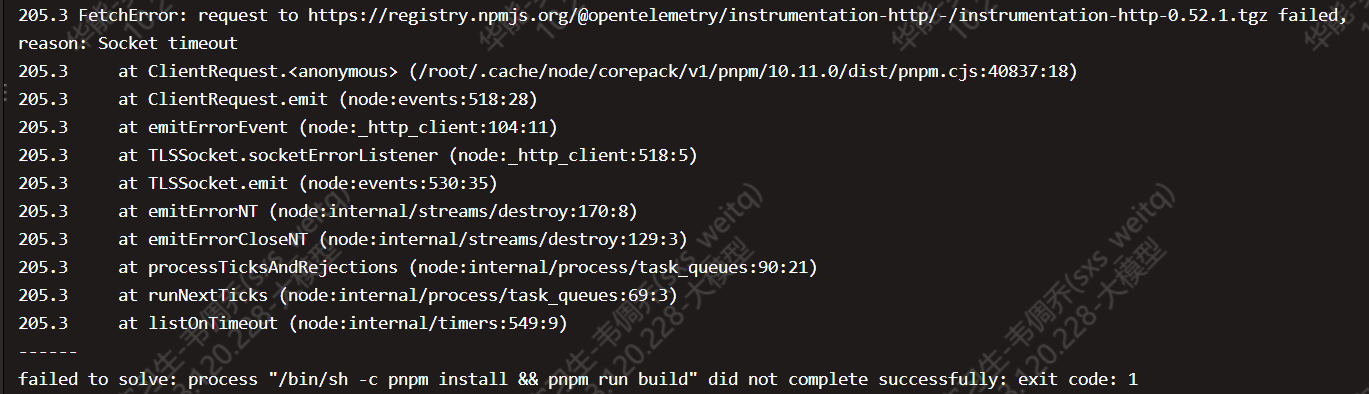
遇到下面这个问题目前找遍全网都没有解决办法,有的人没遇到,我就是失败了就重新不断输入指令docker-compose build重新继续下载,有几率避免网络超时:
#成功下载创建
docker-compose build 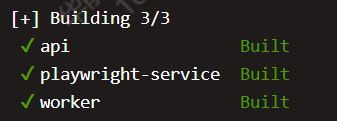
#成功运行容器
docker-compose up -d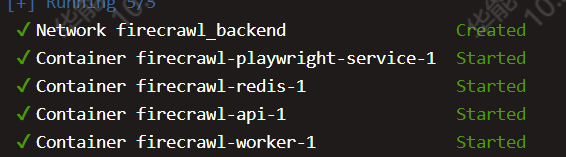
curl http://10.213.120.228:3002/test访问服务器地址,显示hello word 就是成功启动了

最后再Dify中添加插件--firecrawl-设置授权:
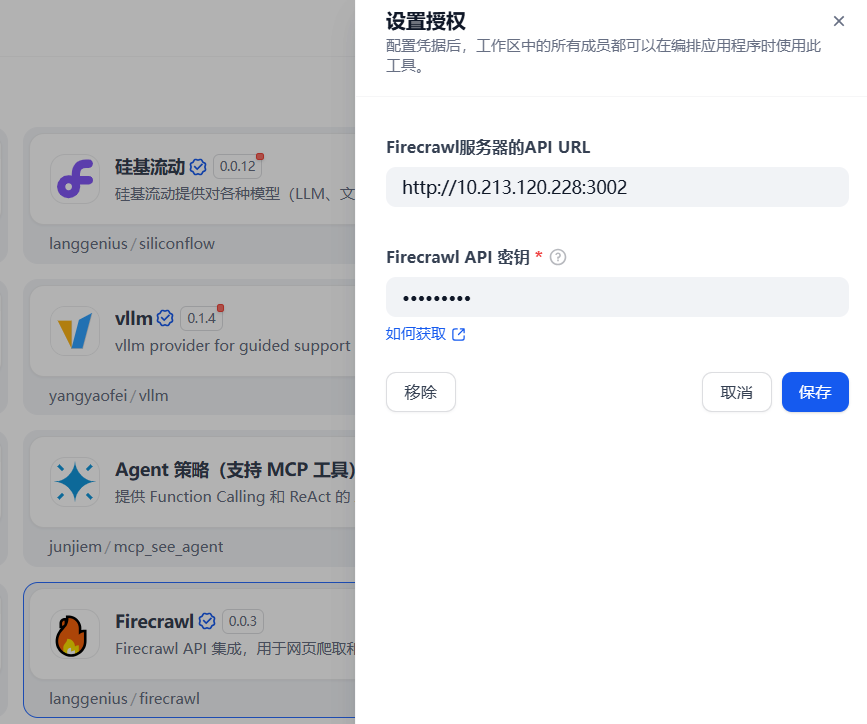
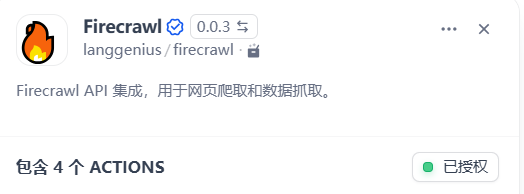
已授权!
成功部署!
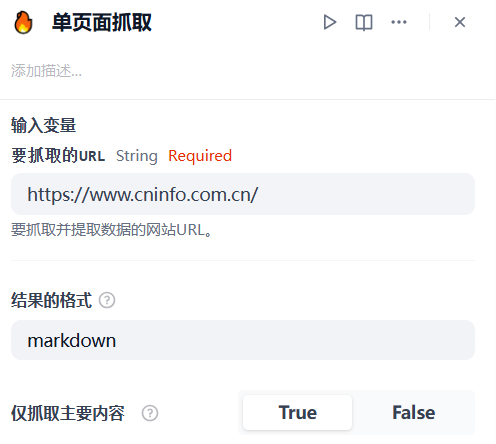
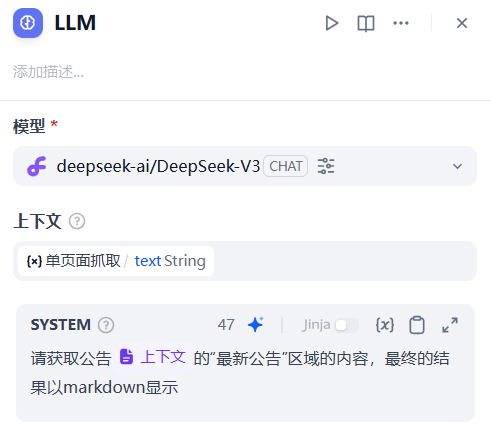
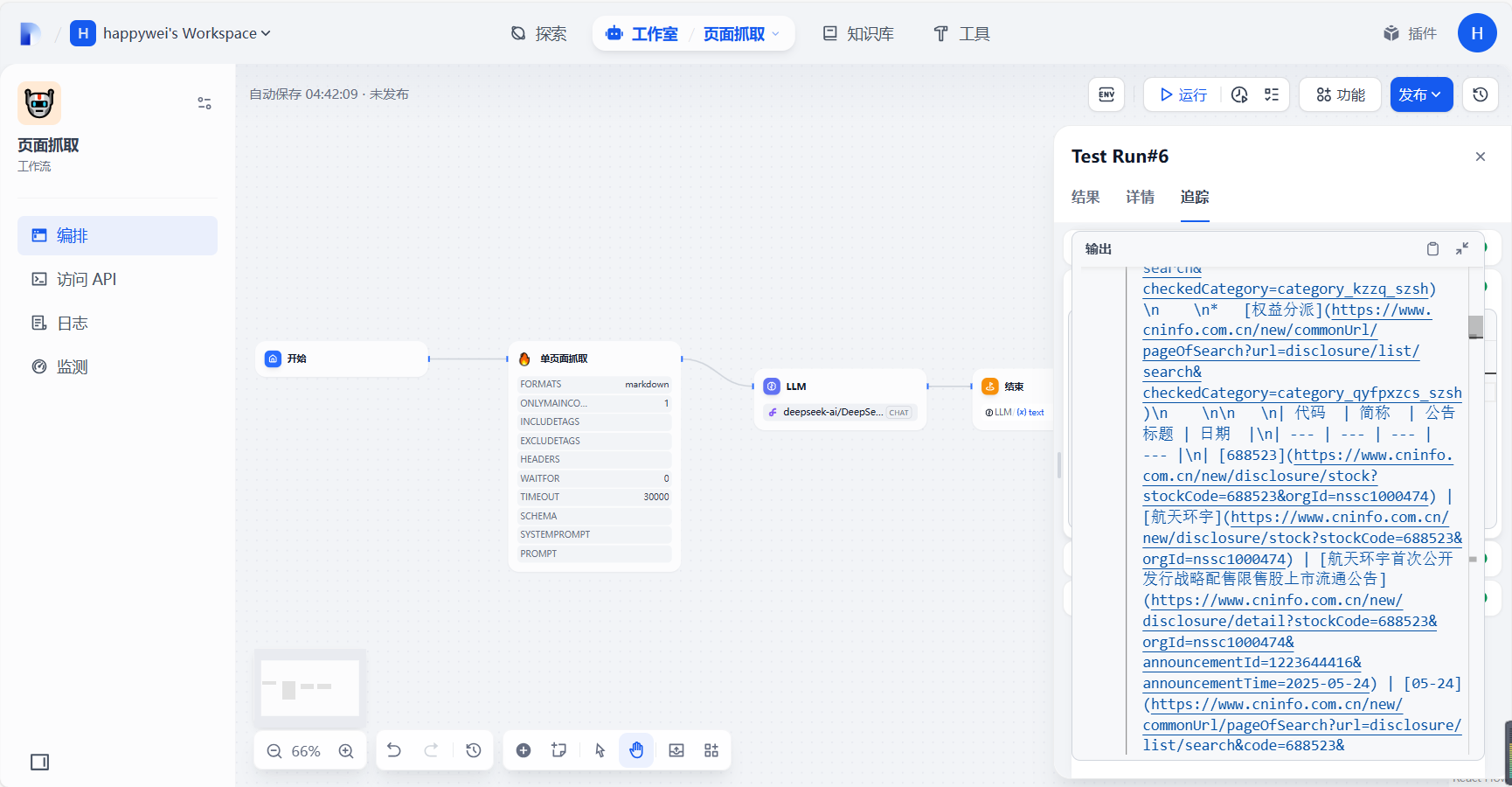
Dify中添加workflow,设置节点
ref:
https://blog.csdn.net/Lb_jay/article/details/147632780
https://blog.csdn.net/zjw529507929/article/details/146218875#:~:text=Image
python#https://blog.csdn.net/zhangyunchou2015/article/details/147195922
原创声明:本文系作者授权腾讯云开发者社区发表,未经许可,不得转载。
如有侵权,请联系 cloudcommunity@tencent.com 删除。
原创声明:本文系作者授权腾讯云开发者社区发表,未经许可,不得转载。
如有侵权,请联系 cloudcommunity@tencent.com 删除。
评论
登录后参与评论
推荐阅读
腾讯云开发者

Copyright © 2013 - 2026 Tencent Cloud. All Rights Reserved. 腾讯云 版权所有
深圳市腾讯计算机系统有限公司 ICP备案/许可证号:粤B2-20090059  粤公网安备44030502008569号
腾讯云计算(北京)有限责任公司 京ICP证150476号 | 京ICP备11018762号