又有一个霸榜的 Linux 神器


点击上方蓝色“程序猿DD”,选择“设为星标”
回复“资源”获取独家整理的学习资料!

开源最前线(ID:OpenSourceTop) 猿妹综合整理
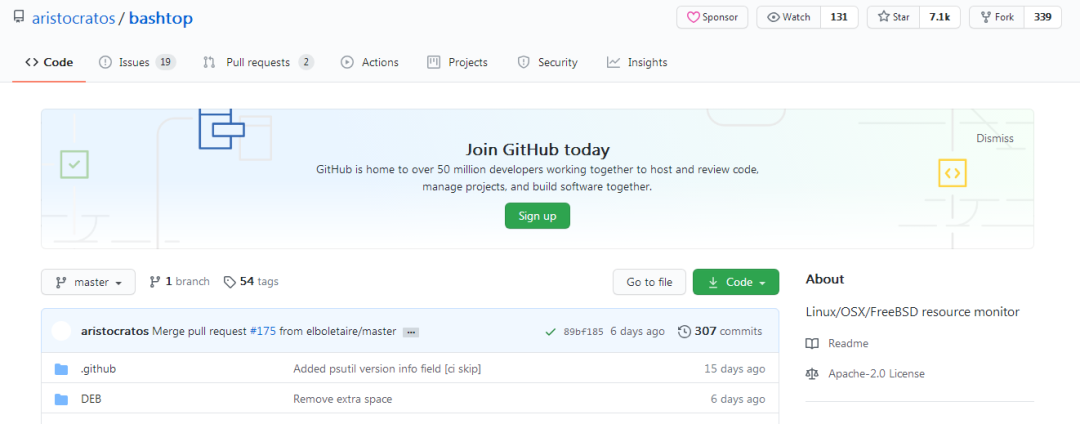
链接:https://github.com/aristocratos/bashtop
最近又有一个Linux神器出现了,连续霸榜Github Trending榜单将近一周了,bashtop是一个用Bash编写的 Linux 资源监视器,可以显示处理器、内存、磁盘、网络和进程的使用情况与状态。
在Reddit和Hacker News上面也有网友们讨论。bashtop 的功能特性有很多,汇总如下:
- 易于使用,带有受游戏启发的菜单系统。
- 快速响应的 UI,带有 UP、DOWN 键可快速对进程进行选择。
- 可显示所选进程的详细统计信息。
- 可以过滤进程。
- 在排序选项之间轻松切换。
- 发送 SIGTERM、SIGKILL、SIGINT 选择进程。
- 带有用于更改所有配置文件选项的 UI 菜单。
- 网络使用情况的自动缩放图。
- 如果有新版本可用,则在菜单中显示消息。
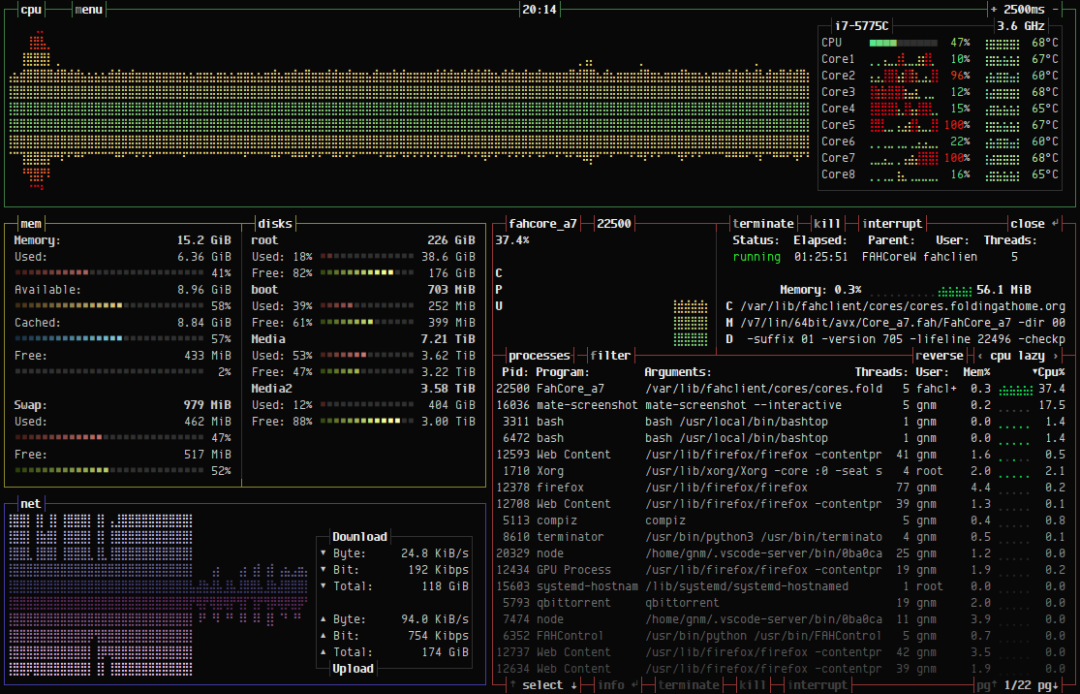
UI界面显示的是你事先设定的进程相关的详细信息,如下图所示:
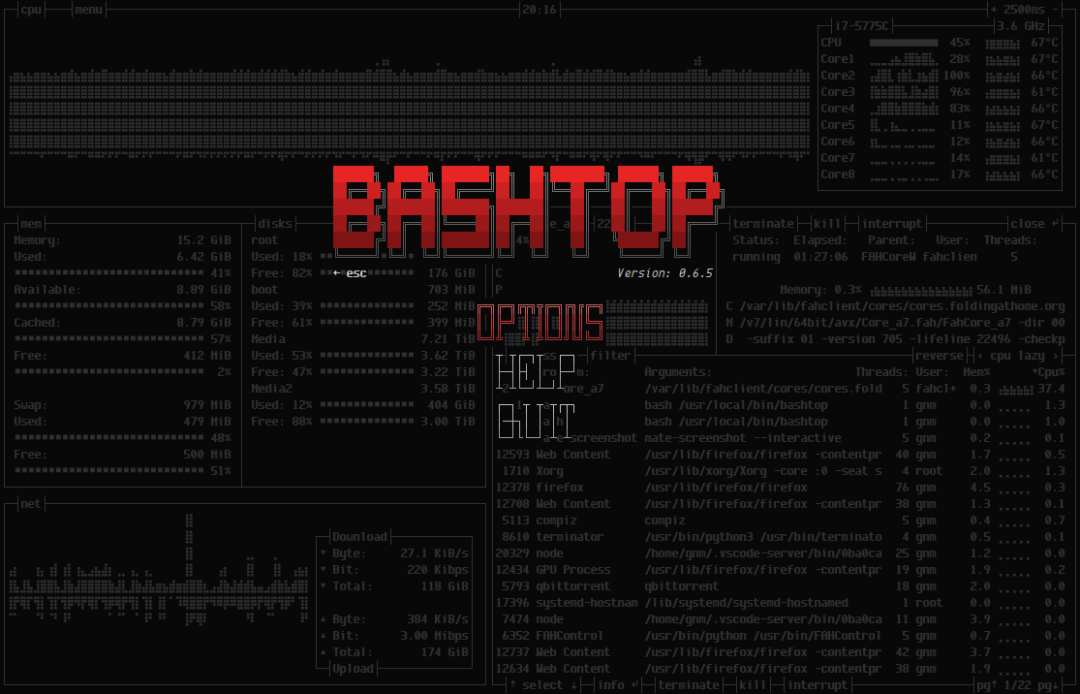
主菜单页面如下所示:
选项卡菜单如下所示:
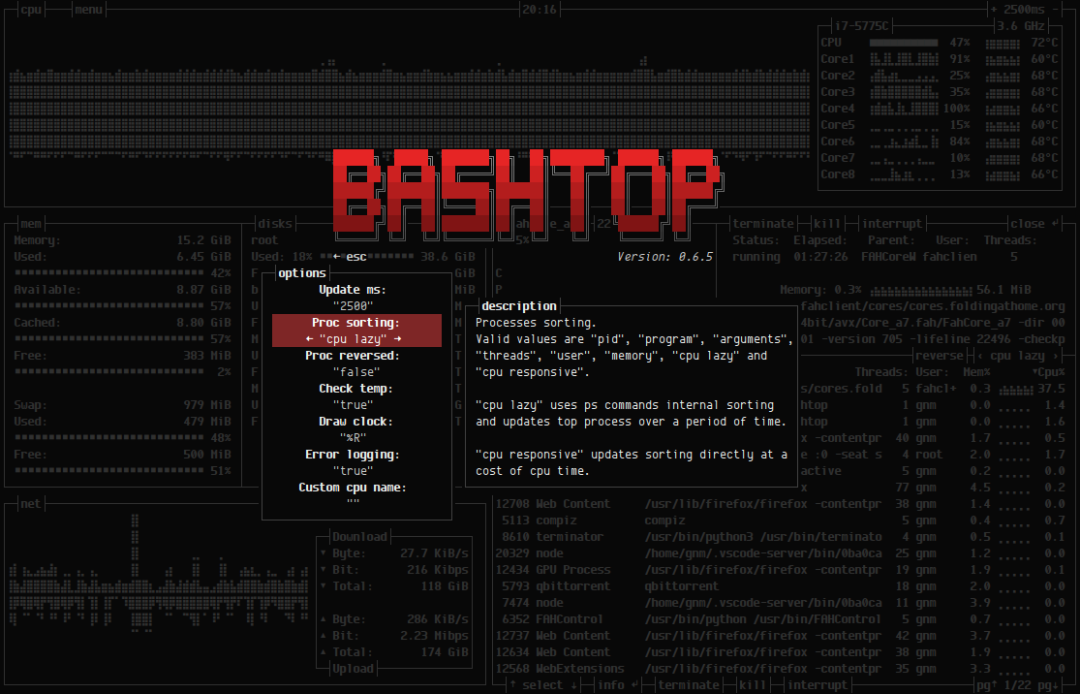
所有选项都可以在用户界面内更改。配置文件存储在“ $ HOME / .config / bashtop”文件夹中,bashtop.cfg :(如果找不到则自动生成)
#? Config file for bashtop v. 0.8.0

#* Color theme, looks for a .theme file in "$HOME/.config/bashtop/themes", "Default" for builtin default theme
color_theme="Default"

#* Update time in milliseconds, increases automatically if set below internal loops processing time, recommended 2000 ms or above for better sample times for graphs
update_ms="2500"

#* Processes sorting, "pid" "program" "arguments" "threads" "user" "memory" "cpu lazy" "cpu responsive"
#* "cpu lazy" upates sorting over time, "cpu responsive" updates sorting directly at a cpu usage cost
proc_sorting="cpu lazy"

#* Reverse sorting order, "true" or "false"
proc_reversed="false"

#* Check cpu temperature, only works if "sensors" command is available and have values for "Package" and "Core"
check_temp="true"

#* Draw a clock at top of screen, formatting according to strftime, empty string to disable
draw_clock="%R"

#* Update main ui when menus are showing, set this to false if the menus is flickering too much for comfort
background_update="true"

#* Custom cpu model name, empty string to disable
custom_cpu_name=""

#* Enable error logging to "$HOME/.config/bashtop/error.log", "true" or "false"
error_logging="true"
命令行选项,不过这项功能暂未实现:
USAGE: bashtop感兴趣的伙伴们不要错过了哦,最后附上项目地址:https://github.com/aristocratos/bashtop
往期推荐
基于 Spring Boot 的车牌识别系统(附项目地址)
2020年最漂亮的Linux发行版
求职屡次被虐?务必拿走这300道面试宝藏题!
k3s 进入 CNCF 沙箱,首个进入 CNCF 的 k8s 发行版
卧槽!竟然可以直接白嫖 Github Action 的 2C7G 服务器!
离职后与大家在星球聊了很多,你不来看看?
我的星球是否适合你?
点击阅读原文看看我们都聊过啥?
本文参与 腾讯云自媒体同步曝光计划,分享自微信公众号。
原始发表:2020-09-05,如有侵权请联系 cloudcommunity@tencent.com 删除
评论
登录后参与评论
推荐阅读
腾讯云开发者

Copyright © 2013 - 2026 Tencent Cloud. All Rights Reserved. 腾讯云 版权所有
深圳市腾讯计算机系统有限公司 ICP备案/许可证号:粤B2-20090059  粤公网安备44030502008569号
腾讯云计算(北京)有限责任公司 京ICP证150476号 | 京ICP备11018762号