
如何使用巧克力安装码头?
我跑了
choco install docker-cli
choco install docker-machine
choco install docker-compose
choco install docker-desktop
我试着根据文档测试安装,但得到了一个错误。
https://docs.docker.com/get-started/#test-docker-version
# docker --version
Docker version 19.03.1, build 74b1e89

# docker version
Client: Docker Engine - Community
 Version:           19.03.1
 API version:       1.40
 Go version:        go1.12.5
 Git commit:        74b1e89
 Built:             Thu Jul 25 21:17:08 2019
 OS/Arch:           windows/amd64
 Experimental:      false
error during connect: Get http://%2F%2F.%2Fpipe%2Fdocker_engine/v1.40/version: open //./pipe/docker_engine: The system cannot find the file specified. In the default daemon configuration on Windows, the docker client must be run elevated to connect. This error may also indicate that the docker daemon is not running.

# docker info
Client:
 Debug Mode: false

Server:
ERROR: error during connect: Get http://%2F%2F.%2Fpipe%2Fdocker_engine/v1.40/info: open //./pipe/docker_engine: The system cannot find the file specified. In the default daemon configuration on Windows, the docker client must be run elevated to connect. This error may also indicate that the docker daemon is not running.
errors pretty printing info我看了这个问题,但没有一个答案有用:docker cannot start on windows
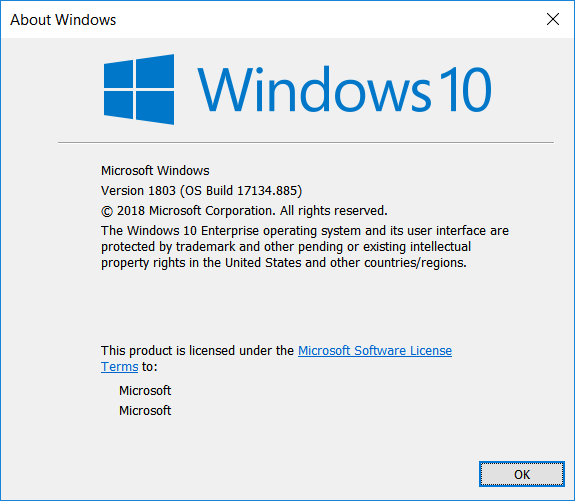
我在用Windows 10。
参考资料:https://chocolatey.org/search?q=docker
我还直接从Docker.com下载了一个ran安装程序。
https://hub.docker.com/editions/community/docker-ce-desktop-windows
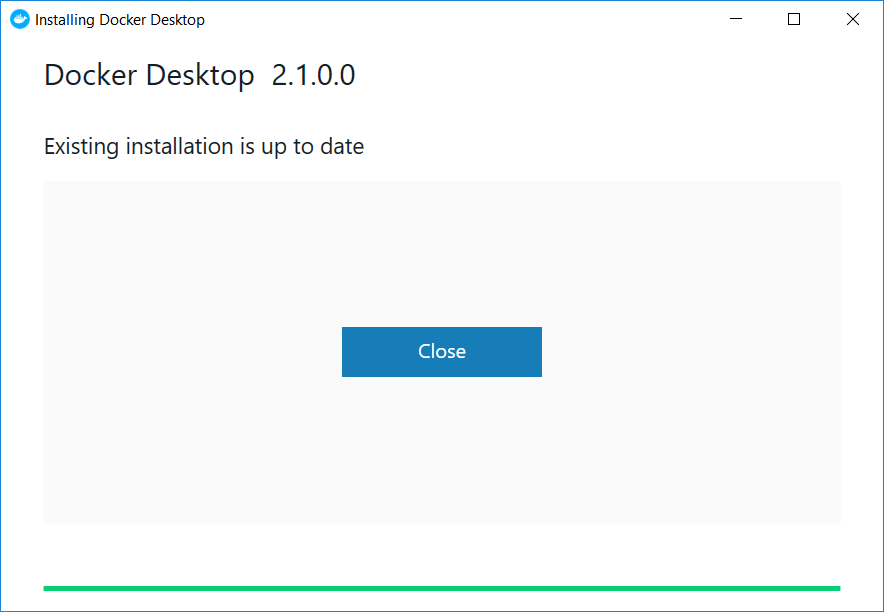
它只说,现有的安装是最新的,并退出。系统托盘中没有鲸鱼图标。
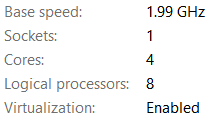
从任务管理器>性能>显示虚拟化的CPU启用:
回答 2
Stack Overflow用户
发布于 2019-08-05 07:06:24
使用巧克力在Windows上安装Docker肯定有不同的方法,与其重复这里的所有内容,我建议您查看Stefan Scherer的博客文章:
https://stefanscherer.github.io/how-to-install-docker-the-chocolatey-way/
他为Docker工作,他也是巧克力的长期用户,希望这篇博客文章能帮助您开始工作。
总之,他的TL/DR:
在Windows 10机器上使用Docker的最佳经验是使用Desktop产品。尝试抓取一台最新的Windows 10 Pro机器,为它做好所有的设置,然后运行
choco install docker-desktopStack Overflow用户
发布于 2019-09-17 11:07:22
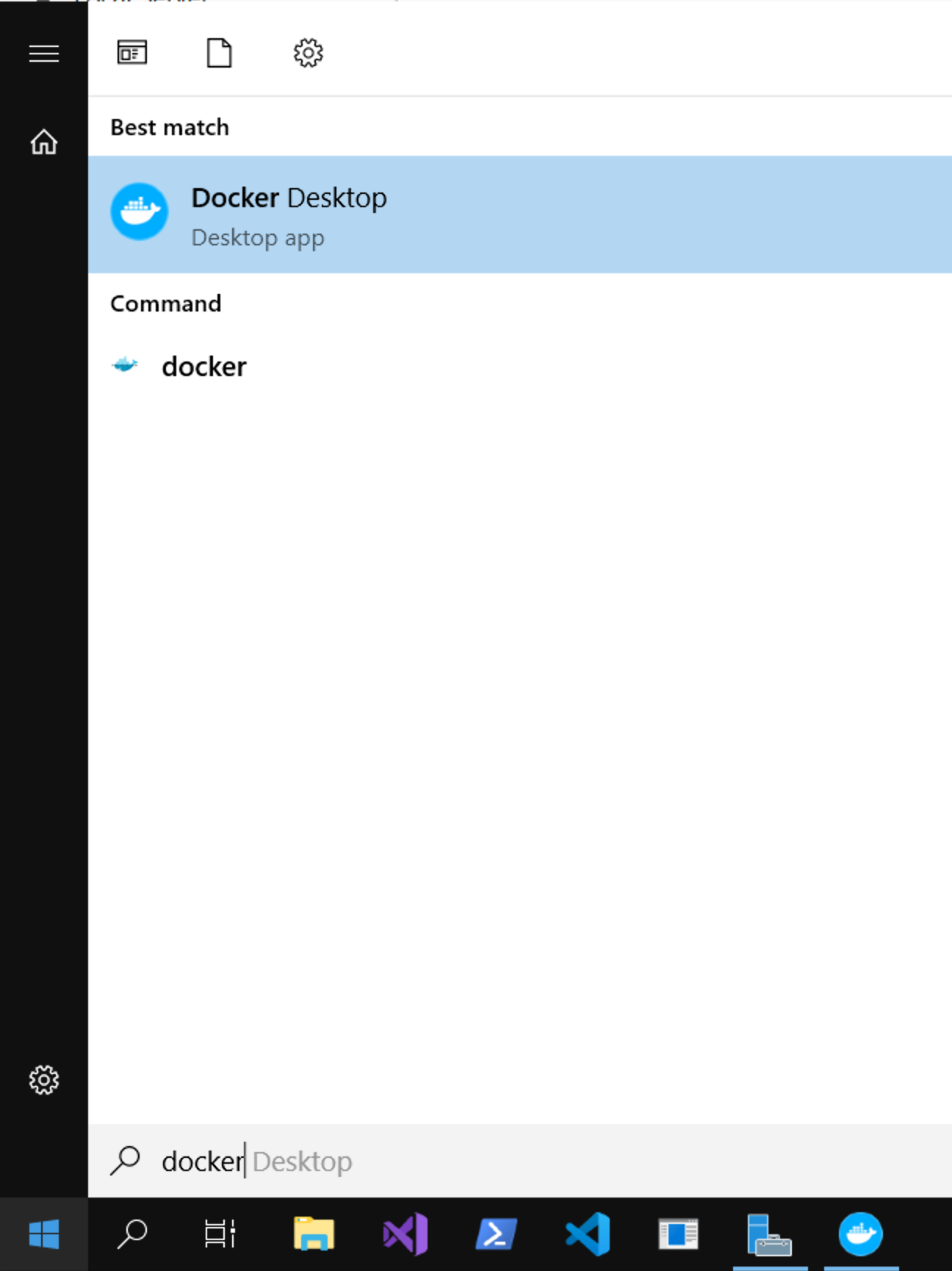
您必须从“开始”菜单(至少一次)启动程序,以激活和配置守护进程。
https://stackoverflow.com/questions/57335050
复制相似问题
腾讯云开发者

Copyright © 2013 - 2026 Tencent Cloud. All Rights Reserved. 腾讯云 版权所有
深圳市腾讯计算机系统有限公司 ICP备案/许可证号:粤B2-20090059  粤公网安备44030502008569号
腾讯云计算(北京)有限责任公司 京ICP证150476号 | 京ICP备11018762号