
从pydoop访问hdfs集群
从pydoop访问hdfs集群
提问于 2019-07-04 08:41:05
我在同一个google云平台上有hdfs集群和python。我想从python访问hdfs集群中的文件。我发现使用pydoop可以做到这一点,但我很难给出正确的参数。下面是我已经尝试过的代码:-
import pydoop.hdfs as hdfs
import pydoop

pydoop.hdfs.hdfs(host='url of the file system goes here',
                 port=9864, user=None, groups=None)

"""
 class pydoop.hdfs.hdfs(host='default', port=0, user=None, groups=None)

    A handle to an HDFS instance.

    Parameters

            host (str) – hostname or IP address of the HDFS NameNode. Set to an empty string (and port to 0) to connect to the local file system; set to 'default' (and port to 0) to connect to the default (i.e., the one defined in the Hadoop configuration files) file system.

            port (int) – the port on which the NameNode is listening

            user (str) – the Hadoop domain user name. Defaults to the current UNIX user. Note that, in MapReduce applications, since tasks are spawned by the JobTracker, the default user will be the one that started the JobTracker itself.

            groups (list) – ignored. Included for backwards compatibility.


"""

#print (hdfs.ls("/vs_co2_all_2019_v1.csv"))
它给出了这个错误:-
RuntimeError: Hadoop config not found, try setting HADOOP_CONF_DIR如果我执行这行代码:-
print (hdfs.ls("/vs_co2_all_2019_v1.csv"))什么都没发生。但是这个"vs_co2_all_2019_v1.csv“文件确实存在于集群中,但在我截屏的时候是不可用的。
我的hdfs屏幕截图如下所示:
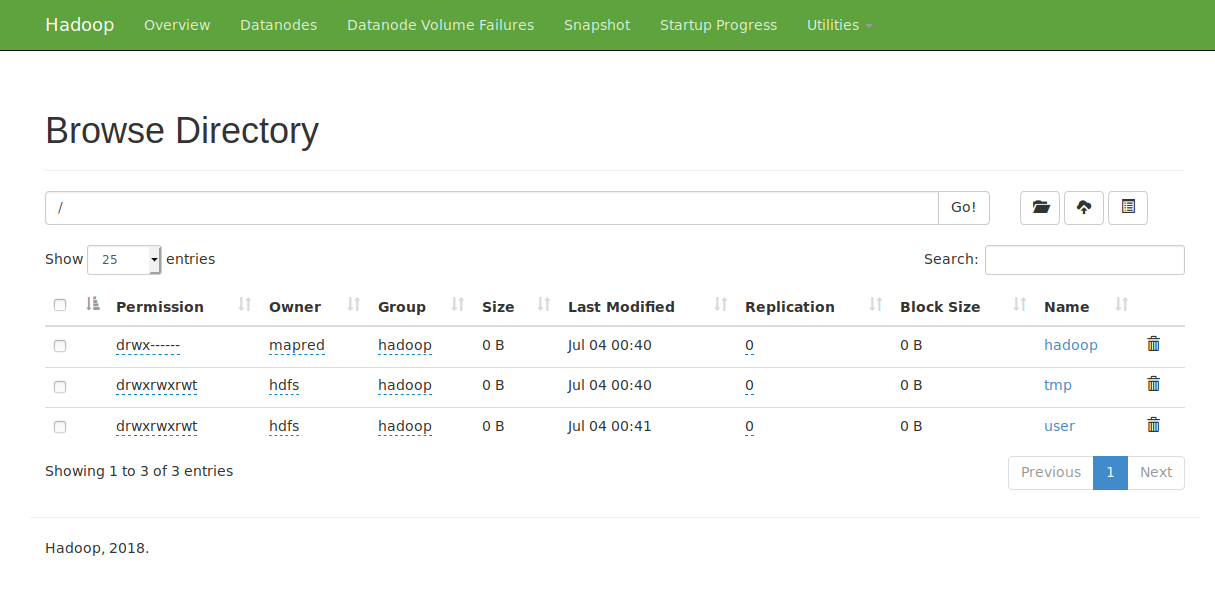
我所拥有的全权证书如下:
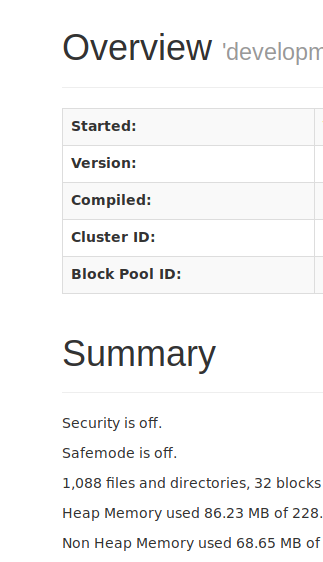
有人能告诉我我做错了什么吗?在pydoop中,需要将哪些凭据放在哪里?或者,也许有更简单的方法来解决这个问题,任何帮助都会很感激!
回答 1
Stack Overflow用户
发布于 2022-08-10 08:42:06
你试过以下几种方法吗?
import pydoop.hdfs as hdfs
import pydoop

hdfs_object = pydoop.hdfs.hdfs(host='url of the file system goes here',
                               port=9864, user=None, groups=None)
hdfs_object.list_directory("/vs_co2_all_2019_v1.csv")
或者简单地说:
hdfs_object.list_directory("/")请记住,pydoop.hdfs模块与hdfs类(hdfs_object)没有直接关联。因此,您在第一个命令中建立的连接不在hdfs.ls("/vs_co2_all_2019_v1.csv")中使用。
页面原文内容由Stack Overflow提供。腾讯云小微IT领域专用引擎提供翻译支持
原文链接:
https://stackoverflow.com/questions/56883878
复制相关文章
相似问题
腾讯云开发者

Copyright © 2013 - 2026 Tencent Cloud. All Rights Reserved. 腾讯云 版权所有
深圳市腾讯计算机系统有限公司 ICP备案/许可证号:粤B2-20090059  粤公网安备44030502008569号
腾讯云计算(北京)有限责任公司 京ICP证150476号 | 京ICP备11018762号