
如何将白色添加到web视图背景中
如何将白色添加到web视图背景中
提问于 2019-05-30 10:59:44
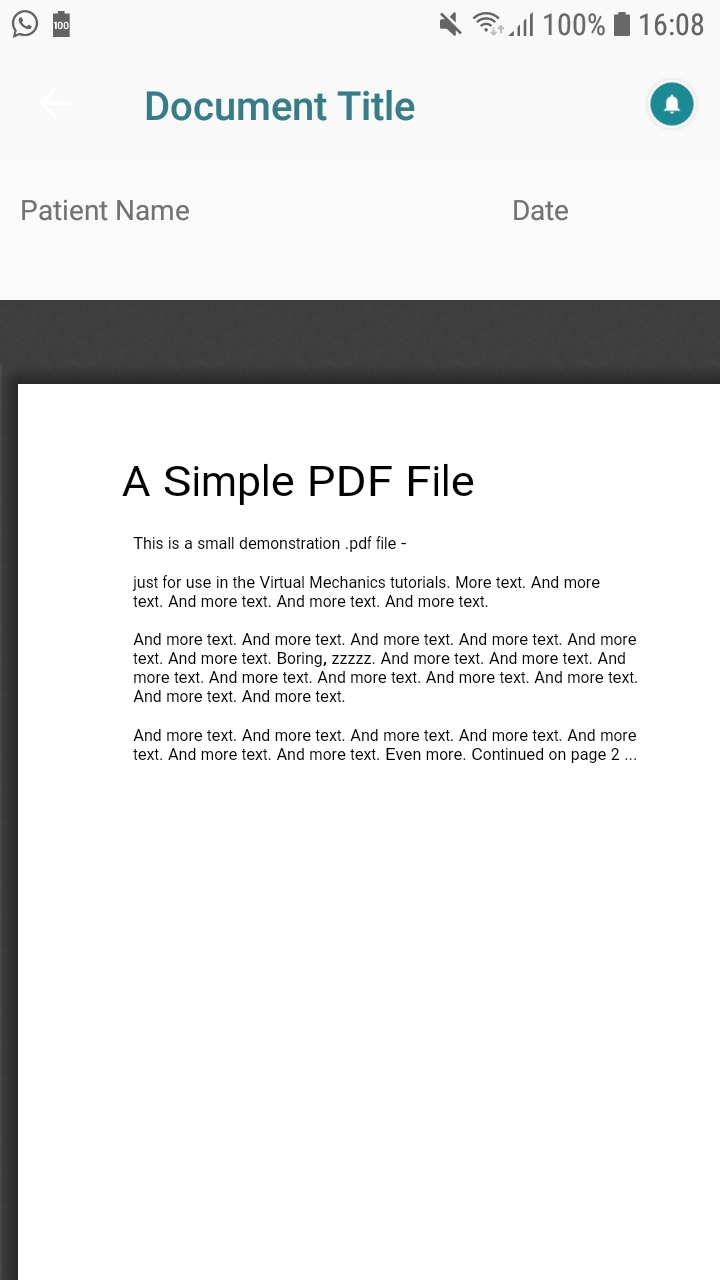
我有一个网络视图显示的pdf。当它显示pdf的时候,它不是整个区域--这不是我的问题,但是它的背景色显示了一种深色的背景--我需要把那个深浅的颜色移到白色--如何用xamarin格式来做到这一点
回答 1
Stack Overflow用户
回答已采纳
发布于 2019-05-31 07:28:51
您使用Google查看器加载远程pdf文件吗?如果是这样的话,额外的边框不能被移除,因为它是由谷歌控制的。我没有找到任何api来改变这个外观。但是您可以更改嵌入的样式:
protected override void OnElementChanged(ElementChangedEventArgs<WebView> e)
{
    base.OnElementChanged(e);

    if (e.NewElement != null)
    {
        var customWebView = Element as CustomWebView;
        Control.Settings.AllowUniversalAccessFromFileURLs = true;
        Control.LoadUrl("https://drive.google.com/viewerng/viewer?embedded=true&url=" + customWebView.Uri);
    }
}
当我们将嵌入设置为true时,它显示了一个浅灰色边框。
您必须在窗体上创建一个自定义控件,用于使用上面的自定义呈现程序:
public class CustomWebView : WebView
{
    public static readonly BindableProperty UriProperty = BindableProperty.Create(propertyName: "Uri",
            returnType: typeof(string),
            declaringType: typeof(CustomWebView),
            defaultValue: default(string));

    public string Uri
    {
        get { return (string)GetValue(UriProperty); }
        set { SetValue(UriProperty, value); }
    }
}
最后,在XAML中使用它:
<StackLayout>
    <local:CustomWebView VerticalOptions="FillAndExpand" Uri="http://www.africau.edu/images/default/sample.pdf" />
</StackLayout>
更新:
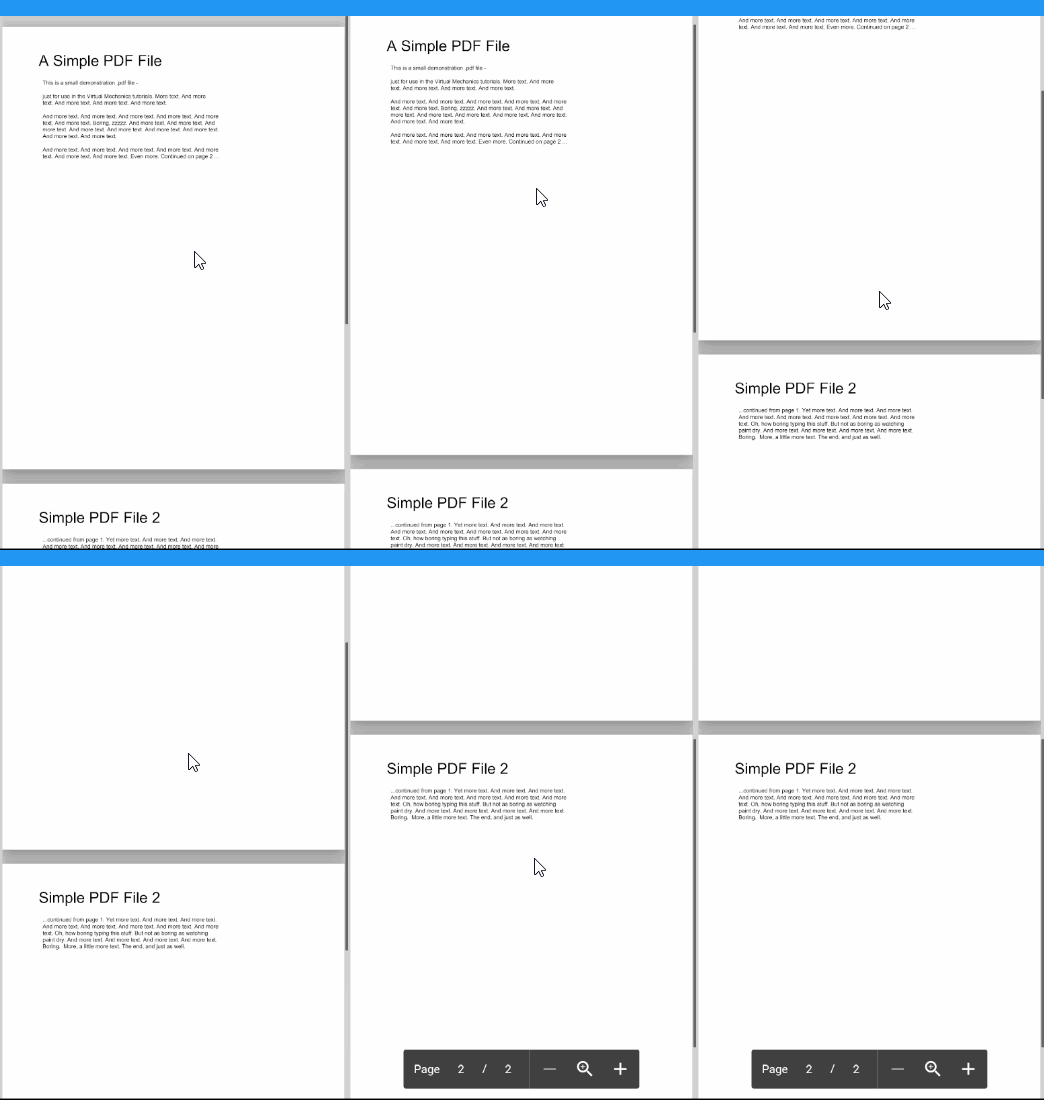
如果pdf有几个页面,它可以滚动:
页面原文内容由Stack Overflow提供。腾讯云小微IT领域专用引擎提供翻译支持
原文链接:
https://stackoverflow.com/questions/56376954
复制相关文章
相似问题
腾讯云开发者

Copyright © 2013 - 2026 Tencent Cloud. All Rights Reserved. 腾讯云 版权所有
深圳市腾讯计算机系统有限公司 ICP备案/许可证号:粤B2-20090059  粤公网安备44030502008569号
腾讯云计算(北京)有限责任公司 京ICP证150476号 | 京ICP备11018762号