
样式-jsx反应本机
样式-jsx反应本机
提问于 2019-05-23 06:15:13
我正在尝试在React本机项目中实现styled-jsx。我正在学习本教程:https://github.com/zeit/styled-jsx
我添加了以下代码:
.babelrc :
{
    "presets": [
        "@babel/preset-env"
    ],
    "plugins": [
        "@babel/plugin-proposal-object-rest-spread"
    ]
}
屏幕:
import React, { Component } from 'react';
import { View } from 'react-native';
import _JSXStyle from 'styled-jsx/style'
export default class HomeScreen extends React.Component {

    render() {
        return (
            <div className="jsx-123">
                <p className="jsx-123">only this paragraph will get the style :)</p>
                <_JSXStyle id="123">{`p.jsx-123 {color: red;}`}</_JSXStyle>
            </div>
        )
    };
}
,但我得到了以下错误:
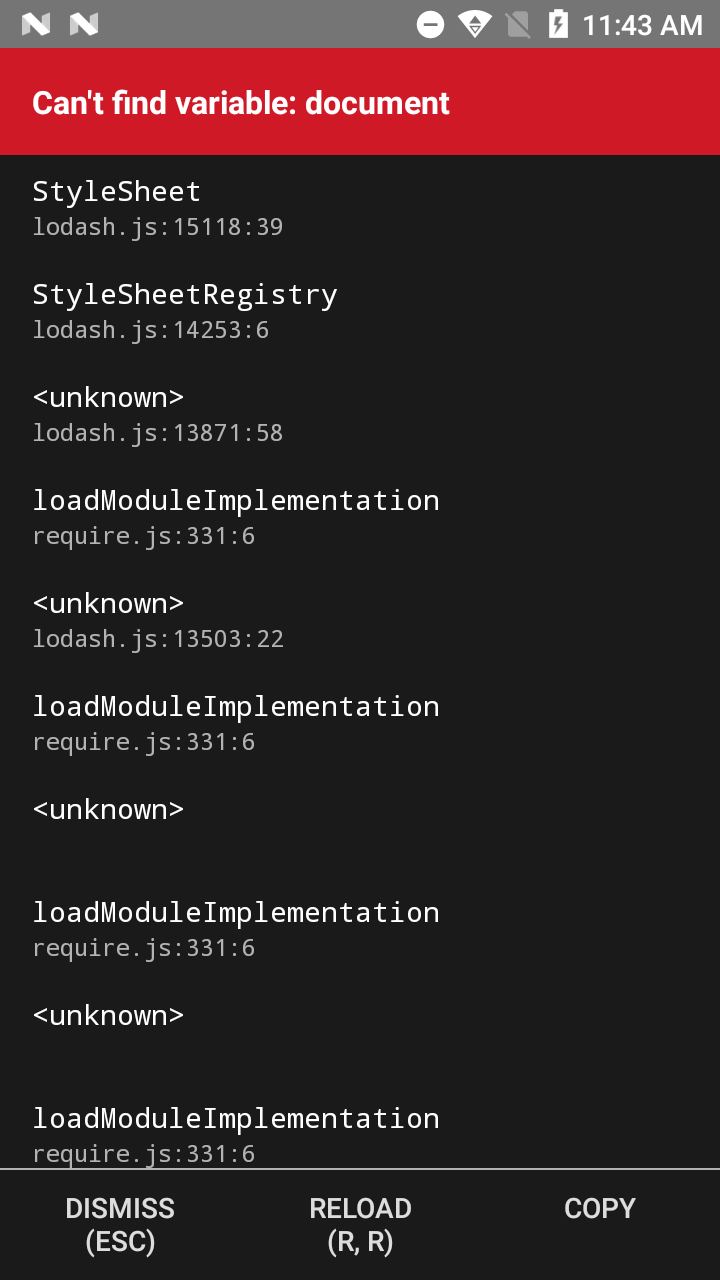
============更新============
我已经从‘style-jsx/ _JSXStyle’中删除了一个导入的。
样式-jsx/babel :
module.exports = require('./dist/babel'),
    {
        "plugins": [
            ["styled-jsx/babel", { "optimizeForSpeed": false }]
        ]
    }
,现在我得到了一个错误:
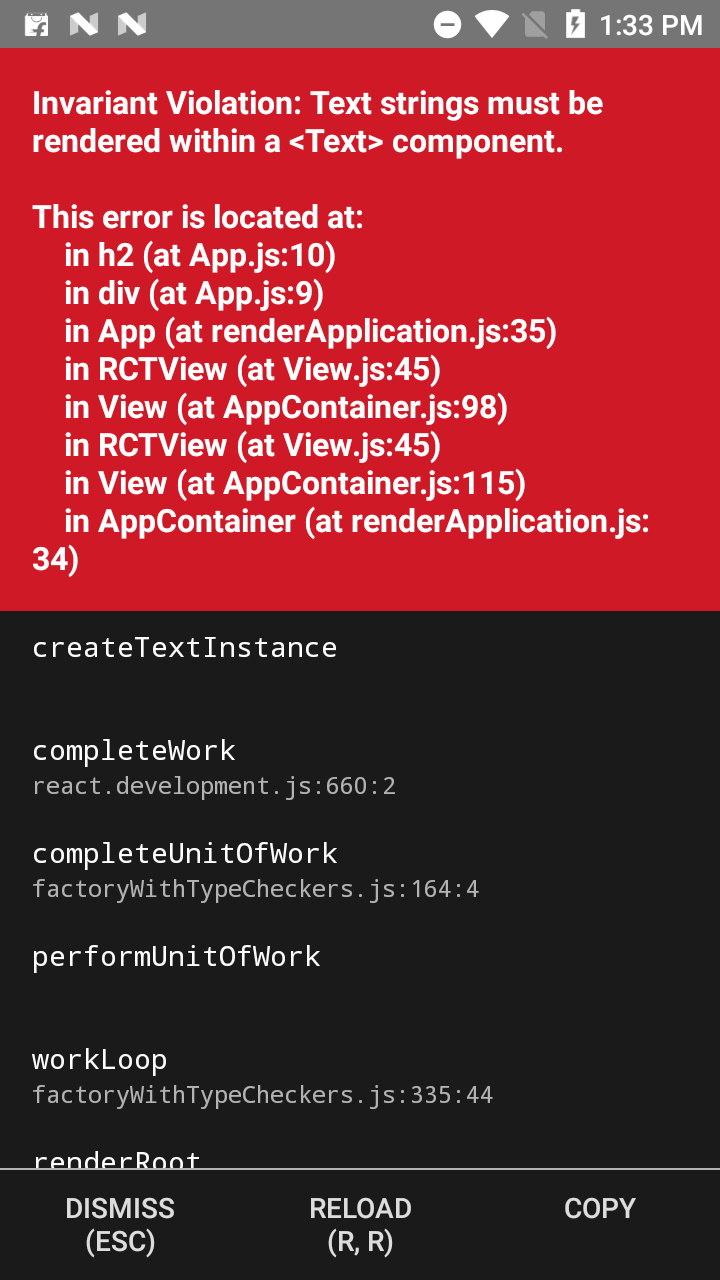
如果你试过这个,请提出建议。可能是我丢失了任何文件,那么请告诉我。
谢谢!
回答 1
Stack Overflow用户
发布于 2019-05-23 06:22:23
你的错误
您试过了如何工作部件的例子。如果库开发人员说明了编译后的处理方式,那么,请按照文档进行操作。为了你更好的理解,我在这里给你。
首先,安装软件包:
npm install --save styled-jsx接下来,在babel配置中将styled-jsx/babel添加到plugins:
{
  "plugins": [
    "styled-jsx/babel"
  ]
}现在将<style jsx>添加到代码中,并使用CSS填充它:
export default () => (
  <div>
    <p>only this paragraph will get the style :)</p>

    { /* you can include <Component />s here that include
         other <p>s that don't get unexpected styles! */ }

    <style jsx>{`
      p {
        color: red;
      }
    `}</style>
  </div>
)注意:根据文档,应该能工作。https://github.com/zeit/styled-jsx#getting-started
页面原文内容由Stack Overflow提供。腾讯云小微IT领域专用引擎提供翻译支持
原文链接:
https://stackoverflow.com/questions/56269041
复制相关文章
相似问题
腾讯云开发者

Copyright © 2013 - 2026 Tencent Cloud. All Rights Reserved. 腾讯云 版权所有
深圳市腾讯计算机系统有限公司 ICP备案/许可证号:粤B2-20090059  粤公网安备44030502008569号
腾讯云计算(北京)有限责任公司 京ICP证150476号 | 京ICP备11018762号