
在VS代码中使用Git Bash终端--如何强制它在内部打开
使用:
- 编者: VS代码
- 终端: Git Bash
VS代码提供了外部打开它的快捷Ctrl+Shift+C和内部打开它的快捷Ctrl+` (在我的例子中是Ctrl+F1)。
在我的例子中,它打开外部的快捷方式以及菜单视图->终端。
为了找到这个解决方案,我把谷歌翻了个底朝天。
我已经从git-scm.com重新安装了Git。
我检查了VS代码设置(Code\User\settings.json),以找到线索,如果我意外地设置为强制外部打开自己。
我知道我不应该粘贴整个文件,但也许您发现了settings.json中的问题所在:
{
  // Chosen Terminal
  "terminal.integrated.shell.windows": "C:\\Program Files\\Git\\bin\\bash.exe",
  // Prevent losing aliases, colorization etc. for the Git bash terminal
  // "terminal.integrated.shellArgs.windows": [
  //     "--login",
  //     "--init-file",
  //     "C:\\Program Files\\Git\\etc\\profile"
  // ],
  // Windows Terminal
  "terminal.external.windowsExec": "C:\\Program Files\\Git\\bin\\bash.exe",
  // Chosen Theme Color and Color Customization
  "workbench.colorTheme": "Monokai",
  "workbench.colorCustomizations": {
    "[Monokai]": {
      // "statusBar.background": "#666666",
      // "panel.background": "#555555",
      // "sideBar.background": "#444444",
      "tab.activeBackground": "#999999",
      "tab.activeForeground": "#333333"
    }
  },
  // Emmet Customization
  "emmet.triggerExpansionOnTab": true,
  // Editor Customization
  "editor.fontSize": 14,
  "editor.wordWrap": "on",
  "editor.codeActionsOnSave": {},
  "editor.tabSize": 2,
  // PHP Tooltip Suggestions
  "php.suggest.basic": false,
  "php.validate.executablePath": "C:\\xampp\\php\\php.exe", //for linting
  "php.validate.run": "onSave", //change to onType if need be
  "explorer.confirmDelete": false,
  "beautify.language": {
    "js": {
      "type": [
        "javascript",
        "json",
        "jsonc"/*,
        "html"*/
      ],
      "filename": [
        ".jshintrc",
        ".jsbeautifyrc"
      ]
    },
    "css": [
      "css",
      "scss"
    ],
    "html": [
      "htm",
      "html"
    ]
  },
  "beautify.config": {
    "indent_size": 2,
    "indent_char": " ",
    "css": {
      "indent_size": 2
    }
  },
  // Git costumization
  "window.zoomLevel": 0,
  "workbench.colorCustomizations": {
    "gitDecoration.addedResourceForeground": "#f45342",
    "gitDecoration.modifiedResourceForeground": "#3888d8"
  },
  "workbench.settings.useSplitJSON": true,
  "files.trimTrailingWhitespace": true,
  "minify.minifyExistingOnSave": true
}
如果我使用Ctrl+Shift+C快捷方式,比方说在两个不同的项目上,它会打开两个外部终端,就像一个人所期望的那样。
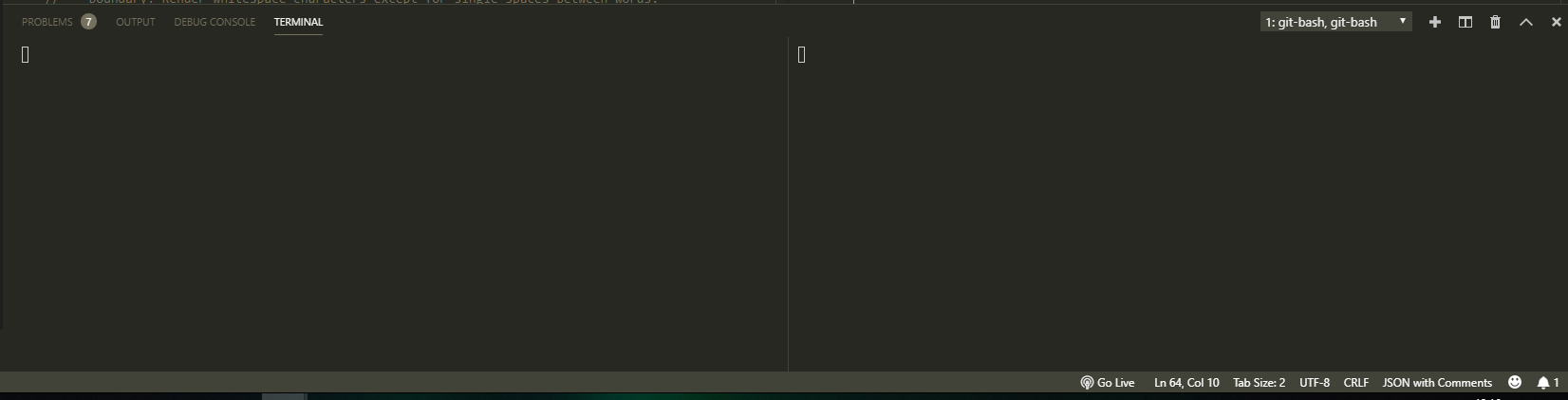
如果我使用Ctrl+F1 (默认Ctrl+`)快捷方式,它希望在内部打开它们,因此VS代码窗口的底部部分如下所示:
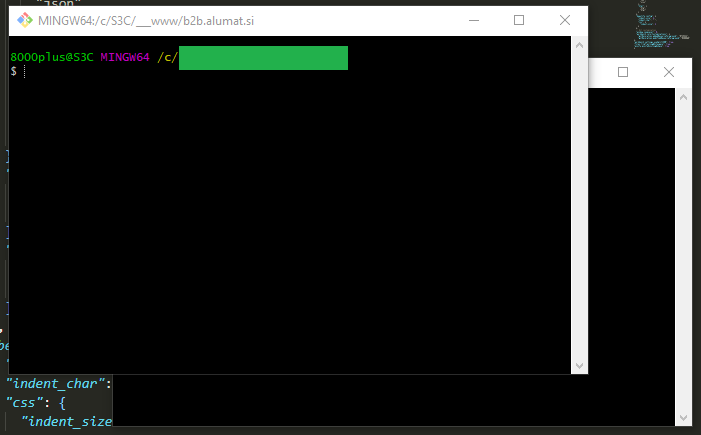
它仍然打开它们的外部:
有人能提供一些洞察力吗?
回答 2
Stack Overflow用户
发布于 2019-05-14 07:47:25
似乎将"terminal.external.windowsExec": "C:\\Program Files\\Git\\bin\\bash.exe"添加到设置中是一种老办法,并不像预期的那样工作。
从Settings JSON中删除与bash相关的所有行(请检查用户、工作区和文件夹设置(请确保)并保存文件。
然后打开命令调色板(Ctrl + Shift + P)并键入
Select Default Shell然后从那里选择bash。
现在,您所要做的就是重新启动VS代码,终端将按预期运行。
对于%PATH%中没有的shell,请参见其他答案。
Stack Overflow用户
发布于 2021-06-08 14:29:55
应该已经配置了预先存在的终端配置文件,因此它应该像添加以下内容一样简单:
"terminal.integrated.defaultProfile.windows": "Git Bash",给你的settings.json
https://stackoverflow.com/questions/55631553
复制相似问题
腾讯云开发者

Copyright © 2013 - 2026 Tencent Cloud. All Rights Reserved. 腾讯云 版权所有
深圳市腾讯计算机系统有限公司 ICP备案/许可证号:粤B2-20090059  粤公网安备44030502008569号
腾讯云计算(北京)有限责任公司 京ICP证150476号 | 京ICP备11018762号