
在Numpy,Python中的‘'Stretching’直方图(级别)
在Numpy,Python中的‘'Stretching’直方图(级别)
提问于 2019-04-07 17:47:19
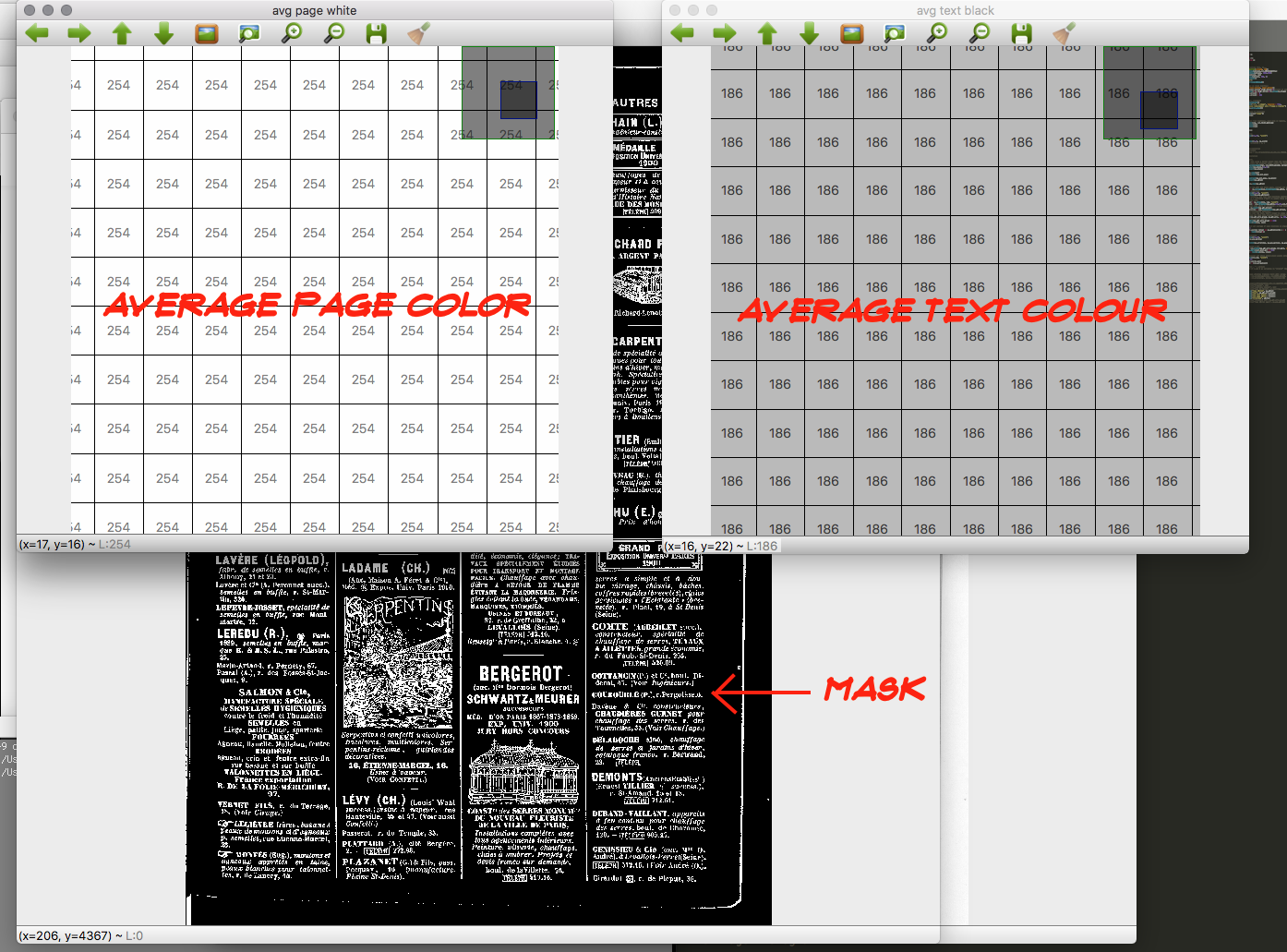
我有一个灰度图像,其背景是,在0-255色阶上,一个中白色,平均像素颜色值为246;前景是中灰色,平均像素颜色值为186。
我想“移动”每一个像素以上246到255,每一个像素以下186到零,并‘伸展’之间的一切。在numpy或python中是否有现成的算法/过程来完成此操作,或者是否必须“手动”计算新的级别/直方图(正如我到目前为止所做的那样)?
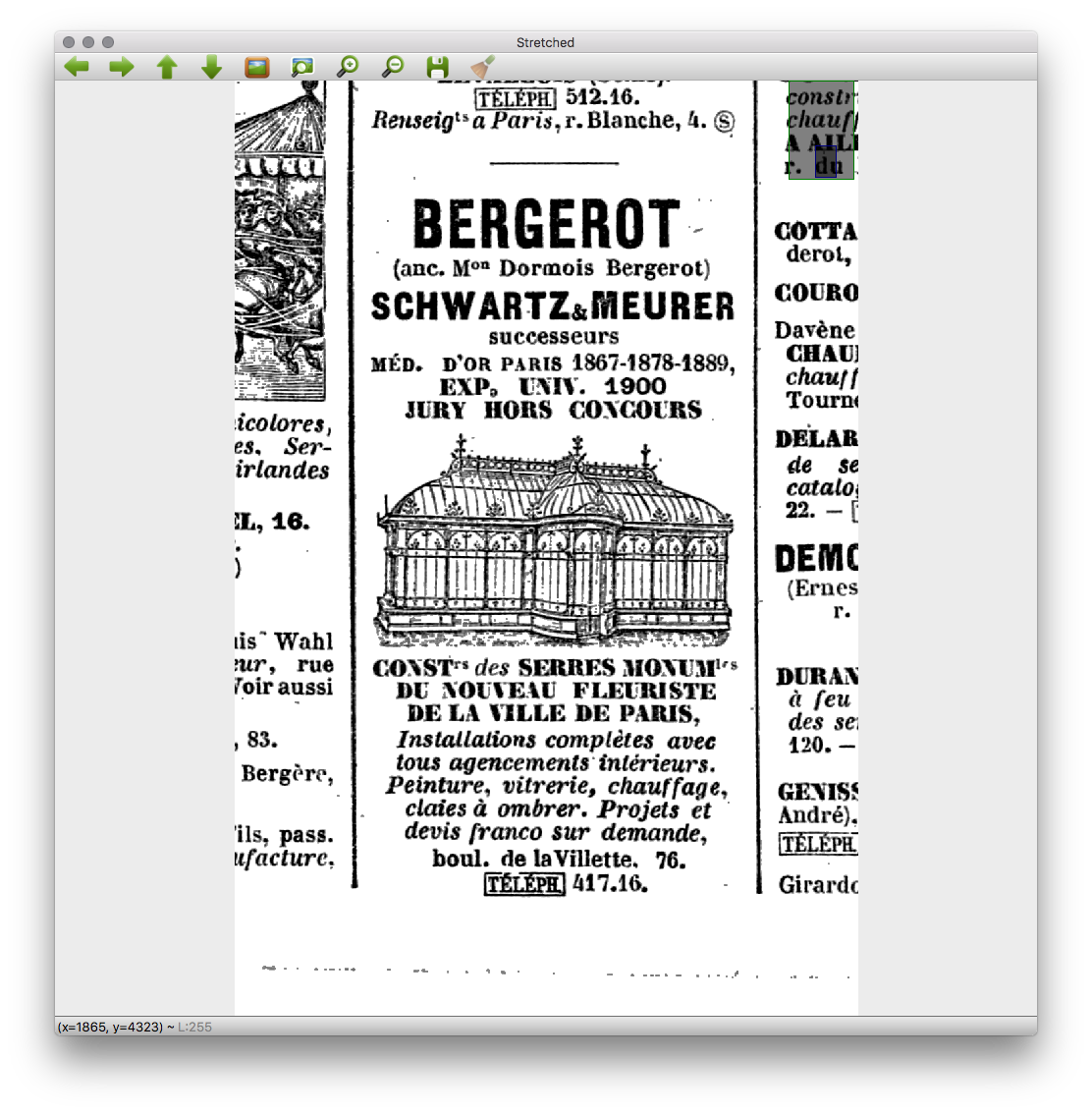
这相当于在Gimp或Photoshop中,打开“级别”窗口,使用白色和黑色的滴管分别选择要使白色和较暗的区域为黑色:应用程序相应地修改级别/直方图(相应地“扩展”所选点之间的值)。
我正在尝试的一些图像:

回答 2
Stack Overflow用户
回答已采纳
发布于 2019-04-07 18:16:36
有一种方法-
def stretch(a, lower_thresh, upper_thresh):
    r = 255.0/(upper_thresh-lower_thresh+2) # unit of stretching
    out = np.round(r*(a-lower_thresh+1)).astype(a.dtype) # stretched values
    out[a<lower_thresh] = 0
    out[a>upper_thresh] = 255
    return out
根据“任择议定书”,所确定的标准是:
- 将
246上方的每一个像素“移位”到255,因此247和更高的像素应该变成255。 - 在
186和zero下面的每个像素,因此185和下面的像素都应该变成0。 - 因此,基于上述两个需求,
186应该成为比0更大的东西,直到246小于255。
或者,我们也可以使用np.where使它更紧凑-
def stretch(a, lower_thresh, upper_thresh):
    r = 255.0/(upper_thresh-lower_thresh+2) # unit of stretching
    out = np.round(r*np.where(a>=lower_thresh,a-lower_thresh+1,0)).clip(max=255)
    return out.astype(a.dtype)
样本运行-
# check out first row input, output for variations
In [216]: a
Out[216]:
array([[186, 187, 188, 246, 247],
       [251, 195, 103,   9, 211],
       [ 21, 242,  36,  87,  70]], dtype=uint8)

In [217]: stretch(a, lower_thresh=186, upper_thresh=246)
Out[217]:
array([[  4,   8,  12, 251, 255],
       [255,  41,   0,   0, 107],
[ 0, 234, 0, 0, 0]], dtype=uint8)Stack Overflow用户
发布于 2019-04-08 01:59:55
如果您的图片是uint8和典型的图片大小,一个有效的方法是设置一个查找表:
L, H = 186, 246
lut = np.r_[0:0:(L-1)*1j, 0.5:255.5:(H-L+3)*1j, 255:255:(255-H-1)*1j].astype('u1')

# example
from scipy.misc import face
f = face()

rescaled = lut[f]
对于较小的图像,它更快(在我的设置中,它以大约100,000个灰度像素的速度)直接转换:
fsmall = (f[::16, ::16].sum(2)//3).astype('u1')

slope = 255/(H-L+2)
rescaled = ((1-L+0.5/slope+fsmall)*slope).clip(0, 255).astype('u1')页面原文内容由Stack Overflow提供。腾讯云小微IT领域专用引擎提供翻译支持
原文链接:
https://stackoverflow.com/questions/55561962
复制相关文章
相似问题
腾讯云开发者

Copyright © 2013 - 2026 Tencent Cloud. All Rights Reserved. 腾讯云 版权所有
深圳市腾讯计算机系统有限公司 ICP备案/许可证号:粤B2-20090059  粤公网安备44030502008569号
腾讯云计算(北京)有限责任公司 京ICP证150476号 | 京ICP备11018762号