
如何从任何消费产品的图像中检测文本/标识-细节?
如何从任何消费产品的图像中检测文本/标识-细节?
提问于 2019-02-11 06:39:23
我正试图从它的packaging.For eg-玛吉(我想检测-麦琪幸福是自制的)的图片中检测出任何消费品的名称。

我尝试过应用图像吸引(如侵蚀,开放,关闭等)。然后将预处理后的图像提供给pytesseract(OCR)。我计划使用图像魔术工具,如果它可以做任何帮助。
仅仅对图像进行预处理就足够了,如果没有,我该怎么办?(任何代码、软件都行)
PS-我不想使用Google或任何类似的API
回答 1
Stack Overflow用户
回答已采纳
发布于 2019-02-11 19:02:40
在Imagemagick 6中,您可以执行以下操作来分离"kelloggs“。
fill back to replace everything but the red color
fill white to replace the red color

convert kellogg.jpg -fuzz 15% \
-fill black +opaque "rgb(240,0,0)" \
-fill white -opaque "rgb(240,0,0)" \
result.png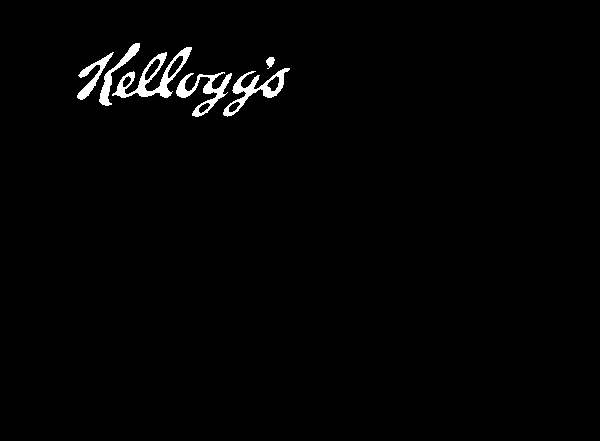
对于你的“玛吉”形象来说,这要复杂一些,因为你的“玛吉”是黄色的,其他地方是黄色的。
fill yellow color to replace the white in the corners
fill yellow color to replace black
floodfill the outside yellow with black
fill black to replace everything but yellow
fill white to replace yellow

convert maggie.jpg \
-fuzz 15% -fill "rgb(254,242,0)" -opaque white \
-fuzz 20% -fill "rgb(254,242,0)" -opaque black \
-fuzz 15% -fill black -draw "color 10,10 floodfill" -alpha off \
-fuzz 15% -fill black +opaque "rgb(254,242,0)" \
-fuzz 15% -fill white -opaque "rgb(254,242,0)" \
result2.png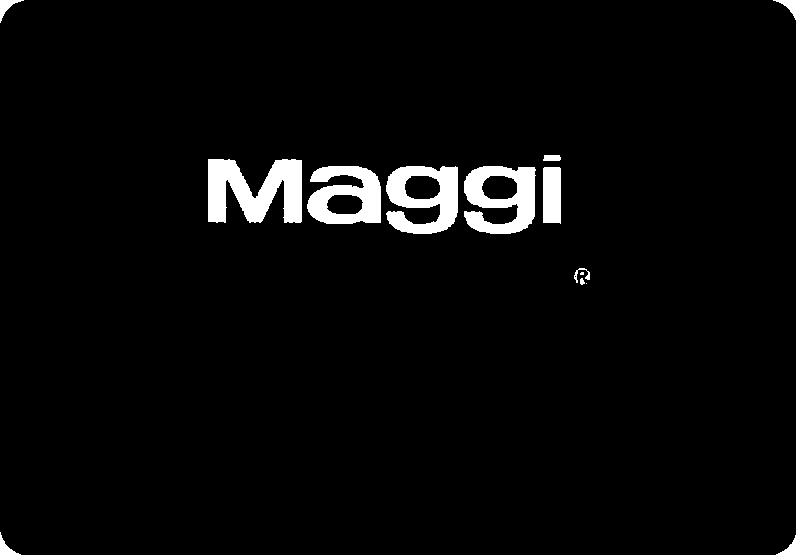
但还有商标留下。因此,为了去除,我们添加连接组件处理,以过滤出最小的白色区域。
convert maggie.jpg \
-fuzz 15% -fill "rgb(254,242,0)" -opaque white \
-fuzz 20% -fill "rgb(254,242,0)" -opaque black \
-fuzz 15% -fill black -draw "color 10,10 floodfill" -alpha off \
-fuzz 15% -fill black +opaque "rgb(254,242,0)" \
-fuzz 15% -fill white -opaque "rgb(254,242,0)" \
-define connected-components:area-threshold=50 \
-define connected-components:mean-color=true \
-connected-components 4 \
result3.png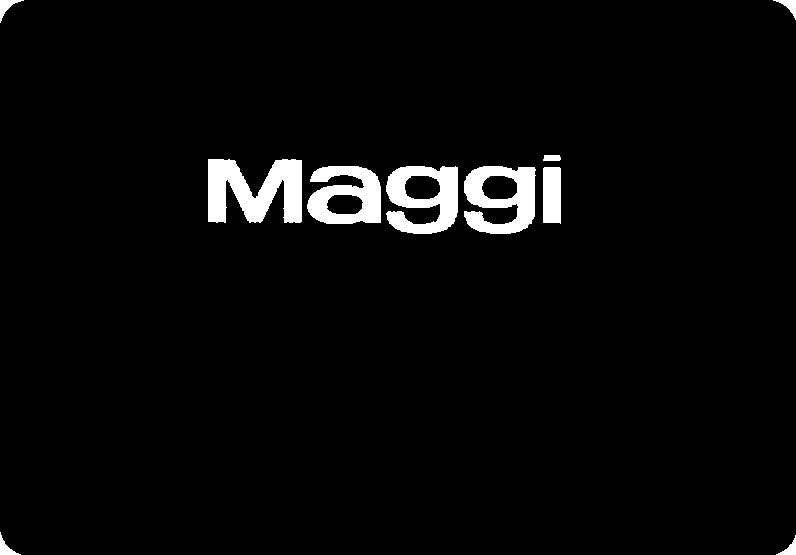
页面原文内容由Stack Overflow提供。腾讯云小微IT领域专用引擎提供翻译支持
原文链接:
https://stackoverflow.com/questions/54625126
复制相关文章
相似问题
腾讯云开发者

Copyright © 2013 - 2026 Tencent Cloud. All Rights Reserved. 腾讯云 版权所有
深圳市腾讯计算机系统有限公司 ICP备案/许可证号:粤B2-20090059  粤公网安备44030502008569号
腾讯云计算(北京)有限责任公司 京ICP证150476号 | 京ICP备11018762号