
如何利用胶子移动产生QR码或条形码,以支持多平台?
如何利用胶子移动产生QR码或条形码,以支持多平台?
提问于 2019-01-30 16:38:27
现在,我想从设备的UUID动态生成QR代码。我想知道如何才能支持胶子中的多平台?请也推荐我,如果我简化使用标准的java库或特殊的库,这是由胶子团队开发的。
回答 1
Stack Overflow用户
回答已采纳
发布于 2019-01-30 18:25:11
您可以使用中兴图书馆在您的设备上生成QR。这是同一个库,使用的魅力下降BarcodeScan服务上的安卓。
首先,将此依赖项添加到构建中:
compile 'com.google.zxing:core:3.3.3'现在,您可以结合设备服务来检索UUID和QR生成器。
一旦您有了QR的zxing格式,您将需要生成一个图像或文件。
考虑到不能在Android/iOS上使用Swing,您必须避免使用MatrixToImageWriter,并根据生成的像素手动执行。
就像这样:
public Image generateQR(int width, int height) {
    String uuid = Services.get(DeviceService.class)
            .map(DeviceService::getUuid)
            .orElse("123456789"); // <--- for testing on desktop

    QRCodeWriter qrCodeWriter = new QRCodeWriter();
    try {
        BitMatrix bitMatrix = qrCodeWriter.encode(uuid, BarcodeFormat.QR_CODE, width, height);

        WritablePixelFormat<IntBuffer> wf = PixelFormat.getIntArgbInstance();
        WritableImage writableImage = new WritableImage(width, height);
        PixelWriter pixelWriter = writableImage.getPixelWriter();

        for (int y = 0; y < height; y++) {
            for (int x = 0; x < width; x++) {
                pixelWriter.setColor(x, y, bitMatrix.get(x, y) ?
                     Color.BLACK : Color.WHITE);
            }
        }
        return writableImage;

    } catch (WriterException e) {
        e.printStackTrace();
    }
    return null;
}现在您可以从视图中调用此方法,添加一个ImageView来呈现生成的图像:
ImageView imageView = new ImageView();
imageView.setFitWidth(256);
imageView.setFitHeight(256);

imageView.setImage(service.generateQR(256, 256));
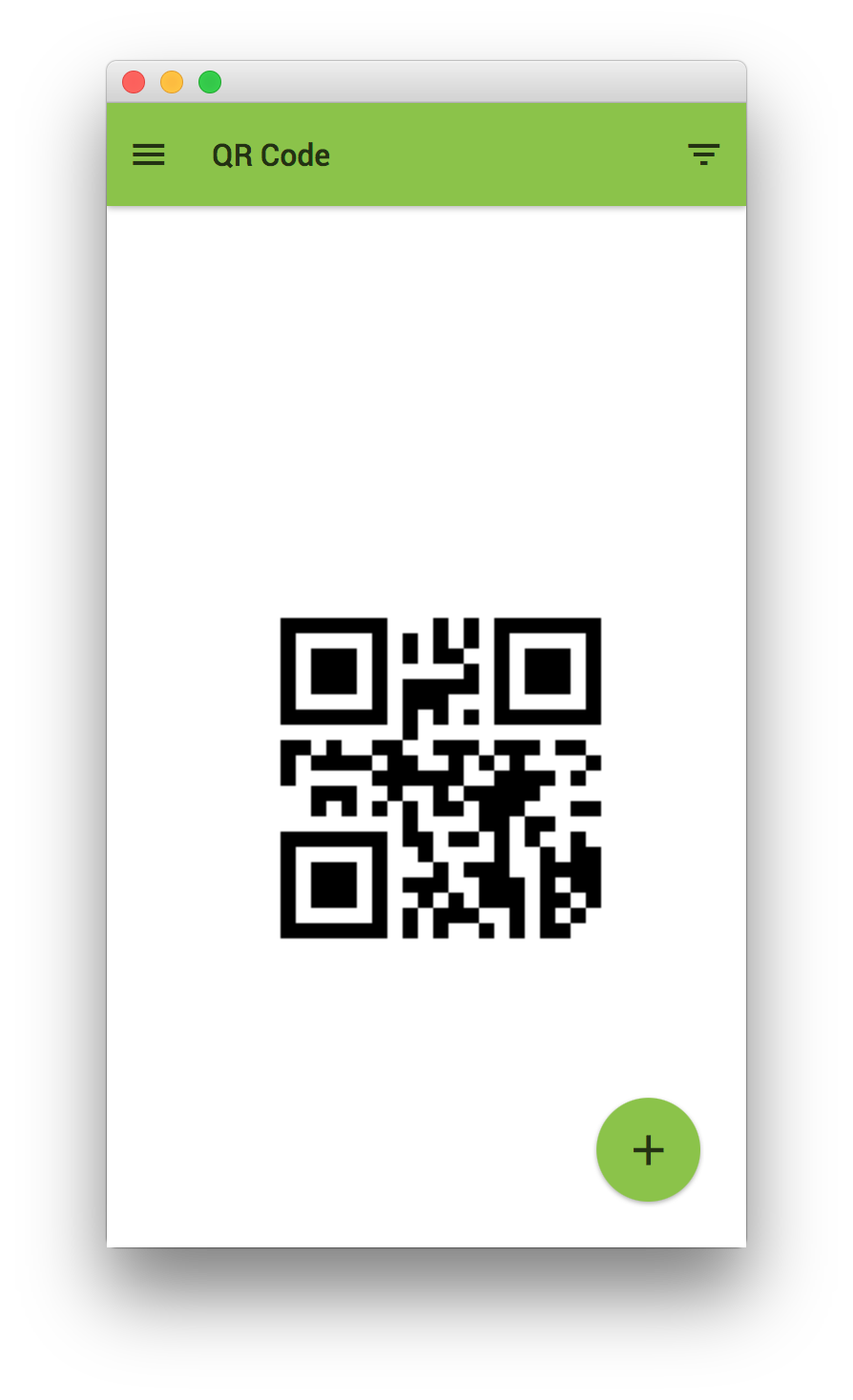
编辑
如果要生成QR代码或条形码,可以将generateQR中的上述代码替换为:
MultiFormatWriter codeWriter = new MultiFormatWriter();
BitMatrix bitMatrix = codeWriter.encode(uuid, format, width, height);
...
并将该格式的参数设置为:
- 对于QR代码:
BarcodeFormat.QR_CODE,并使用类似256x256的平方大小。 - 条形码:
BarcodeFormat.CODE_128,并使用矩形大小,例如256x64
页面原文内容由Stack Overflow提供。腾讯云小微IT领域专用引擎提供翻译支持
原文链接:
https://stackoverflow.com/questions/54445369
复制相关文章
相似问题
腾讯云开发者

Copyright © 2013 - 2026 Tencent Cloud. All Rights Reserved. 腾讯云 版权所有
深圳市腾讯计算机系统有限公司 ICP备案/许可证号:粤B2-20090059  粤公网安备44030502008569号
腾讯云计算(北京)有限责任公司 京ICP证150476号 | 京ICP备11018762号