
以编程方式为所有UIButtons和iPad设备设置景观和肖像模式下的角半径
我正在开发的应用程序几乎是苹果默认的iPhone计算器应用程序的翻版。
我有一个困难的时间,在保持角半径设置两个基本操作按钮在纵向和基本操作符按钮,加上额外的按钮在景观模式。
在UIButton.bounds.height / 2中指定拐角半径(除以viewWillLayoutSubviews() )是正确的吗?
我需要左边和右边的按钮在所有的设备旋转中保持圆形。我不关心按钮的顶部和底部是圆的。
谢谢大家的关心,帮助我解决这个问题。我并不是在寻找一个直接的答案,但如果你们都能帮我找到一些话题,那将是一个巨大的帮助。我也尝试过在viewDidAppear().中设置拐角半径
寻找一个使用UIButton.bounds.height.编程的解决方案,我相信我只是试图找到正确的方法来实现拐角半径通过
   var cornerRadius_forButtons: Double = 0
  if UIDevice.current.orientation == UIDeviceOrientation.landscapeLeft{
            cornerRadius_forButtons = Double(tag1_Button.bounds.height / 2.0)
        }
        else if UIDevice.current.orientation == UIDeviceOrientation.landscapeRight{
            cornerRadius_forButtons = Double(tag1_Button.bounds.height / 2.0)

        } else {

            cornerRadius_forButtons = Double(tag1_Button.bounds.height / 2.0)

        }
UIButton.layer.cornerRadius = CGFloat(cornerRadius_forButtons)回答 2
Stack Overflow用户
发布于 2018-12-22 17:10:46
当您使用此方法时,唯一稍微困难的是设置约束。在大多数情况下,您将不必处理代码。
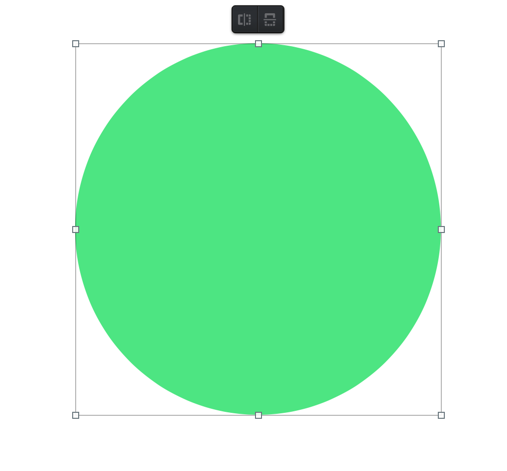
( 1.)在图像编辑器中形成一个圆圈。链接到我使用的图像编辑器
( 2.)将运算符/数字添加到圆的中间
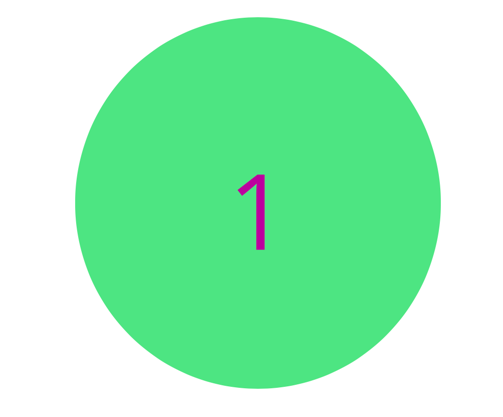
3.)使背景透明(如果背景为白色则不需要)
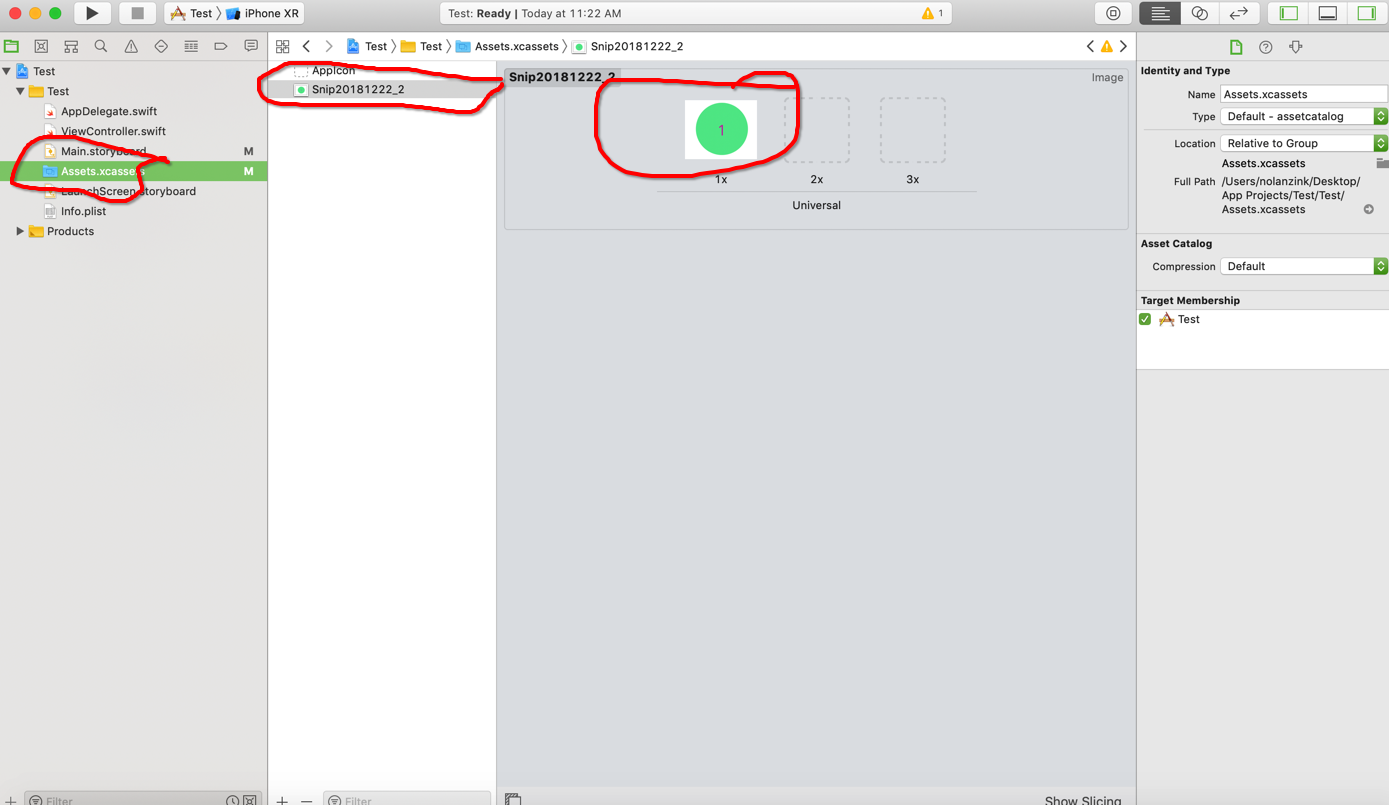
4.)将图像添加到应用程序资产文件夹
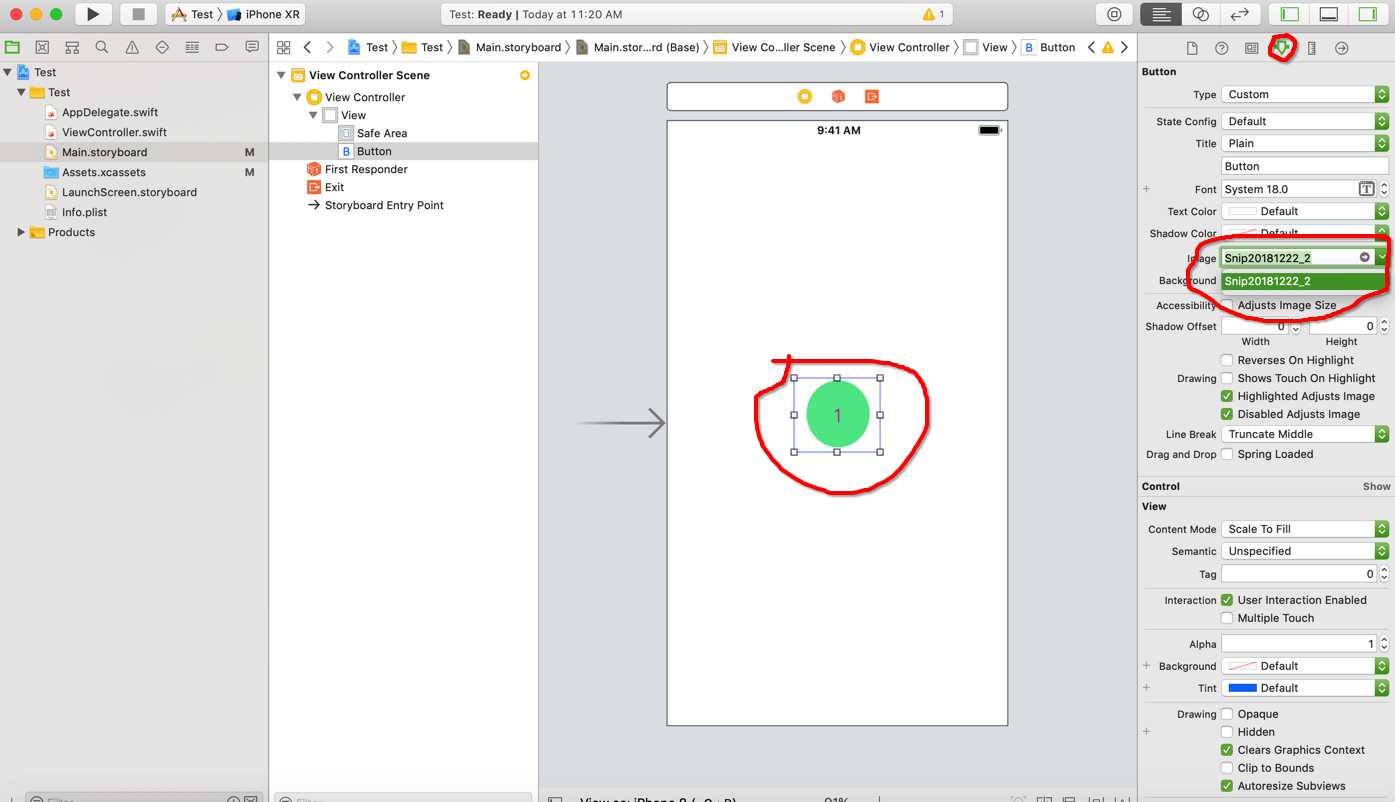
5.) Xcode中的将image属性设置为您刚刚创建的图像。
6.)为所有按钮创建约束
现在它应该在所有的设备上工作,不管定位如何.。
Stack Overflow用户
发布于 2018-12-22 18:17:29
问题就在我这一边。通过计算和实现UIButton的转角半径,成功地解决了所有iOS器件在纵向和景观模式下在左侧和骑侧获得圆边的问题。
   var cornerRadius_forButtons: Double = 0

   override func viewWillLayoutSubviews() {
   if UIDevice.current.orientation == UIDeviceOrientation.landscapeLeft{

        cornerRadius_forButtons = Double(tag1_Button.bounds.height / 2.0)

    }
      else if UIDevice.current.orientation == UIDeviceOrientation.landscapeRight{

        cornerRadius_forButtons = Double(tag1_Button.bounds.height / 2.0)

    } else {

        //PORTRAIT

        cornerRadius_forButtons = Double(tag1_Button.bounds.height / 2.0)

    }

    tag1_Button.layer.cornerRadius = CGFloat(cornerRadius_forButtons)

} https://stackoverflow.com/questions/53897134
复制相似问题
腾讯云开发者

Copyright © 2013 - 2026 Tencent Cloud. All Rights Reserved. 腾讯云 版权所有
深圳市腾讯计算机系统有限公司 ICP备案/许可证号:粤B2-20090059  粤公网安备44030502008569号
腾讯云计算(北京)有限责任公司 京ICP证150476号 | 京ICP备11018762号