
在Intellij中创建TestNG xml
在Intellij中创建TestNG xml
提问于 2018-12-11 06:47:28
如何在Intellij中创建TestNG.xml
这是我的测试代码
import com.applitools.eyes.RectangleSize;
import com.applitools.eyes.selenium.Eyes;
import org.openqa.selenium.By;
import org.openqa.selenium.WebDriver;
import org.openqa.selenium.firefox.FirefoxDriver;
import org.testng.annotations.AfterTest;
import org.testng.annotations.BeforeTest;
import org.testng.annotations.Test;

import java.util.concurrent.TimeUnit;


public class mas1 {

    @Test
    public void test() {

        WebDriver driver = new FirefoxDriver();

        driver.get("https://demo.applitools.com");
        driver.manage().timeouts().implicitlyWait(25, TimeUnit.SECONDS);

        driver.quit();

    }
}
我试着按照下面的链接创建TestNG.xml
TestNG with IntelliJ IDEA: How to use the testng.xml file in IntelliJ IDEA 9
有人能解释一下如何创建TestNG.xml吗?
我不知道需要在套件字段和包名中插入什么来手动创建它。
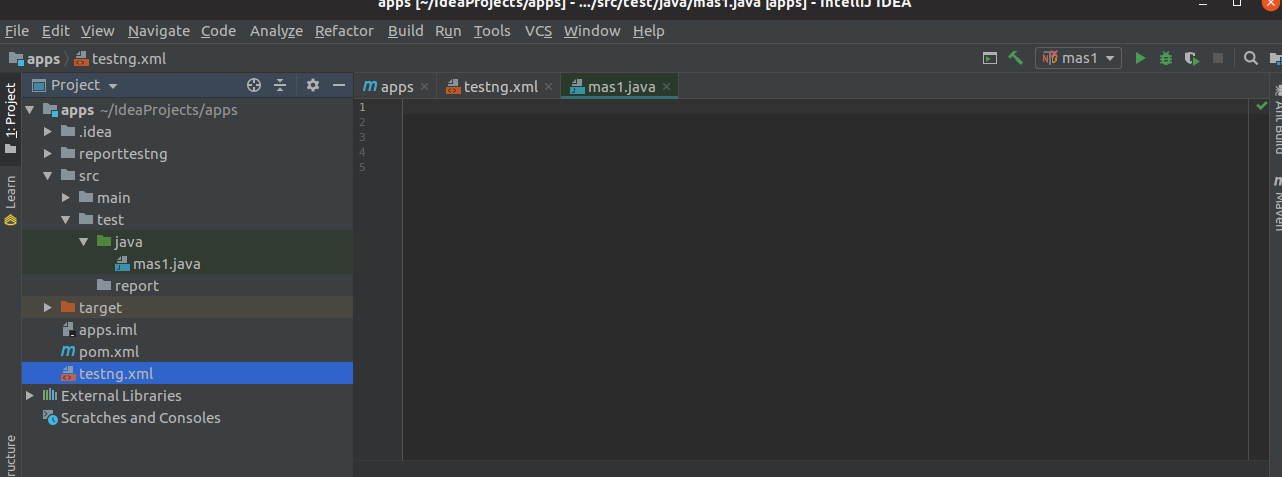
下面是我的目录浏览的图片,没有软件包
回答 2
Stack Overflow用户
回答已采纳
发布于 2018-12-11 07:11:39
这是您的项目的示例XML,
<?xml version="1.0" encoding="UTF-8"?>
<!DOCTYPE suite SYSTEM "http://testng.org/testng-1.0.dtd">
<suite name="Suite">
  <test thread-count="5" name="Test">
    <classes>
      <class name="java.mas1"/>
    </classes>
  </test> <!-- Test -->
</suite> <!-- Suite -->Stack Overflow用户
发布于 2020-11-02 09:09:53
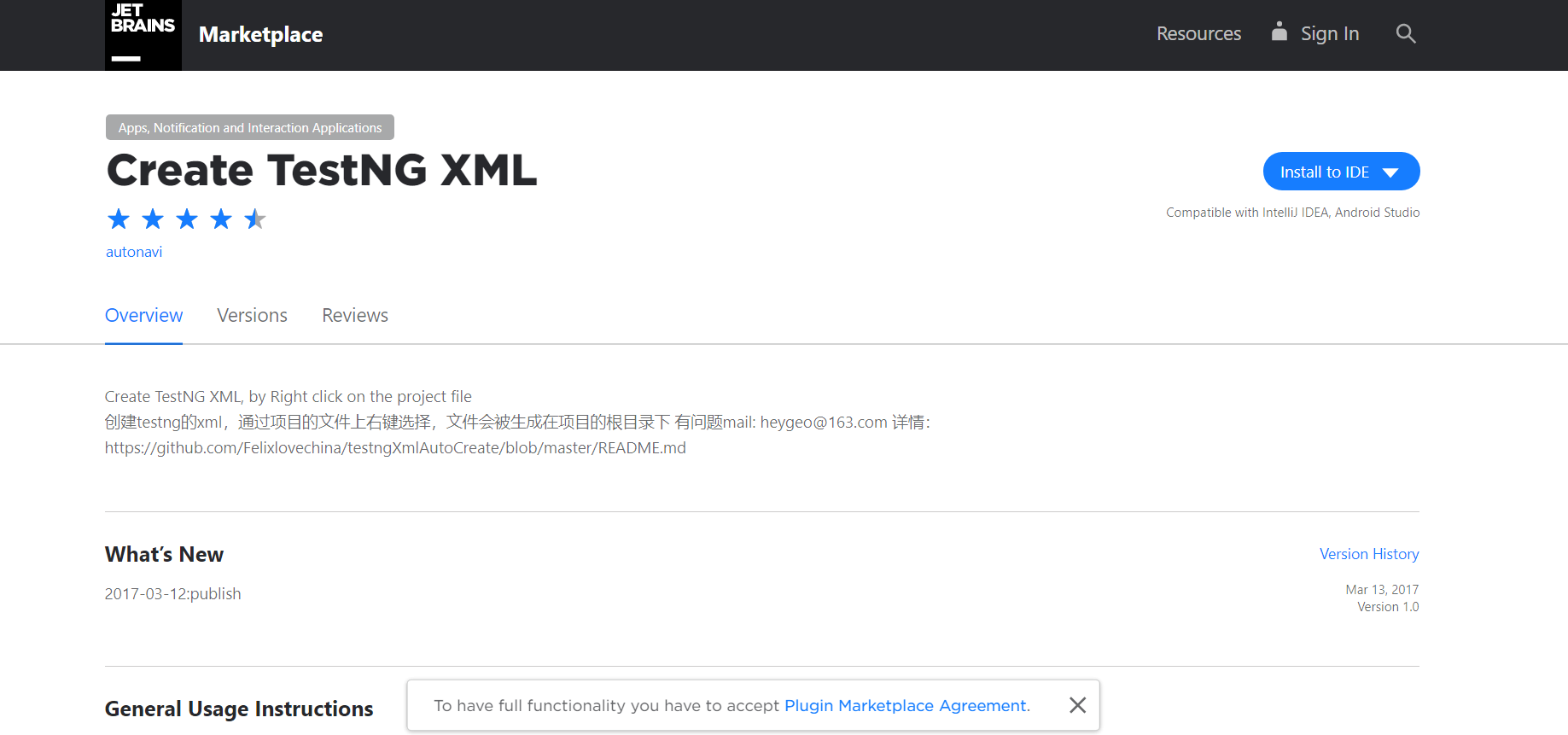
- 转到此链接,然后单击install按钮- https://plugins.jetbrains.com/plugin/9556-create-testng-xml。
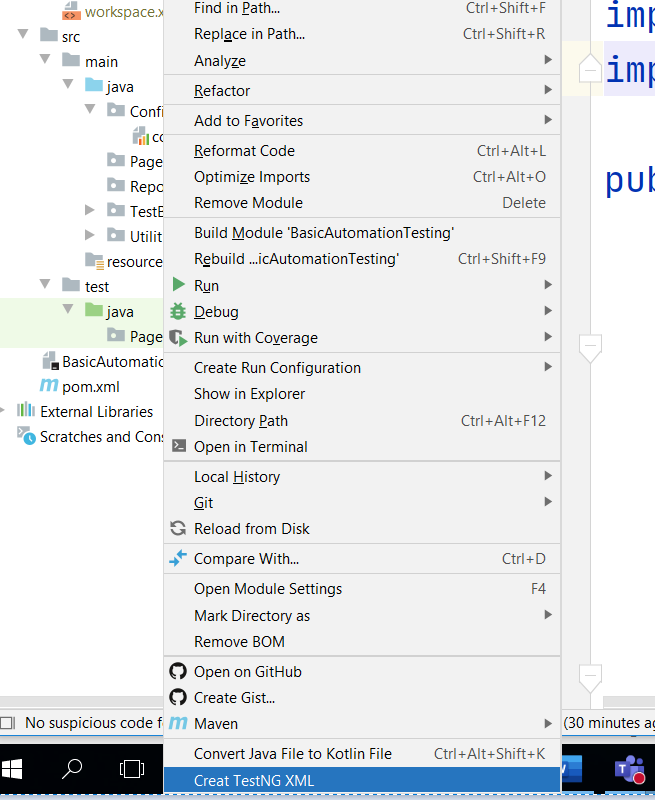
- 右键单击父项目并单击create TestNG XML。
页面原文内容由Stack Overflow提供。腾讯云小微IT领域专用引擎提供翻译支持
原文链接:
https://stackoverflow.com/questions/53718797
复制相关文章
相似问题
腾讯云开发者

Copyright © 2013 - 2026 Tencent Cloud. All Rights Reserved. 腾讯云 版权所有
深圳市腾讯计算机系统有限公司 ICP备案/许可证号:粤B2-20090059  粤公网安备44030502008569号
腾讯云计算(北京)有限责任公司 京ICP证150476号 | 京ICP备11018762号