
在运行最新版本时没有“最新”消息?
在运行最新版本时没有“最新”消息?
提问于 2018-12-11 04:26:00
火花:
#import <Headers/SUUpdater.h>

static SUUpdater* updater = nil;

void sparkle_checkUpdates()
{
    if (!updater) {
        updater = [[SUUpdater sharedUpdater] retain];
    }

    [updater setUpdateCheckInterval:3600];
    [updater checkForUpdatesInBackground];
}
sparke.go:
// +build darwin windows

package main

/*
#cgo CFLAGS: -I ${SRCDIR}/Sparkle.framework
#cgo LDFLAGS: -F ${SRCDIR} -framework Sparkle

void sparkle_checkUpdates();
*/
import "C"

func sparkle_checkUpdates() {
    C.sparkle_checkUpdates()
}在main.go中,我添加了一个名为func的菜单:
package main

import (
    "github.com/therecipe/qt/widgets"
)

func main() {
    action := widgets.NewQMenuBar(nil).AddMenu2("").AddAction("Check for Updates...")
    // http://doc.qt.io/qt-5/qaction.html#MenuRole-enum
    action.SetMenuRole(widgets.QAction__ApplicationSpecificRole)
    action.ConnectTriggered(func(bool) { sparkle_checkUpdates() })
}
当有更新时,它运行良好:下载、解压缩、安装、重新启动、.
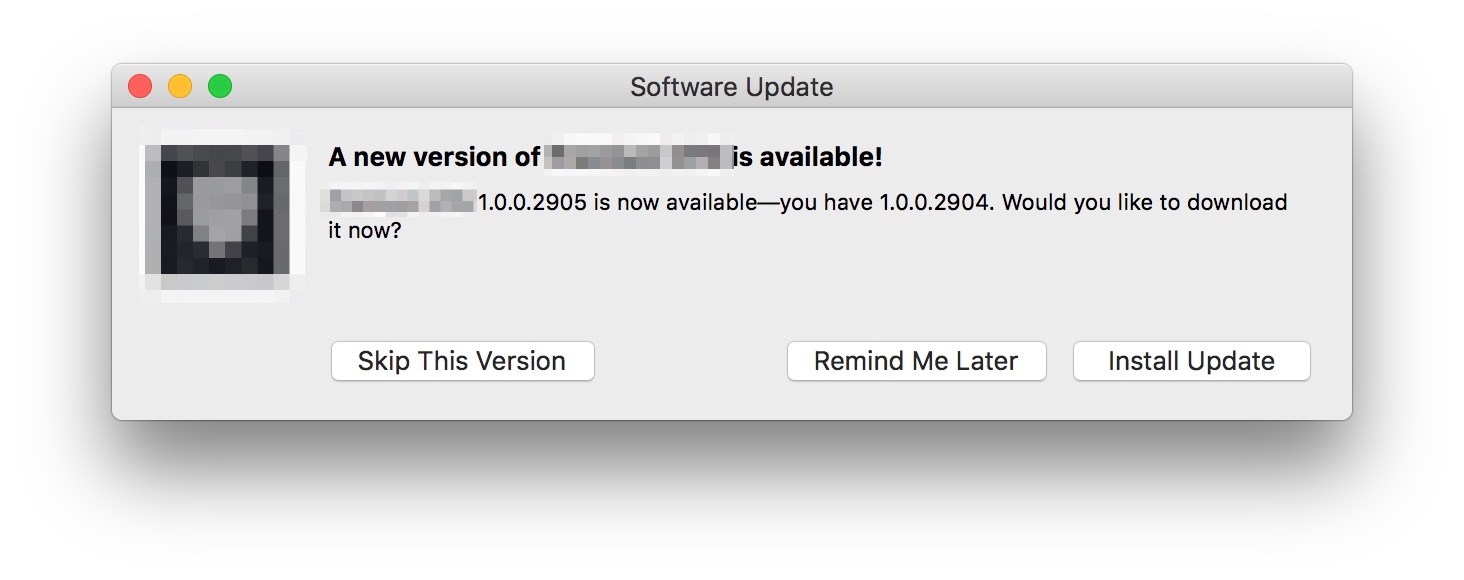
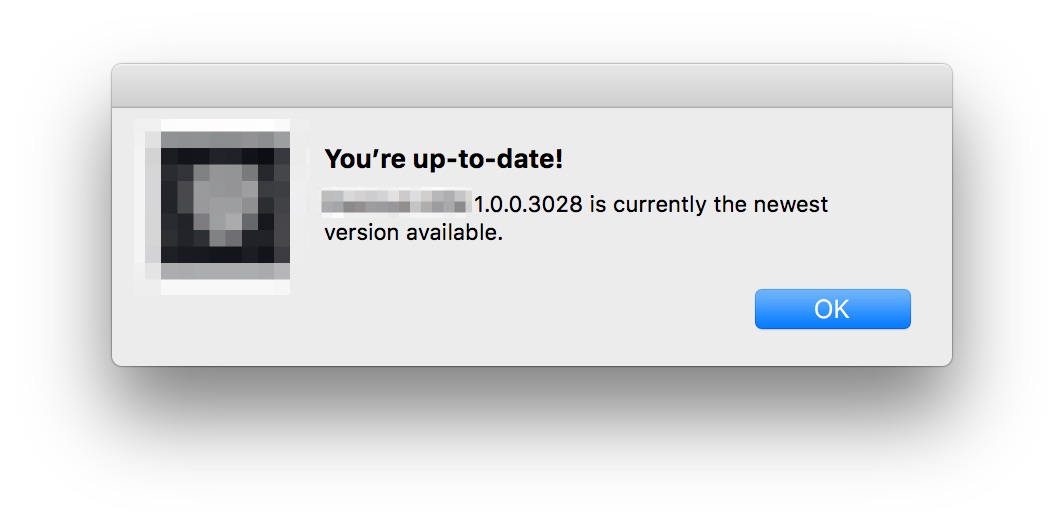
但在运行最新版本时,单击“检查更新.”菜单上什么都没发生。没有弹出式的说法说我们是最新的,就像这样:
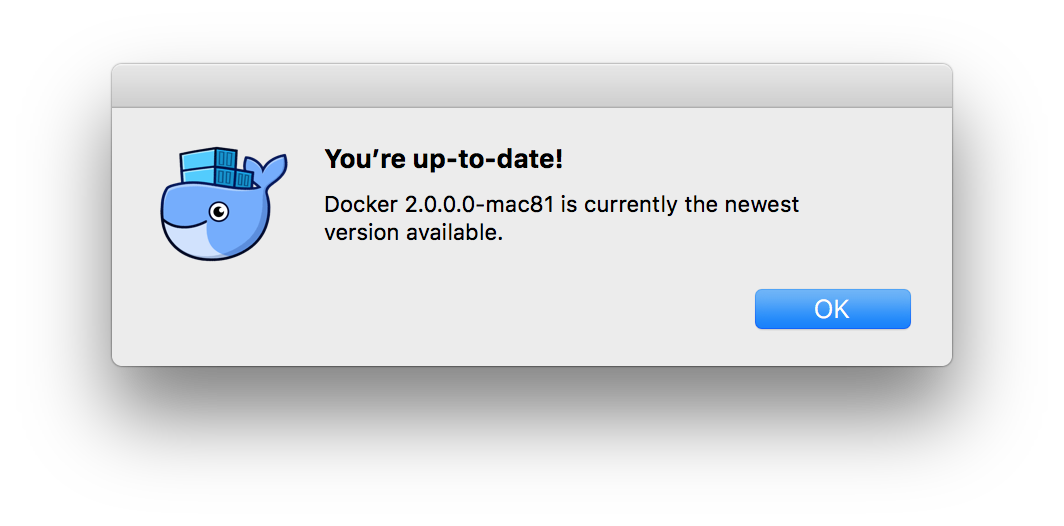
在控制台中,我只看到以下内容:
[3 <private> stream, pid: 90977, url: https://example.com/appcast.xml, traffic class: 200, tls] cancelled
    [3.1 70A1F65B-7E7A-4ED2-AB8B-A21621ED7658 <private>.58040<-><private>]
    Connected Path: satisfied (Path is satisfied), interface: en0, ipv4, dns
    Duration: 0.497s, DNS @0.000s took 0.001s, TCP @0.003s took 0.051s, TLS took 0.113s
    bytes in/out: 4481/675, packets in/out: 6/3, rtt: 0.053s, retransmitted packets: 0, out-of-order packets: 0
appcast.xml:
<?xml version="1.0" standalone="yes"?>
<rss xmlns:sparkle="http://www.andymatuschak.org/xml-namespaces/sparkle" version="2.0">
  <channel>
    <title>Premium VPN</title>
    <item>
      <title>1.0.0.2905</title>
      <pubDate>Tue, 11 Dec 2018 11:09:10 +0800</pubDate>
      <sparkle:minimumSystemVersion>10.7</sparkle:minimumSystemVersion>
      <enclosure url="https://example.com/x.zip" sparkle:version="1.0.0.2905" sparkle:shortVersionString="1.0.0.2905" sparkle:edSignature="x" length="104408678" type="application/octet-stream"/>
    </item>
  </channel>
</rss>
Info.plist:
    <key>SUFeedURL</key>
    <string>https://example.com/appcast.xml</string>
    <key>SUPublicEDKey</key>
    <string>x</string>
我错过了什么吗?
回答 1
Stack Overflow用户
回答已采纳
发布于 2018-12-25 02:12:46
仔细看checkForUpdatesInBackground
/*!
 Checks for updates, but does not display any UI unless an update is found.

 This is meant for programmatically initating a check for updates. That is,
 it will display no UI unless it actually finds an update, in which case it
 proceeds as usual.

 If automatic downloading of updates it turned on and allowed, however,
 this will invoke that behavior, and if an update is found, it will be downloaded
 in the background silently and will be prepped for installation.

 This will not find updates that the user has opted into skipping.
 */
- (void)checkForUpdatesInBackground;
因此,使用此方法,只有在找到更新时才会显示UI。
我想要的是checkForUpdates
/*!
 Explicitly checks for updates and displays a progress dialog while doing so.

 This method is meant for a main menu item.
 Connect any menu item to this action in Interface Builder,
 and Sparkle will check for updates and report back its findings verbosely
 when it is invoked.

 This will find updates that the user has opted into skipping.
 */
 - (IBAction)checkForUpdates:(id)sender;
页面原文内容由Stack Overflow提供。腾讯云小微IT领域专用引擎提供翻译支持
原文链接:
https://stackoverflow.com/questions/53717370
复制相关文章
相似问题
腾讯云开发者

Copyright © 2013 - 2026 Tencent Cloud. All Rights Reserved. 腾讯云 版权所有
深圳市腾讯计算机系统有限公司 ICP备案/许可证号:粤B2-20090059  粤公网安备44030502008569号
腾讯云计算(北京)有限责任公司 京ICP证150476号 | 京ICP备11018762号