
ComplexHeatmap,无法创建水平图例。
ComplexHeatmap,无法创建水平图例。
提问于 2018-10-13 15:48:24
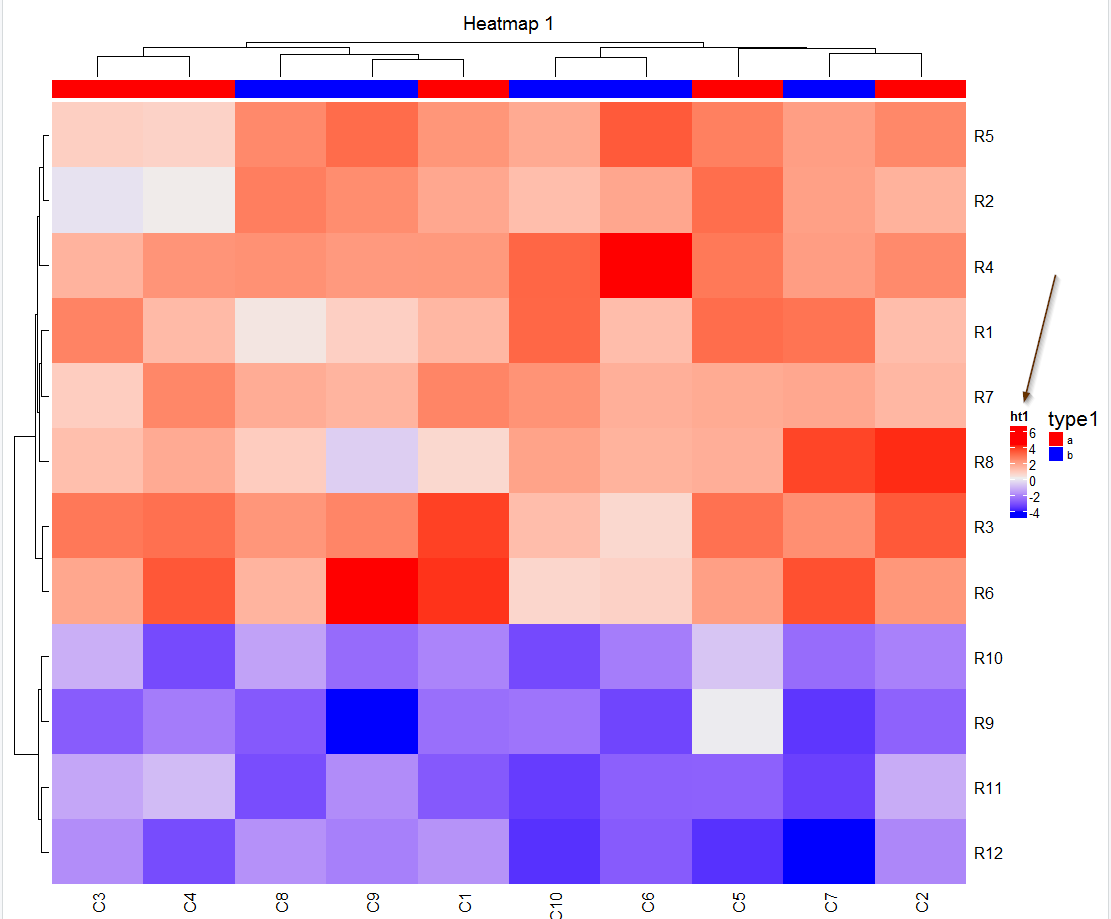
嗨,我使用的ComplexHeatmap包,并跟随他们的小插曲,但出于某种原因,我似乎不能强迫传奇变成横向。举个例子,
set.seed(123)
library(ComplexHeatmap)
mat = matrix(rnorm(80, 2), 8, 10)
mat = rbind(mat, matrix(rnorm(40, -2), 4, 10))
rownames(mat) = paste0("R", 1:12)
colnames(mat) = paste0("C", 1:10)

ha_column = HeatmapAnnotation(df = data.frame(type1 = c(rep("a", 5), rep("b", 5))),
                              col = list(type1 = c("a" =  "red", "b" = "blue")),
                              annotation_legend_param = list(type1 = list(
                                            title_gp = gpar(fontsize = 16),
                                            legend_direction = "horizontal", labels_gp = gpar(fontsize = 8)))
                              )


ht1 = Heatmap(mat, name = "ht1", column_title = "Heatmap 1", top_annotation = ha_column)
draw(ht1, heatmap_legend_side = "right")所以,尽管加入了legend_direction = "horizontal",我仍然能在这里找到这个,
回答 1
Stack Overflow用户
回答已采纳
发布于 2018-10-13 16:47:22
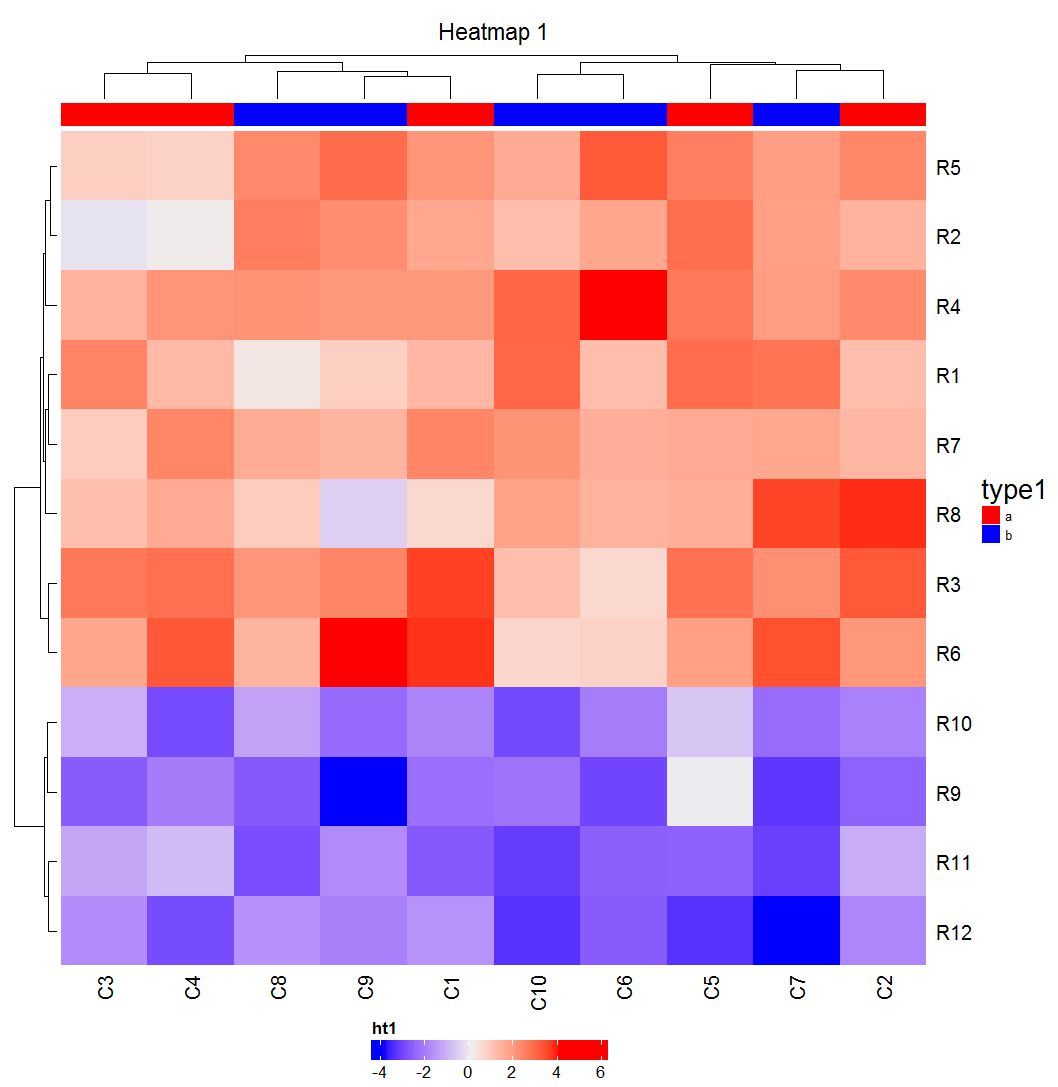
如果需要水平和在热图底部绘制热图图例,则可以使用以下解决方案:
ht1 = Heatmap(mat, name = "ht1", column_title = "Heatmap 1", top_annotation = ha_column,
              heatmap_legend_param = list(
                                      legend_direction = "horizontal",
                                      legend_width = unit(5, "cm")
                                     )
              )
draw(ht1, heatmap_legend_side = "bottom")
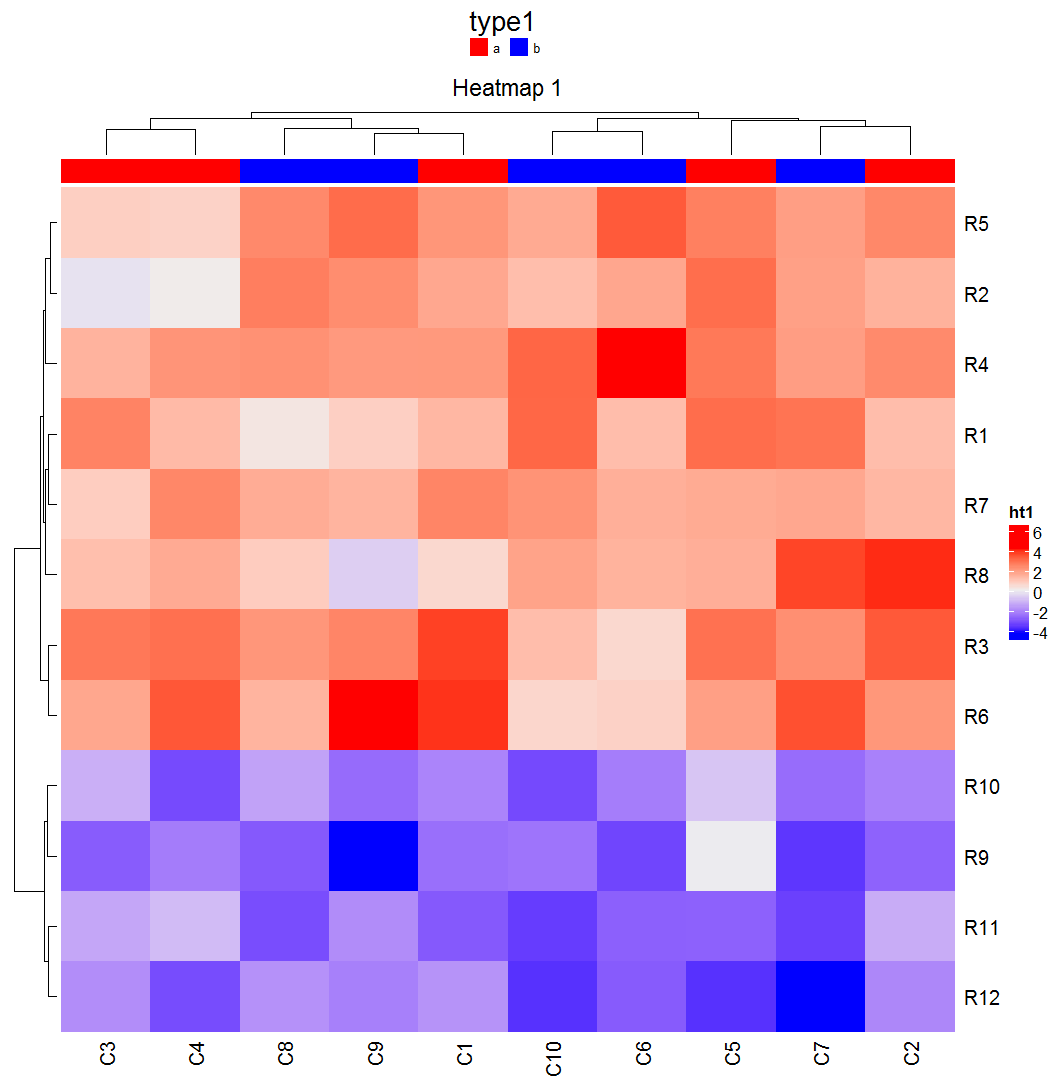
否则,如果需要水平地并在热图顶部绘制(离散)注释图例,则可以在nrow=1中使用annotation_legend_param。
ha_column = HeatmapAnnotation(df = data.frame(type1 = c(rep("a", 5), rep("b", 5))),
                              col = list(type1 = c("a" =  "red", "b" = "blue")),
                              annotation_legend_param = list(
                                            type1 = list(
                                              title_gp = gpar(fontsize = 16),
                                              labels_gp = gpar(fontsize = 8),
                                              nrow=1)))


ht1 = Heatmap(mat, name = "ht1", column_title = "Heatmap 1", top_annotation = ha_column)
draw(ht1, annotation_legend_side = "top")
页面原文内容由Stack Overflow提供。腾讯云小微IT领域专用引擎提供翻译支持
原文链接:
https://stackoverflow.com/questions/52794692
复制相关文章
相似问题
腾讯云开发者

Copyright © 2013 - 2026 Tencent Cloud. All Rights Reserved. 腾讯云 版权所有
深圳市腾讯计算机系统有限公司 ICP备案/许可证号:粤B2-20090059  粤公网安备44030502008569号
腾讯云计算(北京)有限责任公司 京ICP证150476号 | 京ICP备11018762号