
如何从导航菜单的底部边框到横幅图像的末尾水平和垂直地居中文本框?
如何从导航菜单的底部边框到横幅图像的末尾水平和垂直地居中文本框?
提问于 2018-10-06 04:53:51
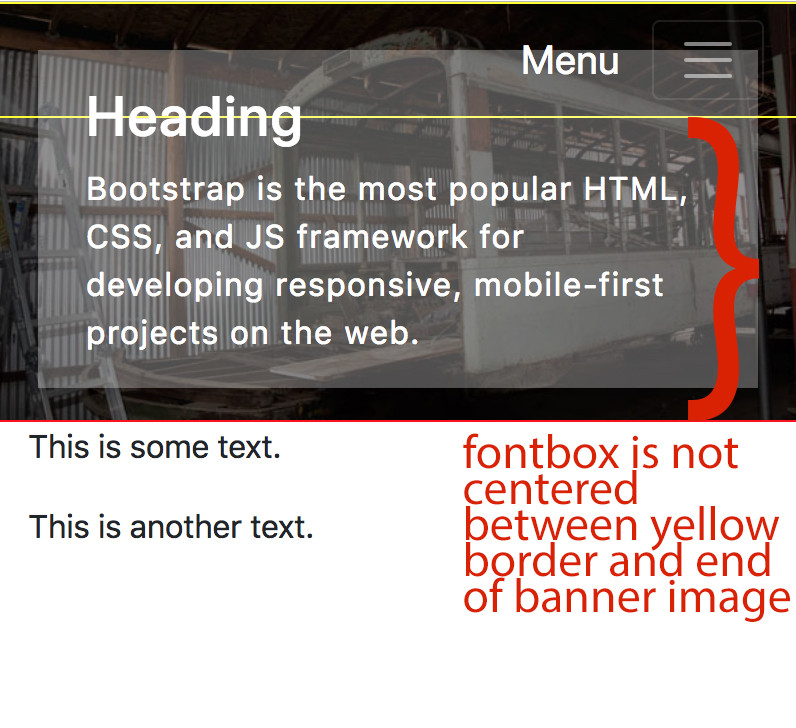
如何从导航菜单的底部边框到响应网站上横幅图像的末尾水平和垂直地居中文本框?
如有任何建议,我将不胜感激。
我更新了更改。现在是中心。
CSS媒体查询最小宽度768:包含
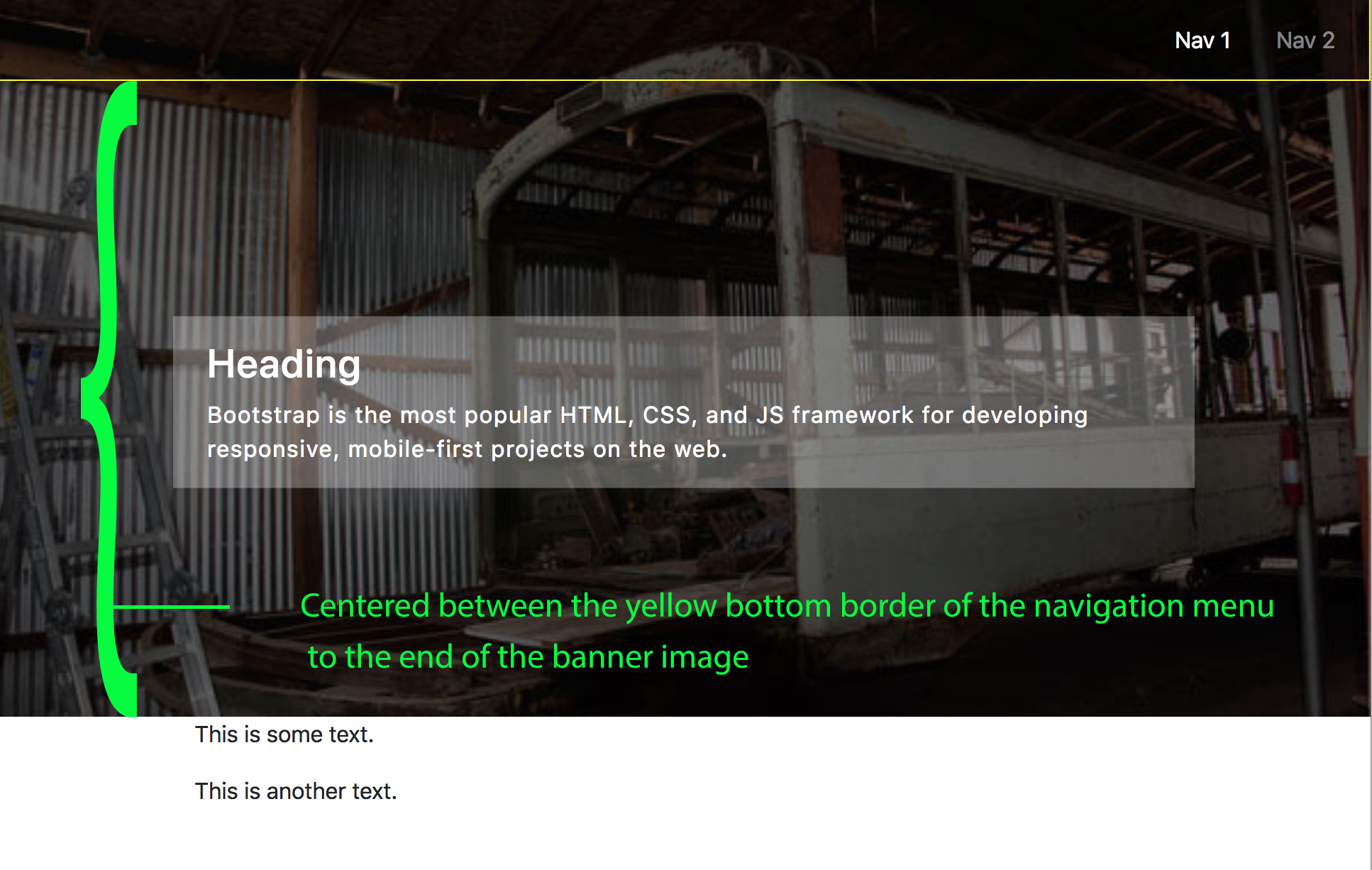
CSS封面:
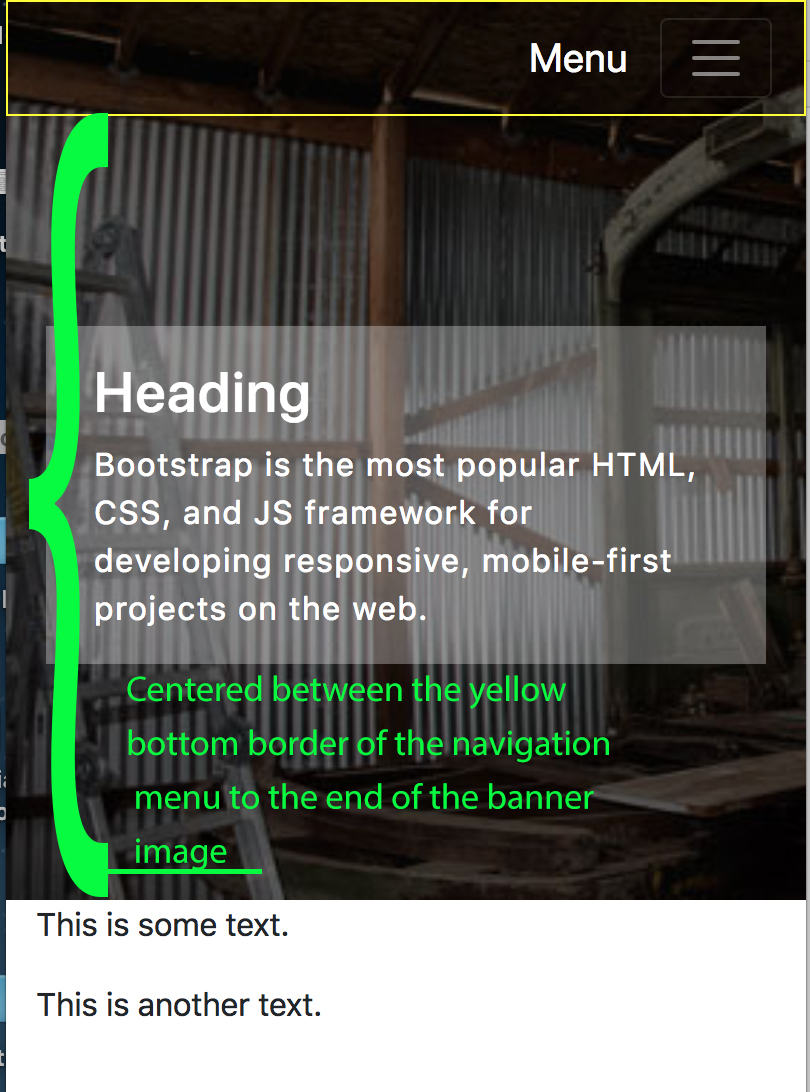
CSS包含:我更喜欢这个背景,因为整个图像正在显示。但是,我无法让这个方法工作,因为我无法使方框在导航的黄色底部边框和横幅图像的底部之间居中。另外,如果我增加浏览器的大小,背景图像将不会占用浏览器的宽度。
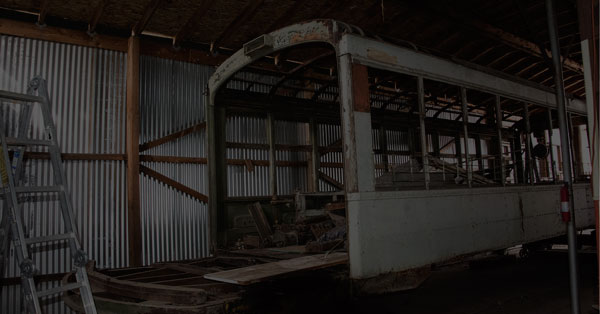
班纳的背景图像:
原始JSFiddle:https://jsfiddle.net/4enbjpyz/
更新JSFiddle:https://jsfiddle.net/me37hnvs/
这就是我所拥有的:
引导HTML:
<div class="container-fluid">
    <div class="bannerHeader">
        <nav class="navbar navbar-expand-md navbar-dark" id="myNavmenu">
            <a class="navbar-brand d-md-none ml-auto" href="#" id="menu">Menu</a>
            <button class="navbar-toggler" type="button" id="TEST" data-toggle="collapse" data-target="#navbarSupportedContent" aria-controls="navbarSupportedContent" aria-expanded="false" aria-label="Toggle navigation">
            <span class="navbar-toggler-icon"></span>
            </button>
            <div class="collapse navbar-collapse" id="navbarSupportedContent">
                <ul class="navbar-nav ml-auto">
                    <li class="nav-item pr-3"><a class="nav-link active" href="#">Nav 1</a></li>
                    <li class="nav-item"><a class="nav-link" href="payment.html">Nav 2</a></li>
                </ul>
           </div>
        </nav>

        <div class = "d-flex">
            <div class = "container justify-content-center fontBox pl-4 pr-4 pt-3">
                <h3>Heading</h3>
                <p>Bootstrap is the most popular HTML, CSS, and JS framework for developing responsive, mobile-first projects on the web.</p>
            </div>
        </div>
    </div>
 </div>

 <div class="container bg-white">
    <p>This is some text.</p>
    <p>This is another text.</p>
 </div>
CSS:
/* Extra small devices (phones, less than 768px) */
/* No media query since this is the default in Bootstrap */

a {
    text-decoration: none;
}

body {
    background: #fff;
}

.container-fluid {
    padding:0;
}

.bannerHeader {
    /* background-color: I normally use a different color, however I used a red background to show there is no negative space (red) */
    background-color: #fe0808;
    background-image: url("../images/banner.jpg");
    background-repeat: no-repeat;
    background-size: cover;
    position: relative;
    height: 450px;
}

#myNavmenu {
    background-color: rgba(0,0,0,.1);
    border: 1px solid yellow;
}

/* Center Horizontal and Vertically */
.fontBox {
    background-color: rgba(255,255,255,.3);
    color: #fff;;
    letter-spacing: 1px;
    margin: 0;
    position: absolute;
    top: 58%;
    left: 50%;
    transform: translate(-50%, -58%);
    width: 90%;
}

p {
    font-size: 16px;
}

/* Medium devices (tablets, 768px and up)*/
@media (min-width: 768px) {
    .bannerHeader {
        background-position: center top;
        background-size: contain;
        background-repeat: no-repeat;
        height: 0;
        padding: 0;
        /* aspect ratios: divide the height of the original image by it's own width, and multiply by 100 to get the percentage value */
        padding-bottom: 52.33%;
        position: relative;
        }
}回答 1
Stack Overflow用户
回答已采纳
发布于 2018-10-06 06:11:15
与其他标记相比,<img>标记具有一些特殊的行为。在您的情况下,我建议您使用div (或者figure)标记,并将横幅作为背景图像,然后设置任何CSS属性来控制图像行为。然后,您可以使用对该框进行居中。此外,如果导航和字体框的高度是固定的,则可以使用CSS calc()方法。sudo的例子可以是这样的:
top: calc(100% - ({navigationHeight} + {fontBoxHeight}));如果要使用这种方法,请不要忘记将字体框放置在figure标记中。
希望能帮上忙。
页面原文内容由Stack Overflow提供。腾讯云小微IT领域专用引擎提供翻译支持
原文链接:
https://stackoverflow.com/questions/52675825
复制相关文章
相似问题
腾讯云开发者

Copyright © 2013 - 2026 Tencent Cloud. All Rights Reserved. 腾讯云 版权所有
深圳市腾讯计算机系统有限公司 ICP备案/许可证号:粤B2-20090059  粤公网安备44030502008569号
腾讯云计算(北京)有限责任公司 京ICP证150476号 | 京ICP备11018762号