
为什么当我试图将2 CSS规则集压缩为一个规则集时,我的标题不能正常工作?
所以,我刚刚开始用HTML,CSS和JS制作我的第一个网页,我想要一个黑色的半不透明的方块在图片上,里面有文字。
在CSS中,我有一个规则集,我遇到了问题:".caption“。这个类是div的类,您将看到有两个规则集被注释掉了。
问题是,当我取消注释并注释".caption“时,页面工作得很好。但是当评论下面的方式时,它根本不起作用,文本出现在图像下面,没有格式化。
我知道我不需要改变它,但我想同时针对两个文本元素,并且使它们周围的灰色框成为一个正方形,而不是一个5边的形状(图像链接)和更干净的代码。有办法吗?课文在它自己的班级里,是吗?
这是代码:
.teamworkImage {
    width: 100%;
    height: 600px;
}


/*.caption h1 {
    position: absolute;
    bottom: 500px;
    font-family: 'Segoe UI';
    color: rgb(255, 255, 255);
    font-size: 60px;
    background-color: rgba(0,0,0,0.7);

}

.caption p {
    position: absolute;
    bottom: 360px;
    font-family: 'Segoe UI';
    color: rgb(255, 255, 255);
    font-size: 20px;
    width: 200px;
    background-color: rgba(0,0,0,0.7);
    padding: 10px;*/
}

.caption {
    position: absolute;
    bottom: 500px;
    font-family: 'Segoe UI';
    color: rgb(255, 255, 255);
    font-size: 40px;
    background-color: rgba(0,0,0,0.7);
}<div id = 'main'>
<div class = 'image'>
<img src = 'img/teamwork.jpg'
class = 'teamworkImage'>
<div class = 'caption'>
<h1>THIS IS TEAMWORK</h1>
<p>
Our team-building activites help you form new friends, face fears, and - most important of all - have fun.
</p>
</div>
</div>
</div>
使用下面的CSS代码
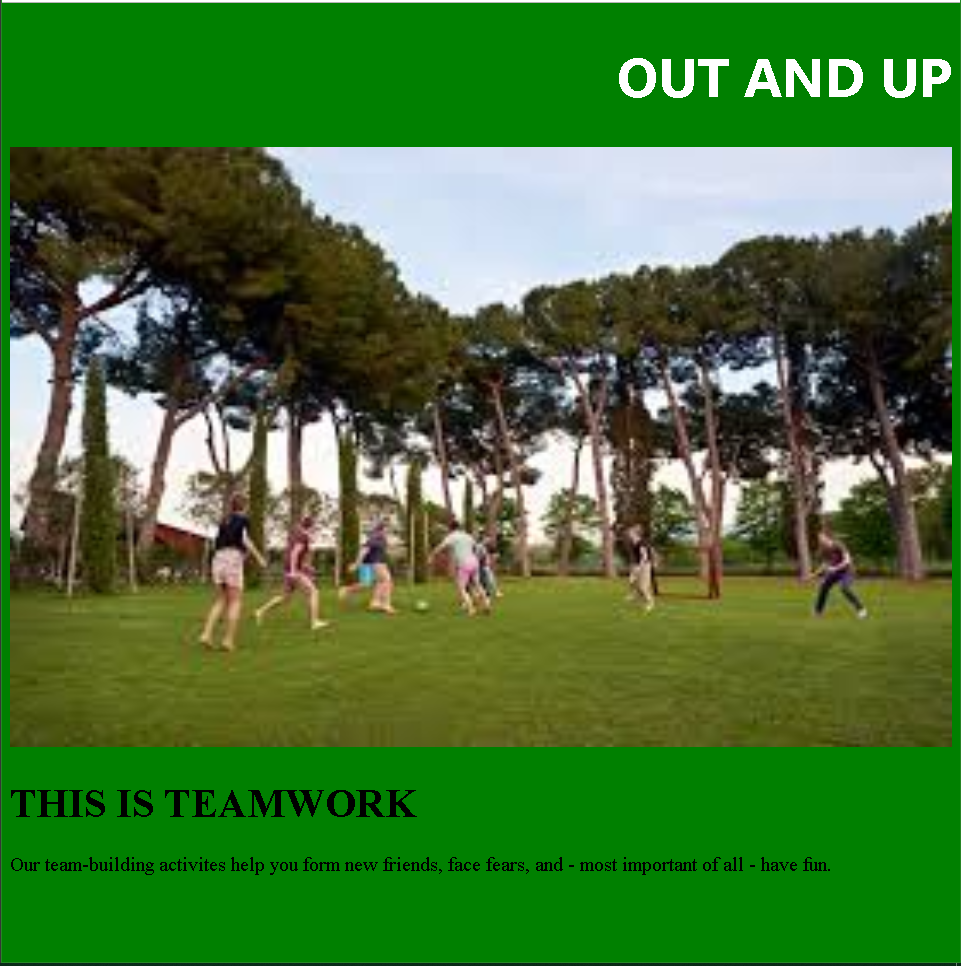
使用CSS注释部分和“.caption”规则集进行注释。
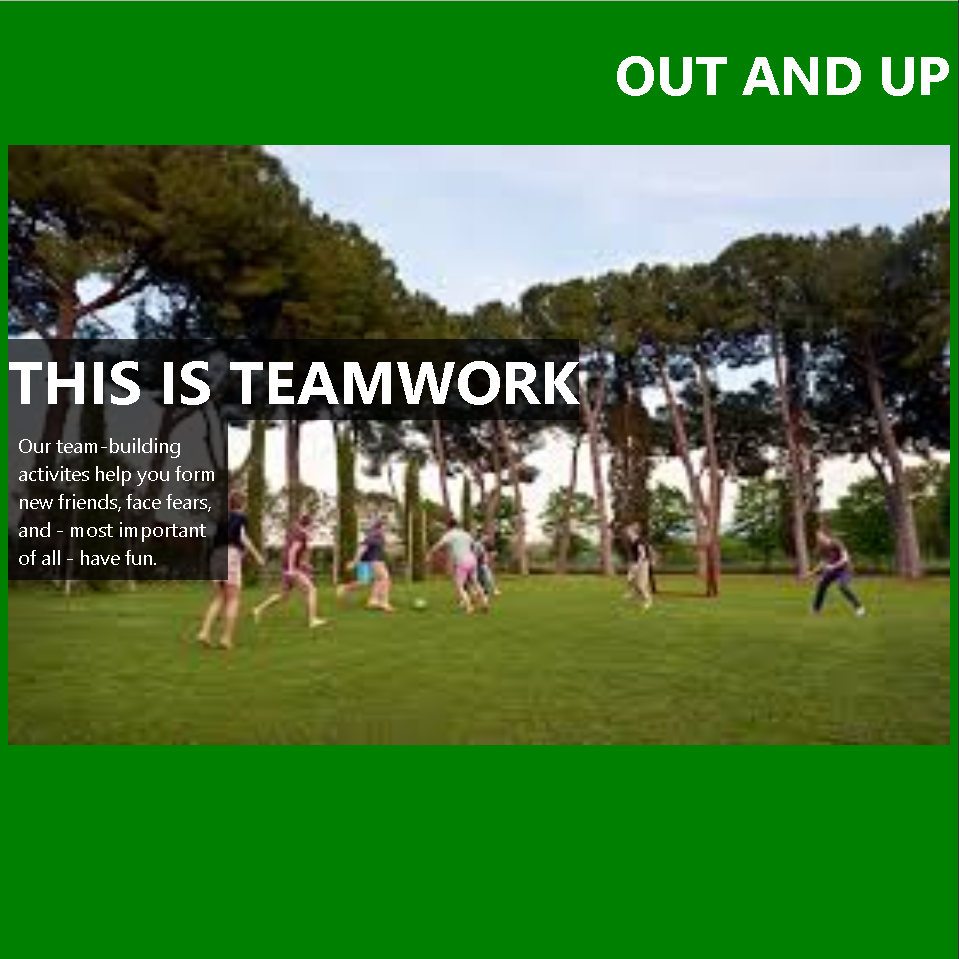
回答 2
Stack Overflow用户
发布于 2018-10-03 15:57:25
注意注释之外的.caption p的大括号。这就破坏了css,因此.caption永远不会被评估和应用。
我在下面的片段中添加了一个占位符图像,并将caption以图像为中心,例如,更新后的注释。
另外,您应该确保在绝对元素相对的元素上设置position: relative,否则,它可能最终是相对于主体的。
* {
  margin: 0;
  padding: 0;
  box-sizing: border-box;
}

.image {
    position: relative;
}
.teamworkImage {
    width: 100%;
    height: 600px;
}


/*.caption h1 {
    position: absolute;
    bottom: 500px;
    font-family: 'Segoe UI';
    color: rgb(255, 255, 255);
    font-size: 60px;
    background-color: rgba(0,0,0,0.7);

}

.caption p {
    position: absolute;
    bottom: 360px;
    font-family: 'Segoe UI';
    color: rgb(255, 255, 255);
    font-size: 20px;
    width: 200px;
    background-color: rgba(0,0,0,0.7);
    padding: 10px; BEFORE THE CLOSE COMMENT WAS HERE!!!
}*/

.caption {
    position: absolute;
    top: 50%;
    transform: translateY(-50%);
    font-family: 'Segoe UI';
    color: rgb(255, 255, 255);
    font-size: 40px;
    background-color: rgba(0,0,0,0.7);
    width: 100%;
}<div id = 'main'>
<div class='image'>
<img src = 'https://via.placeholder.com/600/ccee00/ffffff'
class = 'teamworkImage'>
<div class='caption'>
<h1>THIS IS TEAMWORK</h1>
<p>
Our team-building activites help you form new friends, face fears, and - most important of all - have fun.
</p>
</div>
</div>
</div>
Stack Overflow用户
发布于 2018-10-03 15:56:24
最主要的问题是,你有一堆东西摆在台面上。这是危险的,应该谨慎使用。另外,要仔细考虑你所定位的元素中的绝对位置。该元素不能具有静态(默认)定位自身。
.image {
  position: relative; /* <-- set an ancestor as the container */
}
.image > img {
  width: 100%;
}
.caption h1 {
  font-family: 'Segoe UI';
  color: rgb(255, 255, 255);
  font-size: 60px;
}

.caption p {
  font-family: 'Segoe UI';
  color: rgb(255, 255, 255);
  font-size: 20px;
  background-color: rgba(0, 0, 0, 0.7);
  padding: 10px;
}

.caption {
  position: absolute; /* <-- just this box is absolutely-positioned */
  bottom: 50px;
  font-family: 'Segoe UI';
  color: rgb(255, 255, 255);
  font-size: 40px;
  background-color: rgba(0, 0, 0, 0.7);
}<div id='main'>
<div class='image'>
<img src='http://placehold.it/800x500' class='teamworkImage'>
<div class='caption'>
<h1>THIS IS TEAMWORK</h1>
<p>
Our team-building activites help you form new friends, face fears, and - most important of all - have fun.
</p>
</div>
</div>
</div>
https://stackoverflow.com/questions/52630246
复制相似问题
腾讯云开发者

Copyright © 2013 - 2026 Tencent Cloud. All Rights Reserved. 腾讯云 版权所有
深圳市腾讯计算机系统有限公司 ICP备案/许可证号:粤B2-20090059  粤公网安备44030502008569号
腾讯云计算(北京)有限责任公司 京ICP证150476号 | 京ICP备11018762号