
改进图片以检测区域内的字符
我的目标是检测这类图像上的字符。
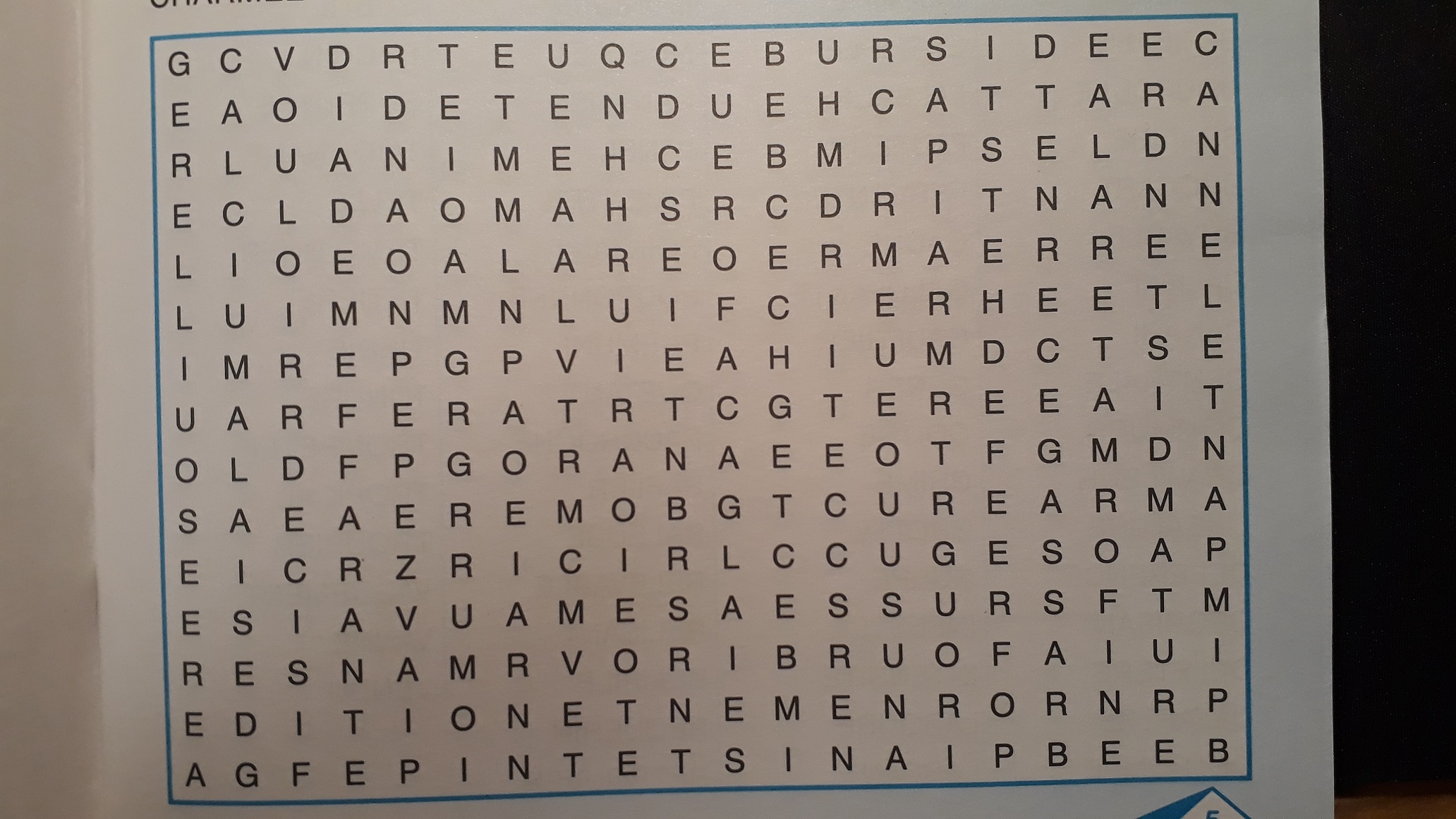
我需要对图像进行改进,以便Tesseract能够更好地识别,可能需要执行以下步骤:
- 旋转图像,以便蓝色矩形是水平的,在这方面需要帮助。
- 根据蓝色矩形裁剪图像需要帮助
- 应用阈值滤波和高斯模糊
- 使用Tesseract检测字符 img = Image.open('grid.jpg')图像= np.array(img.convert("RGB")):,:,:1.复制()#需要在这里旋转图像并填充空白#需要在这里裁剪图像# gray =cv2.cvtColor(图像,cv2.COLOR_BGR2GRAY) # Otsu's阈值ret3,th3 =cv2.阈值(灰色,0,255,cv2.THRESH_BINARY + cv2.THRESH_OTSU) #高斯模糊= cv2.GaussianBlur(th3,(5,5),#保存图像cv2.imwrite("preproccessed.jpg",模糊)#应用OCR pytesseract.pytesseract.tesseract_cmd = r'C:/Program (x86)/Tesseract-OCR/tesseract.exe‘tessdata_dir_config = r'--tessdata-dir "C:/Program (x86)/Tesseract-OCR/tessdata“--psm 6’预处理=Image.open(preproccessed.jpg‘)盒=pytesseract.image_to_data(预处理,config=tessdata_dir_config)
下面是我得到的输出图像,这对于OCR来说并不完美:
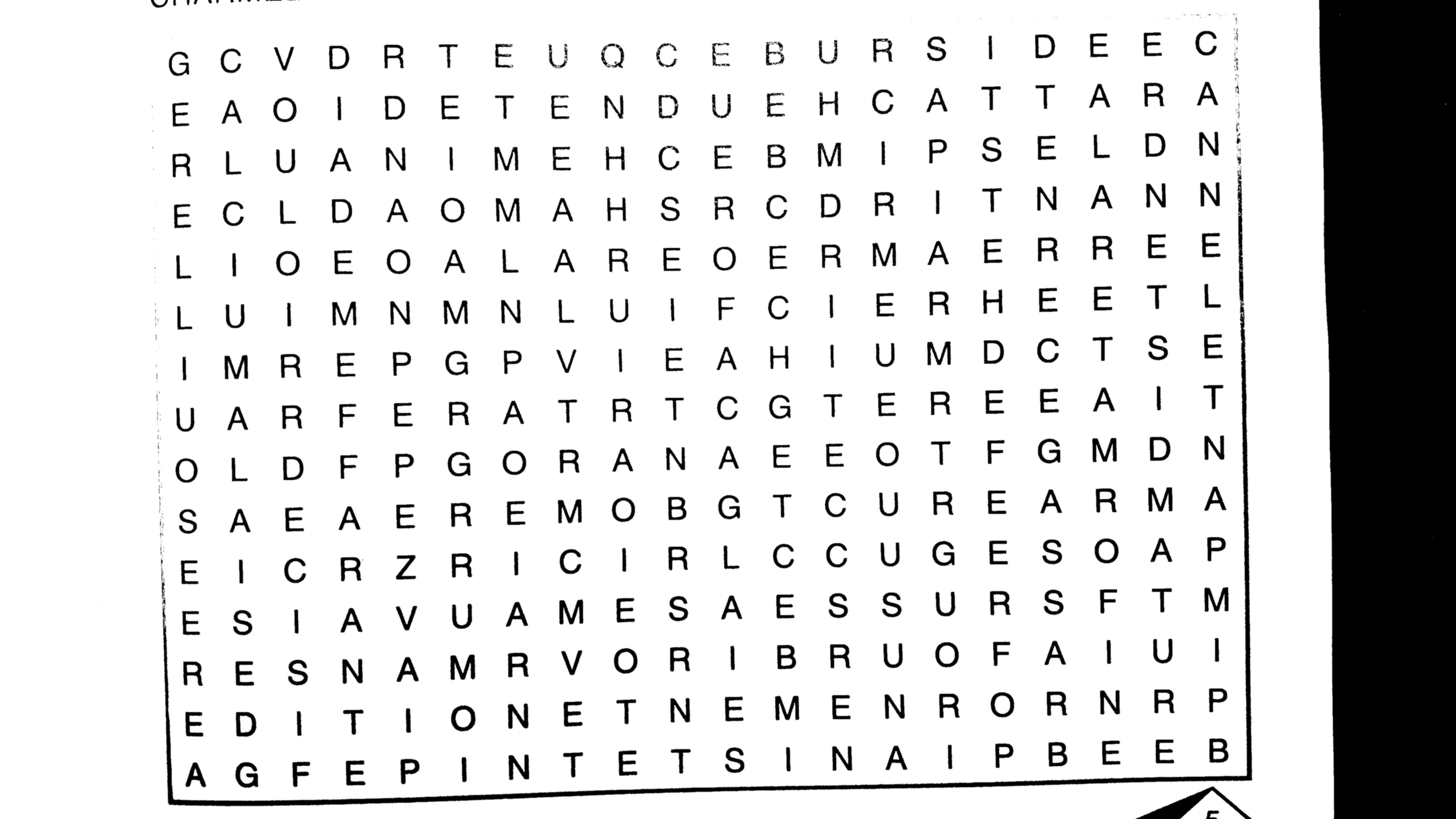
OCR问题:
- 蓝色矩形有时被识别为字符,这就是为什么我想要裁剪图像。
- 有时Tesseract将行上的字符识别为单词(GCVDRTEUQCEBURSIDEEC),有时将其识别为单个字母。我希望它永远是一个词。
- 右下角的小金字塔被认为是一个字符。
欢迎任何其他提高认识的建议。
回答 4
Stack Overflow用户
发布于 2018-09-24 13:17:04
这里有个办法可以继续下去。
转换到HSV,然后开始在每个角落和前进到中间的图片寻找最近的像素到每个角落是有点饱和,并有一个色调与你的蓝色周围的矩形。这将给你红色标记的4分:
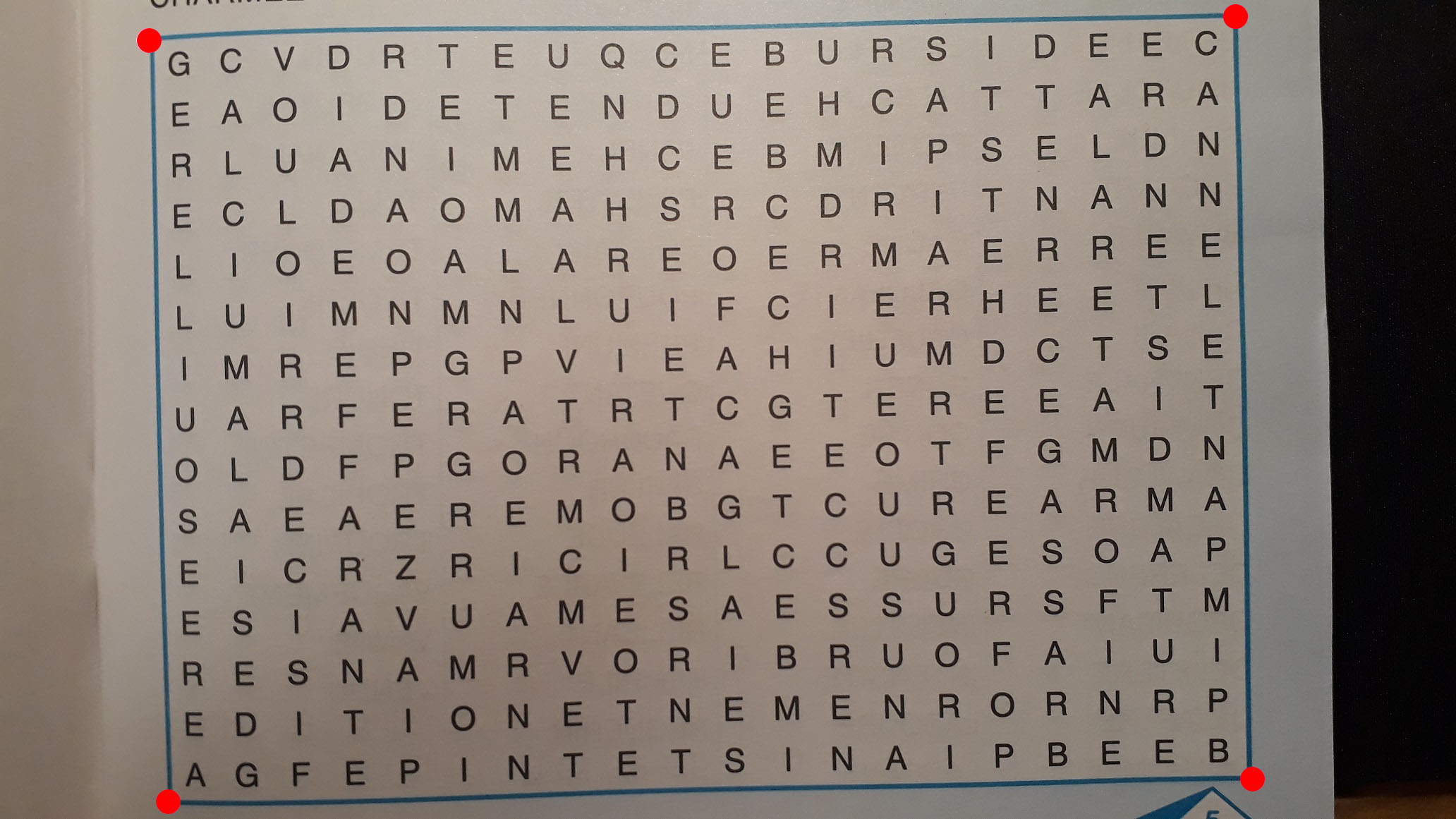
现在使用透视变换将每个点移动到角,使图像直线化。我使用了ImageMagick,但您应该可以看到,我将坐标处(210,51)处的左上角红点转换为(0,0)处新图像的左上角。同样,右上角红点(1754,19)被移到(2064,0).终端中的ImageMagick命令是:
convert wordsearch.jpg \
  -distort perspective '210,51,0,0 1754,19,2064,0 238,1137,0,1161 1776,1107,2064,1161' result.jpg
其结果是:
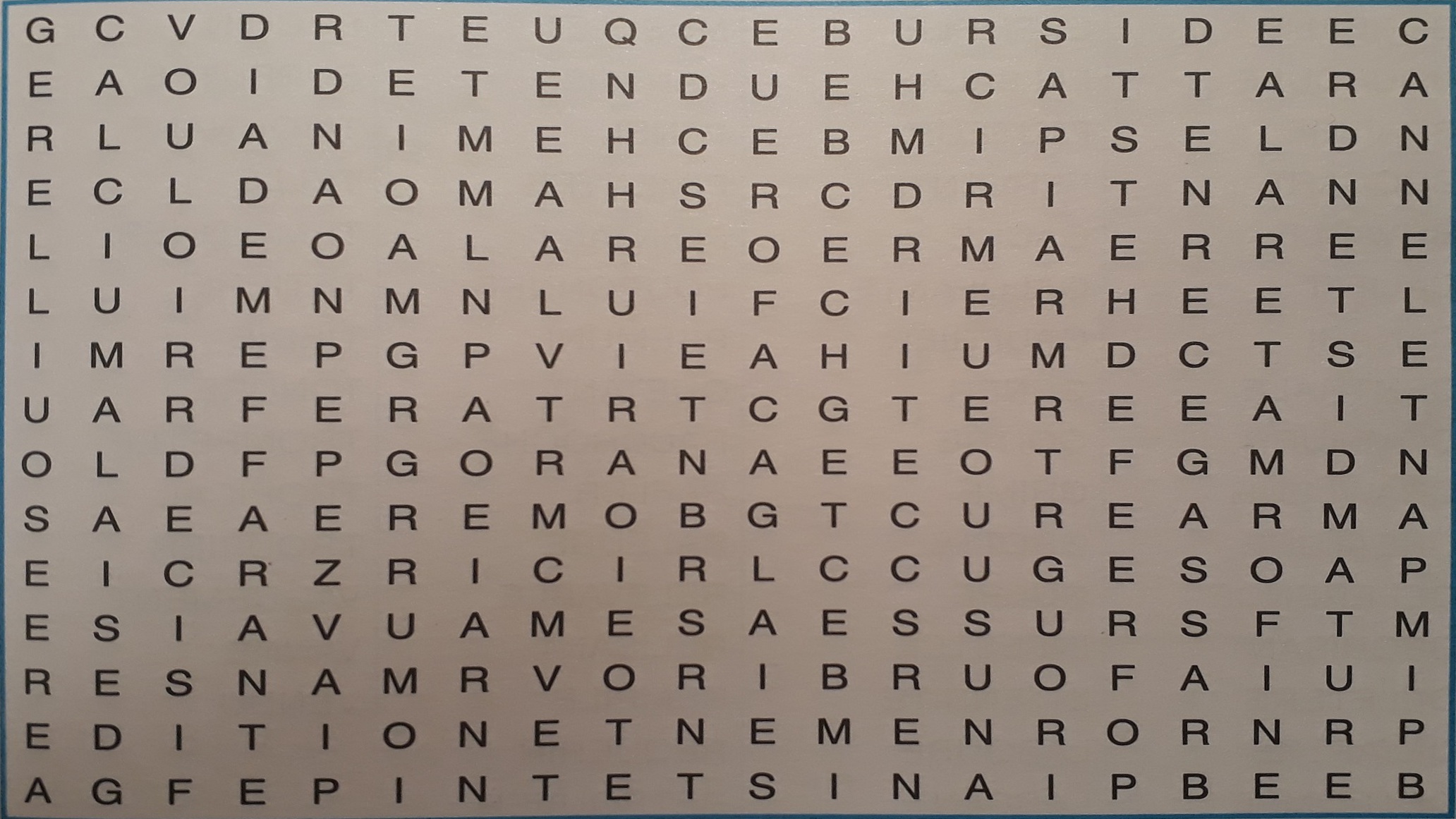
下一个问题是光线不均匀,即左下角的亮度比图像的其他部分暗。为了抵消这一点,我克隆图像并模糊它以去除高频(只是一个盒子-模糊,或盒子平均是好的),所以它现在代表缓慢变化的照明。然后我从中减去图像,所以我有效地去除了背景变化,只留下高频的东西--比如你的字母。然后,我将结果正常化,使白人、白人和黑人成为黑人,阈值为50%。
convert result.jpg -colorspace gray \( +clone -blur 50x50 \) \
   -compose difference -composite  -negate -normalize -threshold 50% final.jpg
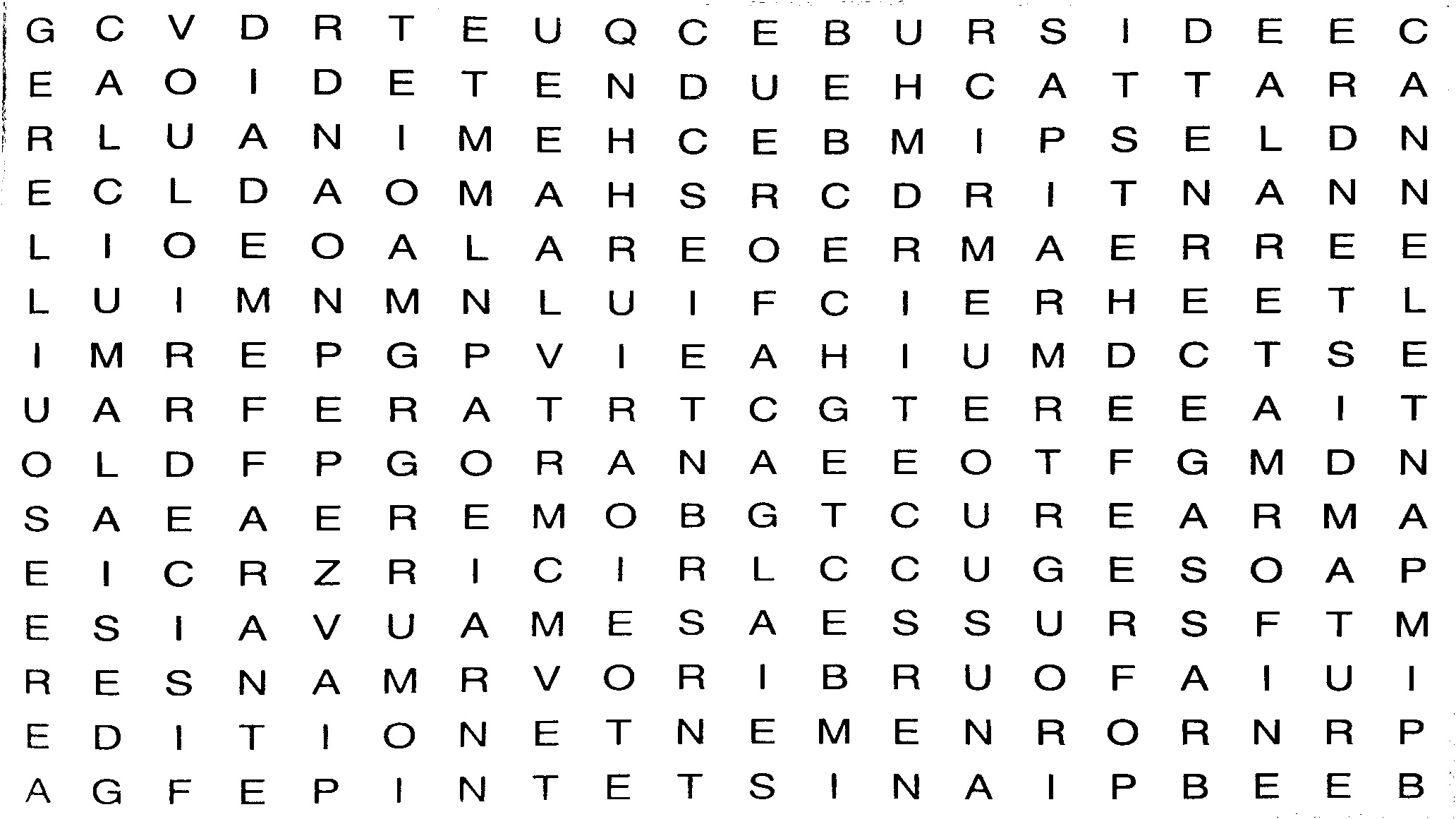
如果你知道字体和字母,那么这个结果对于模板匹配应该是很好的。如果你不知道字体和字母,那么对OCR来说应该是很好的结果。
Stack Overflow用户
发布于 2018-09-25 16:15:31
下面是一种使用比维普斯的稍微不同的方法。
如果图像只是旋转的话。很少或没有透视),你可以用FFT来找到旋转的角度。良好的、规则的字符网格将在转换过程中生成一组清晰的线条。它应该非常健壮。这是对整个图像做FFT,但你可以先缩小它,如果你想要更多的速度。
import sys
import pyvips

image = pyvips.Image.new_from_file(sys.argv[1])

# to monochrome, take the fft, wrap the origin to the centre, get magnitude
fft = image.colourspace('b-w').fwfft().wrap().abs()
制作:
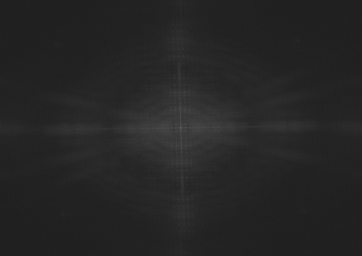
要找出直线的角度,从极坐标转到直角坐标,寻找水平线:
def to_rectangular(image):
    xy = pyvips.Image.xyz(image.width, image.height)
    xy *= [1, 360.0 / image.height]
    index = xy.rect()
    scale = min(image.width, image.height) / float(image.width)
    index *= scale / 2.0
    index += [image.width / 2.0, image.height / 2.0]
    return image.mapim(index)

# sum of columns, sum of rows
cols, rows = to_rectangular(fft).project()
制作:
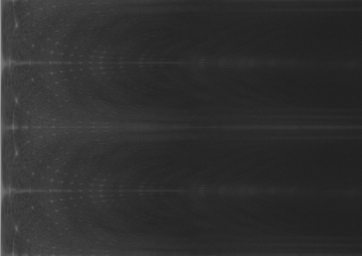
投影为:
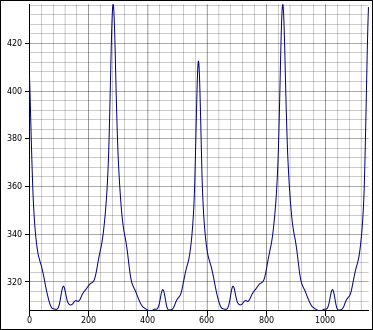
然后只需寻找峰值并旋转:
# blur the rows projection a bit, then get the maxpos
v, x, y = rows.gaussblur(10).maxpos()

# and turn to an angle in degrees we should counter-rotate by
angle = 270 - 360 * y / rows.height

image = image.rotate(angle)
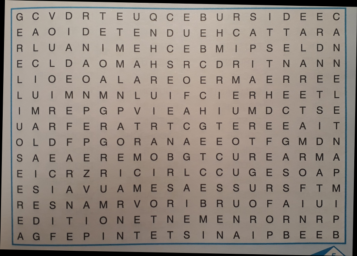
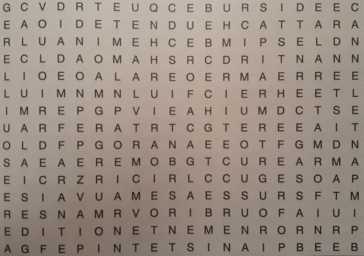
为了收割,我又取了水平和垂直的投影,然后搜索B> G的峰值。
cols, rows = image.project()

h = (cols[2] - cols[1]) > 10000
v = (rows[2] - rows[1]) > 10000

# search in from the edges for the first non-zero value
cols, rows = h.profile()
left = rows.avg()

cols, rows = h.fliphor().profile()
right = h.width - rows.avg()
width = right - left

cols, rows = v.profile()
top = cols.avg()

cols, rows = v.flipver().profile()
bottom = v.height - cols.avg()
height = bottom - top

# move the crop in by a margin
margin = 10
left += margin
top += margin
width -= 2 * margin
height -= 2 * margin

# and crop!
image = image.crop(left, top, width, height)
使:
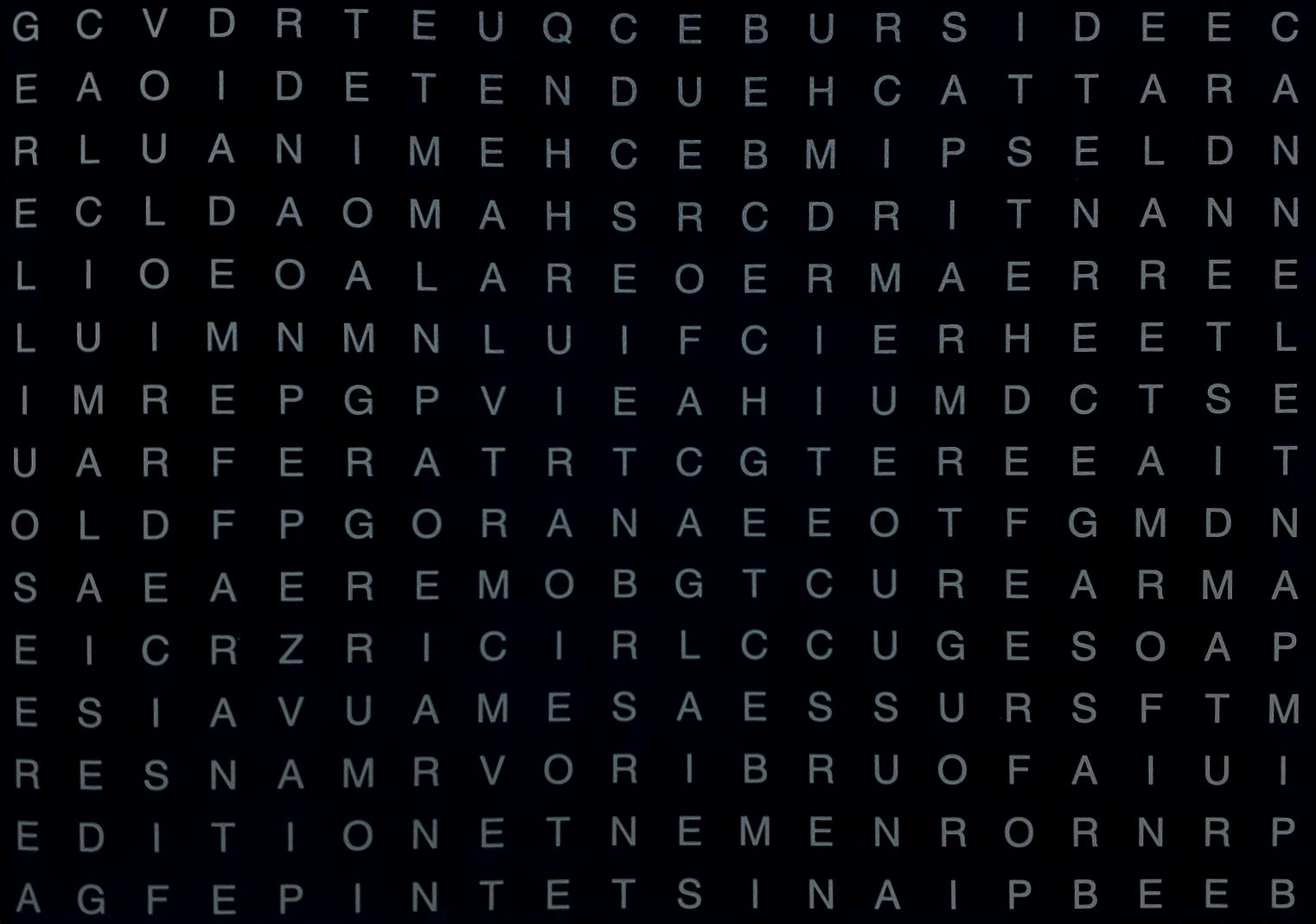
最后,为了去除背景,用大半径模糊并减去:
image = image.colourspace('b-w').gaussblur(70) - image使:
Stack Overflow用户
发布于 2018-09-24 17:17:30
以下是我识别字符的步骤:
(1) detect the blue in hsv space, approx the inner blur contour and sort the corner points:
(2) find persprctive transform matrix and do perspective transform
(3) threshold it (and find characters)
(4) use `mnist` algorithms to recognize the charsstep (1) find the corners of the blur rect
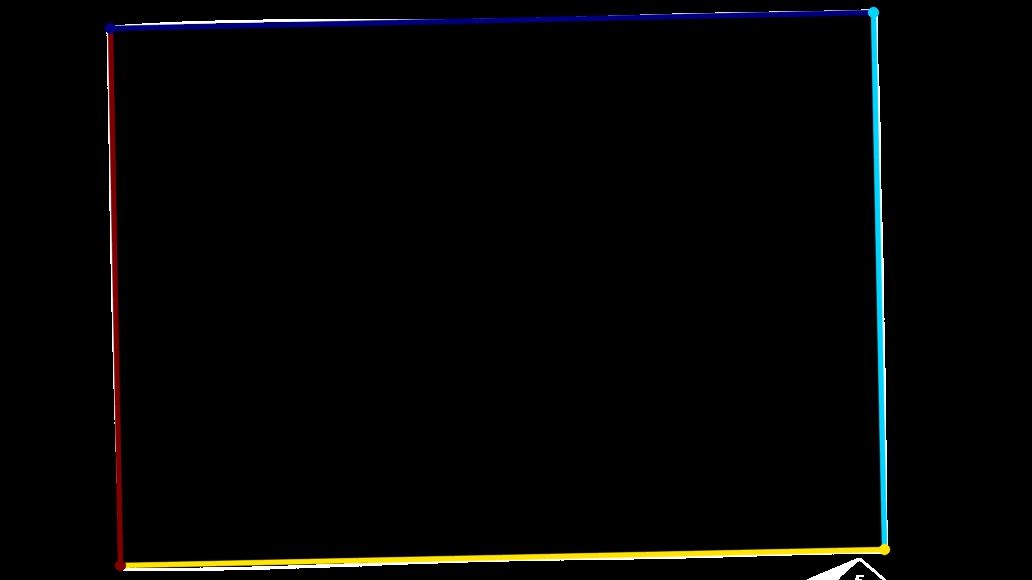
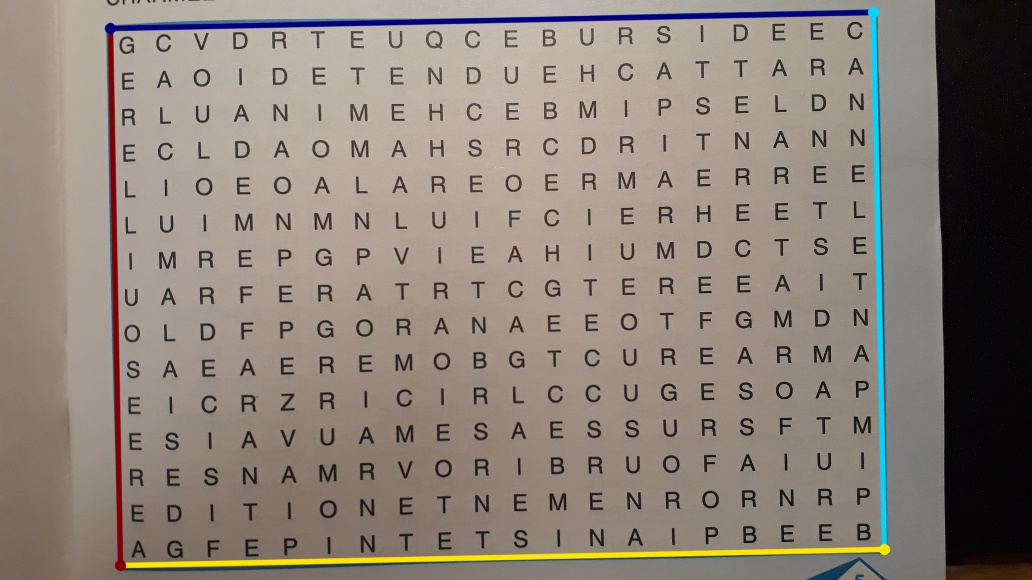
step (2) crop
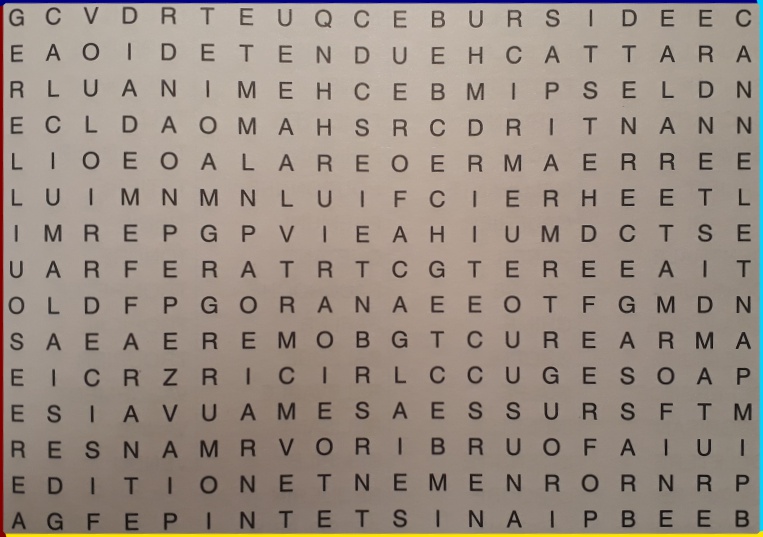
step (3) threshold (and find the chars)
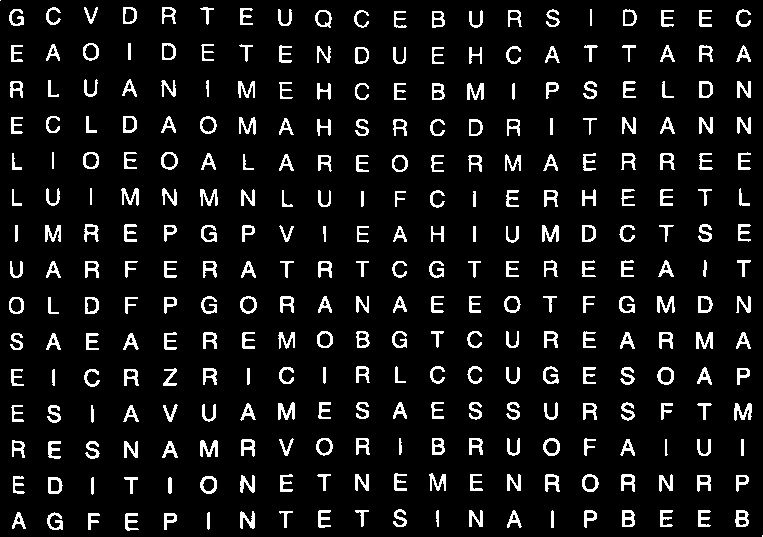
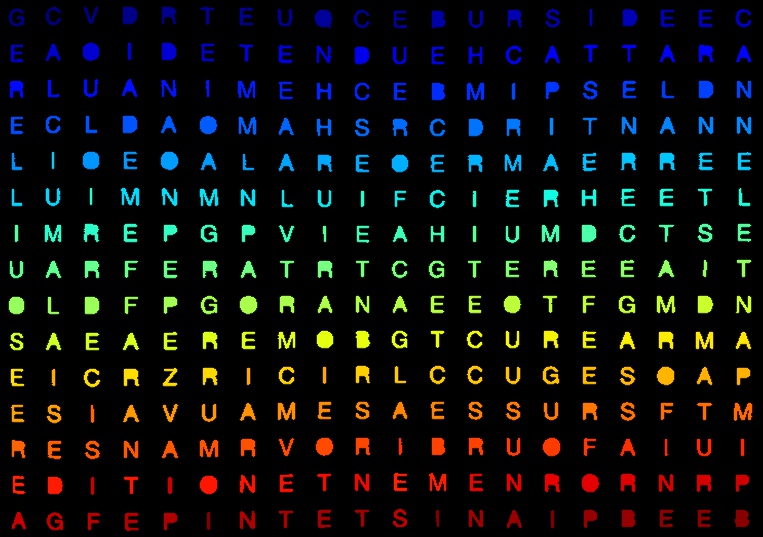
step (4) on working...https://stackoverflow.com/questions/52474645
复制相似问题
腾讯云开发者

Copyright © 2013 - 2026 Tencent Cloud. All Rights Reserved. 腾讯云 版权所有
深圳市腾讯计算机系统有限公司 ICP备案/许可证号:粤B2-20090059  粤公网安备44030502008569号
腾讯云计算(北京)有限责任公司 京ICP证150476号 | 京ICP备11018762号