
如何使用OpenCV绑定在OpenNI中打印Kinect框架
我试图使用OpenCV来处理来自kinect的深度图像。我使用primesense的绑定(https://pypi.org/project/primesense/),但是我很难只显示从openNI获得的图像。我是我们的
import numpy as np
import cv2
from primesense import openni2

openni2.initialize("./Redist")     # can also accept the path of the OpenNI     redistribution

dev = openni2.Device.open_any()

depth_stream = dev.create_color_stream()
depth_stream.start()

while(True):

    frame = depth_stream.read_frame()
    print(type(frame)) #prints <class 'primesense.openni2.VideoFrame'>

    frame_data = frame.get_buffer_as_uint8()
    print(frame_data) # prints <primesense.openni2.c_ubyte_Array_921600 object at 0x000002B3AF5F8848>

    image = np.array(frame_data, dtype=np.uint8)


    print(type(image)) #prints <class 'numpy.ndarray'>
    print(image) #prints [12 24  3 ...  1  3 12], i guess this is the array that makes the image


    cv2.imshow('image', image)

depth_stream.stop()
openni2.unload()
这是我得到的输出,只是一个没有图像的窗口:
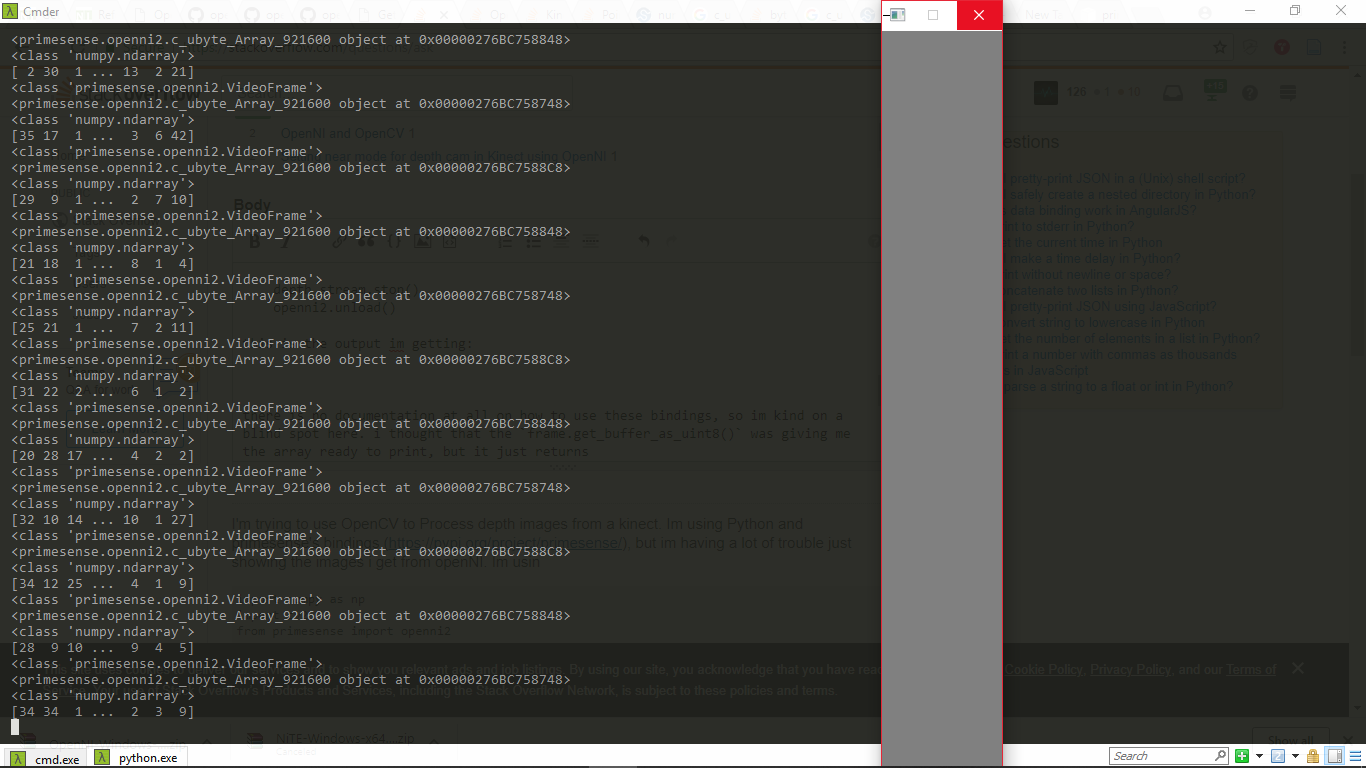
没有关于如何使用这些绑定的文档,所以我在这里是一个盲点。我以为frame.get_buffer_as_uint8()给了我可以打印的数组,但它只返回primesense.openni2.c_ubyte_Array_921600 object at 0x000002B3AF5F8848。
实际上,我查看了绑定的代码,发现如下:
def get_buffer_as_uint8(self):
    return self.get_buffer_as(ctypes.c_uint8)
def get_buffer_as_uint16(self):
    return self.get_buffer_as(ctypes.c_uint16)
def get_buffer_as_triplet(self):
    return self.get_buffer_as(ctypes.c_uint8 * 3)
有人用过这个绑定吗?知道怎么让他们工作吗?先谢谢你
回答 1
Stack Overflow用户
发布于 2018-08-22 17:16:41
我找到了解决办法:
而不是使用image = np.array(frame_data, dtype=np.uint8)获取图像,您必须使用frame_data = frame.get_buffer_as_uint16()。另外,我未能正确设置图像形状。
供将来参考
要从深度摄像机( Kinect并不是唯一的)获取图像,使用用于Python的OpenNI绑定,并使用OpenCV处理该图像,下面的代码将起作用:
import numpy as np
import cv2
from primesense import openni2
from primesense import _openni2 as c_api

openni2.initialize("./Redist")     # can also accept the path of the OpenNI redistribution

dev = openni2.Device.open_any()

depth_stream = dev.create_depth_stream()
depth_stream.start()

while(True):

    frame = depth_stream.read_frame()
    frame_data = frame.get_buffer_as_uint16()

    img = np.frombuffer(frame_data, dtype=np.uint16)
    img.shape = (1, 480, 640)
    img = np.concatenate((img, img, img), axis=0)
    img = np.swapaxes(img, 0, 2)
    img = np.swapaxes(img, 0, 1)

    cv2.imshow("image", img)
    cv2.waitKey(34)


depth_stream.stop()
openni2.unload()要使用彩色相机,可以使用dev.create_color_stream()。
https://stackoverflow.com/questions/51971493
复制相似问题
腾讯云开发者

Copyright © 2013 - 2026 Tencent Cloud. All Rights Reserved. 腾讯云 版权所有
深圳市腾讯计算机系统有限公司 ICP备案/许可证号:粤B2-20090059  粤公网安备44030502008569号
腾讯云计算(北京)有限责任公司 京ICP证150476号 | 京ICP备11018762号