
从在Windows10上显示有不正确数据的YUY2数据中读取IMFSample数据
从在Windows10上显示有不正确数据的YUY2数据中读取IMFSample数据
提问于 2018-08-20 01:22:44
我正在开发一个应用程序,使用IMFSourceReader从视频文件中读取数据。我正在使用DXVA来改进性能。我有问题的一个具体的全高清H.264编码的AVI文件。根据我目前的调查,我认为IMFSample包含了不正确的数据。我的工作流程如下:
- 使用D3D管理器创建一个源代码阅读器,以启用硬件加速。
- 将当前媒体类型设置为YUY2,因为DXVA不对任何RGB颜色空间进行解码。
- 打电话给ReadSample得到一个IMFSample。效果很好。
- 使用VideoProcessorBlt执行YUY2到BGRA32的转换。对于这个特定的文件,它使用E_INVALIDARGS错误代码出错。决定自己做转换。
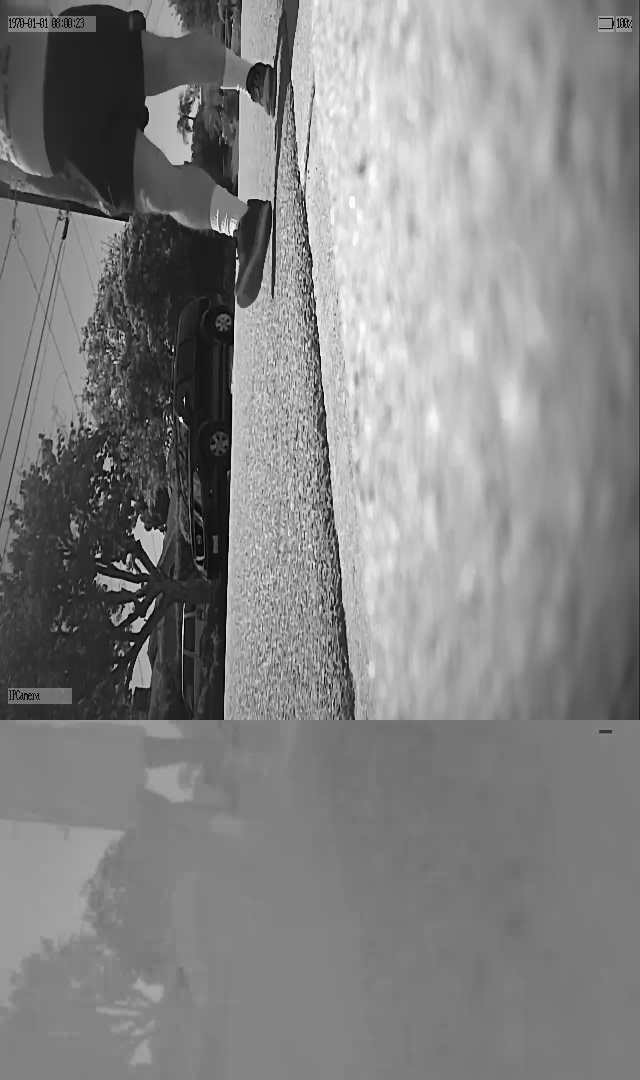
- 使用IMFSample::ConvertToContiguousBuffer接收IMFMediaBuffer。当锁定此缓冲区时,音高报告为1280字节。我认为这是不正确的,因为对于一个完整的高清视频,音高应该是(1920 + 960 + 960 = 3840字节)。
根据对YUY2布局的理解,我丢弃了原始内存,提取了Y、U和V组件。你可以在下面找到它。因此,数据在那里,但我不相信它是以YUY2的形式列出的。在解释数据方面需要一些帮助。
我的阅读代码如下:
    // Direct3D surface that stores the result of the YUV2RGB conversion
CComPtr<IDirect3DSurface9> _pTargetSurface;


IDirectXVideoAccelerationService* vidAccelService;
initVidAccelerator(&vidAccelService); // Omitting the code for this.

// Create a new surface for doing the color conversion, set it up to store X8R8G8B8 data.
hr = vidAccelService->CreateSurface( static_cast<UINT>( 1920 ),
                                     static_cast<UINT>( 1080 ),
                                     0,                                    // no back buffers
                                     D3DFMT_X8R8G8B8,                 // data format
                                     D3DPOOL_DEFAULT,                      // default memory pool
                                     0,                                    // reserved
                                     DXVA2_VideoProcessorRenderTarget,     // to use with the Blit operation
                                     &_pTargetSurface,                     // surface used to store frame
                                     NULL);


GUID processorGUID;
DXVA2_VideoDesc videoDescriptor;
D3DFORMAT processorFmt;
UINT numSubStreams;

IDirectXVideoProcessor* _vpd;
initVideoProcessor(&vpd); // Omitting the code for this

// We get the videoProcessor parameters on creation, and fill up the videoProcessBltParams accordingly.
_vpd->GetCreationParameters(&processorGUID, &videoDescriptor, &processorFmt, &numSubStreams);

RECT targetRECT; // { 0, 0, width, height } as left, top, right, bottom
targetRECT.left = 0;
targetRECT.right = videoDescriptor.SampleWidth;
targetRECT.top = 0;
targetRECT.bottom = videoDescriptor.SampleHeight;
SIZE targetSIZE; // { width, height }
targetSIZE.cx = videoDescriptor.SampleWidth;
targetSIZE.cy = videoDescriptor.SampleHeight;

// Parameters that are required to use the video processor to perform
// YUV2RGB and other video processing operations
DXVA2_VideoProcessBltParams _frameBltParams;

_frameBltParams.TargetRect = targetRECT;
_frameBltParams.ConstrictionSize = targetSIZE;
_frameBltParams.StreamingFlags = 0; // reserved.

_frameBltParams.BackgroundColor.Y = 0x0000;
_frameBltParams.BackgroundColor.Cb = 0x0000;
_frameBltParams.BackgroundColor.Cr = 0x0000;
_frameBltParams.BackgroundColor.Alpha = 0xFFFF;

// copy attributes from videoDescriptor obtained above.
_frameBltParams.DestFormat.VideoChromaSubsampling = videoDescriptor.SampleFormat.VideoChromaSubsampling;
_frameBltParams.DestFormat.NominalRange = videoDescriptor.SampleFormat.NominalRange;
_frameBltParams.DestFormat.VideoTransferMatrix = videoDescriptor.SampleFormat.VideoTransferMatrix;
_frameBltParams.DestFormat.VideoLighting = videoDescriptor.SampleFormat.VideoLighting;
_frameBltParams.DestFormat.VideoPrimaries = videoDescriptor.SampleFormat.VideoPrimaries;
_frameBltParams.DestFormat.VideoTransferFunction = videoDescriptor.SampleFormat.VideoTransferFunction;

_frameBltParams.DestFormat.SampleFormat = DXVA2_SampleProgressiveFrame;

// The default values are used for all these parameters.
DXVA2_ValueRange pRangePABrightness;
_vpd->GetProcAmpRange(DXVA2_ProcAmp_Brightness, &pRangePABrightness);
DXVA2_ValueRange pRangePAContrast;
_vpd->GetProcAmpRange(DXVA2_ProcAmp_Contrast, &pRangePAContrast);
DXVA2_ValueRange pRangePAHue;
_vpd->GetProcAmpRange(DXVA2_ProcAmp_Hue, &pRangePAHue);
DXVA2_ValueRange pRangePASaturation;
_vpd->GetProcAmpRange(DXVA2_ProcAmp_Saturation, &pRangePASaturation);
_frameBltParams.ProcAmpValues = { pRangePABrightness.DefaultValue, pRangePAContrast.DefaultValue,
    pRangePAHue.DefaultValue, pRangePASaturation.DefaultValue };

_frameBltParams.Alpha = DXVA2_Fixed32OpaqueAlpha();
_frameBltParams.DestData = DXVA2_SampleData_TFF;

// Input video sample for the Blt operation
DXVA2_VideoSample _frameVideoSample;

_frameVideoSample.SampleFormat.VideoChromaSubsampling = videoDescriptor.SampleFormat.VideoChromaSubsampling;
_frameVideoSample.SampleFormat.NominalRange = videoDescriptor.SampleFormat.NominalRange;
_frameVideoSample.SampleFormat.VideoTransferMatrix = videoDescriptor.SampleFormat.VideoTransferMatrix;
_frameVideoSample.SampleFormat.VideoLighting = videoDescriptor.SampleFormat.VideoLighting;
_frameVideoSample.SampleFormat.VideoPrimaries = videoDescriptor.SampleFormat.VideoPrimaries;
_frameVideoSample.SampleFormat.VideoTransferFunction = videoDescriptor.SampleFormat.VideoTransferFunction;

_frameVideoSample.SrcRect = targetRECT;
_frameVideoSample.DstRect = targetRECT;
_frameVideoSample.PlanarAlpha = DXVA2_Fixed32OpaqueAlpha();
_frameVideoSample.SampleData = DXVA2_SampleData_TFF;


CComPtr<IMFSample> sample; // Assume that this was read in from a call to ReadSample

CComPtr<IMFMediaBuffer> buffer;
HRESULT hr = sample->GetBufferByIndex(0, &buffer);
CComPtr<IDirect3DSurface9>  pSrcSurface;

// From the MediaBuffer, we get the Source Surface using MFGetService
hr = MFGetService( buffer, MR_BUFFER_SERVICE, __uuidof(IDirect3DSurface9), (void**)&pSrcSurface );

// Update the videoProcessBltParams with frame specific values.
LONGLONG sampleStartTime;
sample->GetSampleTime(&sampleStartTime);
_frameBltParams.TargetFrame = sampleStartTime;

LONGLONG sampleDuration;
sample->GetSampleDuration(&sampleDuration);

_frameVideoSample.Start = sampleStartTime;
_frameVideoSample.End = sampleStartTime + sampleDuration;
_frameVideoSample.SrcSurface = pSrcSurface;

// Run videoProcessBlt using the parameters setup (this is used for color conversion)
// The returned code is E_INVALIDARGS
hr = _vpd->VideoProcessBlt( _pTargetSurface,    // target surface
                            &_frameBltParams,   // parameters
                            &_frameVideoSample, // video sample structure
                            1,                      // one sample
NULL); // reserved回答 1
Stack Overflow用户
回答已采纳
发布于 2018-08-22 06:03:43
调用ReadSample of IMFSourceReader或在IMFSourceReaderCallback实现的OnReadSample回调函数中调用之后,您可能会收到氯离子化标志。这意味着当前媒体类型已更改为一个或多个流。要获取当前媒体类型,请调用IMFSourceReader:GetCurrentMediaType方法。在您的示例中,需要(再次)查询IMFMediaType的视频流的大小属性,以获得新的正确视频分辨率。您应该使用新的视频分辨率来设置VideoProcessorBlt参数的源矩形和目标矩形的“宽度”和“高度”值。
页面原文内容由Stack Overflow提供。腾讯云小微IT领域专用引擎提供翻译支持
原文链接:
https://stackoverflow.com/questions/51923111
复制相关文章
相似问题
腾讯云开发者

Copyright © 2013 - 2026 Tencent Cloud. All Rights Reserved. 腾讯云 版权所有
深圳市腾讯计算机系统有限公司 ICP备案/许可证号:粤B2-20090059  粤公网安备44030502008569号
腾讯云计算(北京)有限责任公司 京ICP证150476号 | 京ICP备11018762号