
在货架上分割产品
在货架上分割产品
提问于 2018-08-14 10:09:18
我试图用直方图投影从货架上的产品中检测边缘。但我被困在了2层。
我所面临的挑战是:
- 如何从图像中提取最长的非货架段,即从现有的图像中检测出货架上最宽的产品的宽度。
- 如何利用自定义markers.To消除实现形态重建
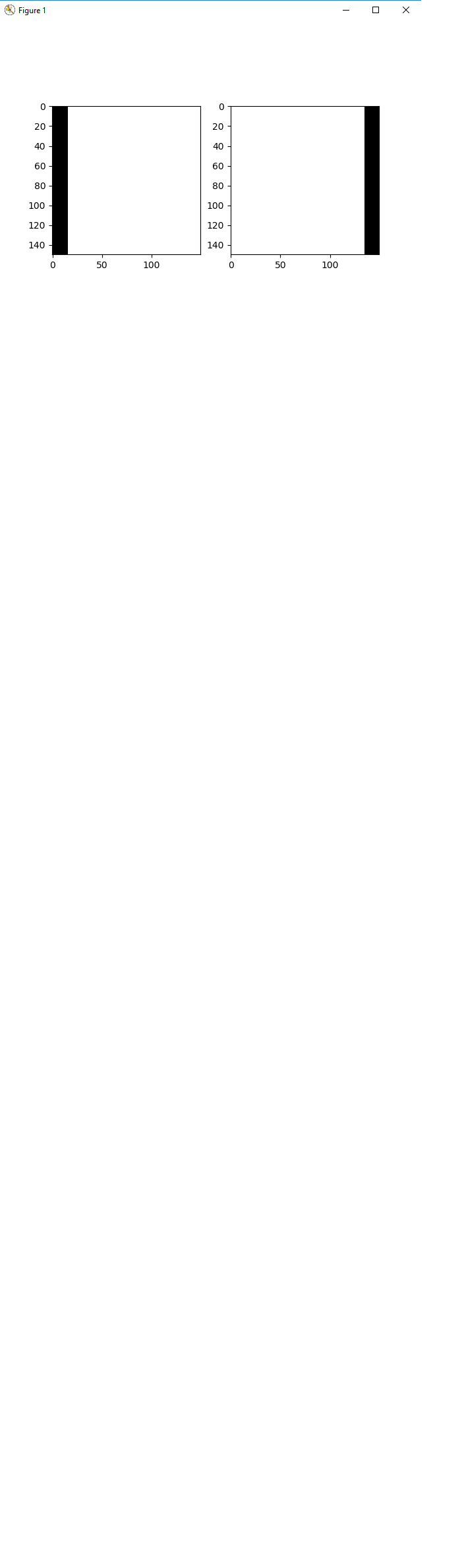
所有的小水平段,我正在生成两个标记,可以看到'markers.png‘(附件)。使用它们,我正在计算两个标记的重建输出的最小值。
Need assistance on this.
Thanks a lot
Below is my python code for the same.
Below is my python code

********************************************************************************

import numpy as np
import cv2 as cv
from matplotlib import pyplot as plt
import math

# Read the input image
img = cv.imread('C:\\Users\\672059\\Desktop\\p2.png')
# Converting from BGR to RGB. Default is BGR.
# img_rgb = cv.cvtColor(img, cv.COLOR_BGR2RGB)
# Resize the image to 150,150
img_resize = cv.resize(img, (150, 150))
# Get the dimensions of the image
img_h, img_w, img_c = img_resize.shape
# Split the image on channels
red = img[:, :, 0]
green = img[:, :, 1]
blue = img[:, :, 2]

# Defining a vse for erosion
vse = np.ones((img_h, img_w), dtype=np.uint8)

# Morphological Erosion for red channel
red_erode = cv.erode(red, vse, iterations=1)
grad_red = cv.subtract(red, red_erode)
# Morphological Erosion for green channel
green_erode = cv.erode(green, vse, iterations=1)
grad_green = cv.subtract(green, green_erode)
# Morphological Erosion for blue channel
blue_erode = cv.erode(blue, vse, iterations=1)
grad_blue = cv.subtract(blue, blue_erode)

# Stacking the individual channels into one processed image
grad = [grad_red, grad_green, grad_blue]
retrieved_img = np.stack(grad, axis=-1)
retrieved_img = retrieved_img.astype(np.uint8)
retrieved_img_gray = cv.cvtColor(retrieved_img, cv.COLOR_RGB2GRAY)
plt.title('Figure 1')
plt.imshow(cv.bitwise_not(retrieved_img_gray), cmap=plt.get_cmap('gray'))
plt.show()

# Hough Transform of the image to get the longest non shelf boundary from the image!
edges = cv.Canny(retrieved_img_gray, 127, 255)
minLineLength = img_w
maxLineGap = 10
lines = cv.HoughLinesP(edges, 1, np.pi/180, 127, minLineLength=1, maxLineGap=1)
temp = img.copy()
l = []
for x in range(0, len(lines)):
    for x1, y1, x2, y2 in lines[x]:
        cv.line(temp, (x1, y1), (x2, y2), (0, 255, 0), 2)
        d = math.sqrt((x2-x1)**2 + (y2-y1)**2)
        l.append(d)

# Defining a hse for erosion
hse = np.ones((1, 7), dtype=np.uint8)
opening = cv.morphologyEx(retrieved_img_gray, cv.MORPH_OPEN, hse)
plt.title('Figure 2')
plt.subplot(1, 2, 1), plt.imshow(img)
plt.subplot(1, 2, 2), plt.imshow(cv.bitwise_not(opening), 'gray')
plt.show()

# Dilation with disk shaped structuring element
horizontal_size = 7
horizontalstructure = cv.getStructuringElement(cv.MORPH_ELLIPSE, (horizontal_size, 1))
dilation = cv.dilate(opening, horizontalstructure)
plt.title('Figure 3')
plt.imshow(cv.bitwise_not(dilation), 'gray')
plt.show()
# Doing canny edge on dilated image
edge = cv.Canny(dilation, 127, 255)
plt.title('Figure 4')
plt.imshow(edges, cmap='gray')
plt.show()

h_projection = edge.sum(axis=1)
print(h_projection)
plt.title('Projection')
plt.plot(h_projection)
plt.show()


listing = []
for i in range(1, len(h_projection)-1):
    if h_projection[i-1] == 0 and h_projection[i] == 0:
        listing.append(dilation[i])
        listing.append(dilation[i-1])
        a = np.array([np.array(b) for b in l])
        h = len(l)
        _, contours, _ = cv.findContours(a, cv.RETR_EXTERNAL, cv.CHAIN_APPROX_SIMPLE)
        x, y, w, h = cv.boundingRect(contours[0])
        y = y + i - h
        cv.rectangle(img, (x, y), (x + w, y + h), (255, 0, 0), 2)
        l.clear()

plt.imshow(img)
plt.show()

# Generating a mask
black_bg = np.ones([img_h, img_w], dtype=np.uint8)
# Clone the black bgd image
left = black_bg.copy()
right = black_bg.copy()
# Taking 10% of the image width
ten = int(0.1 * img_w)
left[:, 0:ten+1] = 0
right[:, img_w-ten:img_w+1] = 0
plt.title('Figure 4')
plt.subplot(121), plt.imshow(left, 'gray')
plt.subplot(122), plt.imshow(right, 'gray')
plt.show()
# Marker = left and right. Mask = dilation
mask = dilation
marker_left = left
marker_right = right********************************************************************************markers.png链接:https://i.stack.imgur.com/45WJ6.png

********************************************************************************
回答 1
Stack Overflow用户
发布于 2018-08-16 09:49:39
根据您输入的图像,我会:
- 给空冰箱拍张照片
- 然后将当前图像与空图像进行比较。
- 玩形态运算
- 获得连接部件>尺寸N
如果你不能拍到一个空冰箱图像:
- 将货架分段(阈值白色部分)
- 通过使用货架上的图像矩撤消图像的旋转。
- 对于每个搁置:
saturation阈值- 做垂直投影
- 马克西玛伯爵。
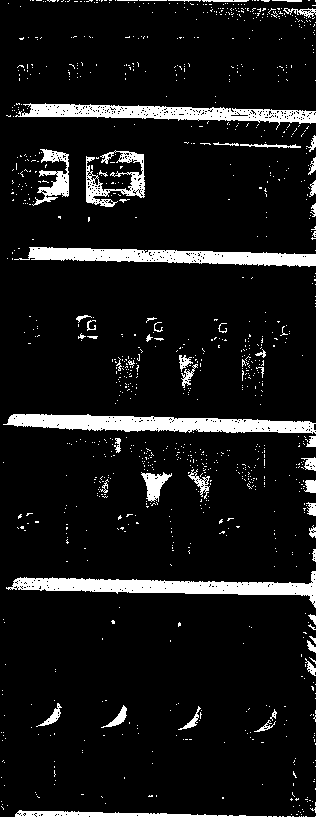
特雷霍尔德:
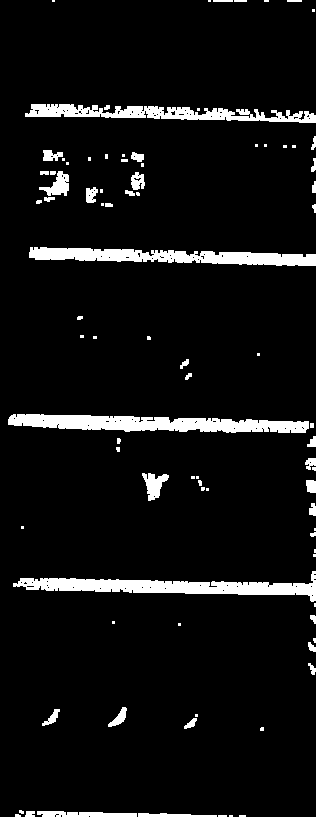
腐蚀-扩张:
连接组件(宽度> 10 *高度+>最小尺寸):
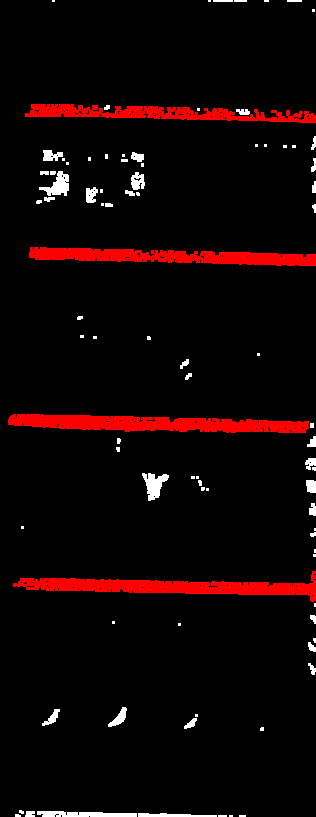
你还有架子。
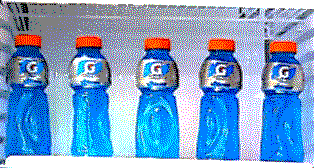
现在取每个架子上的平均Y值,把原来的图像切成几块:
抖动到8种颜色:
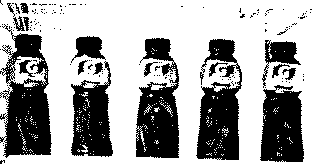
和门槛值:
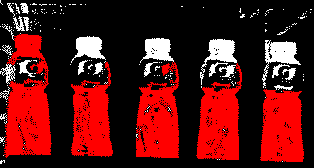
连接组件(h>1.5*w,小型.这里很难,我玩过了:)
页面原文内容由Stack Overflow提供。腾讯云小微IT领域专用引擎提供翻译支持
原文链接:
https://stackoverflow.com/questions/51838940
复制相关文章
相似问题
腾讯云开发者

Copyright © 2013 - 2026 Tencent Cloud. All Rights Reserved. 腾讯云 版权所有
深圳市腾讯计算机系统有限公司 ICP备案/许可证号:粤B2-20090059  粤公网安备44030502008569号
腾讯云计算(北京)有限责任公司 京ICP证150476号 | 京ICP备11018762号