
为什么在div中不使用引导4堆栈div?
为什么在div中不使用引导4堆栈div?
提问于 2018-06-22 14:15:05
我正在研究VueJs和bootstrap4中的两个基本组件,问题是我的div分配了类.col-md-4,以便为每个行添加3个元素,但这没有发生,实际上每行只添加了一个元素。
Main.vue
<template>
    <div class="col-md-12">
        <categoriacard  v-for="cate in categorias"
                    :categoria=cate :key="cate.id">
        </categoriacard>
    </div>
</template>
<script>
    import categoriacard from './categoria-card';
    export default {
        name : 'MainBarber',
        data(){
            return {
                categorias : []
            }
        },
        components :{
            categoriacard
        },
        mounted(){
            this.getCategorias();
        },
        methods : {
            getCategorias(){
                axios.get('/api/categorias')
                        .then((res)=>{
                    this.categorias = res.data;
                })
            }
        }
    }
</script>
categoria-card.vue
<template>
    <div class="col-md-4 mb-md-0 mb-4 mt-4 ">
        <div class="card card-image"  >
            <div class="text-white text-center justify-content-center rgba-black-strong py-5 px-4 rounded">
                <div>
                    <h6 class="purple-text">
                        <i class="fa fa-pie-chart"></i>
                        <strong>Categoria</strong>
                    </h6>
                    <h3 class="py-3 font-weight-bold">
                        <strong>{{ categoria.nombre }}</strong>
                    </h3>
                    <p class="pb-3 text-center">{{ categoria.descripcion }} </p>
                    <a class="btn btn-success btn-rounded btn-md waves-effect waves-light"><i class="fa fa-clone left"></i>Ver Servicios</a>
                </div>
            </div>
        </div>
    </div>
</template>
<script>
    export default {
        name : 'categoria-card',
        props : ['categoria']
    }
</script>
我现在有了这个结果
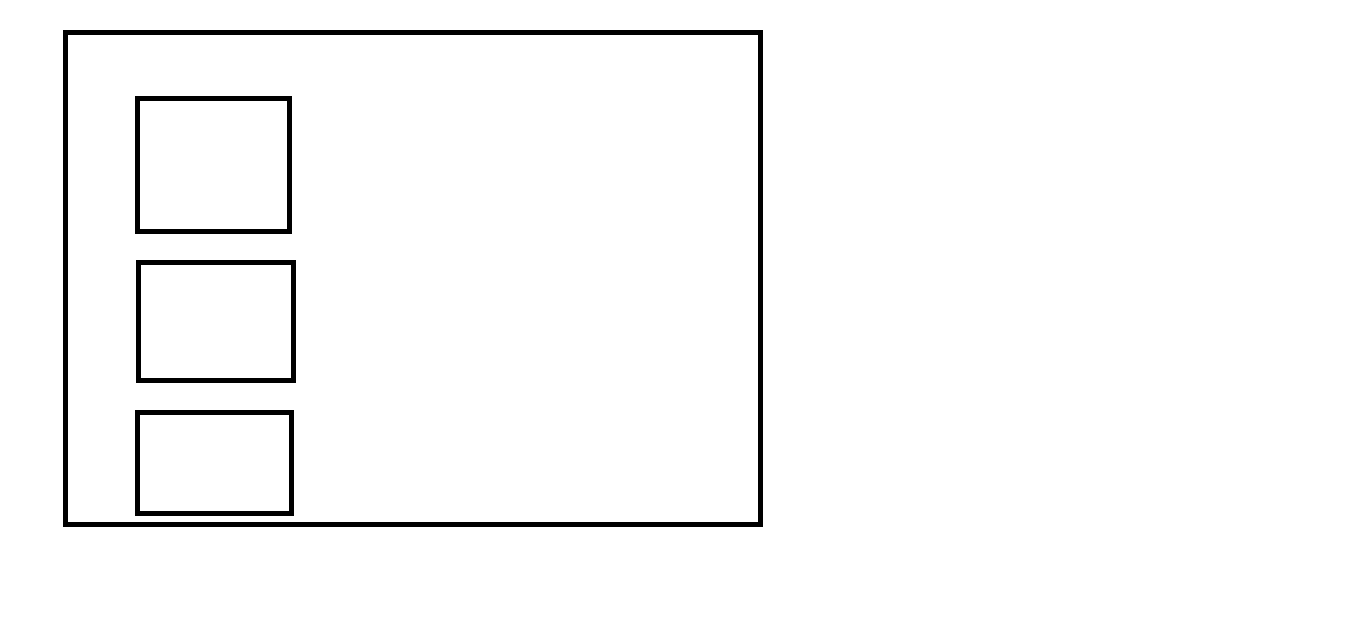
我想要的是
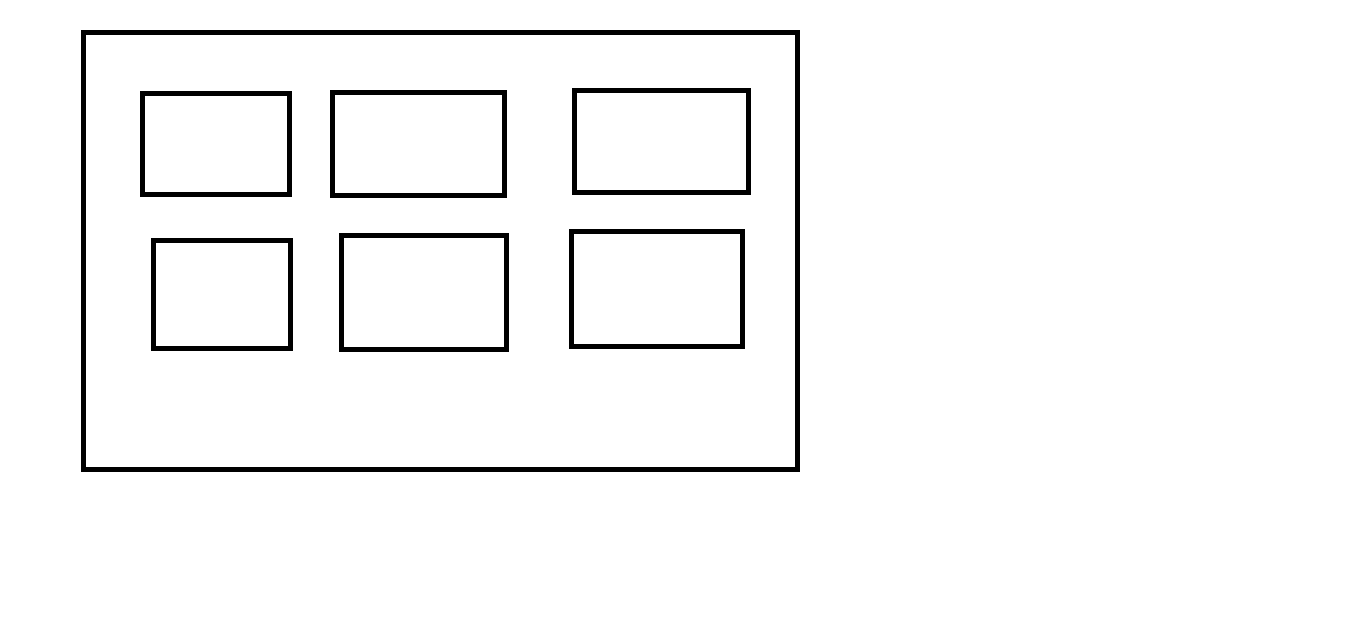
可能会发生这种事?
所以完整的HTML是
<div class="container">
   <div class="row">
      <MainBarber></MainBarber>
   </div>
</div>回答 1
Stack Overflow用户
回答已采纳
发布于 2018-06-22 14:59:45
在以下情况下,它似乎很好:
- 在分类卡中用
col-md4替换col-4 - 在
col-md-12中用row代替Main.vue
请看片段:
<html>
<head>
<link rel="stylesheet" href="https://stackpath.bootstrapcdn.com/bootstrap/4.1.1/css/bootstrap.min.css"/>
<script src="https://stackpath.bootstrapcdn.com/bootstrap/4.1.1/js/bootstrap.min.js"></script>
<script src="https://unpkg.com/vue@2.5.16/dist/vue.js"></script>

</head>
<body>

<div id="app">
  <main2></main2>
</div>

<script>


Vue.component('main2', {
  name : 'MainBarber',
        data(){
            return {
                categorias : []
            }
        },
        mounted(){
            this.getCategorias();
        },
        methods : {
            getCategorias(){
				console.log("categorias");
                this.categorias = [
					{id : 1, nombre : 'Esportivo', descripcion : 'desc1'},
					{id : 2, nombre : 'Infos', descripcion : 'desc2'},
					{id : 3, nombre : 'Politica', descripcion : 'desc3'},
					{id : 4, nombre : 'Moda', descripcion : 'desc4'},
					{id : 5, nombre : 'Cocina', descripcion : 'desc5'},
					{id : 6, nombre : 'Casa', descripcion : 'desc6'}
					];
            }
        },
  template: `<div class="row">
				<categoria-card  v-for="cate in categorias"
                    :categoria=cate :key="cate.id">{{cate.id}}
				</categoria-card>
			</div>`

})
Vue.component('categoria-card', {
		name : 'categoria-card',
        props : ['categoria'],
		template: `<div class="col-4">
        <div class="card card-image"  >
            <div class="text-center justify-content-center rgba-black-strong py-5 px-4 rounded">
                <div>
                    <h6 class="purple-text">
                        <i class="fa fa-pie-chart"></i>
                        <strong>Categoria</strong>
                    </h6>
                    <h3 class="py-3 font-weight-bold">
                        <strong>{{ categoria.nombre }}</strong>
                    </h3>
                    <p class="pb-3 text-center">{{ categoria.descripcion }} </p>
                    <a class="btn btn-success btn-rounded btn-md waves-effect waves-light"><i class="fa fa-clone left"></i>Ver Servicios</a>
                </div>
            </div>
        </div>
    </div>`

})

new Vue({
  el: '#app',
  data: {
    message: 'Hello Vue.js!'
  }
})

</script>


</body>
</html>
页面原文内容由Stack Overflow提供。腾讯云小微IT领域专用引擎提供翻译支持
原文链接:
https://stackoverflow.com/questions/50989920
复制相关文章
相似问题
腾讯云开发者

Copyright © 2013 - 2026 Tencent Cloud. All Rights Reserved. 腾讯云 版权所有
深圳市腾讯计算机系统有限公司 ICP备案/许可证号:粤B2-20090059  粤公网安备44030502008569号
腾讯云计算(北京)有限责任公司 京ICP证150476号 | 京ICP备11018762号