
使用svgPanZoom后,Svg会得到不同的大小
使用svgPanZoom后,Svg会得到不同的大小
提问于 2018-06-13 12:30:51
Svg自动调整大小以填充其列容器。在它完全加载之后,应用svgPanZoom并以一个较小的映像结束:
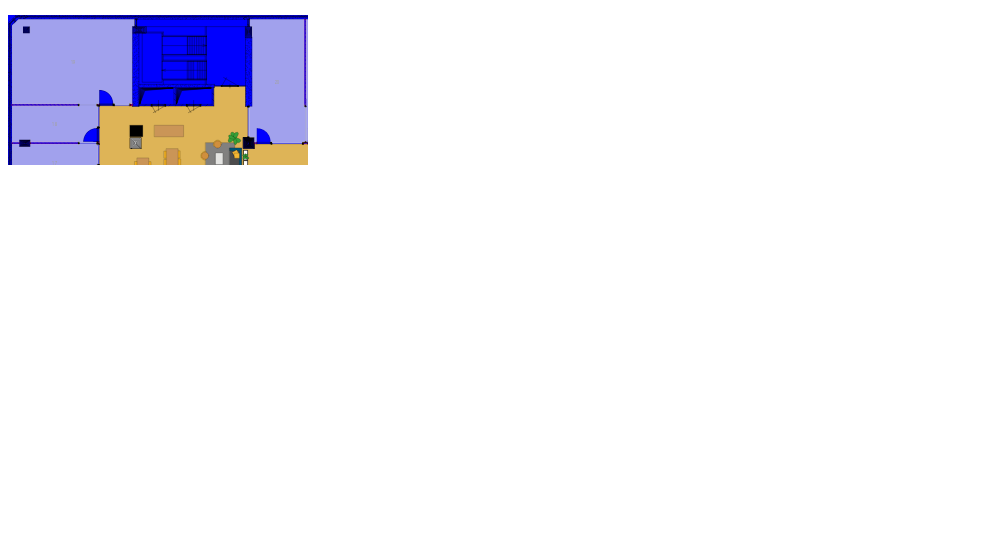
如果我将一个高度应用到容器上,它将调整大小,使我两边都有空白处。
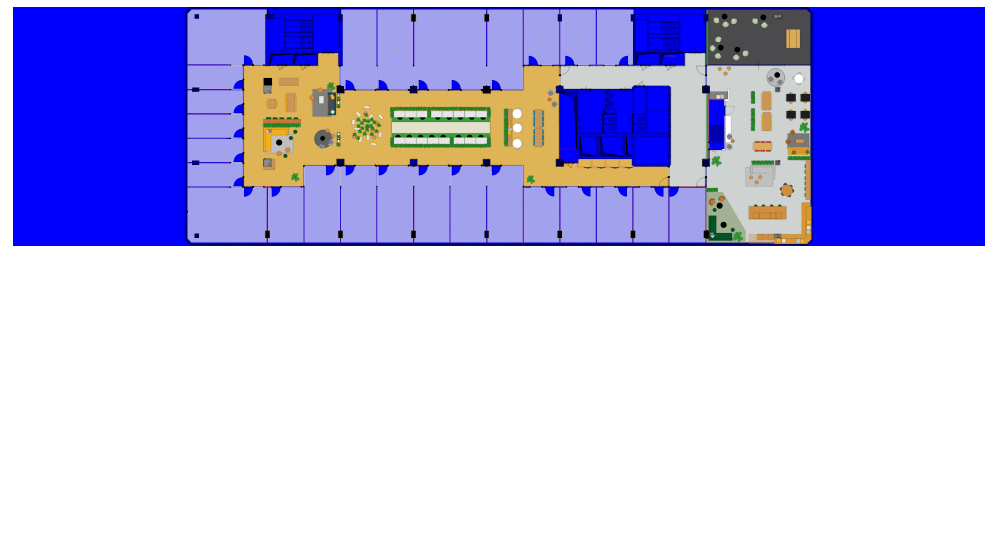
问题是,当我再次放大并缩小图像时,图像不再是居中的:
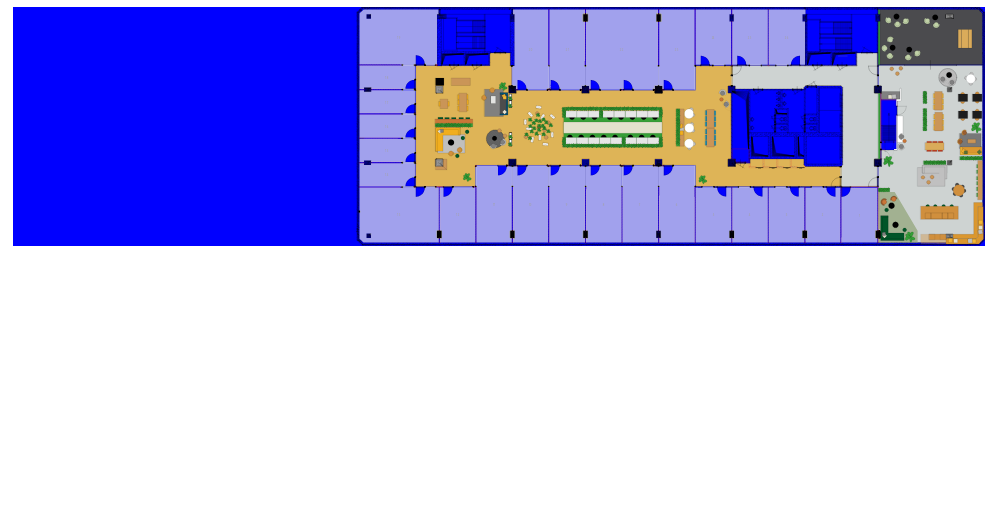
我认为解决这个问题的方法有两种: 1.在zoomOut上重新记录图像。2.使用viewBox preserveAspect实现图像尺寸的正确调整,而不通过CSS实现图像大小的调整。
这对我来说都有点混乱,经过几个小时的努力,我无法让它运转起来。这是我的密码:
HTML:
...
<div class="col-sm-9">
    <div class="title">
        <h1>Floor: {{ floor }}</h1>
        <div id="map-container"></div>
    </div>
</div>
...
联署材料:
function createNewEmbed(data){
    var embed = document.createElement('object');
    embed.setAttribute('id', 'map');
    embed.setAttribute('style', 'background-color: blue');
    embed.setAttribute('type', 'image/svg+xml');
    embed.setAttribute('data', data);
    document.getElementById('map-container').appendChild(embed)
    lastEventListener = function(){
        // Zoom and Pan
        panZoomInstance = svgPanZoom(embed, {
            zoomEnabled: true,
            controlIconsEnabled: false,
            fit: true,
            center: true,
            minZoom: 1,
            zoomScaleSensitivity: 0.4,
            beforePan: beforePan
        });

        // Zoom out
        // panZoomInstance.zoom(0.2)
        $(window).resize(function(){
            panZoomInstance.resize();
            panZoomInstance.fit();
            panZoomInstance.center();
        })

    embed.addEventListener('load', lastEventListener)
    return embed
}

function removeEmbed(){
    // Destroy svgpanzoom
    svgPanZoom(lastEmbed).destroy()
    // Remove event listener
    lastEmbed.removeEventListener('load', lastEventListener)
    // Null last event listener
    lastEventListener = null
    // Remove embed element
    document.getElementById('map-container').removeChild(lastEmbed)
    // Null reference to embed
    lastEmbed = null
}

function beforePan (oldPan, newPan){
    var stopHorizontal = false
    , stopVertical = false
    // Computed variables
    , sizes = this.getSizes()
    , gutterWidth = sizes.width
    , gutterHeight = sizes.height
    , leftLimit = -((sizes.viewBox.x + sizes.viewBox.width) * sizes.realZoom) + gutterWidth
    , rightLimit = sizes.width - gutterWidth - (sizes.viewBox.x * sizes.realZoom)
    , topLimit = -((sizes.viewBox.y + sizes.viewBox.height) * sizes.realZoom) + gutterHeight
    , bottomLimit = sizes.height - gutterHeight - (sizes.viewBox.y * sizes.realZoom)

    customPan = {}
    customPan.x = Math.max(leftLimit, Math.min(rightLimit, newPan.x))
    customPan.y = Math.max(topLimit, Math.min(bottomLimit, newPan.y))
    return customPan
}
一开始我做的是:
window.onload = function(){
    var lastEventListener = null;

    var lastEmbedSrc = '/assets/images/6e2.svg'
        , lastEmbed = createNewEmbed(lastEmbedSrc)
;回答 1
Stack Overflow用户
回答已采纳
发布于 2018-06-13 12:43:54
看来使用优化的inkscape格式不起作用。普通inkscape svg和一些css完成了这一任务:
#map {
    height: 100%;
    width: 100%;
}
我猜这与这种格式中缺少的viewBox有关。如果有人知道解决这个问题的其他方法,那就更好了,因为优化的版本更小。
页面原文内容由Stack Overflow提供。腾讯云小微IT领域专用引擎提供翻译支持
原文链接:
https://stackoverflow.com/questions/50837341
复制相关文章
相似问题
腾讯云开发者

Copyright © 2013 - 2026 Tencent Cloud. All Rights Reserved. 腾讯云 版权所有
深圳市腾讯计算机系统有限公司 ICP备案/许可证号:粤B2-20090059  粤公网安备44030502008569号
腾讯云计算(北京)有限责任公司 京ICP证150476号 | 京ICP备11018762号