
C#如何在缩放后获得原始屏幕边界
C#如何在缩放后获得原始屏幕边界
提问于 2018-06-06 10:24:25
当我从窗口放大设置,它永远不会捕获确切的桌面屏幕。它只会放大位图并显示给我们看。
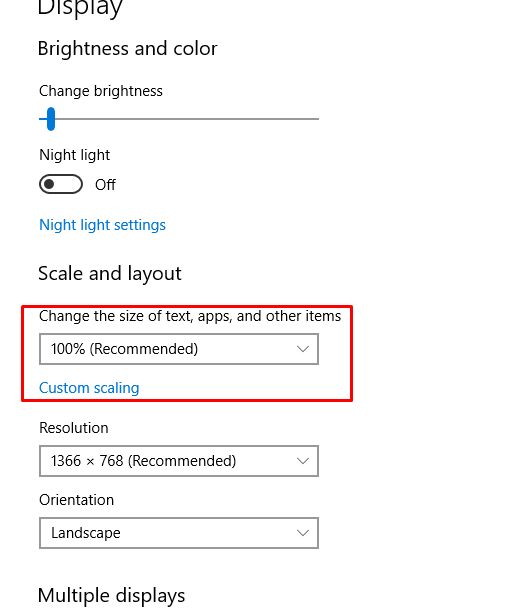
怎样才能在放大窗口后得到原图。
这里是代码:-
 private static BitmapSource CopyScreen()
    {
        BitmapSource BS = null;
        int screenLeft = SystemInformation.VirtualScreen.Left;
        int screenTop = SystemInformation.VirtualScreen.Top;
        int screenWidth = SystemInformation.VirtualScreen.Width;
        int screenHeight = SystemInformation.VirtualScreen.Height;
        using (Bitmap screenBmp = new Bitmap(screenWidth, screenHeight))
        {
            using (Graphics bmpGraphics = Graphics.FromImage(screenBmp))
            {
                bmpGraphics.CopyFromScreen(screenLeft, screenTop, 0, 0, screenBmp.Size);

                BS = Imaging.CreateBitmapSourceFromHBitmap(screenBmp.GetHbitmap(), IntPtr.Zero, Int32Rect.Empty, BitmapSizeOptions.FromEmptyOptions());

            }
        }


        return BS;
    }
从上面的代码我得到放大的图片。
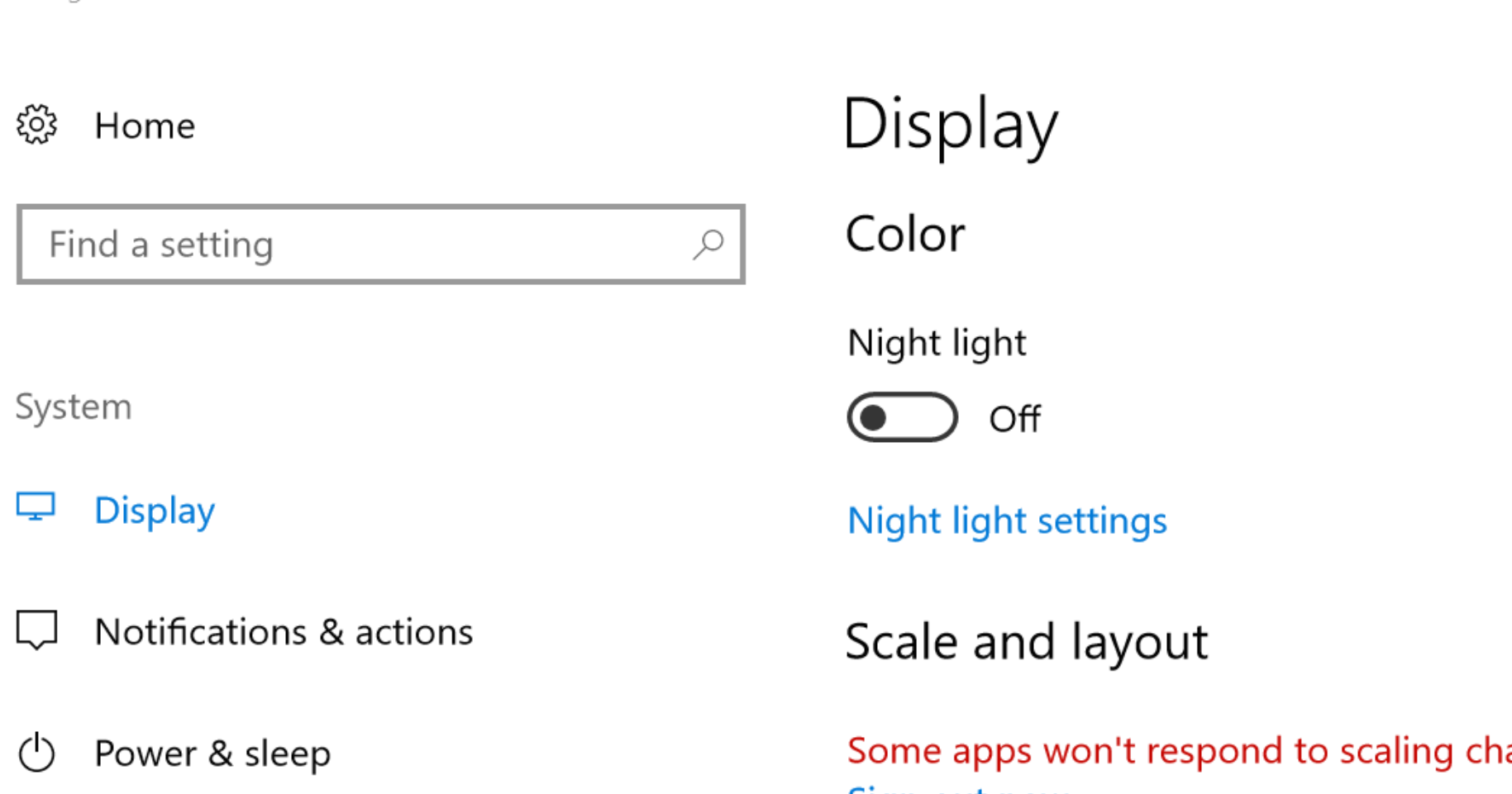
我想要的:-这是原来显示的图片,不是放大的图片(只是显示在我的桌面上的显示器)。
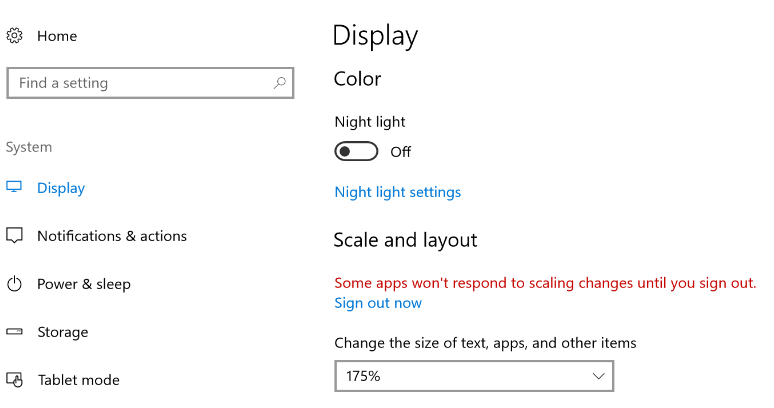
我想捕捉桌面的屏幕,但屏幕的界限没有得到正确的同时放大窗口。能不能用它的实际分辨率来捕捉屏幕截图而不是放大.It捕捉右上角的屏幕
回答 1
Stack Overflow用户
发布于 2018-06-06 10:44:23
这是因为CreateBitmapSourceFromHBitmap中的调整选项。
但是,如果您只需要制作截图,就不需要它了,因为您可以按如下方式使用位图:
Bitmap screenshot = new Bitmap(
    SystemInformation.VirtualScreen.Width,
    SystemInformation.VirtualScreen.Height,
    PixelFormat.Format32bppArgb);

using (Graphics screenGraph = Graphics.FromImage(screenshot))
{
    screenGraph.CopyFromScreen(
        SystemInformation.VirtualScreen.X,
        SystemInformation.VirtualScreen.Y,
        0,
        0,
        SystemInformation.VirtualScreen.Size,
        CopyPixelOperation.SourceCopy);
}
screenshot.Save("screenshot.png");
如果您确实需要位映射源,则可以使用任意格式的MemoryStream。
页面原文内容由Stack Overflow提供。腾讯云小微IT领域专用引擎提供翻译支持
原文链接:
https://stackoverflow.com/questions/50718064
复制相关文章
相似问题
腾讯云开发者

Copyright © 2013 - 2026 Tencent Cloud. All Rights Reserved. 腾讯云 版权所有
深圳市腾讯计算机系统有限公司 ICP备案/许可证号:粤B2-20090059  粤公网安备44030502008569号
腾讯云计算(北京)有限责任公司 京ICP证150476号 | 京ICP备11018762号