
一个图形的子图与另一个图形的子图具有相同的维度
一个图形的子图与另一个图形的子图具有相同的维度
提问于 2018-05-31 14:43:34
以下代码:
import matplotlib.pyplot as plt

fig, axes = plt.subplots(ncols=3, nrows=4, sharex='col', sharey=False,\
            subplot_kw=dict(adjustable='box-forced'), figsize=(8, 8))

fig, axes = plt.subplots(ncols=3, nrows=3, sharex='col', sharey=False,\
            subplot_kw=dict(adjustable='box-forced'), figsize=(8, 8))
plt.show()
制作两个情节:
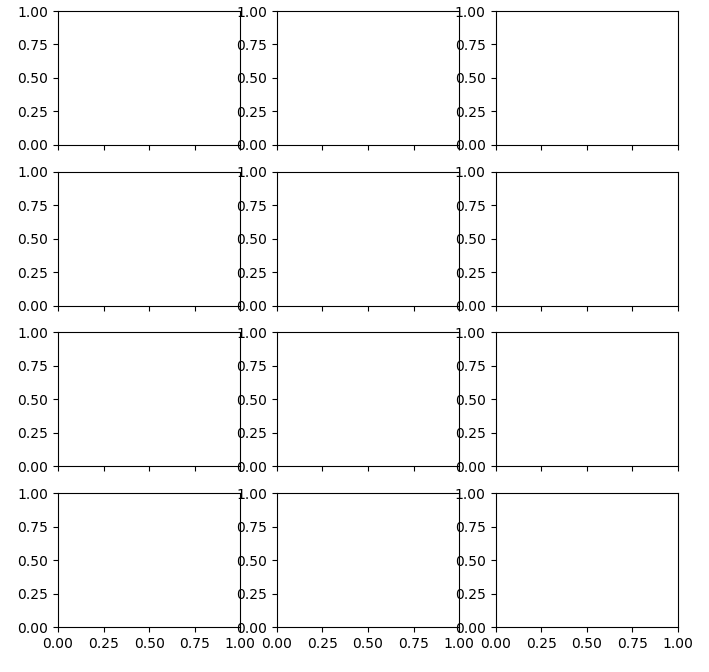
第一个地块的子图分布为ncols=3, nrows=4。每个子图的大小都非常适合我的需要。
第二个地块的子图分布为ncols=3, nrows=3。
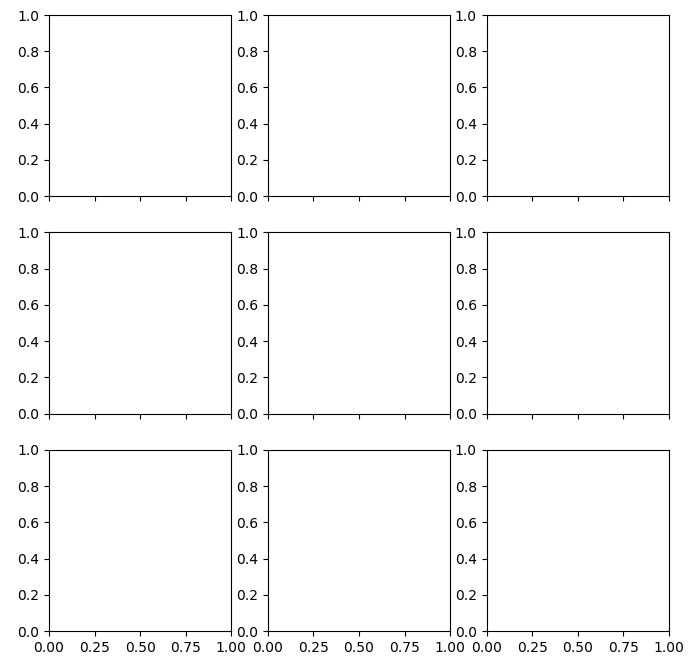
我如何才能使每个子图都具有与第一个子图相同的维度?
回答 1
Stack Overflow用户
回答已采纳
发布于 2018-05-31 14:49:05
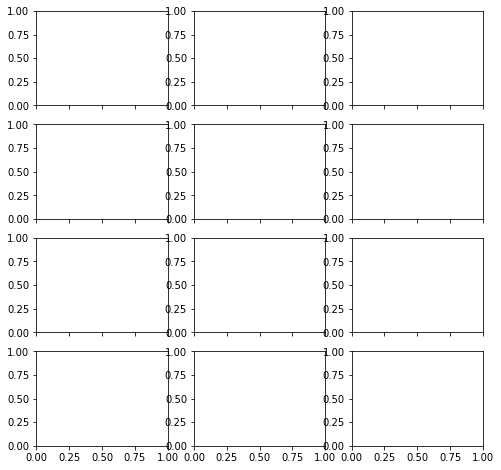
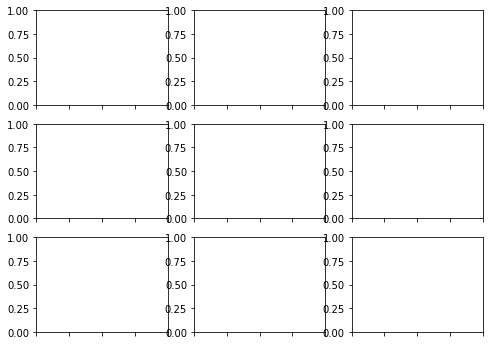
一种方法是将最后一行设置为“不可见的”:
import matplotlib.pyplot as plt

fig, axes = plt.subplots(ncols=3, nrows=4, sharex='col', sharey=False,\
            subplot_kw=dict(adjustable='box-forced'), figsize=(8, 8))

fig, axes = plt.subplots(ncols=3, nrows=4, sharex='col', sharey=False,\
            subplot_kw=dict(adjustable='box-forced'), figsize=(8, 8))

[ax.set_visible(False) for ax in axes[3,:]]
plt.show()
页面原文内容由Stack Overflow提供。腾讯云小微IT领域专用引擎提供翻译支持
原文链接:
https://stackoverflow.com/questions/50626989
复制相关文章
相似问题
腾讯云开发者

Copyright © 2013 - 2026 Tencent Cloud. All Rights Reserved. 腾讯云 版权所有
深圳市腾讯计算机系统有限公司 ICP备案/许可证号:粤B2-20090059  粤公网安备44030502008569号
腾讯云计算(北京)有限责任公司 京ICP证150476号 | 京ICP备11018762号