
SciChart - ColumnRenderableSeries3D柱直径
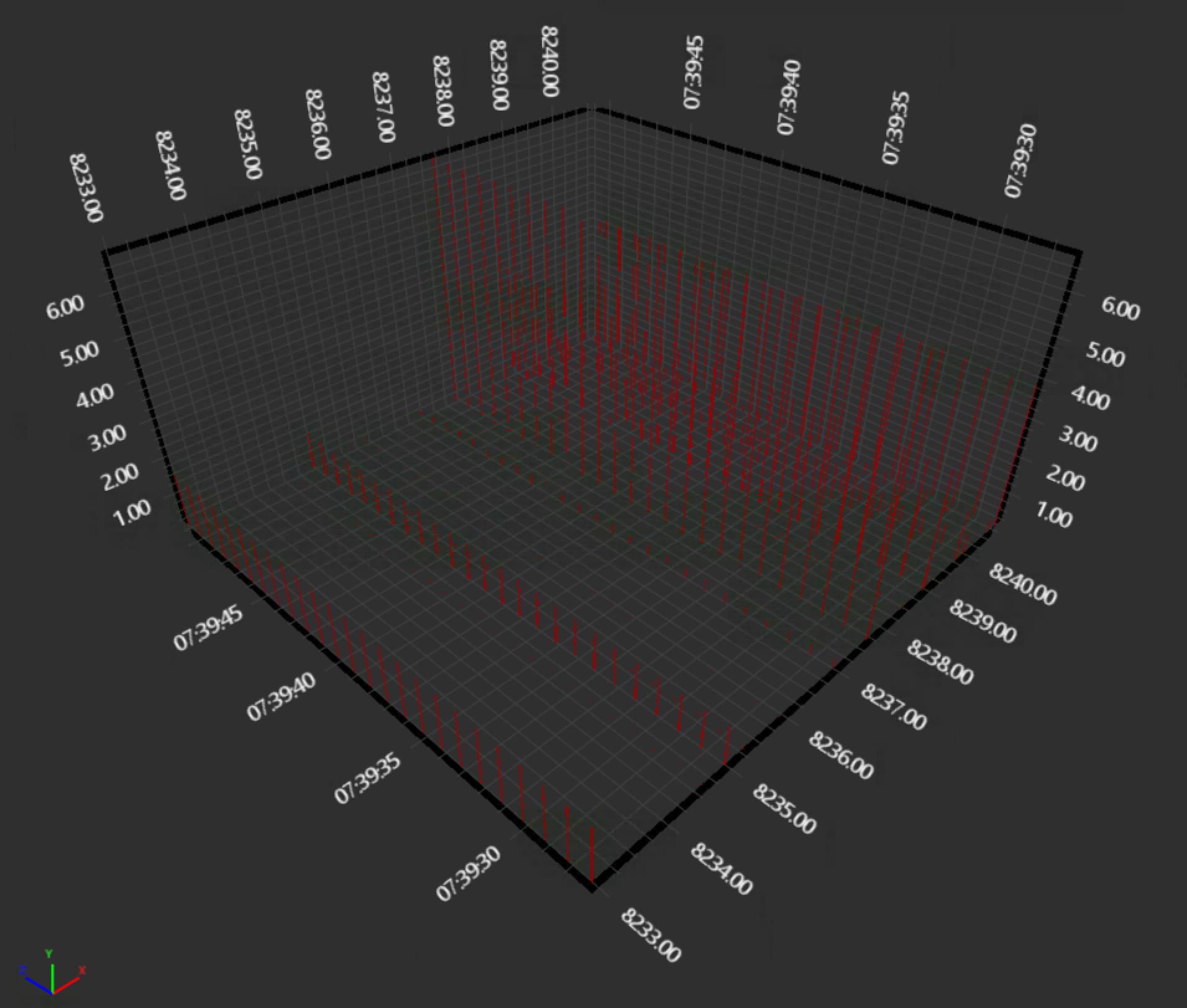
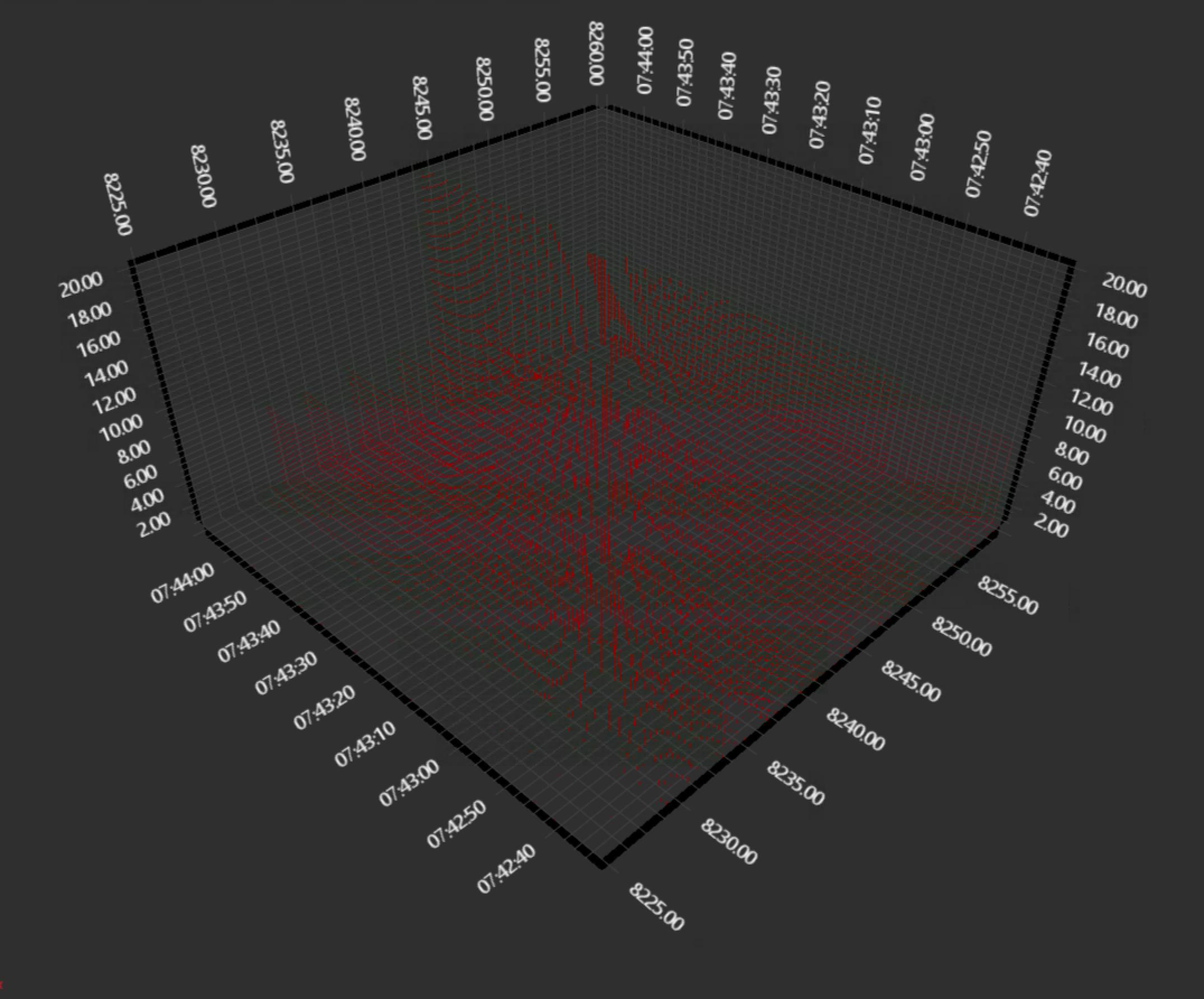
我试图用ColumnRenderableSeries3D系列实现一个图表,但是对于少量的数据点(25x25),列几乎是不可见的。在更多的数据点(100x100)和更广泛的值范围内,这个问题会变得更糟,并出现莫尔模式。怎样才能显着地增加柱体的直径,使它们很容易被看到,然后莫尔图案就消失了?
如果相关,则在Windows 2016上带有VMware ESXi 6.5SVGA适配器的VM上通过RemoteDesktop连接呈现。令人惊讶的是,尽管没有为VM启用3D支持,SciChart.Examples.Demo.exe说DirectX硬件加速是启用的。SciChart版本为5.1.0.11405,SharpDX为4.0.1。
SciChart3DSurface SciChartSurface3d = new SciChart3DSurface();
XyzDataSeries3D<Double, Double, DateTime> MyXyzDataSeries = new XyzDataSeries3D<Double, Double, DateTime>();

SciChartSurface3d.XAxis = new NumericAxis3D();
SciChartSurface3d.YAxis = new NumericAxis3D();
SciChartSurface3d.ZAxis = new DateTimeAxis3D();
SciChartSurface3d.Camera = new Camera3D() { ZoomToFitOnAttach = true };
SciChartSurface3d.WorldDimensions = new Vector3(200, 100, 200);
SciChartSurface3d.RenderableSeries.Add(new ColumnRenderableSeries3D() { DataSeries= MyXyzDataSeries, ColumnShape = typeof(CubePointMarker3D),  DataPointWidthX = 1.0, Opacity = 1.0 });
SciChartSurface3d.BorderThickness = new Thickness(0);`
SomeMethodToLoadTheDataSeries();
25x25
100x100
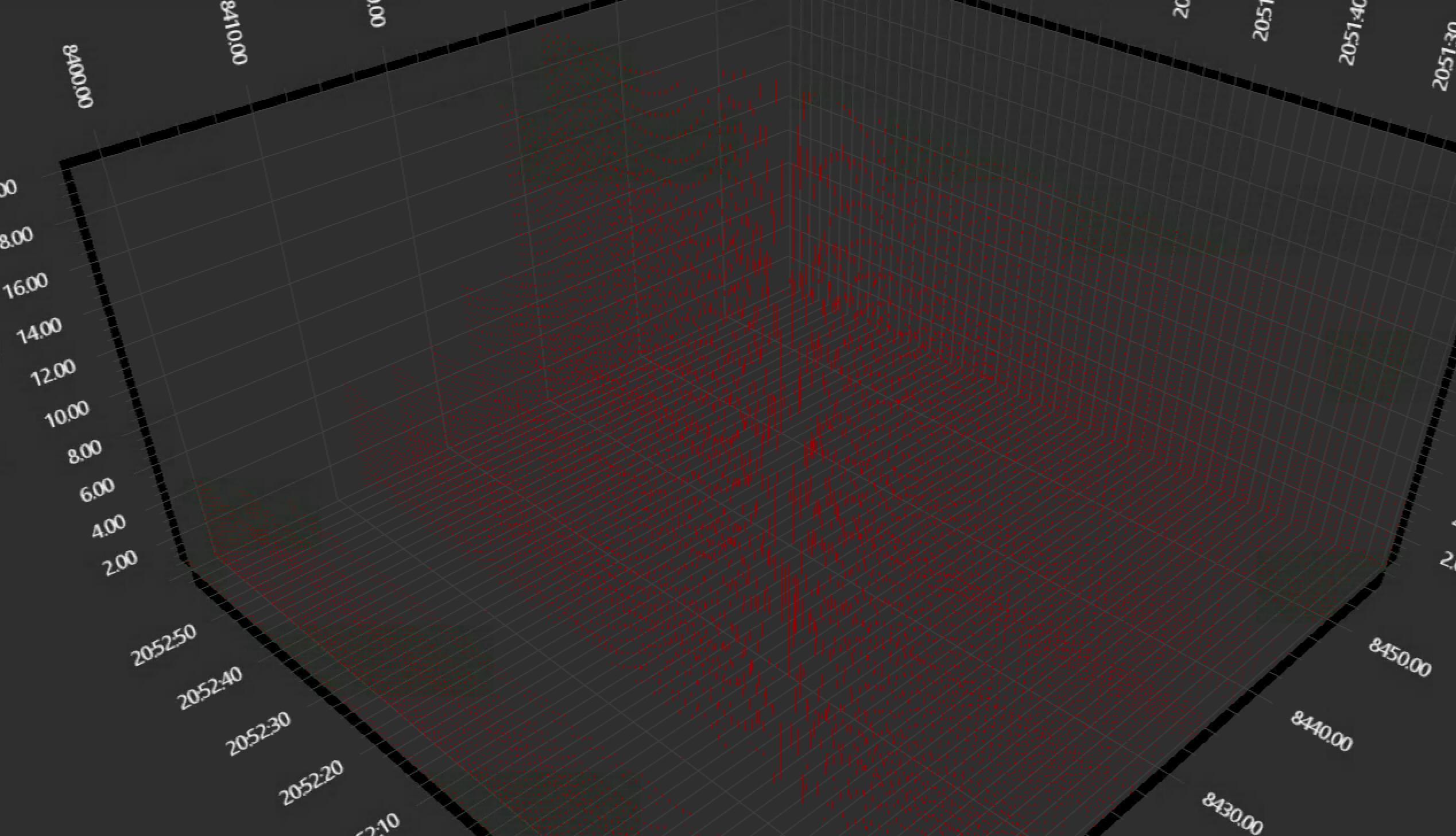
编辑
将DataPointWidthX更改为DataPointWidth没有帮助。宽度为1.0:
回答 1
Stack Overflow用户
发布于 2018-05-22 08:20:17
列宽定义有两种模式:
- 首先,缺省值称为MaxNonOverlapping。在此模式下,在任何列都有足够的空间不重叠其他列的情况下,将计算最大可能的宽度。
- 第二个叫做FixedSize。在此模式中,列的宽度由ColumnRenderableSeries3D.CoulmnFixedSize属性的值定义。
模式的定义在ColumnRenderableSeries3D.ColumnSpacingMode属性上执行。下面是如何设置固定大小列图的示例:
var renderableSeries3D = new ColumnRenderableSeries3D();
renderableSeries3D.ColumnSpacingMode = ColumnSpacingMode.FixedSize;
renderableSeries3D.CoulmnFixedSize = 25;注意,CoulmnFixedSize属性的值表示坐标空间。因此,它与SciChart3DSurface.WorldDimensions相关。您可以找到有关坐标空间这里的更多信息。
https://stackoverflow.com/questions/50423012
复制相似问题
腾讯云开发者

Copyright © 2013 - 2026 Tencent Cloud. All Rights Reserved. 腾讯云 版权所有
深圳市腾讯计算机系统有限公司 ICP备案/许可证号:粤B2-20090059  粤公网安备44030502008569号
腾讯云计算(北京)有限责任公司 京ICP证150476号 | 京ICP备11018762号