
如何将jQuery插件Mapael包含到角5中?
因此,我尝试跟踪其他问题是如何处理包含jQuery插件的问题的。但让我们先从基础开始。
首先,我安装了jQuery插件。
npm i jquery然后,我添加了打字本的定义。
npm install -d @types/jquery我把它包含在我的脚本数组中。
"apps": [{
  ...
  "scripts": [
    "../node_modules/jquery/dist/jquery.min.js",
  ],
  ...
}]
然后,我试试看它是否有效。
import { Component, OnInit} from '@angular/core';
import * as $ from 'jquery';

@Component({
  selector: 'app-ww-inventory-map',
  templateUrl: './ww-inventory-map.component.html',
  styleUrls: ['./ww-inventory-map.component.scss']
})
export class WwInventoryMapComponent implements OnInit {

  constructor() { }

  ngOnInit() {
    $(window).click(function () {
      alert('ok');
      });
  }


}
反应很快..。

到现在为止还好。第一个工作-包完成,时间继续。我安装了jQuery插件mapael
npm i jquery-mapaelangular-cli.json
"apps": [{
  ...
  "scripts": [
    "../node_modules/jquery/dist/jquery.min.js",
    "../node_modules/jquery-mapael/js/jquery.mapael.min.js",
    "../node_modules/jquery-mousewheel/jquery.mousewheel.js"
  ],
  ...
}]之后我试过这个。基于官方页面https://www.vincentbroute.fr/mapael/#basic-code-example上的代码示例
import { Component, OnInit } from '@angular/core';
import * as $ from 'jquery';

declare global {
  interface JQuery {
    mapael(map: any): JQuery;
  }
}

@Component({
  selector: 'app-ww-inventory-map',
  templateUrl: './ww-inventory-map.component.html',
  styleUrls: ['./ww-inventory-map.component.scss']
})
export class WwInventoryMapComponent implements OnInit {

  constructor() { }

  ngOnInit() {
    $(".container").mapael({
      map: {
        name: "world_countries"
      }
    });
  }
}
起初看上去很好,没有显示警告或问题,但当我加载页面时.
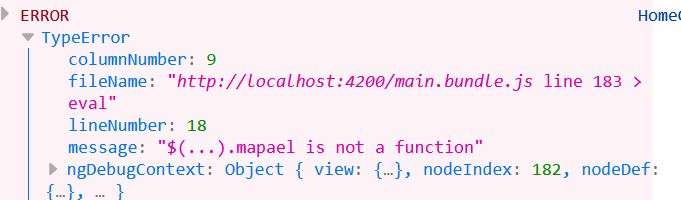
所以,我不知道如何正确地做这件事。我希望我能以某种方式解决这个问题。但其他几个例子对我都没有太大帮助。我道歉,因为我知道有类似的问题,但我不能真正使它工作。
编辑1:我试用的第一个解决方案来自Naga,但是--在我的一端--它需要一些更改,所以编译器不会抱怨。谢谢,那佳赛!
我的.ts看上去对极了
import { Component, OnInit } from '@angular/core';
import * as $ from 'jquery';
import 'jquery-mapael';
import 'jquery-mapael/js/maps/world_countries.js';

declare global {
  interface JQuery {
    mapael(map: any): JQuery;
  }
}

@Component({
  selector: 'app-ww-inventory-map',
  templateUrl: './ww-inventory-map.component.html',
  styleUrls: ['./ww-inventory-map.component.scss']
})
export class WwInventoryMapComponent implements OnInit {

  constructor() { }

  ngOnInit() {
    $(".container").mapael({
      map: {
        name: "world_countries"
      }
    });
  }
}
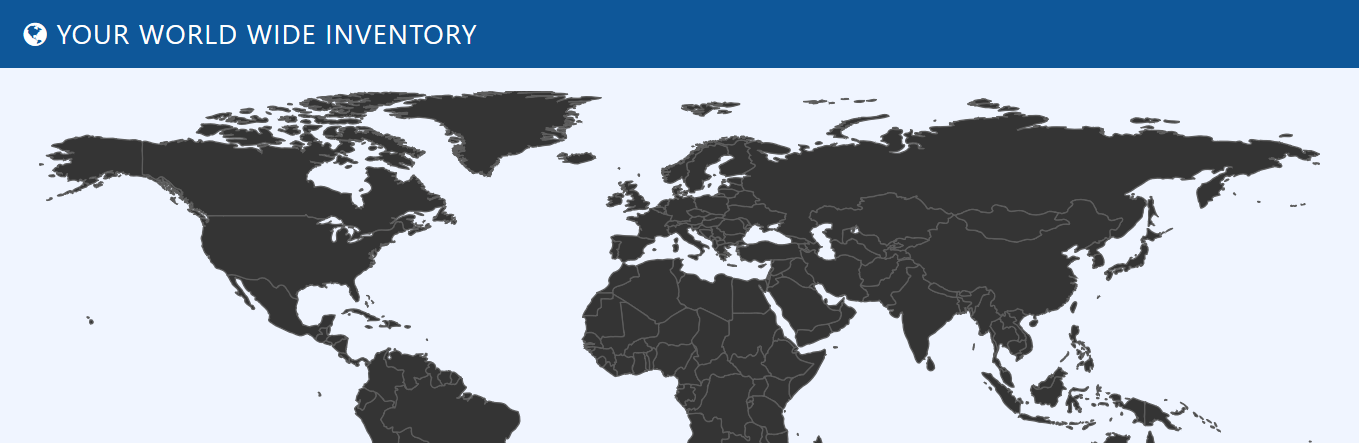
编辑2:彼得斯解决方案的占位符
导入是正确的,但是组件仍然需要导入。另外,包括Raphael.js也不是必需的。至少我没有,地图工作得很好。我的设置没变。另外,我保留了最初的申报方式。
回答 2
Stack Overflow用户
发布于 2018-04-13 15:08:44
主要问题是您的脚本导入。您没有为Raphael导入所需的依赖项。此外,您还需要导入您计划使用的任何地图。将角-cli.json更新为以下内容:
"scripts": [
  "../node_modules/jquery/dist/jquery.min.js",
  "../node_modules/raphael/raphael.min.js",
  "../node_modules/jquery-mousewheel/jquery.mousewheel.js",
  "../node_modules/jquery-mapael/js/jquery.mapael.min.js",
  "../node_modules/jquery-mapael/js/maps/world_countries.min.js"
],
国家预防机制的说明:
关于依赖关系的注意: jQuery和Raphael (如果需要的话,还有鼠标轮)必须在Mapael之前加载,这样才能正常工作。
地图上的注意事项:地图文件必须在Mapael之后加载才能正常工作。
https://www.npmjs.com/package/jquery-mapael#directly-in-your-page
import { Component, OnInit } from '@angular/core';

//jquery declaration
declare var $: any;

@Component({
  selector: 'app-ww-inventory-map',
  templateUrl: './ww-inventory-map.component.html',
  styleUrls: ['./ww-inventory-map.component.scss']
})
export class WwInventoryMapComponent implements OnInit {

  constructor() { }

  ngOnInit() {
    $(".container").mapael({
      map: {
        name: "world_countries"
      }
    });
  }
}
Stack Overflow用户
发布于 2018-04-13 15:38:06
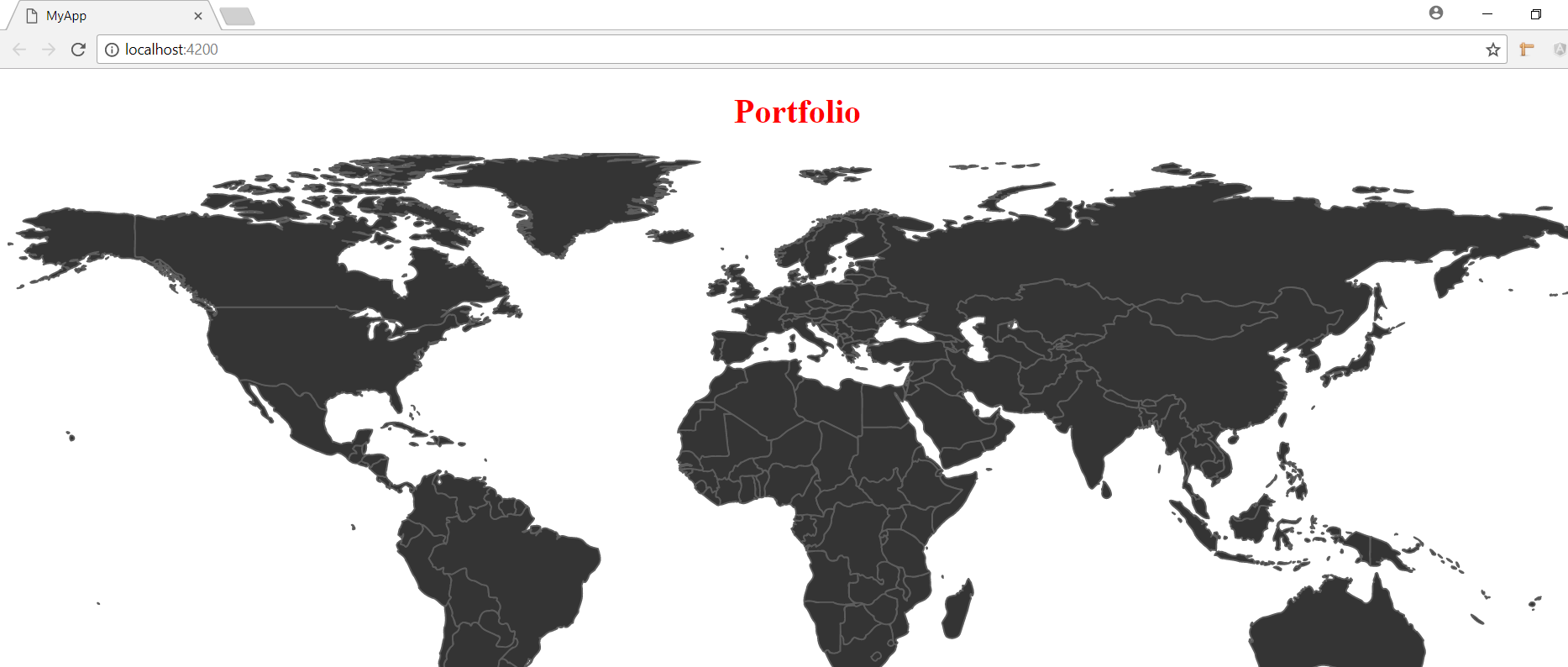
为了达到预期的结果,请使用下面的选项导入jquery、jquery-mapael和js,以供世界各国使用。
import * as $ from 'jquery';
import 'jquery-mapael';
import 'jquery-mapael/js/maps/world_countries.js';
在ngOnInit中
 ngOnInit() {
   $(".container").mapael({
      map: {
        name: "world_countries"
      }
    });
  }
如屏幕截图所示
https://stackoverflow.com/questions/49819229
复制相似问题
腾讯云开发者

Copyright © 2013 - 2026 Tencent Cloud. All Rights Reserved. 腾讯云 版权所有
深圳市腾讯计算机系统有限公司 ICP备案/许可证号:粤B2-20090059  粤公网安备44030502008569号
腾讯云计算(北京)有限责任公司 京ICP证150476号 | 京ICP备11018762号