
面向摄像机的SCNNode
我正在尝试将SCNCylinder节点放在触点上的场景中。我总是想显示圆柱形直径面对相机。它适用于水平场景,但在垂直场景中存在问题。在垂直场景中,我可以看到圆柱体的侧面,但无论相机的方向是什么,我都想显示面向摄像机的全直径。我知道有一些转换需要应用,取决于相机转换,但不知道如何。我不使用平面检测,它是直接添加到场景中的简单节点。
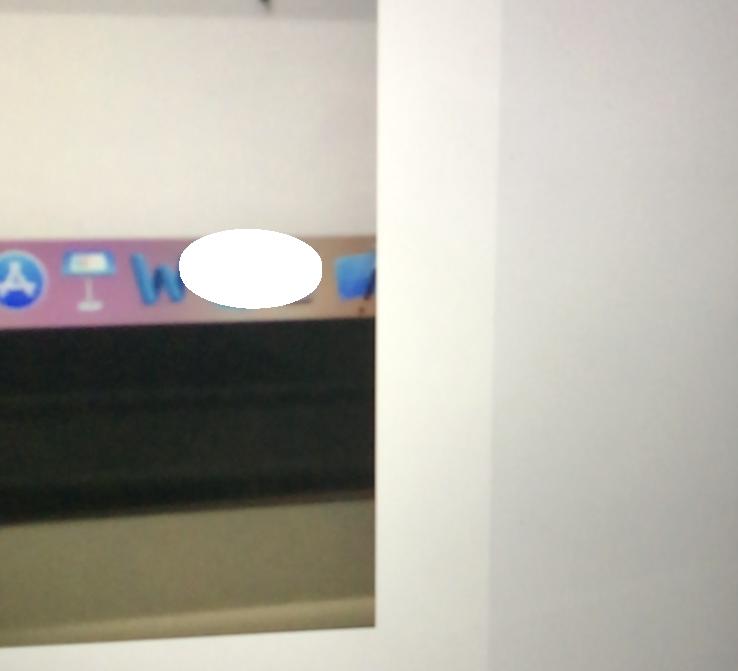
垂直图像:
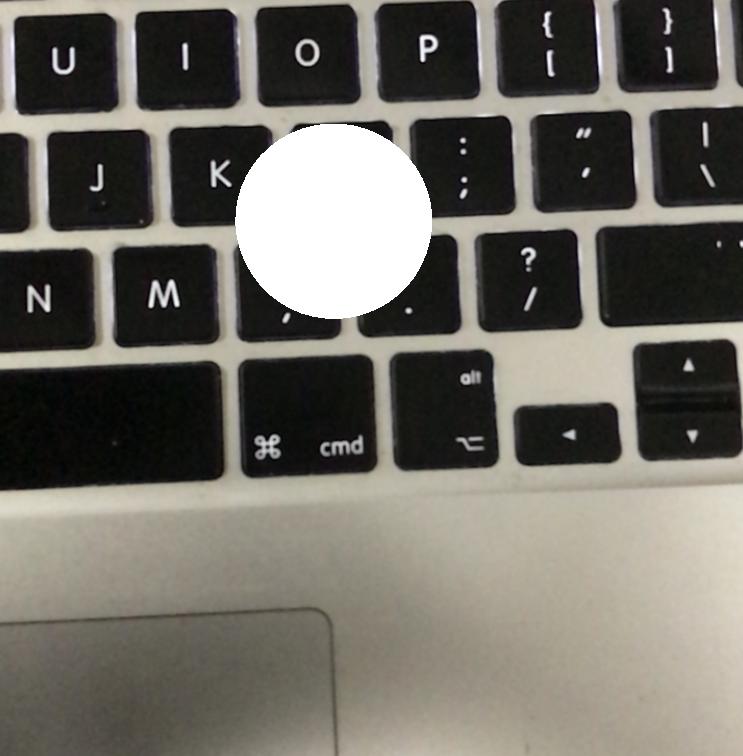
水平图像:
插入节点的代码如下,
override func touchesBegan(_ touches: Set<UITouch>, with event: UIEvent?) {
               guard let touch = touches.first else {
                    return
                }
                let result = sceneView.hitTest(touch.location(in: sceneView), types: [ARHitTestResult.ResultType.featurePoint])
                guard let hitResult = result.last else {
                    print("returning because couldn't find the touch point")
                    return
                }
                let hitTransform = SCNMatrix4(hitResult.worldTransform)
                let position = SCNVector3Make(hitTransform.m41, hitTransform.m42, hitTransform.m43)
                let ballShape = SCNCylinder(radius: 0.02, height: 0.01)

                let ballNode = SCNNode(geometry: ballShape)
                ballNode.position = position
                sceneView.scene.rootNode.addChildNode(ballNode)
}
任何帮助都将不胜感激。
回答 1
Stack Overflow用户
发布于 2018-03-15 12:11:32
我不确定这是处理你所需要的东西的正确方法,但是这里有一些可能对你有帮助的东西。
我认为CoreMotion可以帮助您确定设备是水平的还是垂直的。
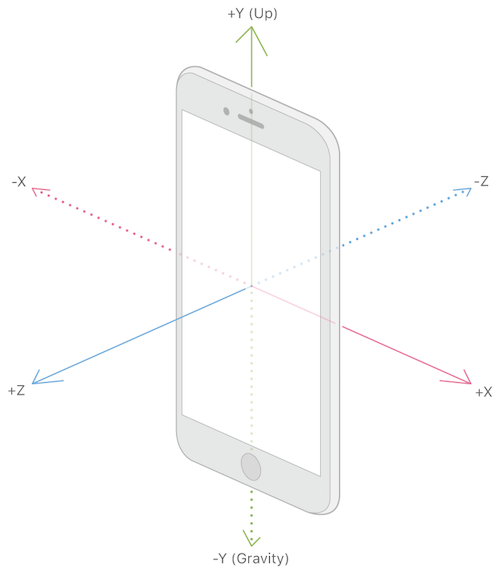
这个类有一个名为“姿态”的属性,它用滚动、俯仰和偏航来描述设备的旋转。如果我们拿着我们的手机在纵向方向,滚动描述旋转的角度围绕着通过手机的顶部和底部的轴。音高描述了通过手机两侧的轴线旋转的角度(音量按钮在那里)。最后,偏航描述了通过手机前后轴的旋转角度。有了这三个值,我们就可以确定用户是如何拿着他们的手机的参考什么将是平地(斯蒂芬·贝克)。

从导入CoreMotion开始
import CoreMotion然后创建以下变量:
 let deviceMotionDetector = CMMotionManager()
 var currentAngle: Double!
然后我们将创建一个函数,它将检查设备的角度,如下所示:
   /// Detects The Angle Of The Device
func detectDeviceAngle(){

    if deviceMotionDetector.isDeviceMotionAvailable == true {

        deviceMotionDetector.deviceMotionUpdateInterval = 0.1;

        let queue = OperationQueue()

        deviceMotionDetector.startDeviceMotionUpdates(to: queue, withHandler: { (motion, error) -> Void in

            if let attitude = motion?.attitude {

                DispatchQueue.main.async {

                    let pitch = attitude.pitch * 180.0/Double.pi
                    self.currentAngle = pitch
                    print(pitch)

                }
            }

        })

    }
    else {
        print("Device Motion Unavailable");
    }

}这只需要调用一次,例如在viewDidLoad中。
detectDeviceAngle()在您的touchesBegan方法中,可以将以下内容添加到末尾:
//1. If We Are Holding The Device Above 60 Degress Change The Node
if currentAngle > 60 {

    //2a. Get The X, Y, Z Values Of The Desired Rotation
    let rotation = SCNVector3(1, 0, 0)
    let vector3x = rotation.x
    let vector3y = rotation.y
    let vector3z = rotation.z
    let degreesToRotate:Float = 90

    //2b. Set The Position & Rotation Of The Object
    sphereNode.rotation = SCNVector4Make(vector3x, vector3y, vector3z, degreesToRotate * 180 / .pi)

}else{

}
我相信有更好的方法来实现你所需要的(我也会很有兴趣听到它们),但我希望它能让你开始。
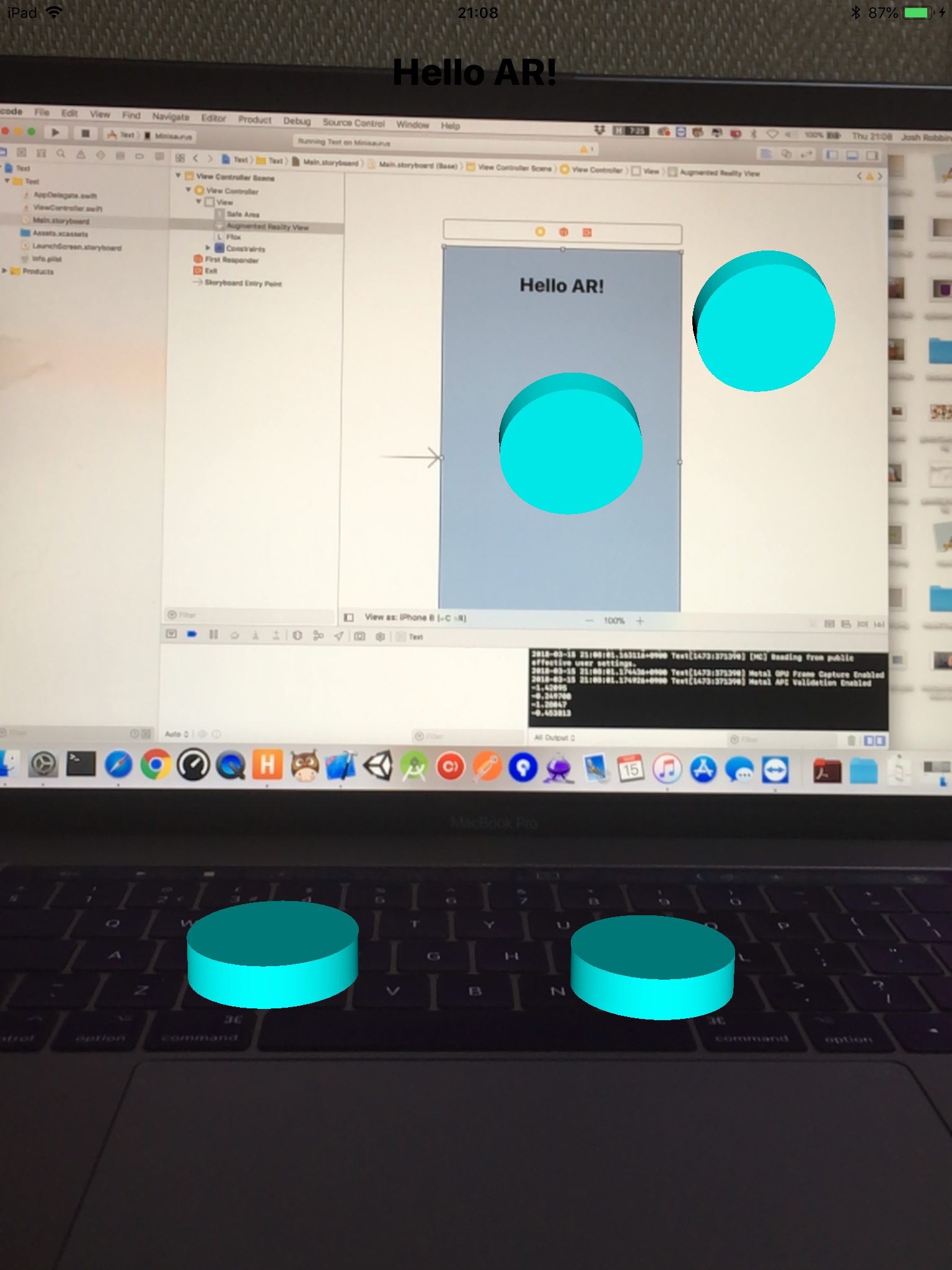
结果如下:
https://stackoverflow.com/questions/49297246
复制相似问题
腾讯云开发者

Copyright © 2013 - 2026 Tencent Cloud. All Rights Reserved. 腾讯云 版权所有
深圳市腾讯计算机系统有限公司 ICP备案/许可证号:粤B2-20090059  粤公网安备44030502008569号
腾讯云计算(北京)有限责任公司 京ICP证150476号 | 京ICP备11018762号