
将可视化格式的约束转换为NSLayoutAnchor API
我从this SO question a few months ago获得了以下扩展,我想将其转换为NSLayoutAnchor (或更详细的布局API),原因很简单,视觉格式不支持指定安全区布局指南。
链接中的扩展是这样一个:
extension UIView {

    /// Adds constraints to this `UIView` instances `superview` object to make sure this always has the same size as the superview.
    /// Please note that this has no effect if its `superview` is `nil` – add this `UIView` instance as a subview before calling this.
    func bindFrameToSuperviewBounds() {
        guard let superview = self.superview else {
            print("Error! `superview` was nil – call `addSubview(view: UIView)` before calling `bindFrameToSuperviewBounds()` to fix this.")
            return
        }

        self.translatesAutoresizingMaskIntoConstraints = false
        superview.addConstraints(NSLayoutConstraint.constraints(withVisualFormat: "H:|-0-[subview]-0-|", options: .directionLeadingToTrailing, metrics: nil, views: ["subview": self]))
        superview.addConstraints(NSLayoutConstraint.constraints(withVisualFormat: "V:|-0-[subview]-0-|", options: .directionLeadingToTrailing, metrics: nil, views: ["subview": self]))
    }
}
我的视图层次是:
UINavigationController ->根视图控制器: UIPageViewController ->第一页: UIViewController -> UIScrollView -> UIImageView
当我调用bindFrameToSuperviewBounds()时,结果如下:
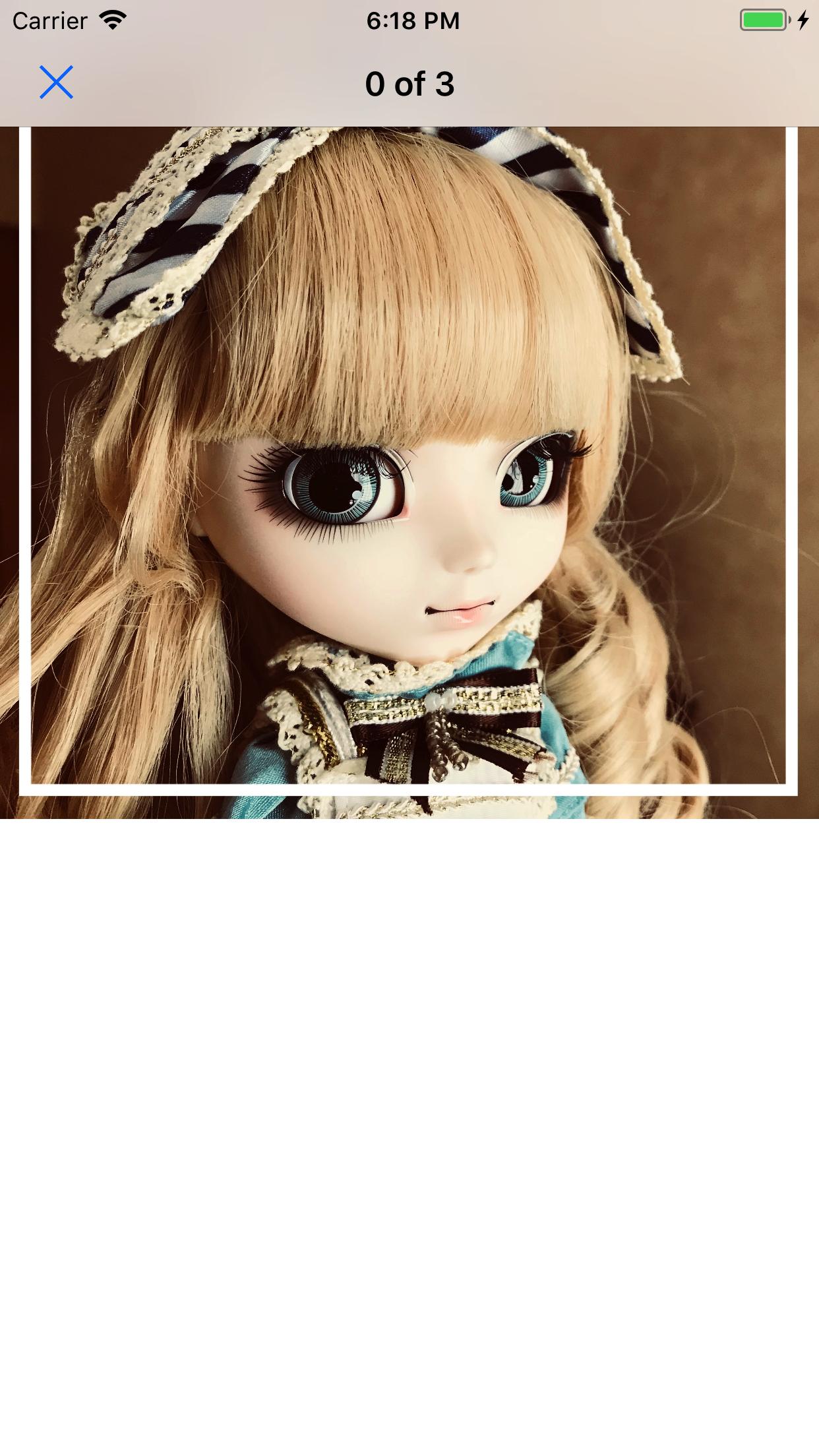
看上去挺好的。问题是图像视图在导航栏下,我不想这样做。因此,为了解决这个问题,我尝试将bindFrameToSuperviewBounds()重写为:
guard let superview = self.superview else {
            fatalError("Attempting to bound to a non-existing superview.")
        }

translatesAutoresizingMaskIntoConstraints = false
self.topAnchor.constraint(equalTo: superview.safeAreaLayoutGuide.topAnchor).isActive = true
self.leadingAnchor.constraint(equalTo: superview.safeAreaLayoutGuide.leadingAnchor).isActive = true
self.bottomAnchor.constraint(equalTo: superview.safeAreaLayoutGuide.bottomAnchor).isActive = true
self.trailingAnchor.constraint(equalTo: superview.safeAreaLayoutGuide.trailingAnchor).isActive = true
结果是:
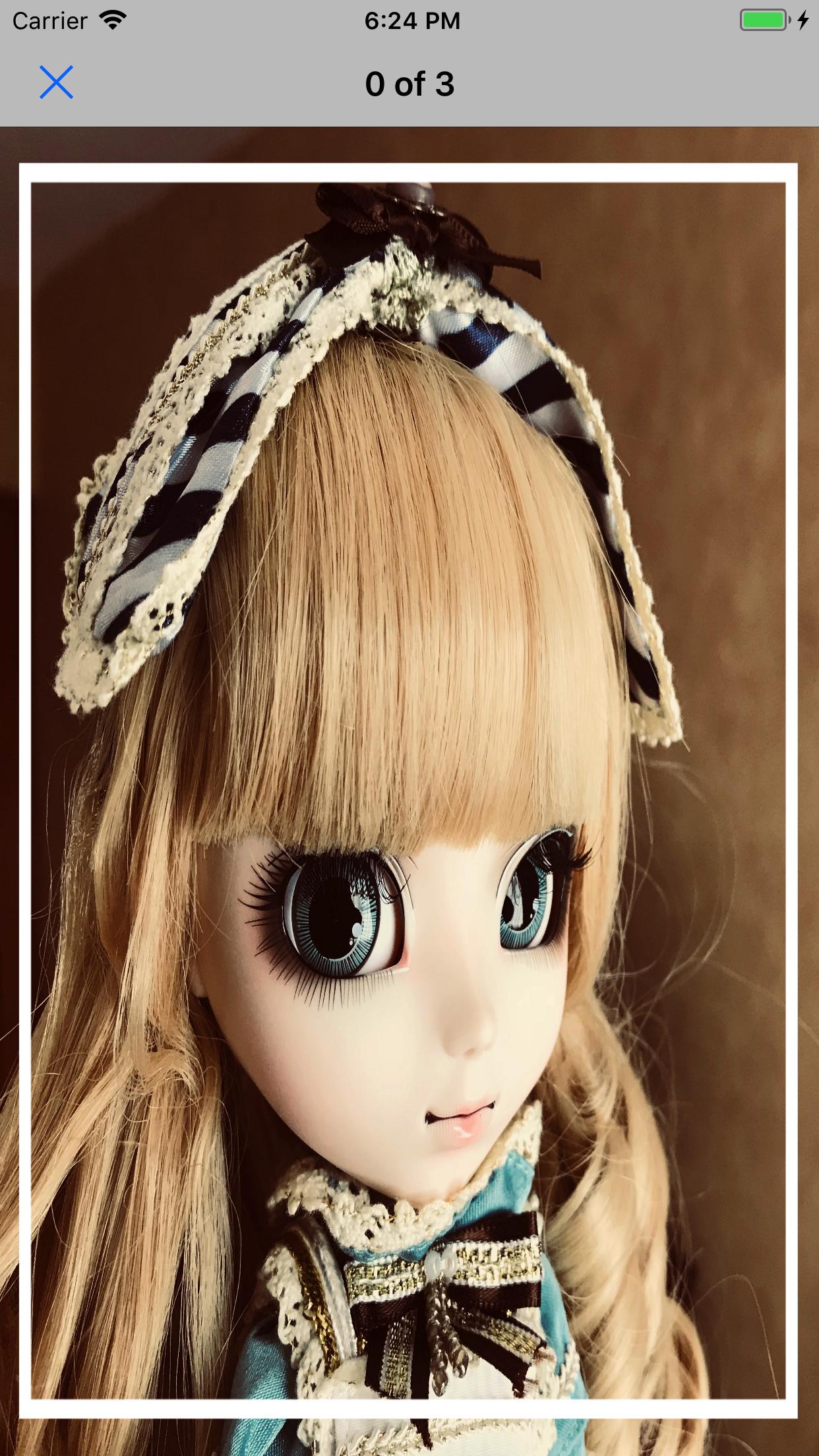
这一次它没有在导航栏下正确,但是.你可以看到它被拉伸了,我不想这样。
怎样才能正确地将可视化布局API转换为可以考虑安全区布局指南的内容?
为了完成,设置滚动视图和图像视图的代码如下:
override func viewDidLoad() {
    super.viewDidLoad()
    imageScrollView.addSubview(imageView)
    imageScrollView.layoutIfNeeded()
    imageView.bindFrameToSuperviewBounds()
    view.addSubview(imageScrollView)
    imageView.layoutIfNeeded()
    imageScrollView.backgroundColor = .white
    imageScrollView.bindFrameToSuperviewBounds()
    imageScrollView.delegate = self
}回答 2
Stack Overflow用户
发布于 2017-10-22 00:54:49
有了Fattie提供的代码,我就找到了这个解决方案:
guard let superview = self.superview else {
    fatalError("Attempting to bound to a non-existing superview.")
}

translatesAutoresizingMaskIntoConstraints = false
self.topAnchor.constraint(equalTo: superview.safeAreaLayoutGuide.topAnchor).isActive = true
self.leadingAnchor.constraint(equalTo: superview.leadingAnchor).isActive = true
self.bottomAnchor.constraint(equalTo: superview.bottomAnchor).isActive = true
self.trailingAnchor.constraint(equalTo: superview.trailingAnchor).isActive = true
(现在我只是把顶部锚定到安全的布局上,这是指南。这是否会给iPhone X带来问题还有待观察)。
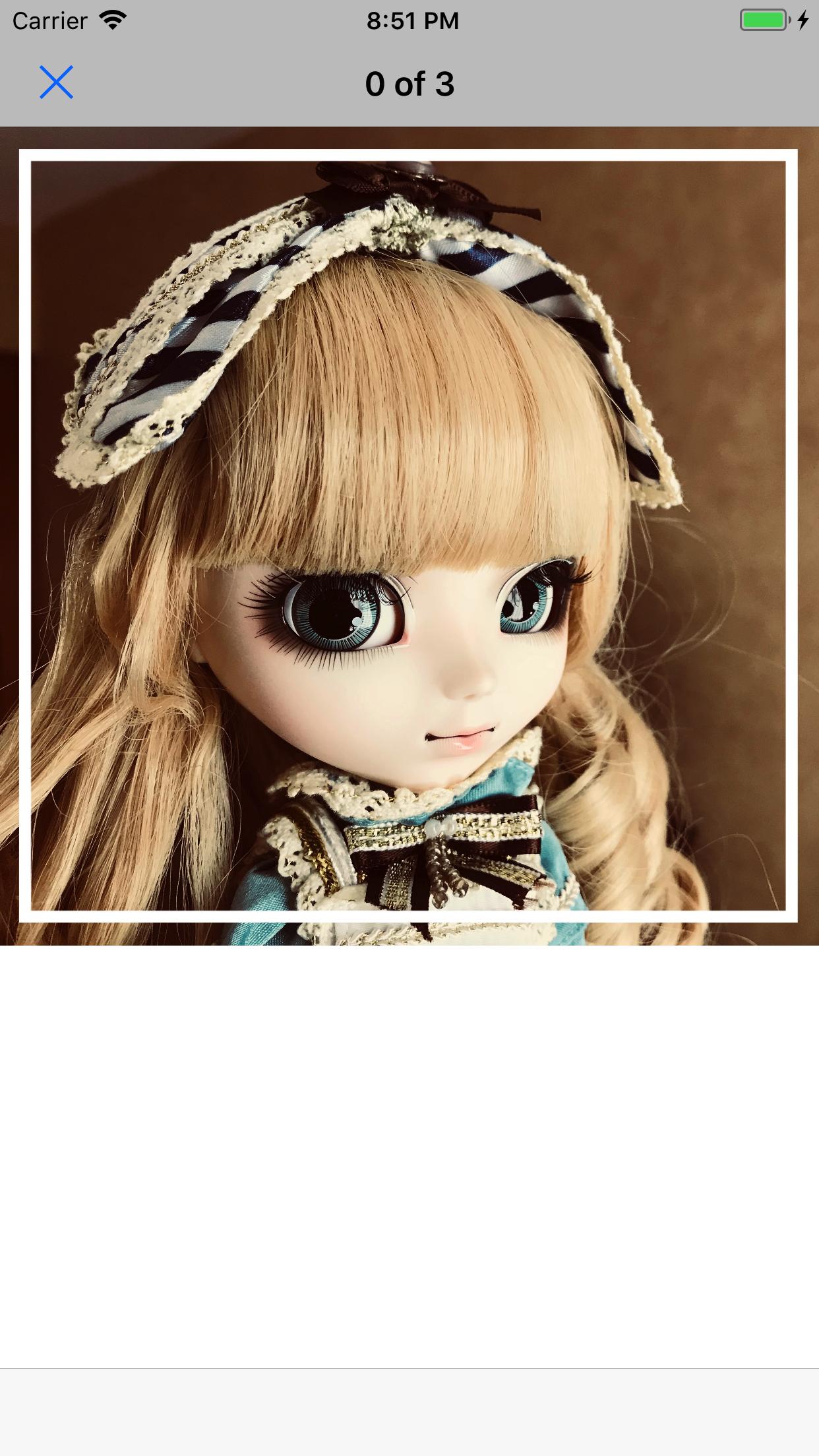
这给出了我期望的结果:
Stack Overflow用户
发布于 2017-10-22 00:26:13
老实说,我不会费心于奇怪的“视觉”布局的东西,它们很快就会消失。
这个有用吗?
extension UIView {

    // put this view "inside" it's superview, simply stretched all four ways
    // amazingly useful

    func bindEdgesToSuperview() {

        guard let s = superview else {
            preconditionFailure("`superview` nil in bindEdgesToSuperview")
        }

        translatesAutoresizingMaskIntoConstraints = false
        leadingAnchor.constraint(equalTo: s.leadingAnchor).isActive = true
        trailingAnchor.constraint(equalTo: s.trailingAnchor).isActive = true
        topAnchor.constraint(equalTo: s.topAnchor).isActive = true
        bottomAnchor.constraint(equalTo: s.bottomAnchor).isActive = true
    }

}
就像这样用..。
    textOnTop = ..  UILabel or whatever
    userPhoto.addSubview(textOnTop)
    textOnTop.bindEdgesToSuperview()
放轻松!
(PS --不要忘记,如果这是一幅图像:几乎可以肯定地说,在任何情况下,您都希望将其设置为AspectFit。)
安全布局指南的手柄就像.
.safeAreaLayoutGuidehttps://stackoverflow.com/questions/46868766
复制相似问题
腾讯云开发者

Copyright © 2013 - 2026 Tencent Cloud. All Rights Reserved. 腾讯云 版权所有
深圳市腾讯计算机系统有限公司 ICP备案/许可证号:粤B2-20090059  粤公网安备44030502008569号
腾讯云计算(北京)有限责任公司 京ICP证150476号 | 京ICP备11018762号