
location.pathname与路由器
我仍然在学习反应路由器v4。我想知道这样做到底有什么区别
定位使用
const {
      match,
      location,
      layoutBoxed,
      navCollapsed,
      navBehind,
      fixedHeader,
      sidebarWidth,
      theme,
    } = this.props;
选项1
if(location.pathname === '/500'){
return <Page500 />这个选项2
<Route path={'/500'} component={Page500} />至于我,虽然第一个选项为我正确地显示一切,第二个选项,即路由器,显示的组件仅在页面的一半。为什么会发生这种事?备选案文1结果->

备选案文2结果->
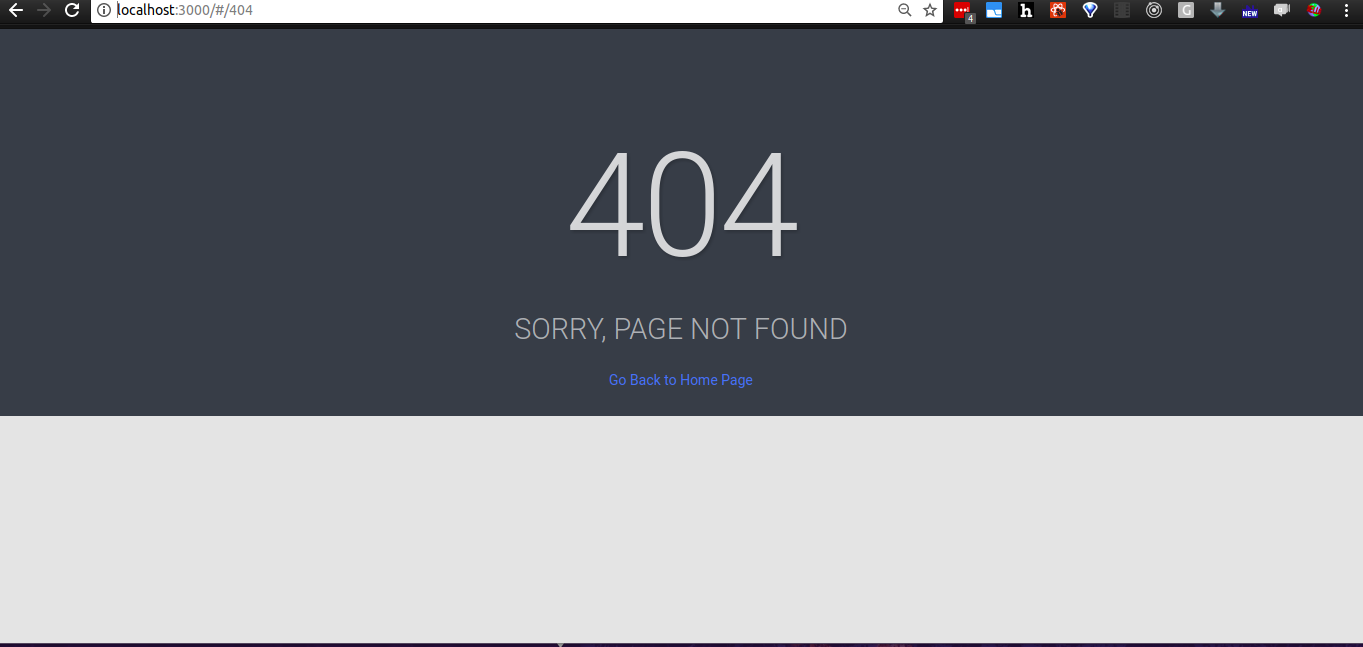
但是主要的一点->使用location.path名称和路由器有什么区别?
回答 2
Stack Overflow用户
发布于 2017-10-17 04:01:17
在选项2 <Route path={'/500'} component={Page500} />中,您将创建一个具有/500路径并加载组件Page500的路由。这意味着当用户导航到路由中指定的路径时,Response-路由器将呈现定义路由的组件。
在选项1中,
if(location.pathname === '/500'){
        return <Page500 />
}父组件根据接收到的Page500支柱来决定何时呈现该location组件。这个location支柱最终将来自于一个路由或withRouter专案。这相当于
<Route render={(props)=>{
            if(props.location.pathname === '/500'){
                            return <Page500 />;
             }else{
             return null;
             }
          }
        }
   />
它也可以写成
<Route path={'/500'} component={Page500} />
总之,如果您从父组件获得位置支柱,则只能执行选项1,您可以在应用程序的任何位置定义一个路由(选项2)。
编辑:如果你有你所有的路线,比如
return( <div>
    <Route path={'/500'} component={Page500} />
    <Route path={'/confirm-email'} component={PageConfirmEmail} />
    <Route path={'/lock-screen'} component={PageLockScreen} />
    <Route path={'/login'} component={PageLogin} />
    <Route path={'/sign-up'} component={PageSignUp} />
     <Route path={'/forgot-password'} component={PageForgotPassword} />
    <Route path={'/fullscreen'} component={PageFullscreen} />

</div> );
您正在运行多个路由呈现的风险,这可能就是在选项2中获得半页呈现的原因。
return( <div>
   <Switch>
    <Route path={'/500'} component={Page500} />
    <Route path={'/confirm-email'} component={PageConfirmEmail} />
    <Route path={'/lock-screen'} component={PageLockScreen} />
    <Route path={'/login'} component={PageLogin} />
    <Route path={'/sign-up'} component={PageSignUp} />
     <Route path={'/forgot-password'} component={PageForgotPassword} />
    <Route path={'/fullscreen'} component={PageFullscreen} />
   </Switch>
</div> );关于Switch的更多信息可以在https://reacttraining.com/react-router/web/api/Switch上找到
Stack Overflow用户
发布于 2017-10-17 03:56:20
react路由器的主要特性之一是您可以做一些事情,例如:
<Route path="/user/:id" component={User} />id将被传递到User组件中。
例如。/user/bob和/user/jill都将呈现User组件,但在componentDidMount中,您现在可以从API中获取正确的用户信息。
有了location.pathname,这个任务就变得更加复杂,就像@palsrealm所提到的那样。但是首先,location支柱必须是可用的,才能使该方法工作。
还有其他的功能,你可能会失去,但这是我能想到的主要到目前为止。您可以查看Route api 这里的文件。
编辑:,为什么它呈现方式不同,没有更多的上下文,我真的无法回答。例如,Route是否包装在Switch组件中,如下所示:
<Switch>
    // Other routes
    <Route exact path="/500" component={Page500} />
</Switch>https://stackoverflow.com/questions/46781758
复制相似问题
腾讯云开发者

Copyright © 2013 - 2026 Tencent Cloud. All Rights Reserved. 腾讯云 版权所有
深圳市腾讯计算机系统有限公司 ICP备案/许可证号:粤B2-20090059  粤公网安备44030502008569号
腾讯云计算(北京)有限责任公司 京ICP证150476号 | 京ICP备11018762号