
XLPagerTabStrip不能填充全部宽度
问题
我正在开发一个IOS应用程序。我使用XLPagerTabStrip库创建类似于Android的Tabs。YouTube。一切都很好,但我对烟斗有个问题。
我有3个标签,但他们不会填写整个宽度,他们是重叠自己。
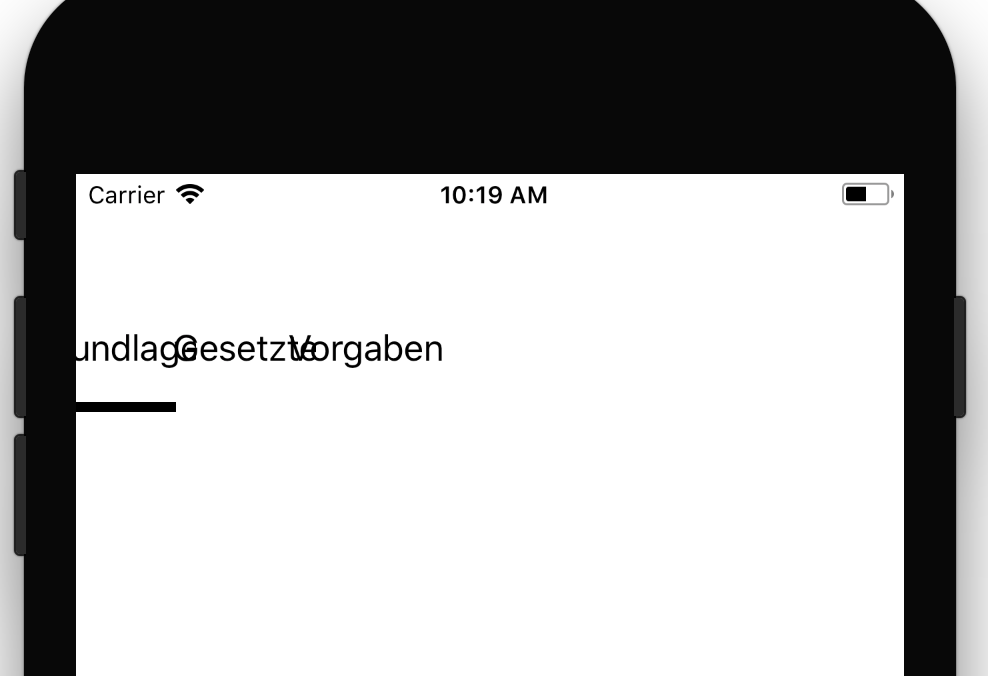
Paren类代码
import UIKit
import XLPagerTabStrip

class InformationsParentView: ButtonBarPagerTabStripViewController {

    let purpleInspireColor = UIColor(red:0.13, green:0.03, blue:0.25, alpha:1.0)

    override func viewDidLoad() {

        super.viewDidLoad()

        settings.style.buttonBarBackgroundColor = .white
        settings.style.buttonBarItemBackgroundColor = .white
        settings.style.selectedBarBackgroundColor = purpleInspireColor
        settings.style.buttonBarItemLeftRightMargin = 0
        settings.style.selectedBarHeight = 2
        settings.style.buttonBarMinimumLineSpacing = 20
        settings.style.buttonBarItemTitleColor = .black
        settings.style.buttonBarItemLeftRightMargin = 0
        settings.style.buttonBarItemsShouldFillAvailiableWidth = true
    }

    override func viewControllers(for pagerTabStripController: PagerTabStripViewController) -> [UIViewController] {
        let tabWorkers = UIStoryboard(name: "Main", bundle: nil).instantiateViewController(withIdentifier: "sbWorkers")
        let tabPLs = UIStoryboard(name: "Main", bundle: nil).instantiateViewController(withIdentifier: "sbPLs")
        let tabSuperiors = UIStoryboard(name: "Main", bundle: nil).instantiateViewController(withIdentifier: "sbSuperiors")

        return [tabWorkers, tabPLs, tabSuperiors]
    }

    override func didReceiveMemoryWarning() {
        super.didReceiveMemoryWarning()
        // Dispose of any resources that can be recreated.
    }

}
StoryBoard
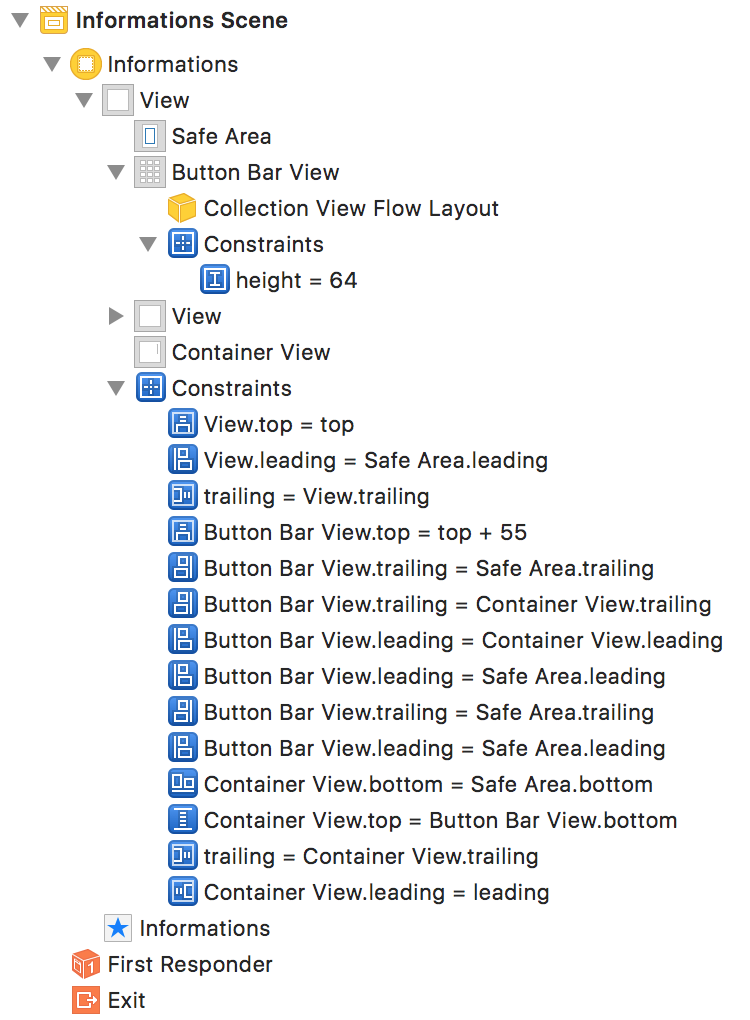
场景
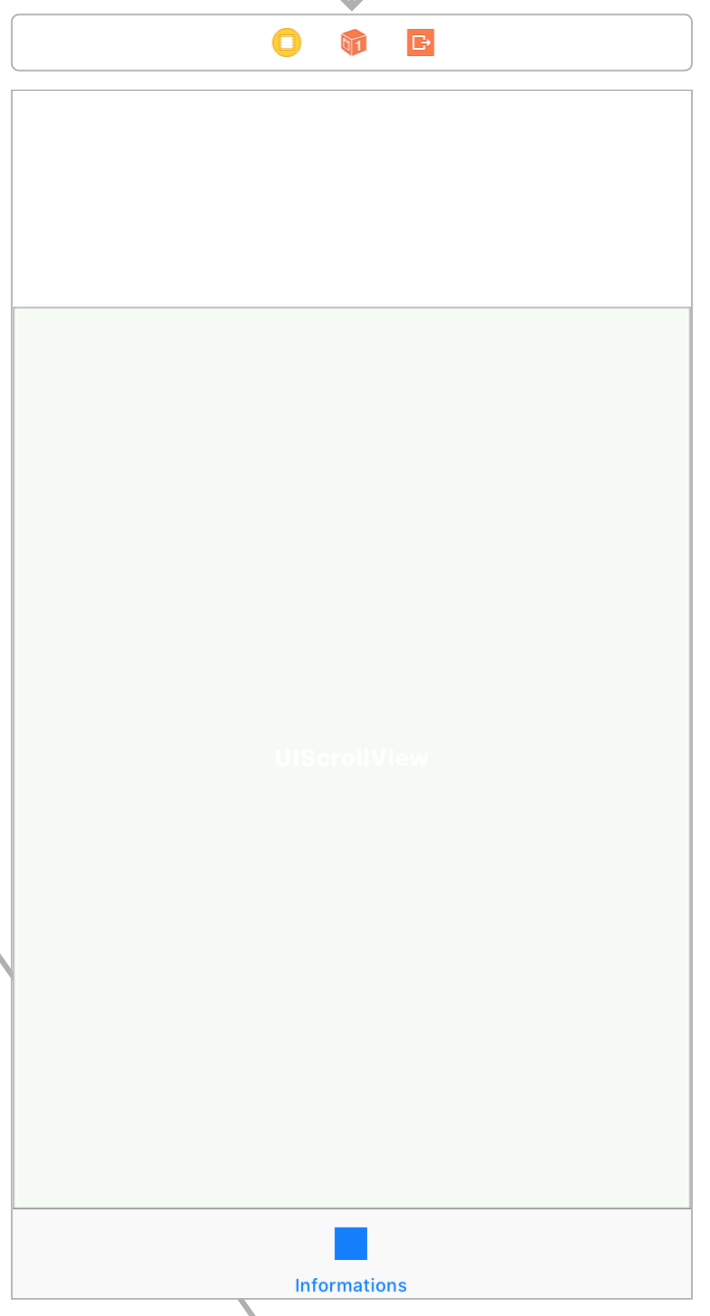
场景
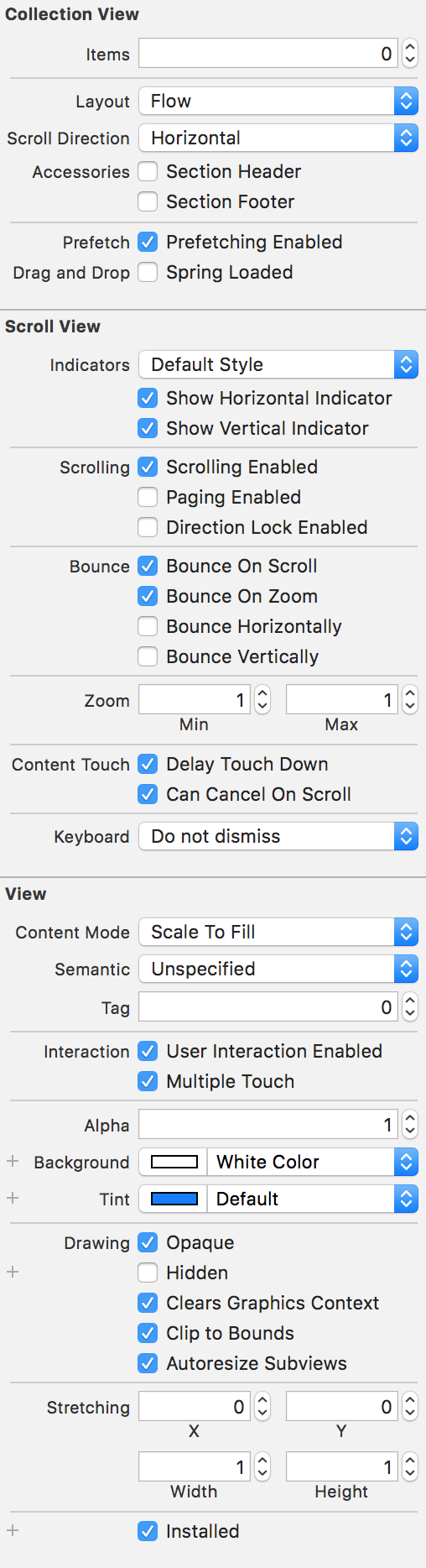
属性检查器
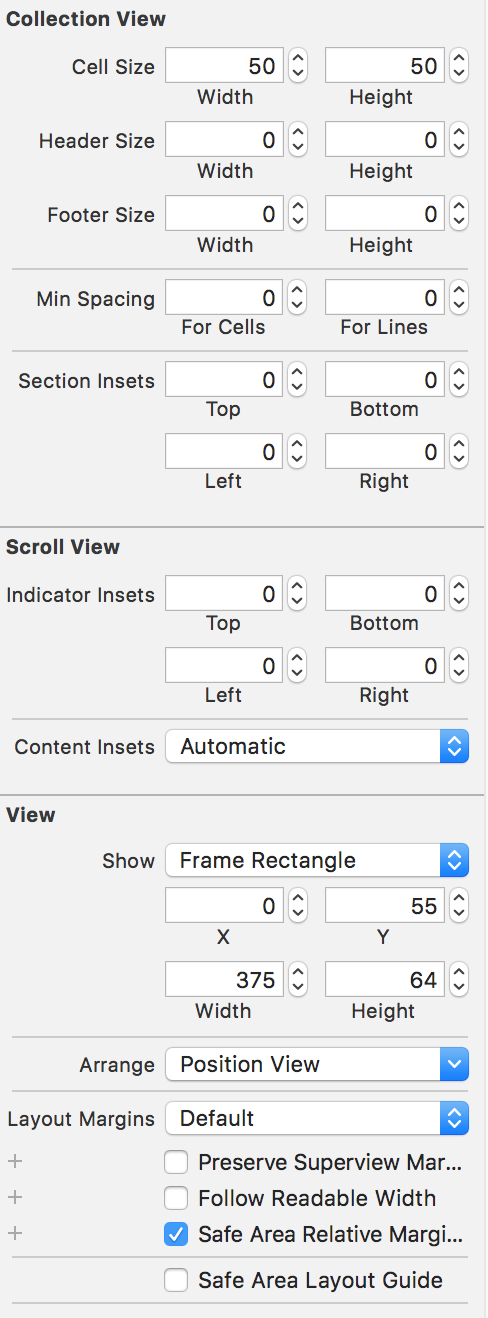
尺寸检查员
Infos
我找到了一个解决方案,但它对我没有用(Github第256期):
settings.style.buttonBarItemsShouldFillAvailableWidth = true不会为我填补可用的宽度,除非我也指定了settings.style.buttonBarItemLeftRightMargin = 0。
有谁能解决这个问题吗?
我正在使用XCode版本9、Swift 3和IOS 11。
回答 5
Stack Overflow用户
发布于 2017-09-27 12:52:06
在吊舱中打开ButtonBarPagerTabStripViewController.swift文件。
在ButtonBarPagerTabStripViewController类定义中,删除UICollectionViewDelegate协议,实现UICollectionViewDelegateFlowLayout协议。
所以修改源代码
从…
open class ButtonBarPagerTabStripViewController:
    PagerTabStripViewController, PagerTabStripDataSource,
    PagerTabStripIsProgressiveDelegate, UICollectionViewDelegate,
    UICollectionViewDataSource {
        ...
}
至
open class ButtonBarPagerTabStripViewController:
    PagerTabStripViewController, PagerTabStripDataSource,
    PagerTabStripIsProgressiveDelegate, UICollectionViewDataSource,
    UICollectionViewDelegateFlowLayout {
        ...
}
当我将我的应用程序从XCode 8.3.3迁移到XCode 9时,我遇到了这个问题。如果您在XCode 8.3.3中尝试它,您将不会看到任何bug。如果要使用XCode 9,请执行上述方法。
Stack Overflow用户
发布于 2020-05-13 20:25:33
您需要在调用super.viewDidLoad(),之前先对设置进行配置,然后在配置设置之后添加view.layoutIfNeeded()来尝试,如下所示:
override func viewDidLoad() {
    //configure settings first
    configurePagerTabStrip()

    super.viewDidLoad()

    //then
    self.view.layoutIfNeeded()
}

func configurePagerTabStrip() {
    settings.style.buttonBarBackgroundColor = .white
    settings.style.buttonBarItemBackgroundColor = .white
    settings.style.selectedBarBackgroundColor = purpleInspireColor
    settings.style.buttonBarItemLeftRightMargin = 0
    settings.style.selectedBarHeight = 2
    settings.style.buttonBarMinimumLineSpacing = 20
    settings.style.buttonBarItemTitleColor = .black
    settings.style.buttonBarItemLeftRightMargin = 0
    settings.style.buttonBarItemsShouldFillAvailiableWidth = true
}Stack Overflow用户
发布于 2017-09-25 08:35:19
试试这个
    buttonBarView.selectedBar.backgroundColor = #colorLiteral(red: 0.1353600621, green: 0.1353642344, blue: 0.1353619695, alpha: 1)


    settings.style.buttonBarBackgroundColor =  .white
    settings.style.buttonBarItemBackgroundColor =  .white

    settings.style.selectedBarHeight = 2.0
    settings.style.selectedBarBackgroundColor = purpleInspireColor


    settings.style.buttonBarItemFont = .boldSystemFont(ofSize: 14)

    settings.style.buttonBarItemTitleColor = .black

    settings.style.buttonBarItemsShouldFillAvailiableWidth = false


    super.viewDidLoad()
buttonBarItemsShouldFillAvailiableWidth = false并确保super.viewDidload()是代码的末尾,因为我在更改指示器信息时遇到了一些问题。
https://stackoverflow.com/questions/46400715
复制相似问题
腾讯云开发者

Copyright © 2013 - 2026 Tencent Cloud. All Rights Reserved. 腾讯云 版权所有
深圳市腾讯计算机系统有限公司 ICP备案/许可证号:粤B2-20090059  粤公网安备44030502008569号
腾讯云计算(北京)有限责任公司 京ICP证150476号 | 京ICP备11018762号