
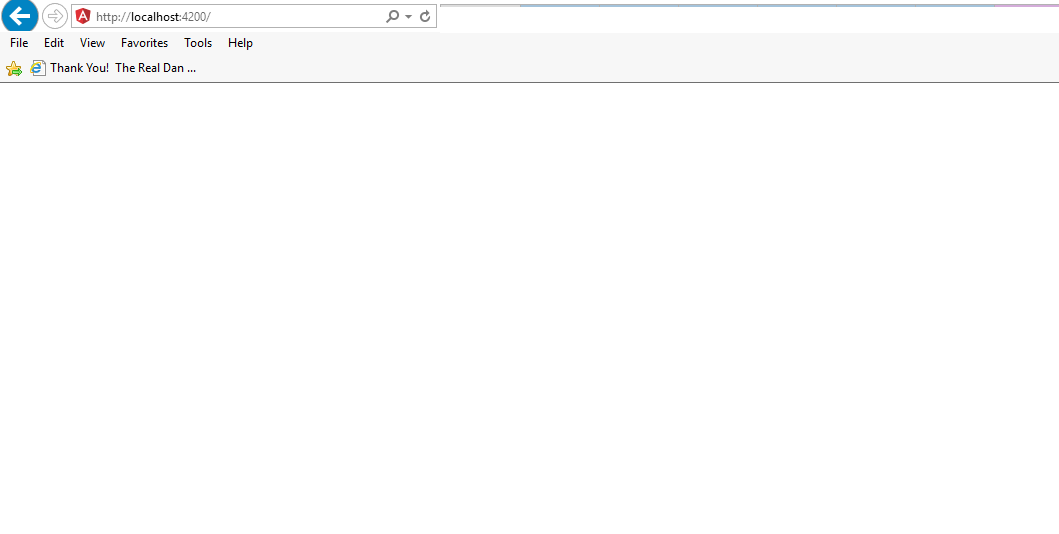
第一次运行角4 web应用程序项目后显示的空白屏幕
我尝试运行我的第一个角4js网络项目。因此,我已经为我的npm管理器安装了node.js,并且我使用了visual studio代码作为编辑器。在遵循以下步骤之后。因此,我得到了空白屏幕。请帮我解决这个问题。
我遵循的步骤:
- npm安装-g @转角/cli
- 吴新工程
- cd项目
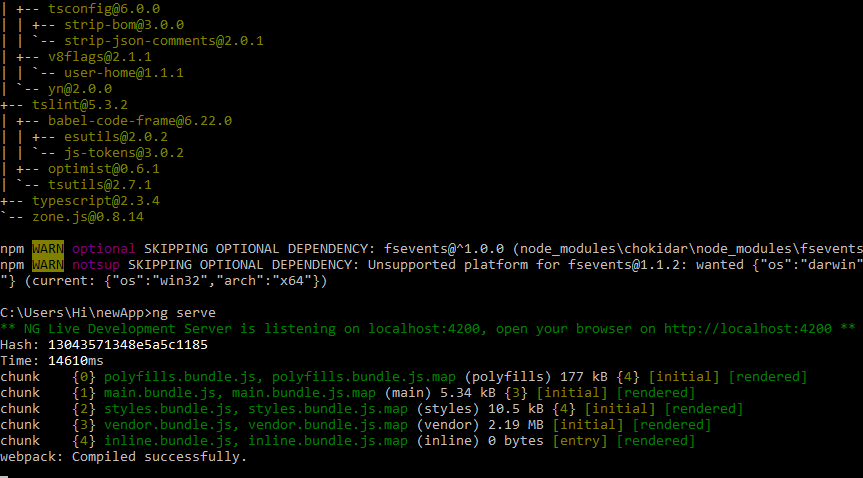
- 吴服务
执行上述步骤之后,服务器就启动了。但是当导航到http://localhost:4200/时。它显示的是空白。
app.components.ts
    import { Component } from '@angular/core';

@Component({
  selector: 'app-root',
  templateUrl: './app.component.html',
  styleUrls: ['./app.component.css']
})
export class AppComponent {
  title = 'app';
}
app.component.html
<div style="text-align:center">
  <h1>
    Welcome to {{title}}!
  </h1>
</div>
main.ts
import { enableProdMode } from '@angular/core';
import { platformBrowserDynamic } from '@angular/platform-browser-dynamic';

import { AppModule } from './app/app.module';
import { environment } from './environments/environment';

if (environment.production) {
  enableProdMode();
}

platformBrowserDynamic().bootstrapModule(AppModule);
index.html
<!doctype html>
<html lang="en">
<head>
  <meta charset="utf-8">
  <title>MyFirstApp</title>
  <base href="/">

  <meta name="viewport" content="width=device-width, initial-scale=1">
  <link rel="icon" type="image/x-icon" href="favicon.ico">
</head>
<body>
  <app-root></app-root>
</body>
</html>
app.modules.ts
import { BrowserModule } from '@angular/platform-browser';
import { NgModule } from '@angular/core';

import { AppComponent } from './app.component';

@NgModule({
  declarations: [
    AppComponent
  ],
  imports: [
    BrowserModule
  ],
  providers: [],
  bootstrap: [AppComponent]
})
export class AppModule { }
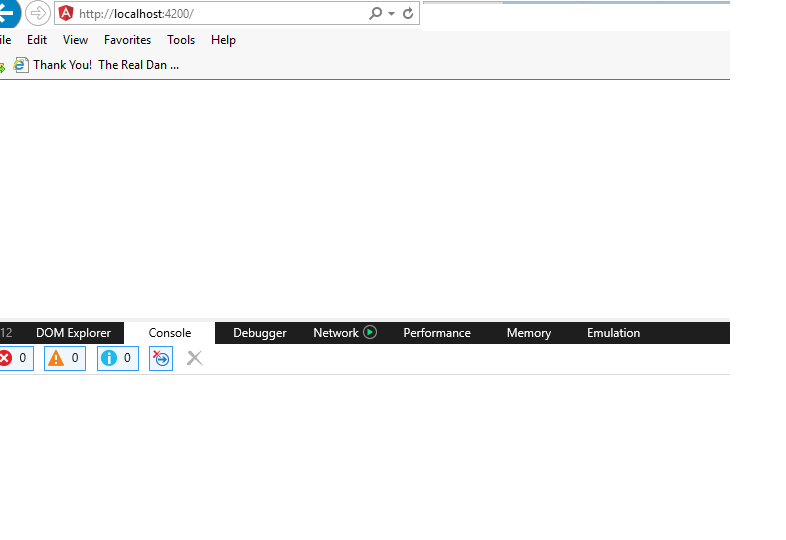
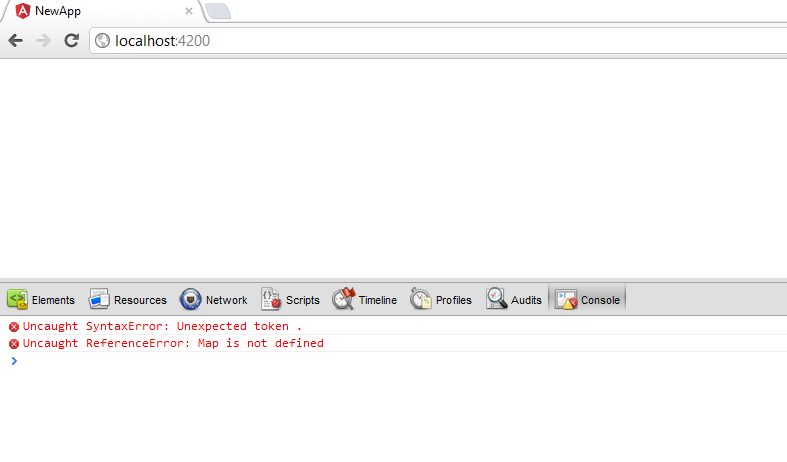
浏览器控制台
回答 5
Stack Overflow用户
发布于 2018-01-16 11:23:06
1.npm i mdn-polyfills --save
- 并修改项目src\polyfills.ts下的文件,添加以下代码
//或在其他angular2 & zone.js之前加载它
import "core-js/client/shim";

import "zone.js";

import "reflect-metadata";3.ng build,然后按回车。
4.ng serve
Stack Overflow用户
发布于 2018-07-12 12:21:10
如果要使用dev服务器中的build测试产品生成,则可以运行。
> ng服务--prod
Stack Overflow用户
发布于 2019-05-02 20:02:30
我也经历过类似的问题。实际上,我试图在子文件夹中运行角应用程序,同时为自定义JS文件创建角创建路径,并指向根文件夹。
这就解决了两种方法: 1.我只将JS文件从编译的应用程序复制到根文件夹,它就开始工作了。2.尝试在根文件夹中运行整个应用程序,但从未遇到相同的问题。
你的问题可能与我所面对的不同,但如果它能帮助别人的话,我会分享我的经验。
https://stackoverflow.com/questions/45224838
复制相似问题
腾讯云开发者

Copyright © 2013 - 2026 Tencent Cloud. All Rights Reserved. 腾讯云 版权所有
深圳市腾讯计算机系统有限公司 ICP备案/许可证号:粤B2-20090059  粤公网安备44030502008569号
腾讯云计算(北京)有限责任公司 京ICP证150476号 | 京ICP备11018762号