
角传递到@在模板中输入一个多行字符串
角传递到@在模板中输入一个多行字符串
提问于 2017-07-16 15:02:07
我想做的是:
  <app-preview
     [title]="'Some words
     'which' "can" <be>
     `surrounded` by any quotes
      and located in several lines
    '"
  </app-preview>
我不想传递包含多行字符串的组件属性,我想在模板中传递它。
我怎样才能做到这一点?
PS -变量不适用于我,因为我传递的字符串是html,对于通过@Input获取数据的每个@Input都是唯一的。
我试图传递的字符串示例:
  <app-preview
    [title]="'Default (disabled)'"
    [lang]="'html'"
    [code]="
      <am-input
        [placeholder]="'Placeholder'"
        [disabled]="true">
      </am-input>
   ">
  </app-preview>
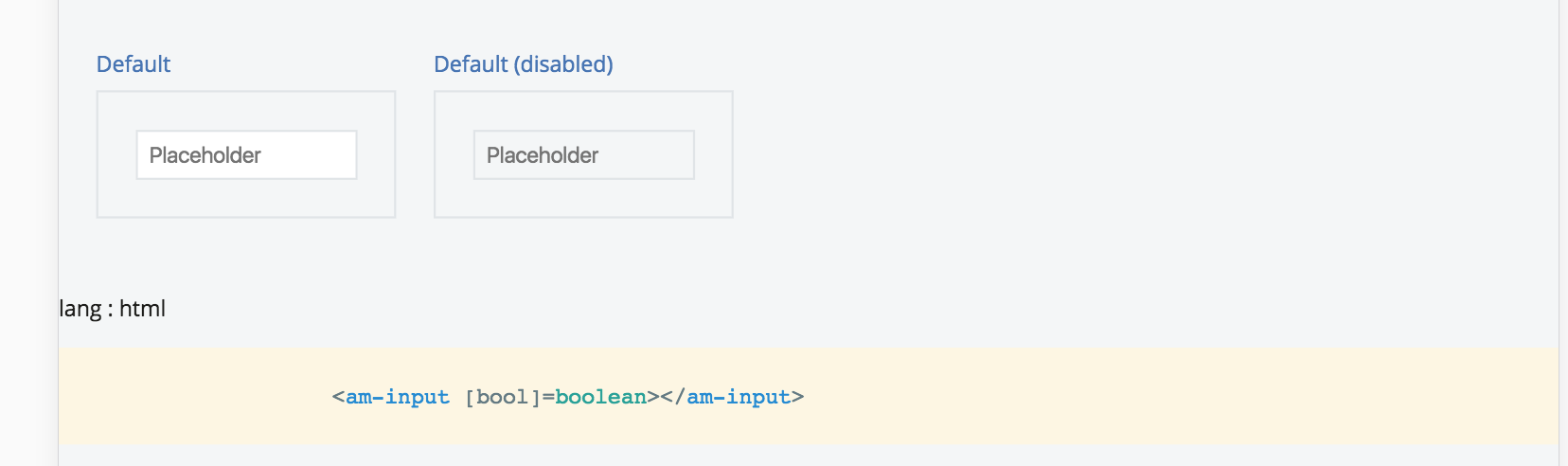
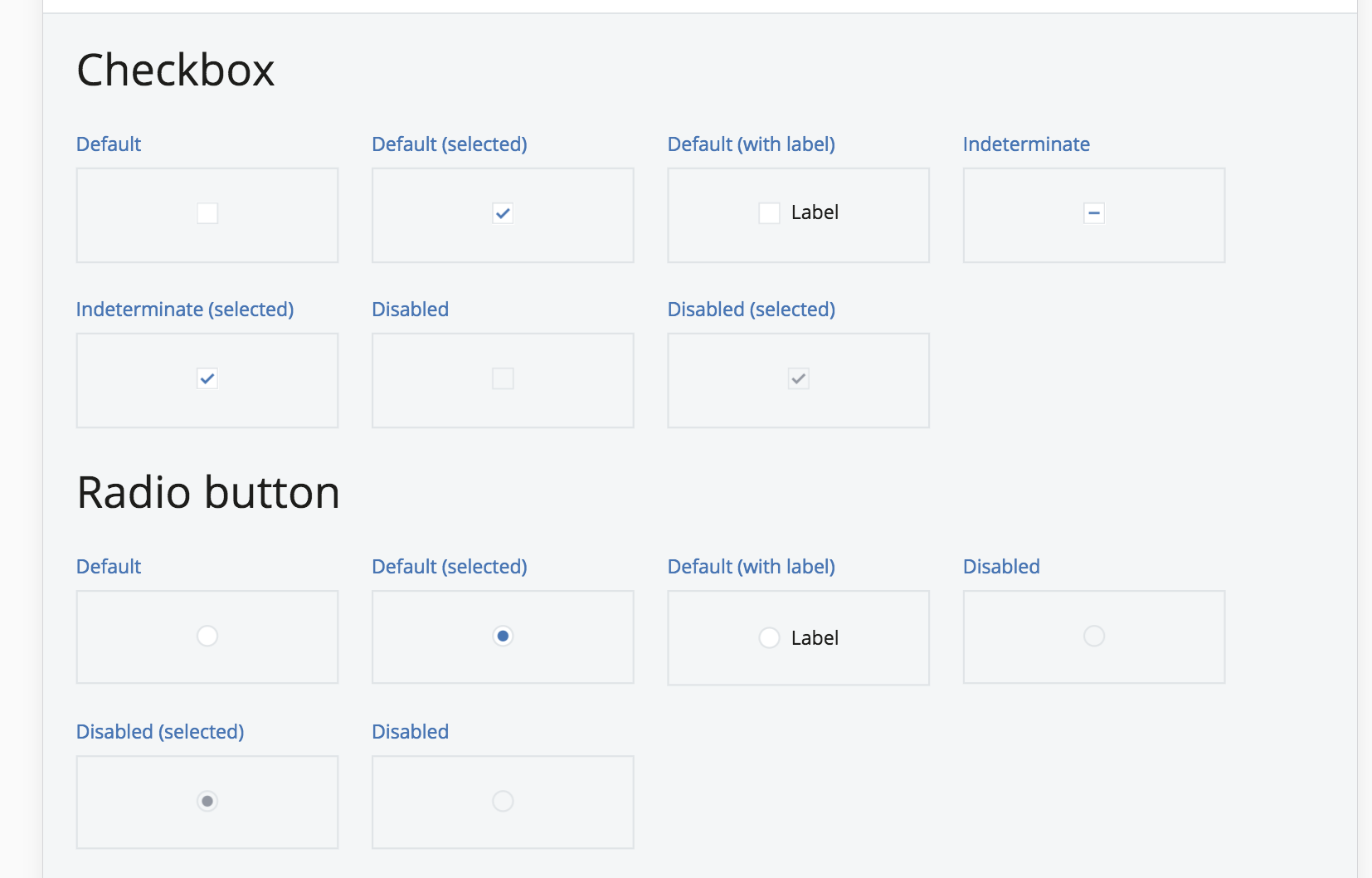
ngFor也不适合那个网格,因为我在DemoComponent中定义了每个节和每个DemoComponent
回答 2
Stack Overflow用户
回答已采纳
发布于 2017-07-16 16:28:50
简单的回答是:不,不能将任意的标记放入模板中的属性中。但是,您可以做的(可能是角度更大的-y)是将配置移动到component类中,然后去掉模板:
import { Component } from '@angular/core';
import { DomSanitizer, SafeHtml } from '@angular/platform-browser';

@Component({
  selector: 'sst-styleguide',
  template: `
    <h1>Style Guide</h1>
    <div *ngFor="let section of sections">
      <h2>{{ section.name }}</h2>
      <div *ngFor="let component of section.components">
        <h3>{{ component.title }}</h3>
        <div [innerHtml]="safeMarkup(component.markup)"></div>
        <pre>{{ component.markup }}</pre>
      </div>
    </div>
  `,
})
export class StyleguideComponent {
  sections = [
    {
      name: 'Input',
      components: [
        {
          title: `
            Some words
            'which' "can" <be>
            \`surrounded\` by any quotes
            and located in several lines
          `,
          markup: `
            <button>Hello</button>
          `,
        },
      ],
    },
  ];

  constructor(private sanitizer: DomSanitizer) { }

  safeMarkup(markup: string): SafeHtml {
    return this.sanitizer.bypassSecurityTrustHtml(markup);
  }
}
请注意,后排需要转义,但是标题中的其他所有内容都保持原样。
呈现的HTML:
<sst-styleguide _ngcontent-c0="">
<h1>Title</h1>
<!--bindings={
"ng-reflect-ng-for-of": "[object Object]"
}--><div>
<h2>Input</h2>
<!--bindings={
"ng-reflect-ng-for-of": "[object Object]"
}--><div>
<h3>
Some words
'which' "can" <be>
`surrounded` by any quotes
and located in several lines
</h3>
<div>
<button>Hello</button>
</div>
<pre>
<button>Hello</button>
</pre>
</div>
</div>
</sst-styleguide>
显然,在实践中,我会将StyleguideComponent分解为单独的嵌套组件,以便更容易地进行开发和测试。
Stack Overflow用户
发布于 2017-07-16 17:17:33
如果要在模板中执行此操作,可以使用CDATA。但首先,您需要创建如下指令:
@Directive({
  selector: 'preview-code'
})
export class CodeDirective {
  constructor(public elRef: ElementRef) {}

  get code() {
    return this.elRef.nativeElement.textContent.trim();
  }
}
然后,您的模板将看起来如下:
<app-preview title="Default">
  <preview-code>
    <![CDATA[
    <am-input
      placeholder="Placeholder"
      [disabled]="false">
    </am-input>
    ]]>
  </preview-code>
</app-preview>在AppPreview组件中,您可以通过以下方法获得code:
@ContentChild(CodeDirective) codeDir;

ngOnInit() {
const template = this.codeDir.code;页面原文内容由Stack Overflow提供。腾讯云小微IT领域专用引擎提供翻译支持
原文链接:
https://stackoverflow.com/questions/45130016
复制相关文章
相似问题
腾讯云开发者

Copyright © 2013 - 2026 Tencent Cloud. All Rights Reserved. 腾讯云 版权所有
深圳市腾讯计算机系统有限公司 ICP备案/许可证号:粤B2-20090059  粤公网安备44030502008569号
腾讯云计算(北京)有限责任公司 京ICP证150476号 | 京ICP备11018762号