
Xamarin.UWP自定义ViewCell在绑定方面存在问题
我已经创建了一个自定义ViewCell,它应该在我的ListView中使用,同样的代码可以在Android上工作,但在UWP (Windows和Windows桌面一样)上不起作用。
该项目是Xamarin表格。
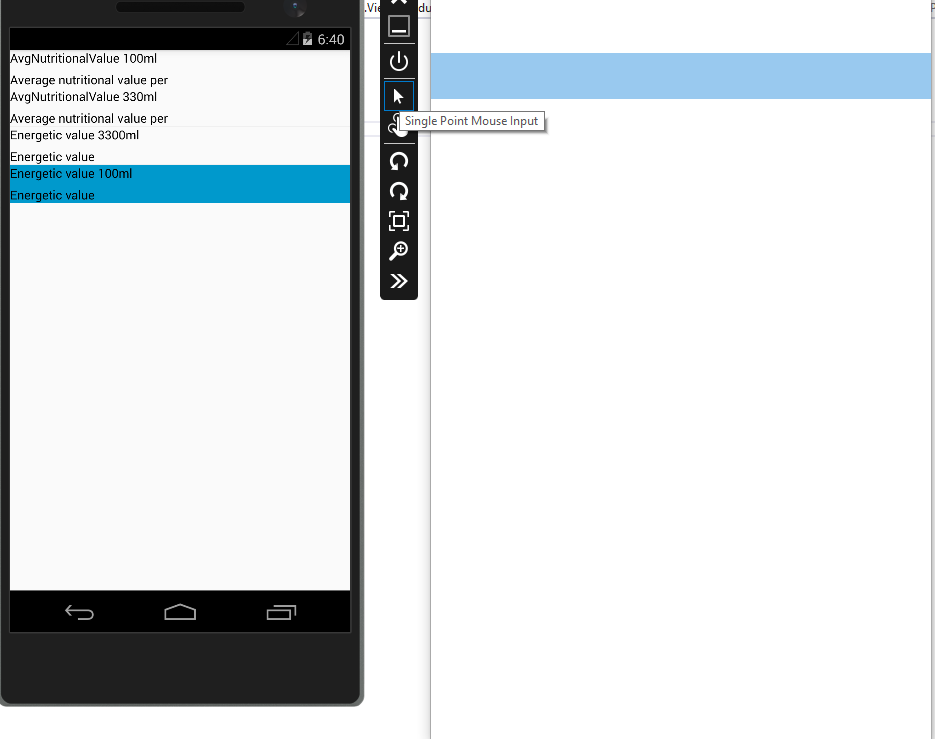
当我在ListView中使用它时.我只能看到空白单元格。
<?xml version="1.0" encoding="UTF-8"?>
<ViewCell xmlns="http://xamarin.com/schemas/2014/forms"
             xmlns:x="http://schemas.microsoft.com/winfx/2009/xaml"
             x:Class="AAA.Extensions.AttributeViewCell"
            Tapped="AttributeViewCell_OnTapped"
          >
<Grid
    x:Name="AttributeGrid"
    >
    <Grid.ColumnDefinitions>
        <ColumnDefinition Width="*"/>
        <ColumnDefinition Width="*"/>
    </Grid.ColumnDefinitions>

    <Grid.RowDefinitions>
        <RowDefinition Height="Auto"/>
    </Grid.RowDefinitions>

    <StackLayout
        Grid.Column="0"
        >
        <Label
            Text="{Binding Code}"
            TextColor="#000000"
            />
        <Label
            Text="{Binding Description}"
            TextColor="#000000"
            />
    </StackLayout>

    <StackLayout
        Grid.Column="1"
        x:Name="DynamicContentStackLayout"
        >

    </StackLayout>
</Grid>
我的代码在后面
[XamlCompilation(XamlCompilationOptions.Compile)]
    public partial class AttributeViewCell : ViewCell
    {
        #region Bindable Properties
        public static readonly BindableProperty CodeProperty = BindableProperty.Create(nameof(Code),typeof(string),typeof(AttributeViewCell), defaultBindingMode:BindingMode.TwoWay);
        public static readonly BindableProperty DescriptionProperty = BindableProperty.Create(nameof(Description), typeof(string), typeof(AttributeViewCell), defaultBindingMode:BindingMode.TwoWay);
        #endregion

        #region Properties
        /// <summary>
        /// Attribute Code
        /// </summary>
        public string Code
        {
            get => (string) GetValue(CodeProperty);
            set => SetValue(CodeProperty,value);
        }

        /// <summary>
        /// Attribute's description
        /// </summary>
        public string Description
        {
            get => (string) GetValue(DescriptionProperty);
            set => SetValue(DescriptionProperty, value);
        }
        #endregion

        public AttributeViewCell()
        {
            InitializeComponent ();
            this.BindingContext = this;
        }

        private void AttributeViewCell_OnTapped(object sender, EventArgs e)
        {
            // I CAN SEE BINDINGS here...
        }
    }
绑定是在整个ViewModel中完成的,POCO的外观如下所示
public class Attribute
    {
        public string Code { get; set; }
        public string Description { get; set; }
    }
VM公共类ProductDetailsPageViewModel : BaseViewModel {区域字段私有只读AnonymousCheckerService _anonymousCheckerService;私有列表_attributes;
        #endregion

        #region Properties

        public List<Attribute> Attributes
        {
            get => _attributes;
            set
            {
                _attributes = value;
                OnPropertyChanged();
            }
        }

        #endregion

        //basic ctor
        public ProductDetailsPageViewModel()
        {
            _aaa= new aaa();
            Attributes = _aaa.GetInfo("123").Attributes;
        }
    }
最后,ListView
<?xml version="1.0" encoding="utf-8" ?>
<ContentPage xmlns="http://xamarin.com/schemas/2014/forms"
             xmlns:x="http://schemas.microsoft.com/winfx/2009/xaml"
             xmlns:extensions="clr-namespace:AnonymousCheckerApp.Extensions"
             x:Class="AnonymousCheckerApp.Views.ProductDetailsPage">
    <StackLayout>
        <ListView
            ItemsSource="{Binding Attributes}"
            >
            <ListView.ItemTemplate>
                <DataTemplate>
                    <extensions:AttributeViewCell
                        Code="{Binding Code}"
                        Description="{Binding Description}"
                        AttributeDetails="{Binding AttributeDetails}"
                        />
                </DataTemplate>
            </ListView.ItemTemplate>
        </ListView>
    </StackLayout>
</ContentPage>

and it's codebehind
public ProductDetailsPage()
        {

            var vm = new ProductDetailsPageViewModel();
            this.BindingContext = vm;

            InitializeComponent ();
        }
我在视图单元上附加了一个点击事件.我可以看到绑定.
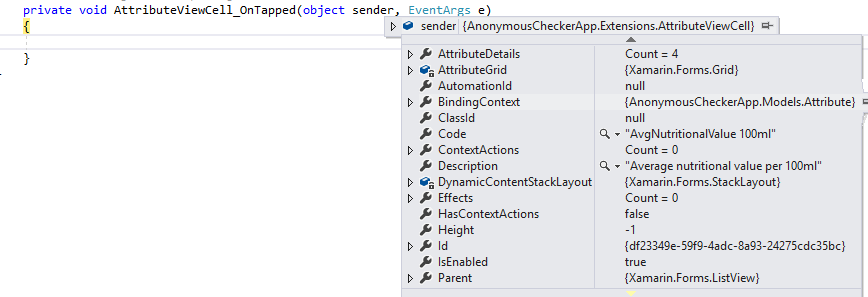
编辑1
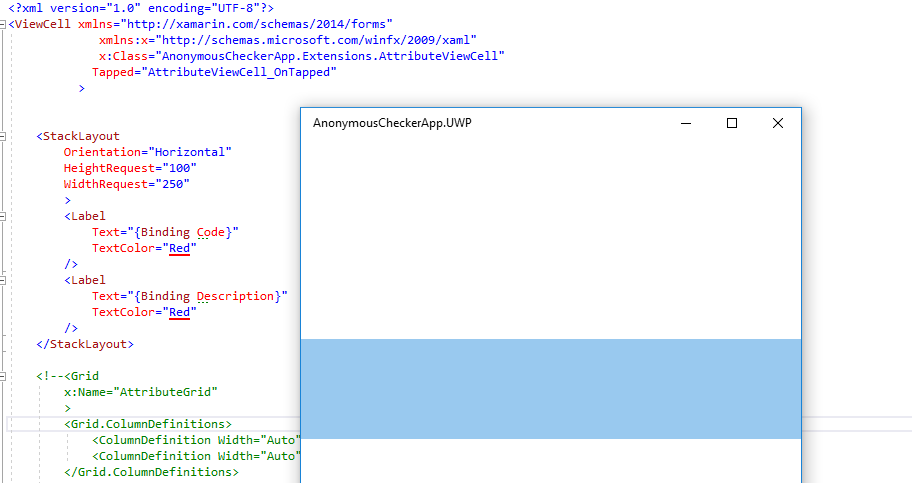
我已经注释掉了网格代码,因为我发现其他一些开发人员在Grid元素中堆叠的元素上存在绑定问题。仍然不起作用,奇怪的是,它正确地“解析”了XAML元素,但是它没有执行binding....What,我做错了吗?
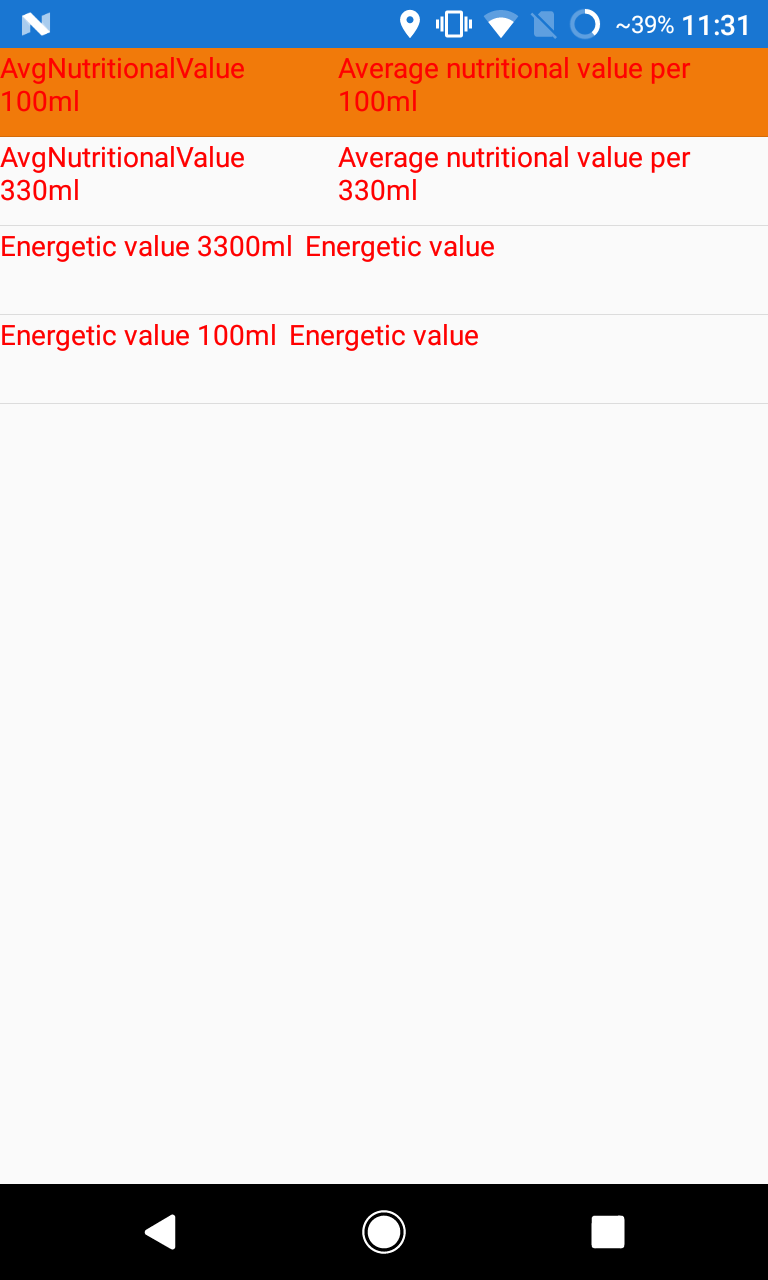
这就是在Android上的样子。
回答 1
Stack Overflow用户
发布于 2017-06-19 09:12:42
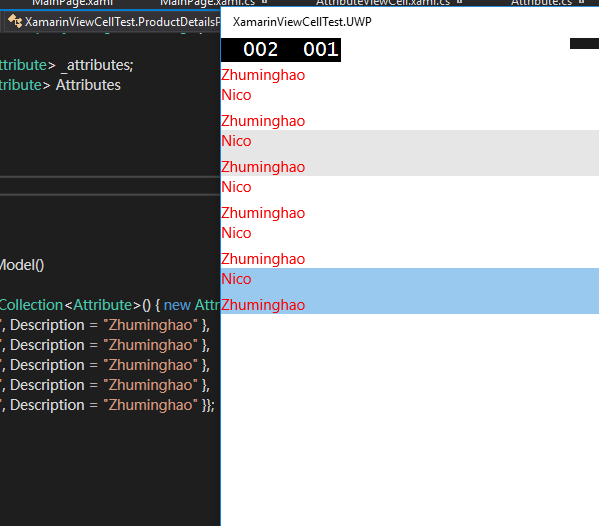
我已经测试过你的代码并复制了你的问题。这行this.BindingContext = this;是不必要的。因为AttributeViewCell继承了ViewCell,所以您可以在ListView DataTemplate中直接使用它。因此,请从AttributeViewCell构造函数中删除以下行代码。
this.BindingContext = this;
https://stackoverflow.com/questions/44619504
复制相似问题
腾讯云开发者

Copyright © 2013 - 2026 Tencent Cloud. All Rights Reserved. 腾讯云 版权所有
深圳市腾讯计算机系统有限公司 ICP备案/许可证号:粤B2-20090059  粤公网安备44030502008569号
腾讯云计算(北京)有限责任公司 京ICP证150476号 | 京ICP备11018762号