
如何在从outlook发送电子邮件模板时删除Gmail中的超链接下划线
如何在从outlook发送电子邮件模板时删除Gmail中的超链接下划线
提问于 2017-03-22 08:13:08
今天已经面临一个新的问题,同时从outlook发送邮件到Gmail.The,问题是超链接元素显示为下划线。我已经试过了。
方法1:
 <td  width="500px" align="center" style=" text-align: left; font-size:1.2em; font-family:Candara; color: #FFFFFF;">
             <a href="mailto:info@example.com" style="color:#fff;text-decoration:none;" target="_blank">info@xxx.com</a>
    </td>
方法2:
<a href="mailto:info@example.com" style="color:#fff;text-decoration:none !important;" target="_blank">info@ccc.com</a> 方法3:
a {text-decoration: none !important; color: #000; cursor: text;}此代码在浏览器、outlook中运行良好,问题是Gmail的Gmail mailbox.Because动态地在超链接标记之后添加span标记。
我在此附上了一份视频参考资料:
给:文字装饰,它不采取gmail框,因为之后,在一个标签内的跨度标签被添加。
全码
<!DOCTYPE html PUBLIC "-//W3C//DTD XHTML 1.0 Transitional//EN" "http://www.w3.org/TR/xhtml1/DTD/xhtml1-transitional.dtd">
<html xmlns="http://www.w3.org/1999/xhtml">
<head>
<meta http-equiv="Content-Type" content="text/html; charset=utf-8" />
<title>mailtest</title>
</head>
<body style="margin:0; padding:0;">
        <table width="582" border="0" cellspacing="0" cellpadding="0" align="center" style="background:black;">
            <tr>
                <td  width="500px" align="center" style=" text-align: left; font-size:1.2em; font-family:Candara; color: #FFFFFF;">
                    <img style="margin-left:10px;" src="http://codestrz.com/Content/mail/envelope.png" alt="" border="0" height="18" width="18"/>
                    <a href="mailto:info@example.com" style="color:#fff;text-decoration:none" target="_blank">info@xxx.com</a>
                </td>
            </tr>
        </table>
    </body>
</html>
我试过这个简单的标签:
<p style="color:white;"> EXTRANET.EXAMPLE.COM</p>之后尝试使用没有链接的简单p标记,
2013年展望产出
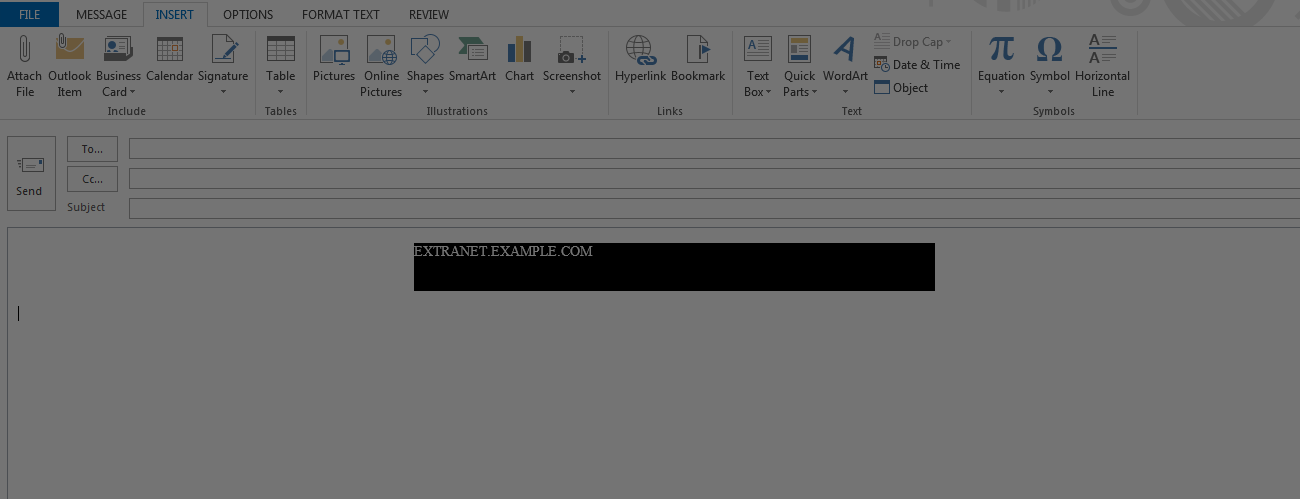
[![enter code here][1]][1]gmail输出
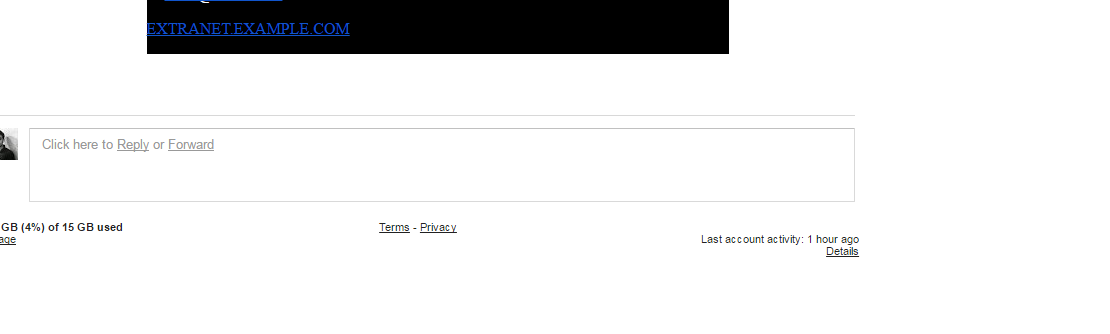
回答 2
Stack Overflow用户
发布于 2017-03-22 08:50:36
在文本装饰后插入;:样式中没有一个,因为在某些情况下,html没有读取正确的css。
Stack Overflow用户
发布于 2017-03-22 08:59:13
试试这个
<a href='yourLink' bgcolor="#000000">yourLinkHere</a>或
<a href="yourLink" style="color:#CCCCCC; text-decoration:none;"><color="#CCCCCC">yourLink</font></a>的outlook版本高于2007,
- 按CTRL+SHIFT+ALT+S
- 右键单击“样式和格式”窗格中的“超链接”条目,然后选择“修改”
- 更改超链接的字体设置。(去掉下划线)
就是这样,为您创建的所有新消息更改它
- 启用选项(单选按钮):基于此模板的新文档
页面原文内容由Stack Overflow提供。腾讯云小微IT领域专用引擎提供翻译支持
原文链接:
https://stackoverflow.com/questions/42946034
复制相关文章
相似问题
腾讯云开发者

Copyright © 2013 - 2026 Tencent Cloud. All Rights Reserved. 腾讯云 版权所有
深圳市腾讯计算机系统有限公司 ICP备案/许可证号:粤B2-20090059  粤公网安备44030502008569号
腾讯云计算(北京)有限责任公司 京ICP证150476号 | 京ICP备11018762号