
如何在MapKit CallOuts Swift 3中添加按钮
如何在MapKit CallOuts Swift 3中添加按钮
提问于 2017-02-17 02:44:47
我正在尝试添加一个按钮到我的标注,以便我可以转换到另一个视图控制器。然而,这些标注不会显示附件视图,我也不知道为什么。我从firebase获取一些数据,并将其输入到适当的数组中,然后将注释与调用一起发布。我不知道为什么按钮没有出现。
此代码发生在ViewDidLoad(){.}中。
 bookRef.observeSingleEvent(of: .value, with: {snapshot in


            if let userDict = snapshot.value as? [String:AnyObject]{

                for each in userDict as [String:AnyObject]{

                    let bookLats = each.value["bookLat"] as! String

                    let bookLngs = each.value["bookLng"] as! String

                    let bookTitle = each.value["title"] as! String

                    let Author = each.value["Author"] as! String
                    let Comment = each.value["Comment"] as! String
                    let Genre = each.value["Genre"] as! String
                    let User = each.value["User"] as! String
                    let bookPhoto = each.value["bookPhoto"] as! String
                    let userID = each.value["userID"] as! String
                    let userLocation = each.value["userLocation"] as! String
                    let bookRate = each.value["bookRating"] as! String
                    let userToBePushed = each.value["pushingID"] as! String


                    self.bookLatArrayDouble.append((bookLats as NSString).doubleValue)

                    self.bookLngArrayDouble.append((bookLngs as NSString).doubleValue)

                    self.bookTitlesArray.append(bookTitle)


                }


            }


        for i in 0...(self.bookLatArrayDouble.count-1){

           let locationCoordinates = CLLocationCoordinate2D(latitude: self.bookLatArrayDouble[i], longitude: self.bookLngArrayDouble[i])


            var point = BookAnnotation(coordinate: locationCoordinates)

            point.title = self.bookTitlesArray[i]


             self.Map.addAnnotation(point)


        }
我也使用了这个功能。
 func mapView(_ mapView: MKMapView, viewFor annotation: MKAnnotation) -> MKAnnotationView? {
    // If annotation is not of type RestaurantAnnotation (MKUserLocation types for instance), return nil


    var annotationView = self.Map.dequeueReusableAnnotationView(withIdentifier: "Pin")

    if annotationView == nil{
        annotationView = MKPinAnnotationView(annotation: annotation, reuseIdentifier: "Pin")
        annotationView?.canShowCallout = true
        annotationView?.rightCalloutAccessoryView = UIButton(type: .detailDisclosure)
    }else{
        annotationView?.annotation = annotation
    }


    return annotationView
}
编辑:修改请求
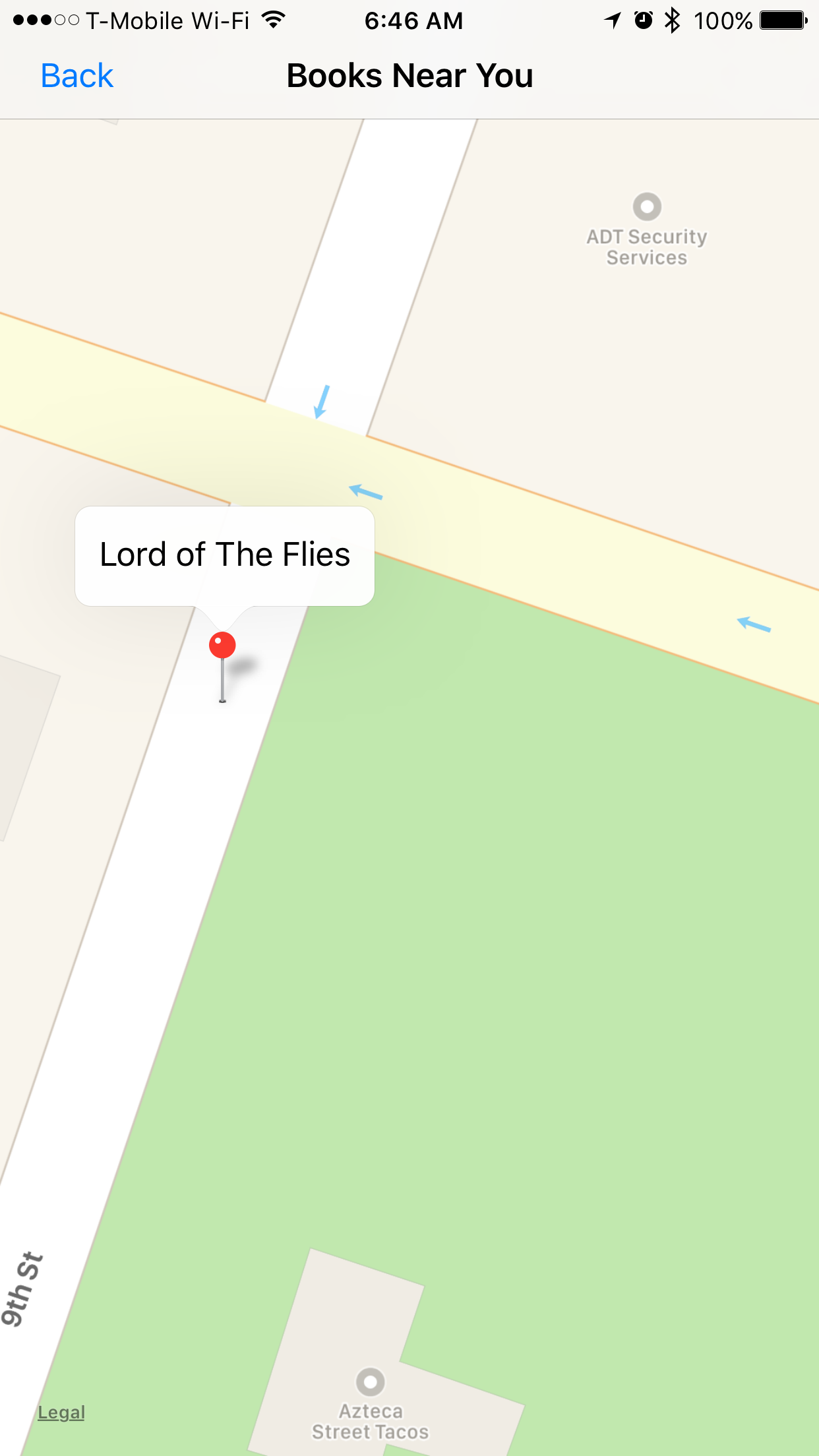
回答 2
Stack Overflow用户
回答已采纳
发布于 2017-02-18 01:16:57
我犯了一个愚蠢的错误..。我忘了放Map.delegate.self,所以函数从来没有真正调用过,这是有道理的。按钮现在显示感谢大家的帮助!
Stack Overflow用户
发布于 2017-02-17 09:25:30
你的流量控制很奇怪
为什么只是当if annotationView == nil然后添加CalloutAccessoryView?
试试下面的代码:
if annotationView == nil{
    annotationView = MKPinAnnotationView(annotation: annotation, reuseIdentifier: "Pin")
}else{
    annotationView?.annotation = annotation
}
annotationView?.canShowCallout = true
annotationView?.rightCalloutAccessoryView = UIButton(type: .detailDisclosure)我猜self.Map.dequeueReusableAnnotationView(withIdentifier: "Pin")可能会返回零,因为我没有看到你的代码
返回值 具有指定标识符的注释视图,如果重用队列中不存在此类对象,则为零。
但当它发生的时候!你也需要在里面加上附件
页面原文内容由Stack Overflow提供。腾讯云小微IT领域专用引擎提供翻译支持
原文链接:
https://stackoverflow.com/questions/42288488
复制相关文章
相似问题
腾讯云开发者

Copyright © 2013 - 2026 Tencent Cloud. All Rights Reserved. 腾讯云 版权所有
深圳市腾讯计算机系统有限公司 ICP备案/许可证号:粤B2-20090059  粤公网安备44030502008569号
腾讯云计算(北京)有限责任公司 京ICP证150476号 | 京ICP备11018762号