
在用“`text`”作图时如何包装字符串?
在用“`text`”作图时如何包装字符串?
提问于 2017-02-15 19:43:55
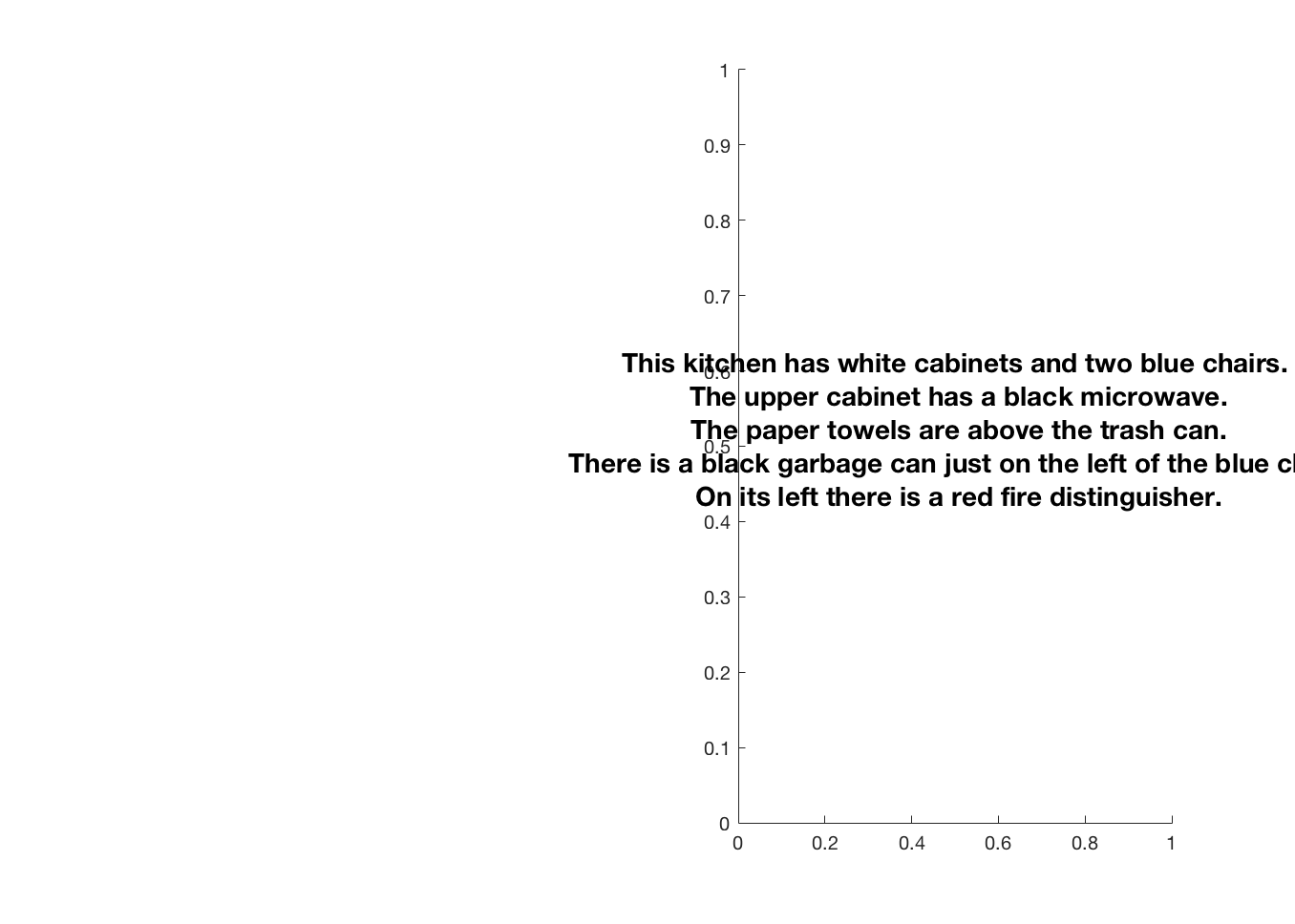
我有一个长字符串,我想添加到一个子图作为描述性文本。
description = 'This kitchen has white cabinets and two blue chairs. The upper cabinet has a black microwave. The paper towels are above the trash can. There is a black garbage can just on the left of the blue chair. On its left there is a red fire distinguisher.';我试着在每个句子后面增加新的行字符,以使它更适合。
subplot(1,2,2);
with_new_lines = regexprep(description, '\.', '\.\n');
text( 0.5, 0.5, with_new_lines, 'FontSize', 14', 'FontWeight', 'Bold', ...
    'HorizontalAlignment', 'Center', 'VerticalAlignment', 'middle' ) ;
但它仍然不能很好地安装在轴上。
是否有一种方法可以动态地包装字符串以适应子图?
回答 2
Stack Overflow用户
回答已采纳
发布于 2017-02-15 19:56:33
在关闭FitBoxToText属性的情况下,使用注释框如何?
description = 'This kitchen has white cabinets and two blue chairs. The upper cabinet has a black microwave. The paper towels are above the trash can. There is a black garbage can just on the left of the blue chair. On its left there is a red fire distinguisher.';
figure;subH=subplot(1,2,2);
pos=get(subH,'Position');
annotation('textbox', pos,...
  'String', description,...
'FitBoxToText','off');您可以通过更改pos的前两个元素来更改位置,我认为这两个元素描述了左下角,但忘记了。
Stack Overflow用户
发布于 2017-02-15 20:09:10
您可以通过以下两种方式之一使用textwrap函数:
- 将文本包装为适合于文本[消]控制: hText =uicontrol(“样式”、“文本”、“位置”、.(一些起始位置)));wrappedText,newPosition =文本缠绕(hText,{description});set(hText,'String',wrappedText,'Position',newPosition);
- 在用
text绘图之前,将文本包装在固定数量的列上: wrappedText =文本缠绕({description},20);文本( 0.5,0.5,wrappedText,'FontSize',14','FontWeight','Bold',.‘'HorizontalAlignment',’中间‘,'VerticalAlignment',’中间‘);
页面原文内容由Stack Overflow提供。腾讯云小微IT领域专用引擎提供翻译支持
原文链接:
https://stackoverflow.com/questions/42258649
复制相关文章
相似问题
腾讯云开发者

Copyright © 2013 - 2026 Tencent Cloud. All Rights Reserved. 腾讯云 版权所有
深圳市腾讯计算机系统有限公司 ICP备案/许可证号:粤B2-20090059  粤公网安备44030502008569号
腾讯云计算(北京)有限责任公司 京ICP证150476号 | 京ICP备11018762号