
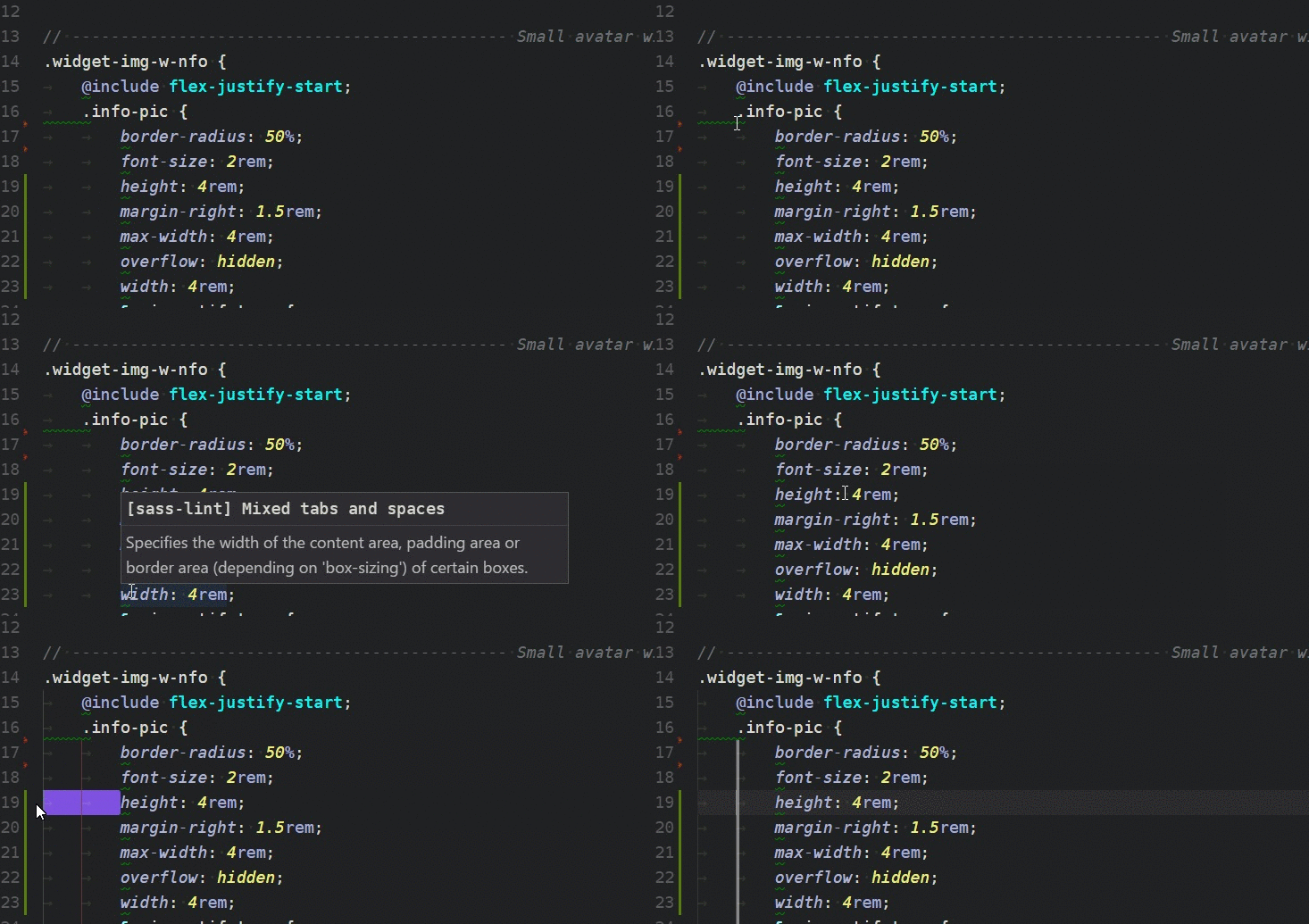
代码中的sass-lint混合制表符和空格
代码中的sass-lint混合制表符和空格
提问于 2017-01-31 15:53:05
回答 2
Stack Overflow用户
回答已采纳
发布于 2019-03-06 14:06:02
为了结束这个问题,我后来发现使用EditorConfig文件预置所有工作流设置是最好的做法。
这是一个插件类型的设置文件,它预先配置所需的设置以适应您的工作流程.
在我的例子中,我使用EditorConfig for VScode。将其添加到所选择的编辑器后,只需在基本(根目录)中创建一个.editorconfig文件,并将其填充到所需的设置中。
例如,我的基本设置如下:
# Editor configuration, see http://editorconfig.org
root = true

[*]
charset = utf-8
indent_style = tab
indent_size = 4
insert_final_newline = true
trim_trailing_whitespace = true

[*.md]
max_line_length = off
trim_trailing_whitespace = falseStack Overflow用户
发布于 2018-12-15 12:27:08
我发现崇高文本3中的sass-lint没有加载我的配置文件。
我读了这个GitHub问题后就开始工作了
在SublimeLinter首选项(首选项->包设置-> SublimeLinter ->设置)中:
"linters": {
    "sass": {
        "working_dir": "${/home/myusername}"
    }
},
将文件.sasslintrc添加到主文件夹:
{
  "rules": {
    "indentation": [
      1,
      {
        "size": "tab"
      }
    ]
  }
}页面原文内容由Stack Overflow提供。腾讯云小微IT领域专用引擎提供翻译支持
原文链接:
https://stackoverflow.com/questions/41961787
复制相关文章
相似问题
腾讯云开发者

Copyright © 2013 - 2026 Tencent Cloud. All Rights Reserved. 腾讯云 版权所有
深圳市腾讯计算机系统有限公司 ICP备案/许可证号:粤B2-20090059  粤公网安备44030502008569号
腾讯云计算(北京)有限责任公司 京ICP证150476号 | 京ICP备11018762号