
UIImageView+Kingfisher在ASCellNode缺失图像中的应用
UIImageView+Kingfisher在ASCellNode缺失图像中的应用
提问于 2016-06-06 09:21:37
我有一个CollectionView,它的细胞是BubbleNode: ASCellNode。
我使用翠鸟作为我的主要ImageDownloader和ImageCache。我有一个imageView,我用initWithViewBlock:将它封装在一个ASDisplayNode中。
init() {
    // ...
    imageNode = ASDisplayNode(viewBlock: {
        let imageView = UIImageView()
        imageView.kf_setImageWithURL(url, placeholderImage: nil, optionsInfo: [KingfisherOptionsInfoItem.CacheMemoryOnly], progressBlock: nil, completionHandler: nil)
        imageView.clipsToBounds = true
        imageView.layer.cornerRadius = 12
        imageView.backgroundColor = UIColor.redColor()
        return imageView
    })
    addSubnode(imageNode)
    // ...
}
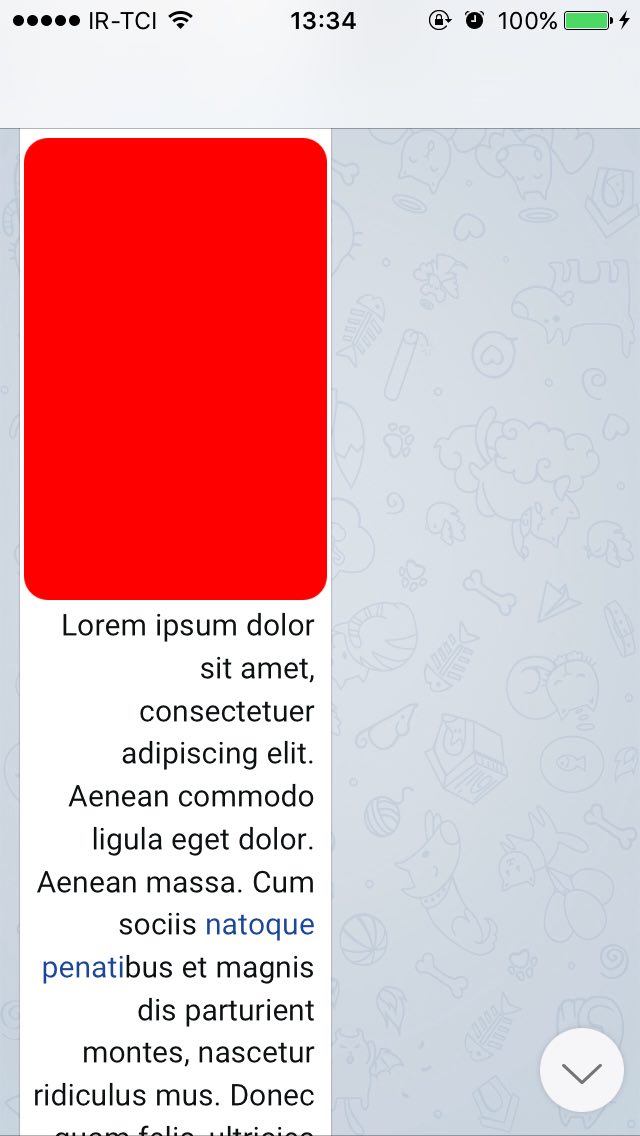
第一次,图像被正确下载和显示,但是在滚动和重新显示之后,图像就消失了,只显示背景颜色。
The Point当我点击rect时,它会显示图像!
回答 1
Stack Overflow用户
发布于 2016-10-08 08:35:28
let cell = tableView.dequeueReusableCell(withIdentifier: "AnswerCell", for: indexPath) as! CustomAnswerViewCell为您的单元格使用此方法
..。
//Download image
                if UIImage(named: "no-image-found") == question.questionImage {
                    //cell.downloadImage(imageName: question.imageName)

                    if let url = URL(string: serverString+"photo?filename="+question.imageName) {
                        headerCell.questionImageView.kf.setImage(with: url)
                        //question.questionImage = headerCell.questionImageView.image
                        headerCell.questionImageView.contentMode = .scaleAspectFit
                    } else {
                        print("Bad url")
                    }
}页面原文内容由Stack Overflow提供。腾讯云小微IT领域专用引擎提供翻译支持
原文链接:
https://stackoverflow.com/questions/37653756
复制相关文章
相似问题
腾讯云开发者

Copyright © 2013 - 2026 Tencent Cloud. All Rights Reserved. 腾讯云 版权所有
深圳市腾讯计算机系统有限公司 ICP备案/许可证号:粤B2-20090059  粤公网安备44030502008569号
腾讯云计算(北京)有限责任公司 京ICP证150476号 | 京ICP备11018762号