
UITextview内部UIStackView
UITextview内部UIStackView
提问于 2016-05-30 08:03:52
我将我的UITextView添加到UIStackView中。
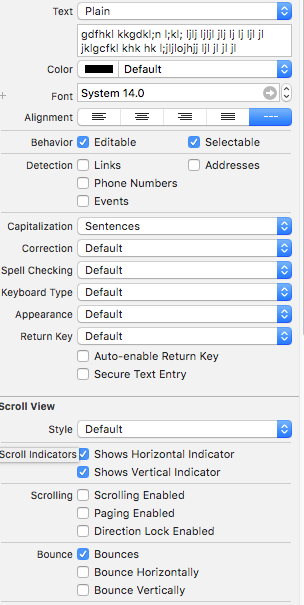
但我的文本视图不是多重行。
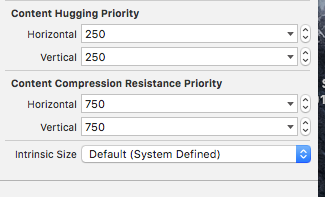
自动布局如下所示:

根据图像,它只是采取了1行。文本视图框架显示为按图像显示的帧外。
UITextView
UIStackView
回答 3
Stack Overflow用户
发布于 2019-09-18 22:40:33
只要您的堆栈视图受到良好的约束,如果将isScrollEnabled设置为UITextView上的false,它就可以在堆栈视图中调整自身大小。
Stack Overflow用户
发布于 2016-05-30 11:33:07
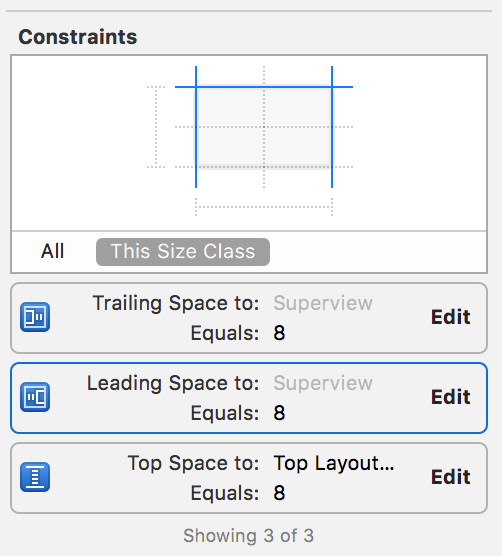
问题是,通过给出height top和底约束,您已经修正了 of UIStackview。
- 删除底部约束
禁用文本视图滚动。
使您的textViewDidChange文本视图委托给self并实现
Swift
func textViewDidChange(_ textView: UITextView) {
    view.layoutIfNeeded()
}
目标C:
-(void)textViewDidChange:(UITextView *)textView {
    [self.view layoutIfNeeded];
}
确保调用此方法。
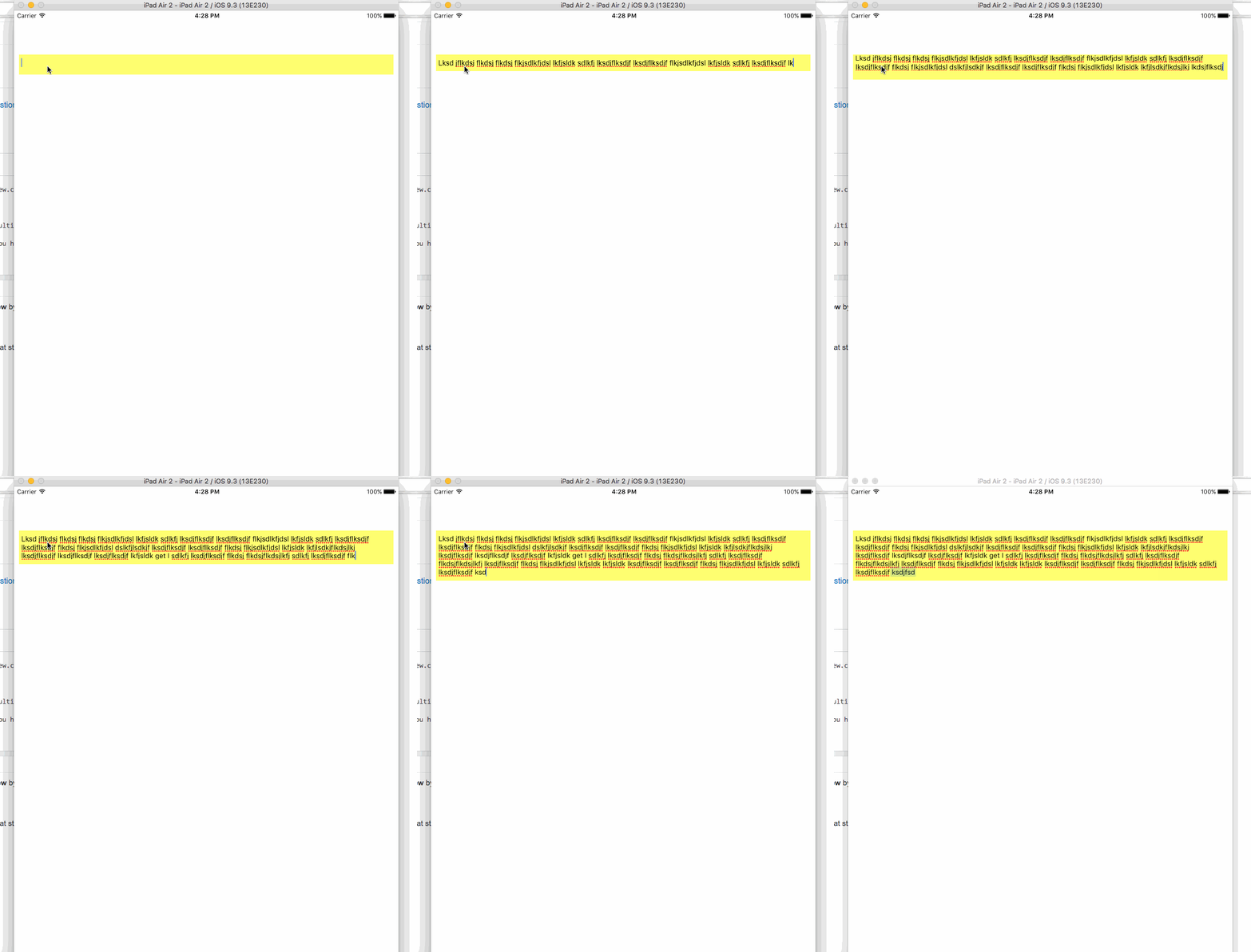
现在,您的堆栈视图应该随着文本视图增长到多行。
那么,您的文本视图不是多行的原因是因为您已经固定了高度。所以它永远不会是多行的。
见GIF:
Stack Overflow用户
发布于 2017-10-26 18:06:03
到目前为止,我找到的最佳解决方案是将UITextView封装在UIView中,然后用高度锚设置UITextView的固定高度。
let textView = UITextView()
let containerView = UIView()
textView.translatesAutoresizingMaskIntoConstraints = false
containerView.addSubview(textView)

textView.leadingAnchor.constraint(equalTo: containerView.leadingAnchor).isActive = true
textView.topAnchor.constraint(equalTo: containerView.topAnchor).isActive = true
textView.trailingAnchor.constraint(equalTo: containerView.trailingAnchor).isActive = true
textView.bottomAnchor.constraint(equalTo: containerView.bottomAnchor).isActive = true

textView.heightAnchor.constraint(equalToConstant: 100).isActive = true
let stackView = UIStackView(arrangedSubviews: [containerView])页面原文内容由Stack Overflow提供。腾讯云小微IT领域专用引擎提供翻译支持
原文链接:
https://stackoverflow.com/questions/37520569
复制相关文章
相似问题
腾讯云开发者

Copyright © 2013 - 2026 Tencent Cloud. All Rights Reserved. 腾讯云 版权所有
深圳市腾讯计算机系统有限公司 ICP备案/许可证号:粤B2-20090059  粤公网安备44030502008569号
腾讯云计算(北京)有限责任公司 京ICP证150476号 | 京ICP备11018762号