
模拟ePOS打印iOS sdk的打印
模拟ePOS打印iOS sdk的打印
提问于 2016-03-21 07:22:19
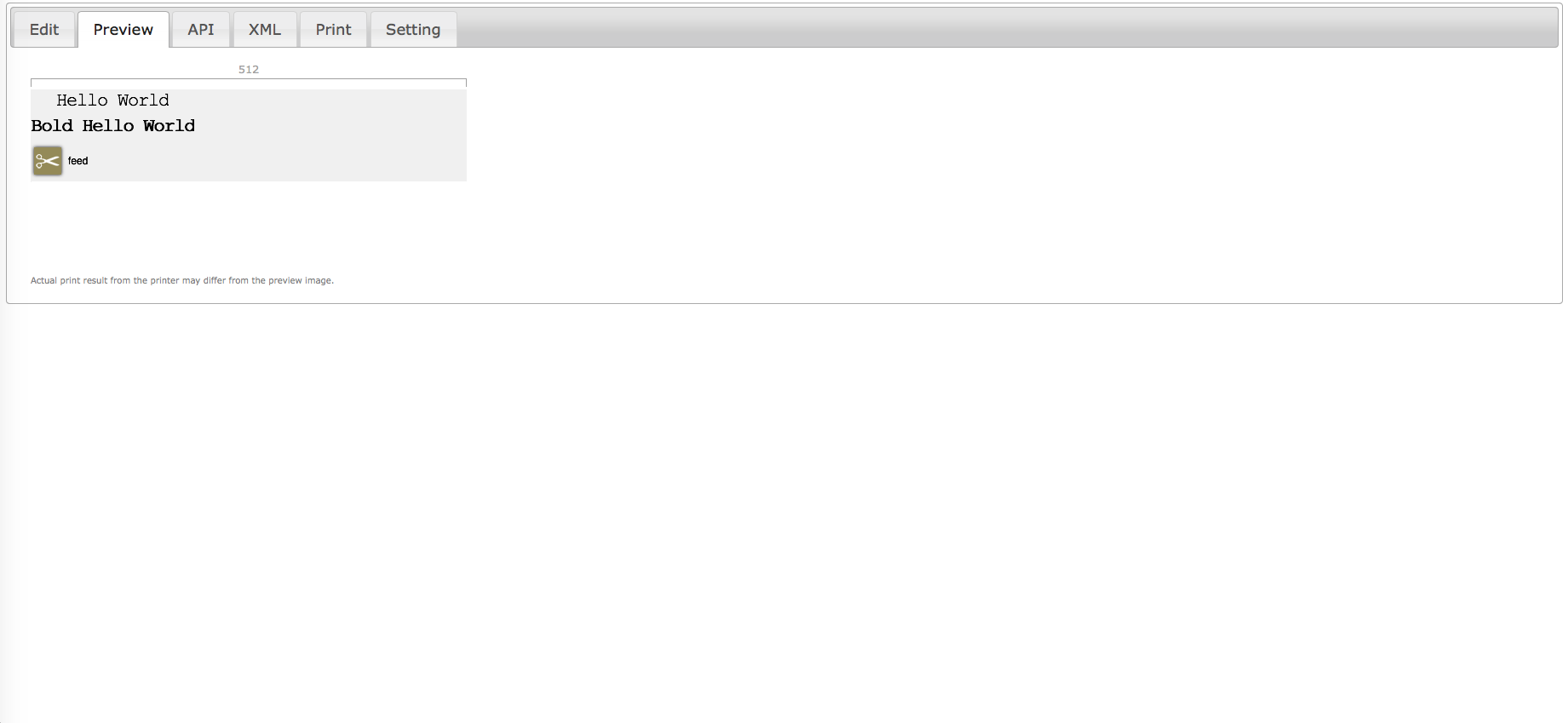
我正在我的应用程序中使用epos进行打印。我没有打印机来检查印刷钞票的确切输出。那么,是否有任何方法来模拟没有打印机的输出使用iOS SDK呢?
回答 2
Stack Overflow用户
回答已采纳
发布于 2016-05-17 12:17:35
请从以下位置soft&cid=4768&scat=50&pcat=7下载sdks
1. Unzip the downloaded file(if it not done automatically) and go to the javascript folder.
2. Unzip "ePOS-Print_Sample_SDK_V5.0.1E" and check for the folder "editor".
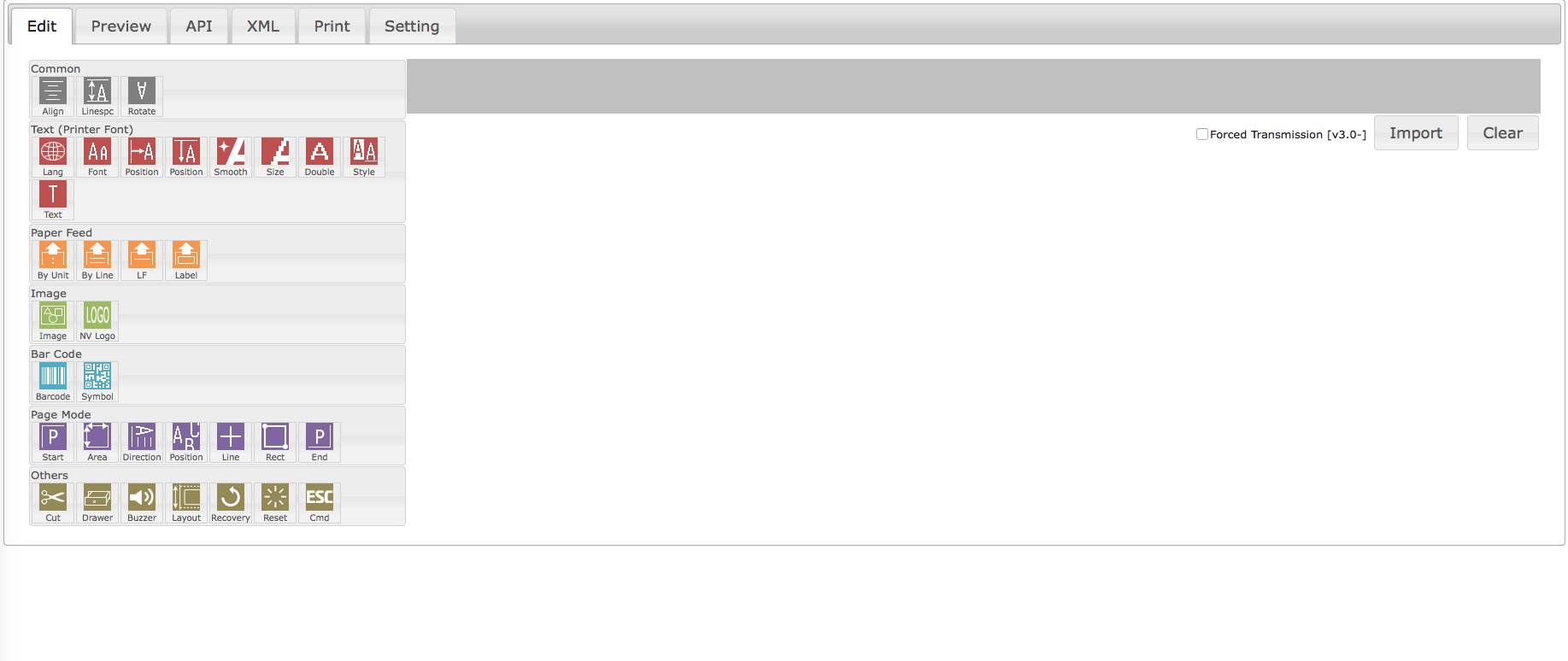
3. Open the folder and right click on the 'index.html' file and open it using any browser.
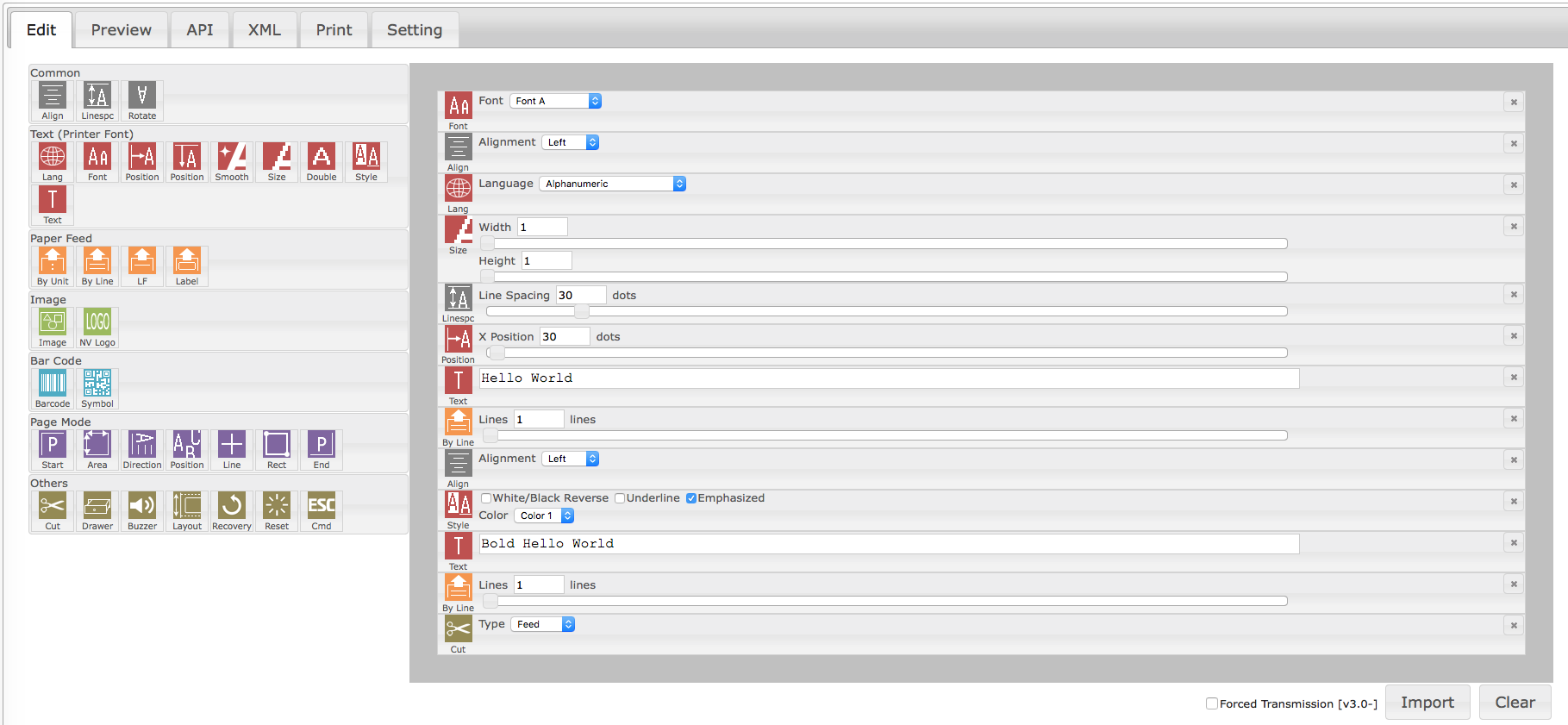
4. Use the edit to enter the input and check the output in preview tab.
Stack Overflow用户
发布于 2021-04-22 16:25:27
您可以使用爱普生的ePOS XML编辑器。我已经在一个公共回购中发布了它的源代码,并添加了一个Github页面,因此它更容易找到和使用。
你可以在这里找到它:https://franciscohanna.me/epson-epos-xml-editor/。
在编辑器中,可以拖放元素,并使用Preview选项卡对打印进行大致预览。
页面原文内容由Stack Overflow提供。腾讯云小微IT领域专用引擎提供翻译支持
原文链接:
https://stackoverflow.com/questions/36125173
复制相关文章
相似问题
腾讯云开发者

Copyright © 2013 - 2026 Tencent Cloud. All Rights Reserved. 腾讯云 版权所有
深圳市腾讯计算机系统有限公司 ICP备案/许可证号:粤B2-20090059  粤公网安备44030502008569号
腾讯云计算(北京)有限责任公司 京ICP证150476号 | 京ICP备11018762号