
创建AnimatedVectorDrawable的工具

回答 3
Stack Overflow用户
发布于 2016-12-11 17:10:40
找到了两个很棒的地点。AndroidIconAnimator,这是一个基于web的创建AnimatedVectorDrawables的工具.和变形者,很好地控制如何改变路径。
更新07-09-2017
这两个工具现在被合并成一个非常好的解决方案。我花了一段时间才懂得如何使用它,但一旦你看到它,它是一个非常有能力的工具。
谢谢2罗曼努里克和亚历克斯洛克伍德。
Stack Overflow用户
发布于 2018-04-04 17:47:40
这个问题很老。我的回答可能会对未来的读者有所帮助。
创建像提问者所显示的动画是非常简单的。我们自己也能创造出类似于所展示的动画。首先,创建一个VectorDrawable。例如:
my_vector_drawable.xml
<vector xmlns:android="http://schemas.android.com/apk/res/android"
        android:width="800dp"
        android:height="800dp"
        android:viewportWidth="800.0"
        android:viewportHeight="800.0">

    <path
        android:name="a_circle"
        android:pathData="M  250   200
        q   -86     02    -140     57.5
        t   -57    135.5
        q   -03     93      67    156
        q    59     52     135     50
        q    71    -02     132    -54
        q    66    -56      66   -146
        q    00    -80     -45   -129
        q   -68    -72    -158    -70   "

        android:strokeLineCap="round"
        android:strokeColor="#f00f"
        android:fillColor="#00000000"
        android:trimPathEnd="0"
        android:strokeWidth="32"/>


</vector>
my_animated_vector_drawable.xml
<?xml version="1.0" encoding="utf-8"?>
<animated-vector
    xmlns:android="http://schemas.android.com/apk/res/android"
    xmlns:aapt="http://schemas.android.com/aapt"
    android:drawable="@drawable/my_vector_drawable">

    <target
        android:name="a_circle"
        android:animation="@animator/my_animation"/>

</animated-vector>
my_animation.xml
<?xml version="1.0" encoding="utf-8"?>
<set
    xmlns:android="http://schemas.android.com/apk/res/android">
    <objectAnimator
        android:propertyName="trimPathEnd"
        android:duration="1000"
        android:valueFrom="0"
        android:valueTo="1"
        android:repeatCount="0"
        android:repeatMode="restart"/>
</set>
第一个文件包含图片数据。第三个文件包含动画数据。第二个文件链接第一个和第二个文件。
您可以创建这三个空白文件。将上述内容复制并粘贴到您的文件中。
将前两个文件放置在可绘制文件夹中。第三个你放置在“动画”文件夹。这两个文件夹都找到了res文件夹中的位置。
您可以创建一个包含ImageView的布局文件。您可以将AnimatedVectorDrawable文件作为可绘制文件(android:src="my_animated_vector_drawable")。
在“活动集内容”视图中设置为“布局”。同时,膨胀ImageView。
(myImage=((ImageView)findViewById(R.id.yourimageview name);
myImage.getDrawable.start():
那就去看看乐趣吧。您可以在AnimatedVectorDrawable文件中有几个目标。你可以在动画文件中设置几个ObjectAnimators .
你的问题中显示的动画是路径变形。在文档中有偶数路径变形示例,这也很简单。我让你来做实验。
Stack Overflow用户
发布于 2020-05-07 02:59:22
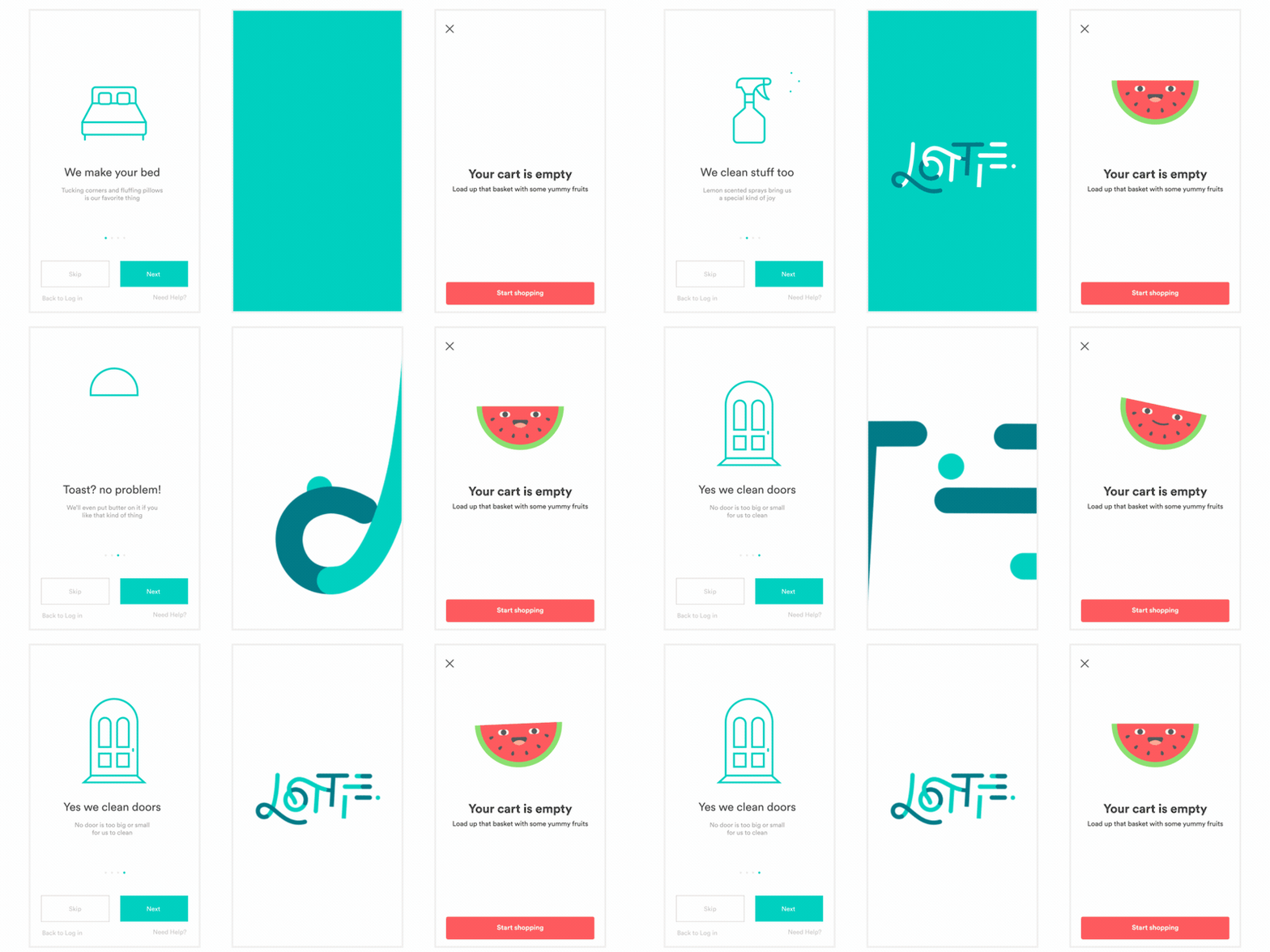
你可以使用Airbnb的lottie图书馆。它使航运动画设计路径后的效果,动画矢量Drawable适合android。我认为这将是最好的解决方案,如果你有一个良好的技能动画矢量路径在后效,因为灵活性。
下面是一个视频,描述了转换和渲染https://www.youtube.com/watch?v=vs6GOlgUSc8的整个过程

一些使用Lottie设计的动画图标。
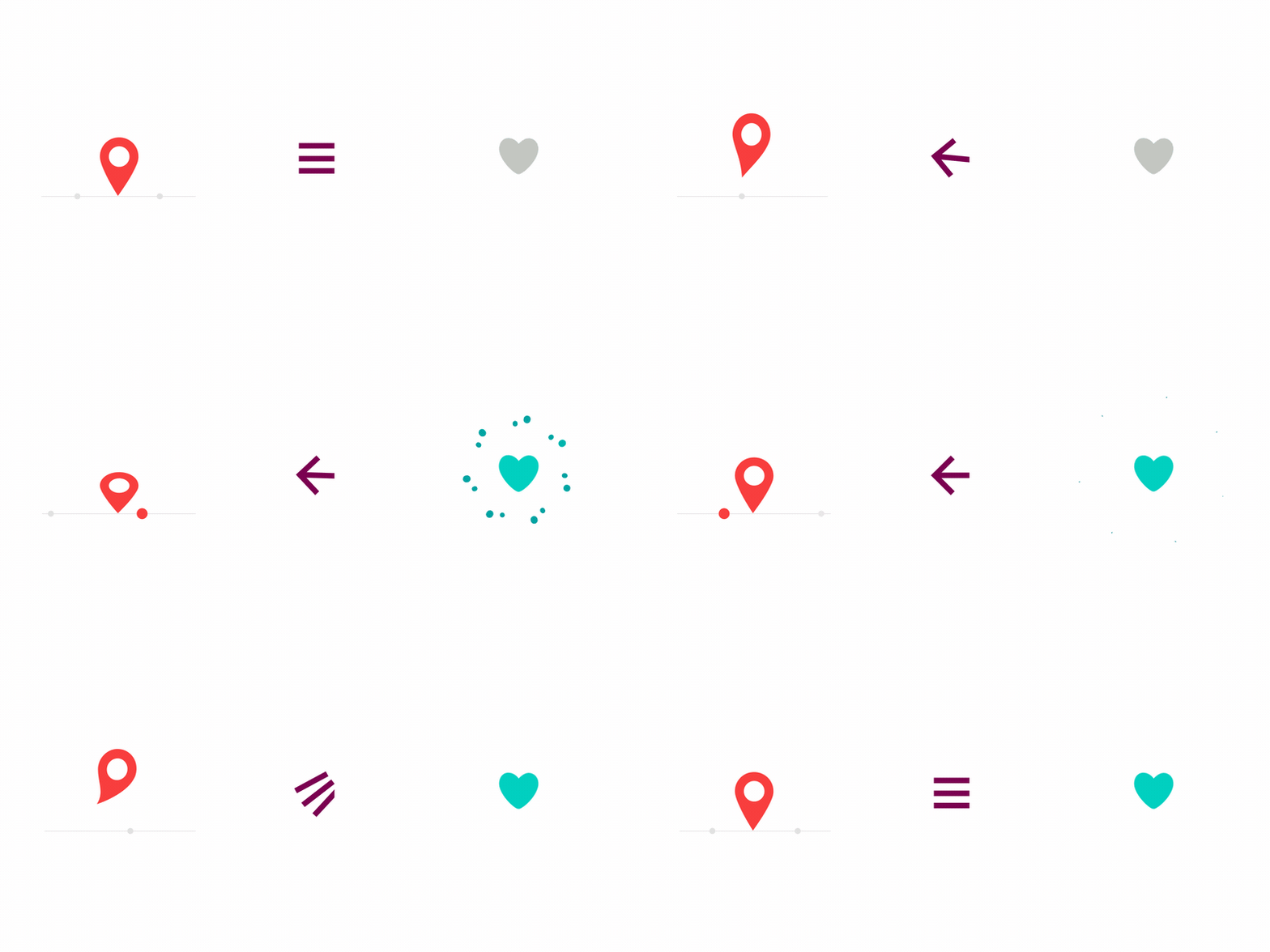
在布局中使用的动画图标
https://stackoverflow.com/questions/35877355
复制相似问题
腾讯云开发者

Copyright © 2013 - 2026 Tencent Cloud. All Rights Reserved. 腾讯云 版权所有
深圳市腾讯计算机系统有限公司 ICP备案/许可证号:粤B2-20090059  粤公网安备44030502008569号
腾讯云计算(北京)有限责任公司 京ICP证150476号 | 京ICP备11018762号