
如何在UIBarButtonItem 8.4中使用Xcode 7.2/IOS9.2使iOS的行为保持一致
如何在UIBarButtonItem 8.4中使用Xcode 7.2/IOS9.2使iOS的行为保持一致
提问于 2016-03-03 22:25:05
由于正在进行调试,此问题已更改。最初的指标是,在目标问题上是iOS8.4x对iOS9.2。经过更多的调试,我现在认为可能是触摸灵敏度的问题。
我有一个刷新按钮在UIToolBar中,我禁用和灰色,而刷新作为一个意符为一个有点长的刷新操作。守则如下:
- 使用Xcode 7.2/iOS 9.2构建的
- 工作在iOS 9.x模拟器为iPad2和iPhone 5。
- 在iOS8.x iPad2和iPhone5设备上不工作(按钮工作,执行刷新逻辑,但在操作过程中不显示灰色)。但是,如果按下按钮至少2秒,它就可以在iPhone4 iOS 8.4设备上工作。在稍纵即逝的触摸中,该方法将执行,但禁用操作及其视觉效果(灰色输出)不会发生。
- 假设:它是一个模拟器,因为它通过鼠标点击来模拟触摸事件。
下图显示了在iOS9.2模拟器上刷新时的正确行为
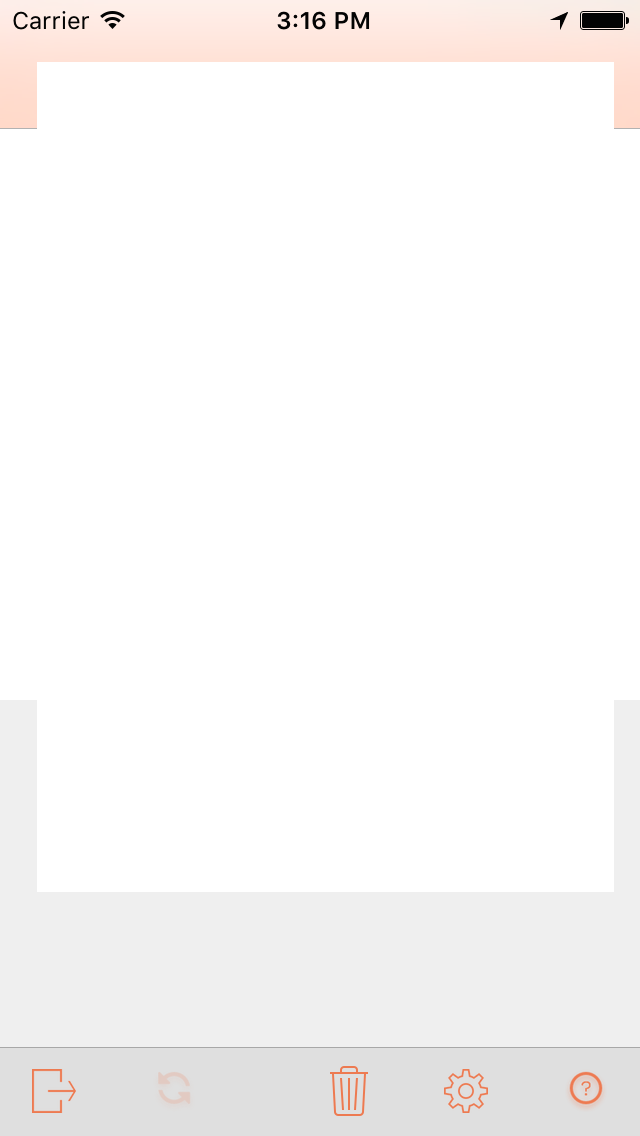
下面的图像显示,在iOS 8.4设备上,当触摸到< 1s时,刷新按钮不会变灰。目标方法将执行,但其禁用操作没有任何效果。
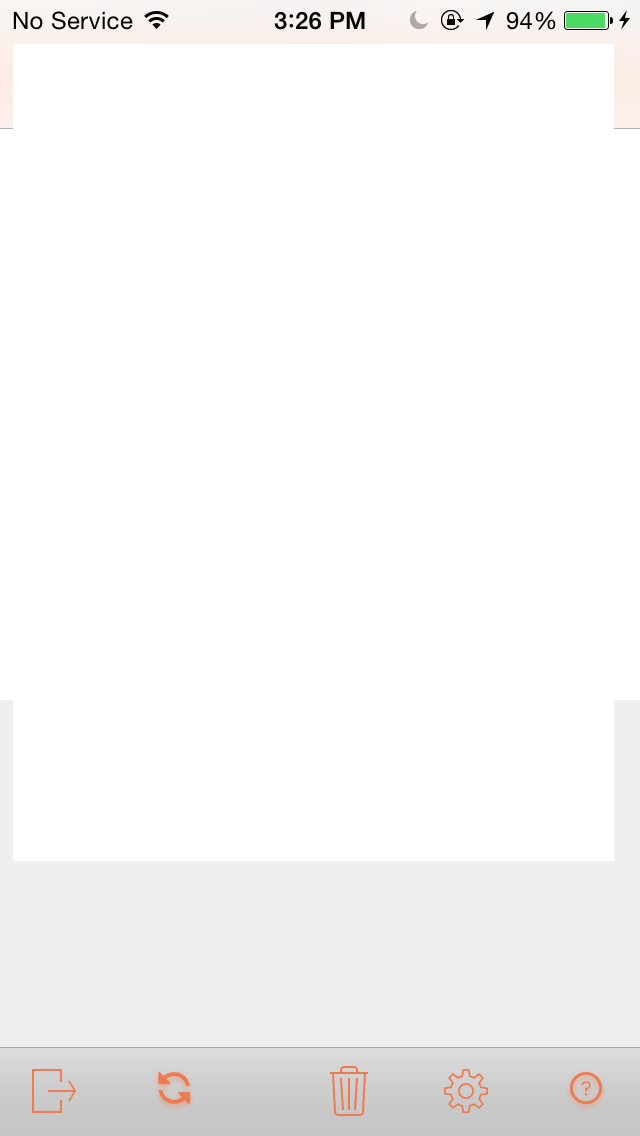
顺便提一句,iPhone5没有SIM,而是在WiFi上,应用程序的网络功能是正确的。
我是否需要做一些不同的事情,使iOS8.x中的禁用按钮不依赖于触摸持续时间而变灰?在代码中,我对我尝试过并没有成功的内容有评论。推测:有可能是iOS9.2SDK中的一些3D触摸工件滑进了应用程序二进制文件,并使其在8.4x手机目标上不正常吗?
import UIKit
import QuartzCore
class MyViewController: UIViewController {
    let refreshButton = UIBarButtonItem(image: UIImage(named:"refresh"),landscapeImagePhone: UIImage(named:"refresh"), style: UIBarButtonItemStyle.Plain, target: nil, action: nil)
    //..other buttons.

   //..... Other code that has nothing to do with refreshButton

   override func viewWillAppear(animated: Bool) {
       refreshButton.addTargetForAction(self, action: "performRefresh:")
       let space1 = UIBarButtonItem(barButtonSystemItem:UIBarButtonSystemItem.FlexibleSpace, target: nil, action: nil)
       buttonArray = [someButton, space1, refreshButton] // There are more buttons.
       self.setToolbarItems(buttonArray, animated: false)
   } //viewWillAppear
   func performRefresh(sender: UIButton) {
        NSLog("************Refresh Requested")
        //sender.enabled = false //compiles,  OK iOS 9, but does not grey out button  on iOS8
        //sender.anyFunction()  // Results in exception stating that sender does not know that message.
        //Switching to self.refreshButton instead.
        self.refreshButton.enabled = false // OK iOS 9, but does not grey out button  on iOS8
        //self.refreshButton.tintColor = UIColor.blueColor // has not effect in either OS
        //self.refreshButton.alpha or self.refreshButton.setNeedsDisplay() are not present.

       //Refresh Logic


       NSLog("************Refresh Done")
       self.refreshButton.enabled = true
       //I had the reciprocal operations (restore tint, set alpha to 1.0 here while debugging)
   } //performRefresh
} // myViewController回答 1
Stack Overflow用户
发布于 2016-03-03 23:27:44
我可能不太理解你的问题,但也许你可以改变按钮的颜色,当它禁用self.refreshButton.tintColor = [UIColor lightGrayColor];,然后改变颜色,当它完成。
页面原文内容由Stack Overflow提供。腾讯云小微IT领域专用引擎提供翻译支持
原文链接:
https://stackoverflow.com/questions/35784280
复制相关文章
相似问题
腾讯云开发者

Copyright © 2013 - 2026 Tencent Cloud. All Rights Reserved. 腾讯云 版权所有
深圳市腾讯计算机系统有限公司 ICP备案/许可证号:粤B2-20090059  粤公网安备44030502008569号
腾讯云计算(北京)有限责任公司 京ICP证150476号 | 京ICP备11018762号