
href不断将本地文件路径添加到URL
href不断将本地文件路径添加到URL
提问于 2016-02-22 14:01:09
我在这里有点困难。我正在尝试将<a>标记设置为外部URL。但是每次我这样做时,都会将包含index.html的本地路径添加到链接中。我看过我的jQuery代码,似乎没有发现问题所在。我甚至使用了console.log( URL )来测试,它正确地返回了URL。
$('.smoothscroll').on("click", function() {
    if (nav.hasClass('mobile')) nav.fadeOut('fast');
})

$('.smoothscroll').on('click', function (e) {
    e.preventDefault();

    var target = this.hash,
    $target = $(target);

    $('html, body').stop().animate({
        'scrollTop': $target.offset().top
    }, 800, 'swing', function () {
        window.location.hash = target;
    });
});

$('#login').on('click', function (e){
    e.preventDefault();
    var url = $(this).attr('href');
    window.open(url, '_blank');
});<ul id="nav" class="nav">
<li class="current"><a class="smoothscroll" href="#hero">Home.</a></li>
<!--<li><a class="smoothscroll" href="#portfolio">Works.</a></li>-->
<li><a class="smoothscroll" href="#about">About Us.</a></li>
<li><a class="smoothscroll" href="#portfolio">Features.</a></li>
<li><a class="smoothscroll" href="#contact">Create Account.</a></li>
<li><a class="login" id="login" href="google.com">Login.</a></li>
</ul>
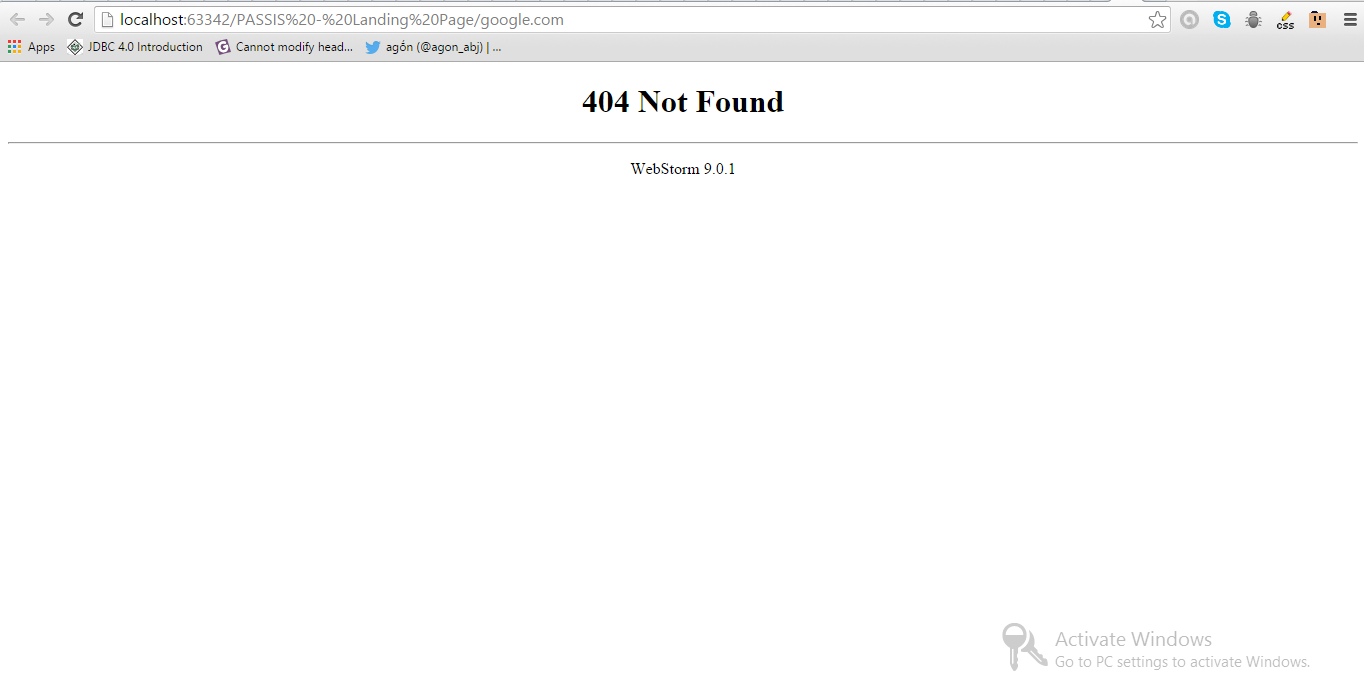
每次在新的选项卡中打开新URL时,我都会得到以下内容: file:///C:/PASSIS%20-%20Landing%20Page/google.com
回答 3
Stack Overflow用户
回答已采纳
发布于 2016-02-22 14:05:34
对于外部URL,需要有协议(http://或https://)才能让HTML知道它是外部资源/站点,而不是本地资源。
Stack Overflow用户
发布于 2016-02-22 14:05:04
有一次我也很困惑。解决方案很简单,只需将协议类型添加到链接中,例如:
<a href="https://google.com">Google</a>Stack Overflow用户
发布于 2016-02-22 14:03:04
您必须在https:// (http://)协议之前添加google.com,因为您不是指向本地文件,而是指向外部页面:
<a class="login" id="login" href="https://google.com">Login.</a>页面原文内容由Stack Overflow提供。腾讯云小微IT领域专用引擎提供翻译支持
原文链接:
https://stackoverflow.com/questions/35555588
复制相关文章
相似问题
腾讯云开发者

Copyright © 2013 - 2026 Tencent Cloud. All Rights Reserved. 腾讯云 版权所有
深圳市腾讯计算机系统有限公司 ICP备案/许可证号:粤B2-20090059  粤公网安备44030502008569号
腾讯云计算(北京)有限责任公司 京ICP证150476号 | 京ICP备11018762号