
当使用PHP解码时,Base64图像将被裁剪。
我正在使用cropit插件来管理我的网站上的图像裁剪。我的方式是它的设置是,鳄鱼将给我一个基础64字符串,我将传递给PHP,它将解码它,并将它放在文件夹中。问题是,当我解码字符串时,它只会产生大约1/10的图像,剩下的将是白色/透明的。我的代码如下:
jQuery:
    var username = "<?php echo $userData['username']; ?>";
    $('#image-cropper').cropit({
        imageState:{
            src:'users/'+username+'/profile_picture.jpg'
        },
    });

    $('#image-cropper').cropit('previewSize', {width:500, height:500});


    $('.export').click(function() {
        var imageData = $('#image-cropper').cropit('export');
        //$("#code").val(imageData);
        window.open(imageData);
    });
PHP:
function decode ($base64) {
    list($type, $base64) = explode(';', $base64);
    list(, $base64)      = explode(',', $base64);
    $code = base64_decode($base64);

    echo $userData['username'];

    file_put_contents('users/' . $userData['username'] . '/profile_picture.png', $base64);
}当我将$('#image-cropper').cropit('previewSize', {width:500, height:500});的宽度/高度设置为250时,这里的代码正在工作。我不得不改变它,因为没有一个更大的宽度/高度,它将保存一个非常低分辨率的图像,这仍然是一个问题,但不是主要。任何帮助都会很好。谢谢!
浏览器中查看的base64:

当用base64解码时:

回答 2
Stack Overflow用户
发布于 2016-02-01 10:28:40
导出函数使用的数据URI方案作为大小限制(取决于浏览器)。
由于cropit导出函数允许调整图像格式和压缩因子,您可以尝试在jpeg中保存并调整质量,以便在数据URI限制内获得最佳结果:
// Returns the cropped image in Data URI format.
// The second argument `options` takes the following keys:
// - [type='image/png'] exported image type.
// - [quality=.75] exported image quality, only works when type is
//     'image/jpeg' or 'image/webp'.
// - [originalSize=false] when set to true, export cropped part in
//     original size, overriding exportZoom.
// - [fillBg='#fff'] if `type` is 'image/jpeg', this color will be
//     filled as the background of the exported image.

$imageCropper.cropit('export', {
  type: 'image/jpeg',
  quality: .9,
  originalSize: true

});Stack Overflow用户
发布于 2016-02-01 09:57:22
function decode ($base64) {
    $explodeBase64  = explode(";base64,", $base64);
    $code = base64_decode($explodeBase64[0]);
    file_put_contents('users/' . $userData['username'] . '/profile_picture.'.basename(@$explodeBase64[0]), $code);
}使用上面的函数来创建一个使用base64编码的值的图像,这里您需要传递一个参数给函数decode('YOUR_IMAGE_ENCODED_STRING')
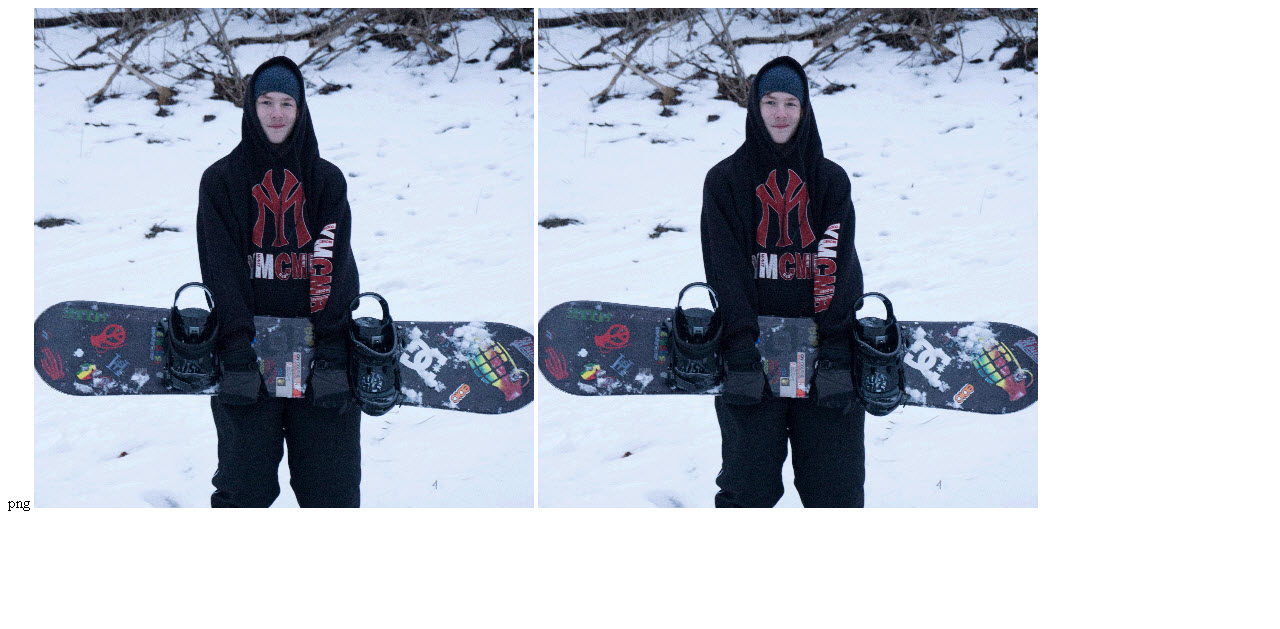
我的产出:
https://stackoverflow.com/questions/35127236
复制相似问题
腾讯云开发者

Copyright © 2013 - 2026 Tencent Cloud. All Rights Reserved. 腾讯云 版权所有
深圳市腾讯计算机系统有限公司 ICP备案/许可证号:粤B2-20090059  粤公网安备44030502008569号
腾讯云计算(北京)有限责任公司 京ICP证150476号 | 京ICP备11018762号