
Xpages日历视图
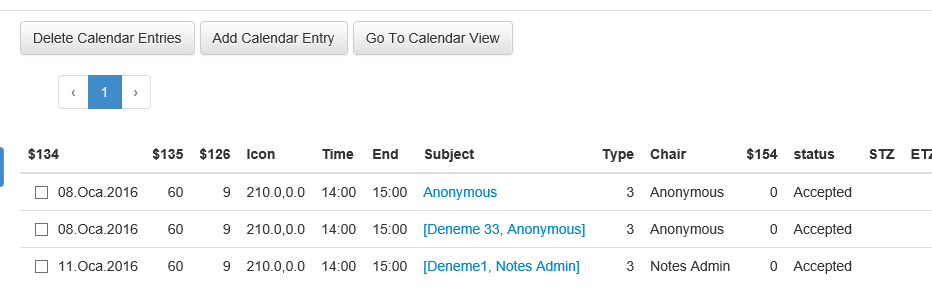
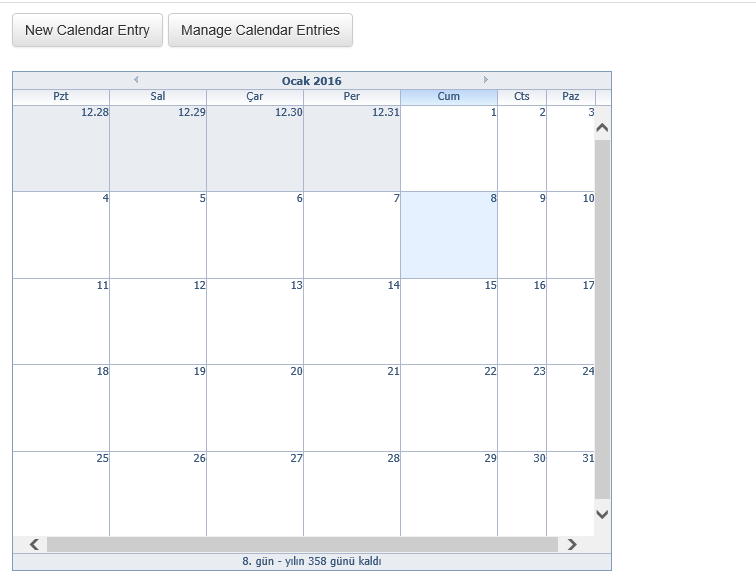
在我的XPages中,我必须使用Calendar视图。有一个Notes视图。我将使用它作为XPages数据源,然后日历将显示数据为每周,每日和每月。
有什么样品和建议吗?我发现了这一点,但没有示例代码或如何做?https://www.openntf.org/internal/home.nsf/project.xsp?documentId=E78FED69C5D805E0862576C50050D88B
向中情局问好。
回答 1
Stack Overflow用户
发布于 2016-01-08 09:36:58
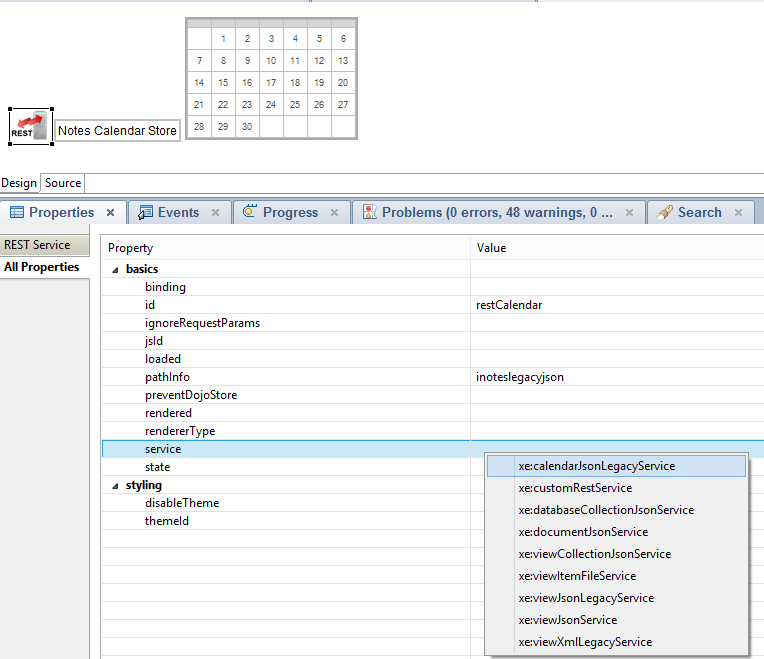
从"XPagesExt.nsf“下载ExtLib版本并从”ExtensionLibraryOpenNTF OpenNTF-901v.zip“文件获取示例数据库OpenNTF。"DWA_iNotesRest.xsp“和"DWA_LocalCalendarView.xsp”向您展示了如何在XPages中创建日历。
您可以在模板"TeamRoom (9)“中找到另一个很好的例子。根据此模板在服务器上创建新数据库
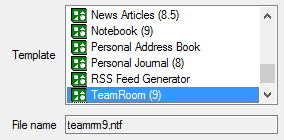
并查看包含自定义控件"calendarView“的XPage”日历“。
更新
我创建了一个简单的示例:
<?xml version="1.0" encoding="UTF-8"?>
<xp:view
    xmlns:xp="http://www.ibm.com/xsp/core"
    xmlns:xe="http://www.ibm.com/xsp/coreex">

    <xe:restService
        id="restService1"
        pathInfo="/inoteslegacyjson"
        preventDojoStore="false">
        <xe:this.service>
            <xe:calendarJsonLegacyService
                viewName="calendar"
                contentType="text/plain"
                colCalendarDate="StartDateTime"
                colEndTime="EndDateTime"
                colSubject="Subject"
                colChair="Chair">
            </xe:calendarJsonLegacyService>
        </xe:this.service>
    </xe:restService>

    <xe:calendarView
        id="calendarView1"
        type="W"
        storeComponentId="restService1"
        style="width:100%">
    </xe:calendarView>
</xp:view>视图被命名为“日历”

视图的第一个排序(!)列必须是开始日期/时间。
它的编程列名与colCalendarDate匹配。
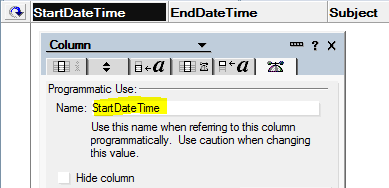
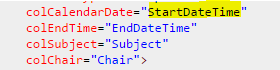
其他三列的匹配方式是相同的。
https://stackoverflow.com/questions/34673230
复制相似问题
腾讯云开发者

Copyright © 2013 - 2026 Tencent Cloud. All Rights Reserved. 腾讯云 版权所有
深圳市腾讯计算机系统有限公司 ICP备案/许可证号:粤B2-20090059  粤公网安备44030502008569号
腾讯云计算(北京)有限责任公司 京ICP证150476号 | 京ICP备11018762号