
yii2 pdf生成不工作
yii2 pdf生成不工作
提问于 2016-01-03 14:15:10
我已经使用这个链接yii2安装程序安装了mpdf,这是不工作的。
我的行动是:
 public function actionReport() {
 // get your HTML raw content without any layouts or scripts
 $content = '<html><head></head><body><h1 class="kv-heading-1">hello</h1></body></html>';

 // setup kartik\mpdf\Pdf component
 $pdf = new Pdf([
   // set to use core fonts only
   'mode' => Pdf::MODE_CORE,
   // A4 paper format
   'format' => Pdf::FORMAT_A4,
   // portrait orientation
   'orientation' => Pdf::ORIENT_PORTRAIT,
   // stream to browser inline
   'destination' => Pdf::DEST_BROWSER,
   // your html content input
   'content' => $content,
   // format content from your own css file if needed or use the
   // enhanced bootstrap css built by Krajee for mPDF formatting
   //'cssFile' => '@vendor/kartik-v/yii2-mpdf/assets/kv-mpdf-bootstrap.min.css',
   // any css to be embedded if required
   'cssInline' => '.kv-heading-1{font-size:18px}',
   // set mPDF properties on the fly
   'options' => ['title' => 'Krajee Report Title'],
   // call mPDF methods on the fly
   'methods' => [
     'SetHeader'=>['Krajee Report Header'],
     'SetFooter'=>['{PAGENO}'],
   ]
 ]);

 // return the pdf output as per the destination setting
 return $pdf->render();
}
输出:
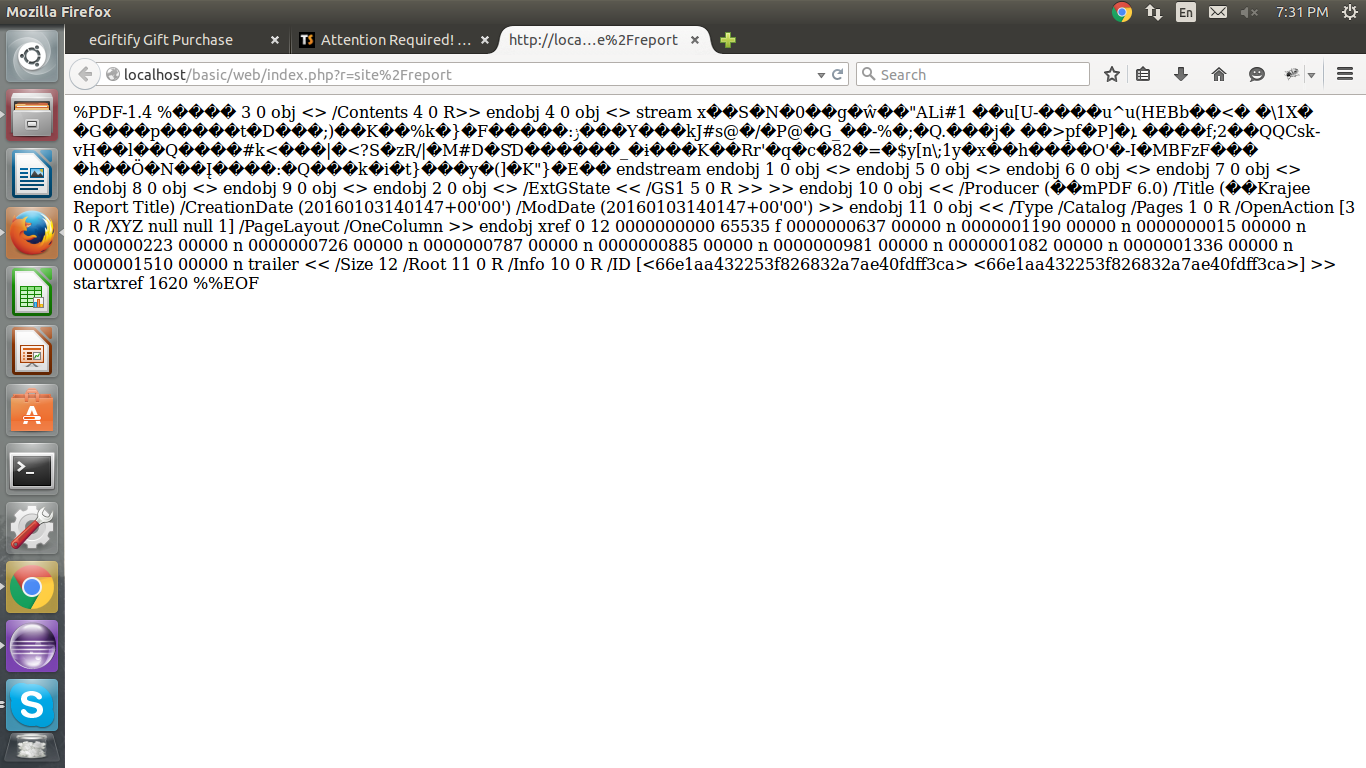
对于pdf,我应该做些什么?
回答 2
Stack Overflow用户
回答已采纳
发布于 2016-01-03 15:20:27
试着使用
 // set to use core fonts only
'mode' => Pdf::MODE_BLANK,Stack Overflow用户
发布于 2016-01-03 22:46:51
我认为您的问题是由于在呈现文档时使用的编码。在过去,我遇到过几个类似的问题,而将模式设置为UTF8似乎总是为我解决问题。
'mode' => Pdf::MODE_UTF8页面原文内容由Stack Overflow提供。腾讯云小微IT领域专用引擎提供翻译支持
原文链接:
https://stackoverflow.com/questions/34577469
复制相关文章
相似问题
腾讯云开发者

Copyright © 2013 - 2026 Tencent Cloud. All Rights Reserved. 腾讯云 版权所有
深圳市腾讯计算机系统有限公司 ICP备案/许可证号:粤B2-20090059  粤公网安备44030502008569号
腾讯云计算(北京)有限责任公司 京ICP证150476号 | 京ICP备11018762号