
车展TextView的其余部分
车展TextView的其余部分
提问于 2015-11-24 21:39:21
如果屏幕很小,如何使单行TextView出现?因为它在没有在XML中定义它的情况下生成了3个ellipsize点,其余的文本消失了。
示例:
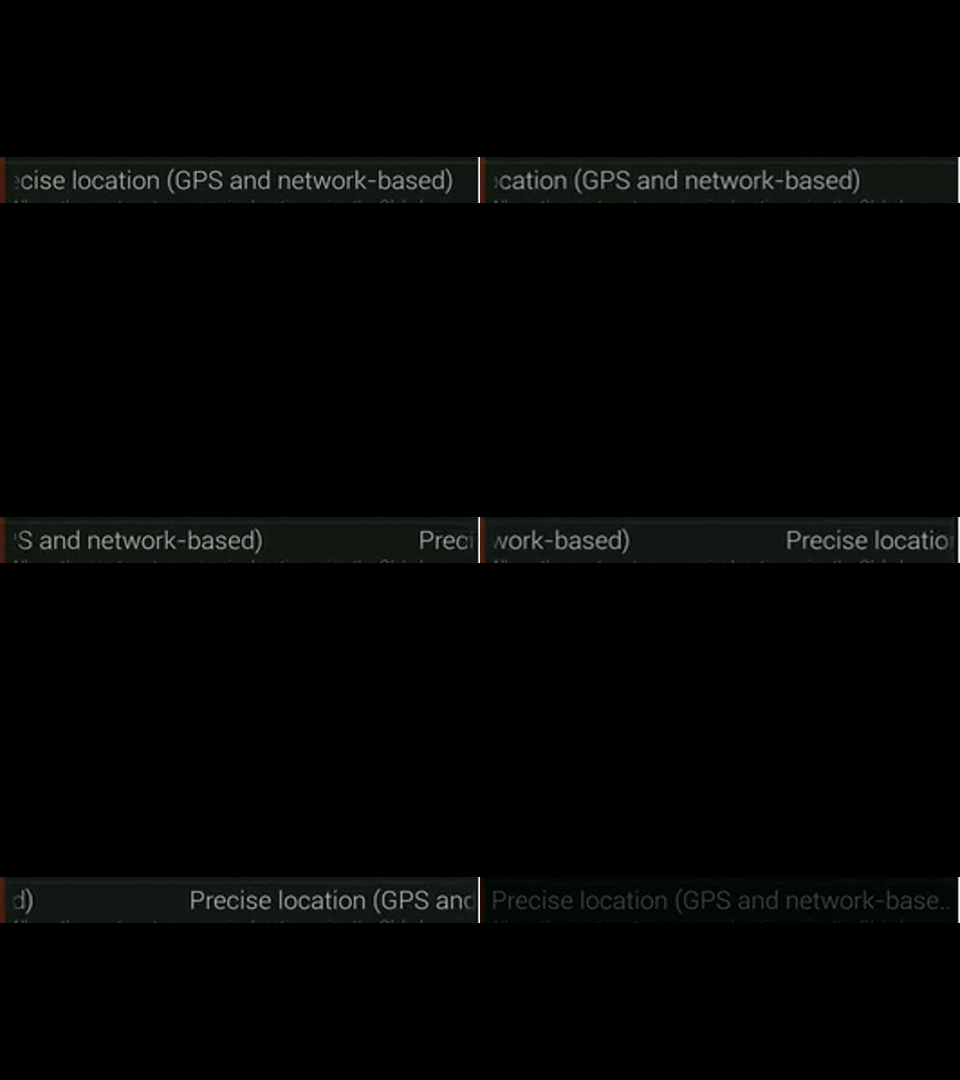
回答 1
Stack Overflow用户
回答已采纳
发布于 2015-11-24 21:47:13
请补充:
android:singleLine="false"或
android:inputType="textMultiLine"给你的TextView
编辑:
您的TextView可以如下所示:
<TextView
        android:id="@+id/test"
        android:layout_width="wrap_content"
        android:layout_height="wrap_content"
        android:text="@string/your_text"
        android:maxLines = "1"
android:scrollbars = "vertical"/>并将这两行添加到onCreate中
TextView yourTextView = (TextView) findViewById(R.id.test);
yourTextView.setMovementMethod(new ScrollingMovementMethod());
不太干净,但要做好这项工作。
第二次编辑:
   <TextView
        android:text="@string/yourText"
        android:id="@+id/text"
        android:layout_width="fill_parent"
        android:layout_height="wrap_content"
        android:singleLine="true"
        android:ellipsize="marquee"
        android:marqueeRepeatLimit="marquee_forever"  <!-- Please change according to requirement -->
        android:scrollHorizontally="true"
        android:paddingLeft="5dip"
        android:paddingRight="5dip"
        android:focusable="true"
        android:focusableInTouchMode="true"
        android:freezesText="true"/>
希望这能有所帮助!
页面原文内容由Stack Overflow提供。腾讯云小微IT领域专用引擎提供翻译支持
原文链接:
https://stackoverflow.com/questions/33904338
复制相关文章
相似问题
腾讯云开发者

Copyright © 2013 - 2026 Tencent Cloud. All Rights Reserved. 腾讯云 版权所有
深圳市腾讯计算机系统有限公司 ICP备案/许可证号:粤B2-20090059  粤公网安备44030502008569号
腾讯云计算(北京)有限责任公司 京ICP证150476号 | 京ICP备11018762号