
Java / box2DLights -光位错误
我将Libgdx用于一个项目,更准确地说是用于Box2DLights。
我的问题是:当我想要放一个新的"PointLight“时,它总是在屏幕的中央。如果我改变了坐标,就不起作用了。
在我的"show()“方法中:
    Box2D.init();
    world = new World(new Vector2(0, 0), true);

    rh = new RayHandler(world);
    rh.setAmbientLight(1.2f, 0.2f, 0.2f, 0.1f);
    pl = new PointLight(rh, 100, new Color(1,1,1,1),(float) 0.5,0,0);
在我的"render()“方法中:
    Gdx.gl.glClearColor(0f, 0f, 0f, 1f);
    Gdx.gl.glClear(GL20.GL_COLOR_BUFFER_BIT);
    world.step(delta, 8, 3);

    renderer.begin(ShapeType.Filled);
    for (SolarSystem ss : solarSystemList)
    {
        if(ss.getColor() <= 15) colorSS = Color.YELLOW;
        else if(ss.getColor() > 15 && ss.getColor() < 31) colorSS = Color.ORANGE;
        else if(ss.getColor() > 30 && ss.getColor() < 46) colorSS = Color.RED;
        else if(ss.getColor() > 45) colorSS = Color.CYAN;

        renderer.setColor(colorSS);
        renderer.circle(ss.getMapX(), ss.getMapY(), ss.getSize() - 3);
    }
    renderer.end();

    rh.updateAndRender();
结果:
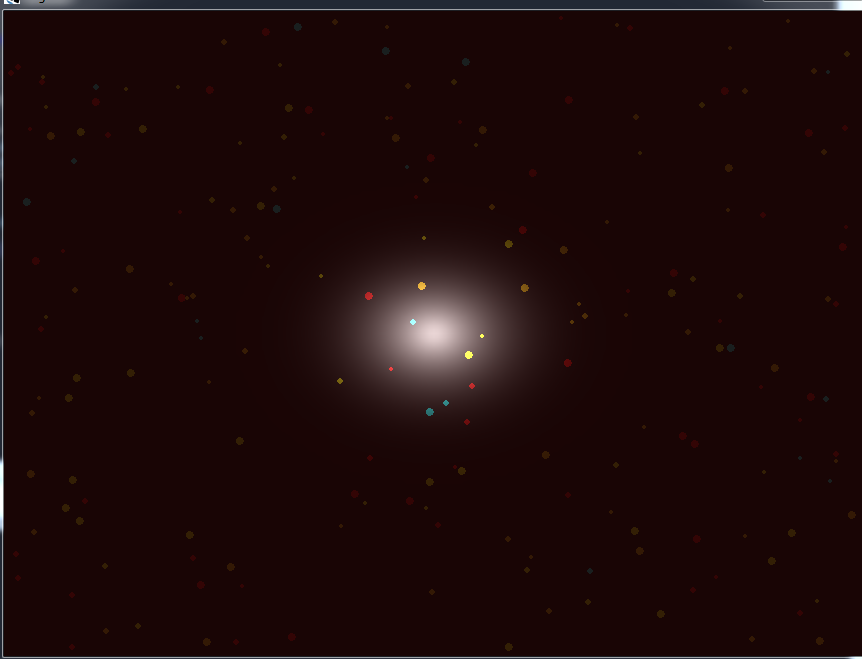
现在,如果我试图改变坐标:
pl = new PointLight(rh, 100, new Color(1,1,1,1),(float) 0.5, 50, 50);
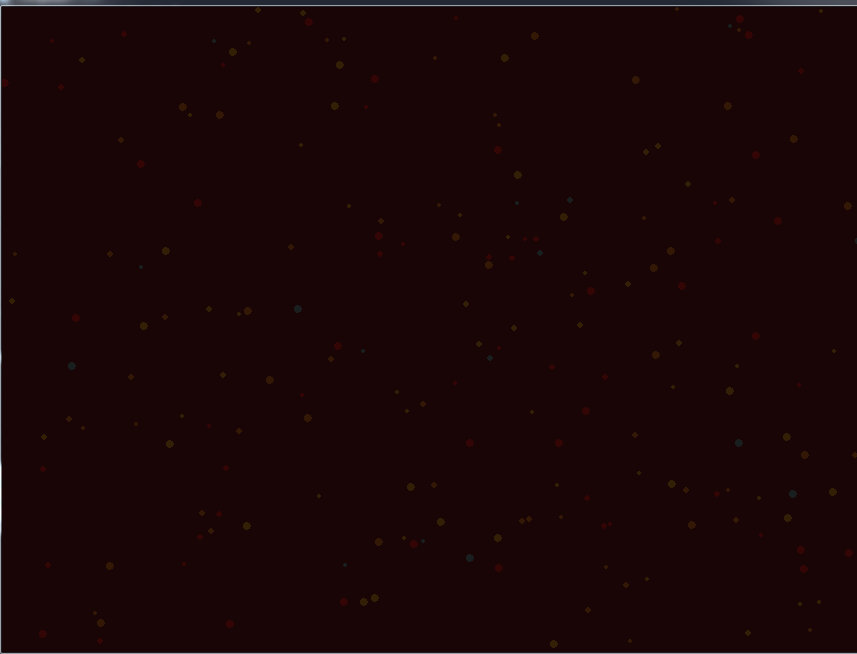
..。不再有光了
你知道怎样才能把灯放在我想要的地方吗?
编辑:我的屏幕尺寸:宽度-860 My /高度-645 My
回答 2
Stack Overflow用户
发布于 2015-10-22 14:43:43
如果(1,1)是右上角,(0,0)是左下角,(0.5)是屏幕的中间,那么我建议这样做:插入所需的值,然后除以屏幕的宽度和高度。
( xPosition/Gdx.graphics.width, yPosition/Gdx.graphics.height ) 更新:
对不起,我没有看到(0,0)是中心,所以我建议您使用这个:
width  = Gdx.graphics.width;
height = Gdx.graphics.height;
((xPosition - width/2)/ width/2 , (yPosition - height/2)/ height/2)
更新2 : --我认为您做了一些小的算术错误--假设
宽度= 860,你的身高= 645
这就是方程式:
x= ((xPosition -宽度/2)/宽度/2)
y= (yPosition -高度/2)/高度/2)
X=(50-860/2)/ (860/2)
Y=(50-645/2)/ (645/2)
X=(50-430)/ (430)
Y= (50 - 322.5) / (322.5)
X=(50-430)/ (430) = (-380) / (430)
Y= (50 - 322.5) / (322.5) = (-272.5) / (322.5)
x = -0.88
y = -0.84
离(-1,-1)更近:左下角。
希望这是有益的:)
Stack Overflow用户
发布于 2015-10-22 13:38:45
如果你离0.5有一段距离,而你的光线照在屏幕的一半以上,我只是假设一个50, 50的位置不适合这个屏幕。只需尝试将您的位置更改为较小的值即可。Maybe your coordinates do not represent pixels but other units as it is recommended for box2d。
编辑:因为我不知道你的整个libgdx应用程序,我只是建议深入了解Camera,ViewPort等。例如,box2dlights RayHandler可以通过setCombinedMatrix获取相机。你也可能想要同步光与身体和box2d世界与你的精灵。
https://stackoverflow.com/questions/33281365
复制相似问题
腾讯云开发者

Copyright © 2013 - 2026 Tencent Cloud. All Rights Reserved. 腾讯云 版权所有
深圳市腾讯计算机系统有限公司 ICP备案/许可证号:粤B2-20090059  粤公网安备44030502008569号
腾讯云计算(北京)有限责任公司 京ICP证150476号 | 京ICP备11018762号